Adobe Firefly: Guide to Adobe’s Generative AI Creative Tool
introduction
Artificial intelligence has changed the way digital content is created. Tasks that once required advanced design skills, expensive software, and hours of manual work can now be completed much faster with AI-powered tools. Adobe Firefly is one of the major platforms that brings generative AI directly into the creative workflow.
Developed by Adobe, Firefly is designed to help users generate, edit, and transform creative content using simple text prompts and AI-powered controls. While it initially became known for AI image generation, Firefly has expanded into a broader creative AI studio supporting images, videos, audio, vector graphics, editing, creative workflows, and more.
For designers, marketers, content creators, social media managers, photographers, video editors, and even beginners, Adobe Firefly can make the creative process faster and easier. Instead of starting every project from scratch, users can use natural-language instructions to explore ideas and create visual content.
What Is Adobe Firefly?
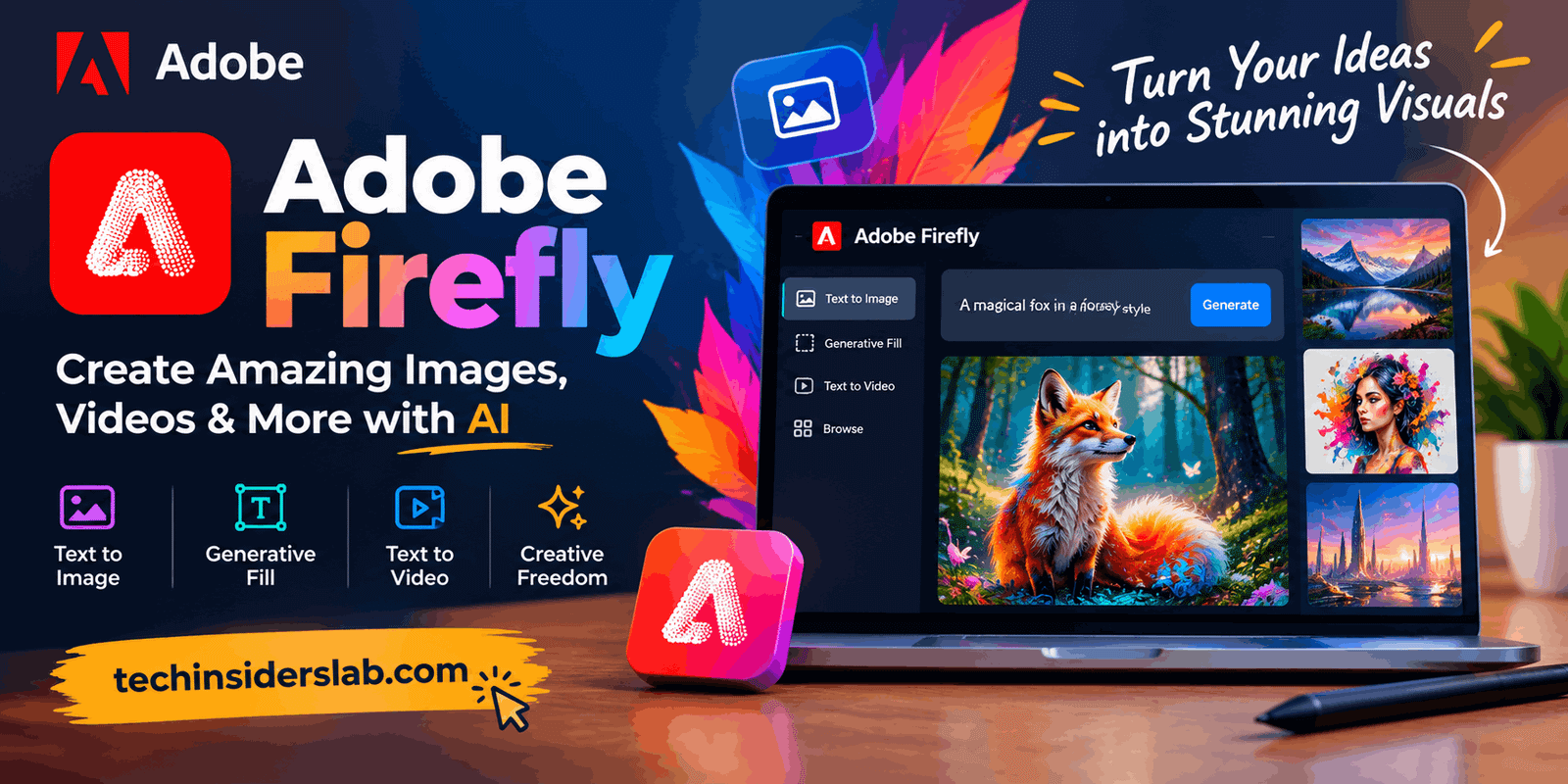
Adobe Firefly is a generative AI creative platform developed by Adobe. It allows users to create and modify digital content with AI by describing what they want in a text prompt.
For example, a user could describe a futuristic city at sunset, a professional product advertisement, or a specific artistic scene, and Firefly can generate visual results based on that description.
The platform is also integrated with Adobe’s wider creative ecosystem, allowing AI-powered features to work alongside applications and workflows that creators already use. Adobe describes Firefly as an all-in-one creative AI studio rather than simply an image generator.
This makes Firefly particularly useful for people who want to move from an initial idea to a finished creative asset without constantly switching between different tools.
How Does Adobe Firefly Work?
Firefly uses generative AI models to understand written instructions and produce or modify creative content.
The process is relatively simple:
- Enter a description of what you want.
- Firefly interprets the prompt.
- The AI generates one or more results.
- Adjust the prompt or creative settings.
- Refine the output until it matches your idea.
The important advantage is that users do not necessarily need advanced technical knowledge. Someone who has never used professional design software can still experiment with AI-generated content.
More experienced creators can combine Firefly with Adobe’s professional editing tools for additional control and refinement.
Adobe Firefly Image Generation
One of Firefly’s most popular capabilities is AI image generation. Users can describe an image using natural language and let the AI create visual results.
This can be useful for:
- Blog graphics
- Website banners
- Social media posts
- Marketing concepts
- Product ideas
- Advertising visuals
- Presentation graphics
- Creative experiments
- Background images
- Concept art
Instead of searching through stock libraries for hours, creators can generate an image based on a specific concept.
Firefly also provides editing capabilities, so users are not limited to generating an image and accepting the first result. Elements can be added, removed, replaced, or transformed through prompts and creative controls.
AI Video Generation
Adobe Firefly has also moved beyond static images into AI-powered video creation.
Users can create video content from text prompts or reference images. Firefly provides controls that can help users influence visual style, motion, camera behavior, and other aspects of the generated clip.
This can be valuable for content creators who need short clips for:
- YouTube videos
- Social media
- Advertisements
- Product demonstrations
- Promotional campaigns
- Background footage
- Creative projects
AI video generation can reduce the time required to create certain types of visual content. Rather than recording every scene manually, creators can use AI to explore ideas and generate supporting footage.
Firefly also provides browser-based video editing and AI-powered editing features, making the platform more useful for complete creative workflows.
AI-Powered Image Editing
Generating a new image is only one part of creative work. In many situations, users already have an image but want to modify it.
Firefly supports text-based editing that allows users to describe changes rather than manually performing every editing operation.
For example, a creator might want to:
- Remove an unwanted object
- Replace an object
- Change the background
- Add a new element
- Transform the visual style
- Modify specific parts of an image
This approach can make complex editing tasks easier, particularly for users who are not familiar with traditional editing workflows.
Adobe positions Firefly as a tool that combines generation with creative control rather than simply producing random AI outputs.
Audio and Sound Generation
Firefly’s capabilities are also expanding into audio.
Adobe currently provides tools for generating sound effects from text descriptions and voice input. This can help video creators add suitable sounds to their projects without searching through large sound libraries.
For example, a creator working on a short video could describe the type of sound effect needed and use AI to generate an appropriate result.
Firefly also provides audio and video translation capabilities, with support for multiple languages while maintaining aspects of the original speaker’s voice and pitch.
This makes Firefly increasingly useful for creators working with multimedia rather than just images.
Vector Graphics and Creative Design
Another important part of Firefly is its ability to support vector-based creative work.
Vector graphics are especially useful for:
- Logos
- Icons
- Illustrations
- Marketing materials
- Branding
- Print designs
- Digital graphics
AI-assisted vector generation can help designers explore different concepts quickly.
Instead of manually creating every variation, a designer can use AI to experiment with different visual directions and then refine the preferred concept using Adobe’s professional design tools.
Firefly AI Assistant
Adobe has also introduced conversational AI capabilities into Firefly.
The Firefly AI Assistant is designed to allow users to describe creative goals in natural language while the system helps orchestrate creative tasks and workflows. Adobe announced this capability in 2026 as part of its broader push toward agentic creativity.
This is important because the future of creative software is moving from simple command-based tools toward systems that can understand broader creative instructions.
Instead of asking for one isolated operation at a time, users can increasingly describe what they want to accomplish and allow AI to assist with multiple steps.
Firefly and Multiple AI Models
One of the newer developments in Firefly is its support for multiple AI models.
Adobe has expanded Firefly into an environment where creators can access Adobe’s own models as well as selected partner models. Adobe’s Firefly website currently describes the platform as bringing together more than 30 AI models.
This gives creators more flexibility because different models can produce different visual styles and results.
At the same time, Adobe continues to position its own Firefly models around commercial safety and creator-focused development.
Is Adobe Firefly Safe for Commercial Use?
Commercial safety is one of the biggest topics surrounding generative AI.
Adobe says its Firefly models are trained using licensed content, including Adobe Stock content, as well as public-domain material where copyright has expired. Adobe also states that it does not train its Firefly models on customers’ personal content.
Adobe has designed Firefly with safeguards intended to reduce the possibility of generating content that infringes intellectual-property rights.
However, there is an important distinction to understand: not every model available through Firefly necessarily has identical terms. Adobe provides access to partner models as well, and commercial-use conditions can differ depending on the model being used.
For professional projects, users should therefore pay attention to the specific model and applicable usage terms.
Adobe Firefly for Content Creators
Content creators can use Firefly for many everyday tasks.
A blogger could generate a featured image for an article. A YouTuber could create thumbnails or supporting visuals. A social media manager could develop multiple campaign concepts. A marketer could quickly explore advertisement ideas.
This makes Firefly useful for people who need a high volume of visual content.
Instead of spending hours creating every initial concept manually, creators can use AI for brainstorming and first drafts, then apply their own creativity and editing skills to produce the final result.
Adobe Firefly for Businesses
Businesses can also benefit from Firefly.
Marketing departments often need large amounts of visual content for different platforms. Creating every asset manually can consume significant time and resources.
Firefly can help teams generate concepts, variations, campaign visuals, product scenes, and other creative assets.
Adobe has also introduced enterprise-oriented solutions such as Firefly Foundry, which focuses on customized generative AI models trained around proprietary brand content and business requirements.
This direction shows that Adobe is targeting not only individual creators but also organizations that need AI-powered creative production at scale.
Adobe Firefly Pricing and Credits
Firefly offers free access with limitations, while paid plans provide additional capabilities and generative credits.
Adobe explains that AI generation requires significant computing resources, so plans include allocations of generative credits. Free users can experiment with selected generative features, while paid plans provide broader access and additional resources.
Adobe’s plans and included credits can change over time, so users should check the current plan details before subscribing.
For someone who only wants to experiment with AI creativity occasionally, the free option may be enough. Professional creators who generate content frequently may benefit more from a paid plan.
Advantages of Adobe Firefly
Adobe Firefly has several important advantages.
Easy to Use
The text-prompt approach makes creative AI accessible to beginners.
Adobe Ecosystem
Firefly works alongside Adobe’s wider creative environment, which is valuable for people already using Adobe products.
Multiple Creative Formats
The platform supports more than just images, extending into video, audio, vectors, and other creative workflows.
Professional Creative Controls
Firefly is designed around creative control rather than simply generating an image and stopping there.
Commercial-Safety Focus
Adobe has emphasized licensed training data, creator rights, safeguards, and commercial use for its own Firefly models.
Limitations of Adobe Firefly
Despite its capabilities, Firefly is not perfect.
AI-generated content can still require human review. Images may contain unexpected details, while generated text or visual elements may not always match the user’s expectations.
Video generation can also require experimentation to achieve the desired motion and consistency.
Another consideration is that access to advanced AI capabilities can depend on a user’s plan and available generative credits.
Finally, users working with third-party models inside Firefly should understand that their terms may differ from Adobe’s own Firefly models.
Who Should Use Adobe Firefly?
Adobe Firefly can be useful for a wide range of users.
Beginners can use it to create visual content without learning complicated editing techniques first.
Graphic designers can use it for brainstorming, variations, and faster creative production.
Content creators can generate images, video clips, thumbnails, and other media.
Marketers can explore campaign concepts and create visual assets.
Businesses can use AI to support large-scale content production and brand workflows.
Professional Adobe users can benefit from combining Firefly’s AI features with existing Adobe applications.
The Future of Adobe Firefly
Generative AI is rapidly changing creative software, and Firefly is becoming a major part of Adobe’s strategy.
The platform is moving toward a future where users can describe creative goals conversationally instead of manually completing every individual step.
Adobe’s 2026 updates show a clear focus on AI assistants, multiple models, advanced video and image editing, custom models, audio capabilities, and broader creative workflows.
This suggests that Firefly is evolving from an AI image generator into a complete AI-powered creative environment.
Conclusion
Adobe Firefly is a powerful generative AI platform designed to make digital content creation faster, more accessible, and more flexible. Its capabilities now extend far beyond basic image generation, covering video, audio, vector graphics, image editing, AI-assisted workflows, and conversational creative tools.
One of Firefly’s strongest advantages is its connection to the broader Adobe ecosystem. Beginners can use simple prompts to explore ideas, while experienced creators can combine AI generation with professional editing and design workflows.
Adobe’s emphasis on licensed training data, creator rights, content transparency, and commercial safety also makes Firefly particularly interesting for businesses and professional creators.
Overall, Adobe Firefly is best understood as a generative AI creative studio rather than just an AI image generator. For anyone interested in AI-powered design, content creation, marketing, photography, video, or digital creativity, Firefly is a tool worth exploring.