Malware: What It Is, Types, How It Works, & How to Stay Protected
introduction
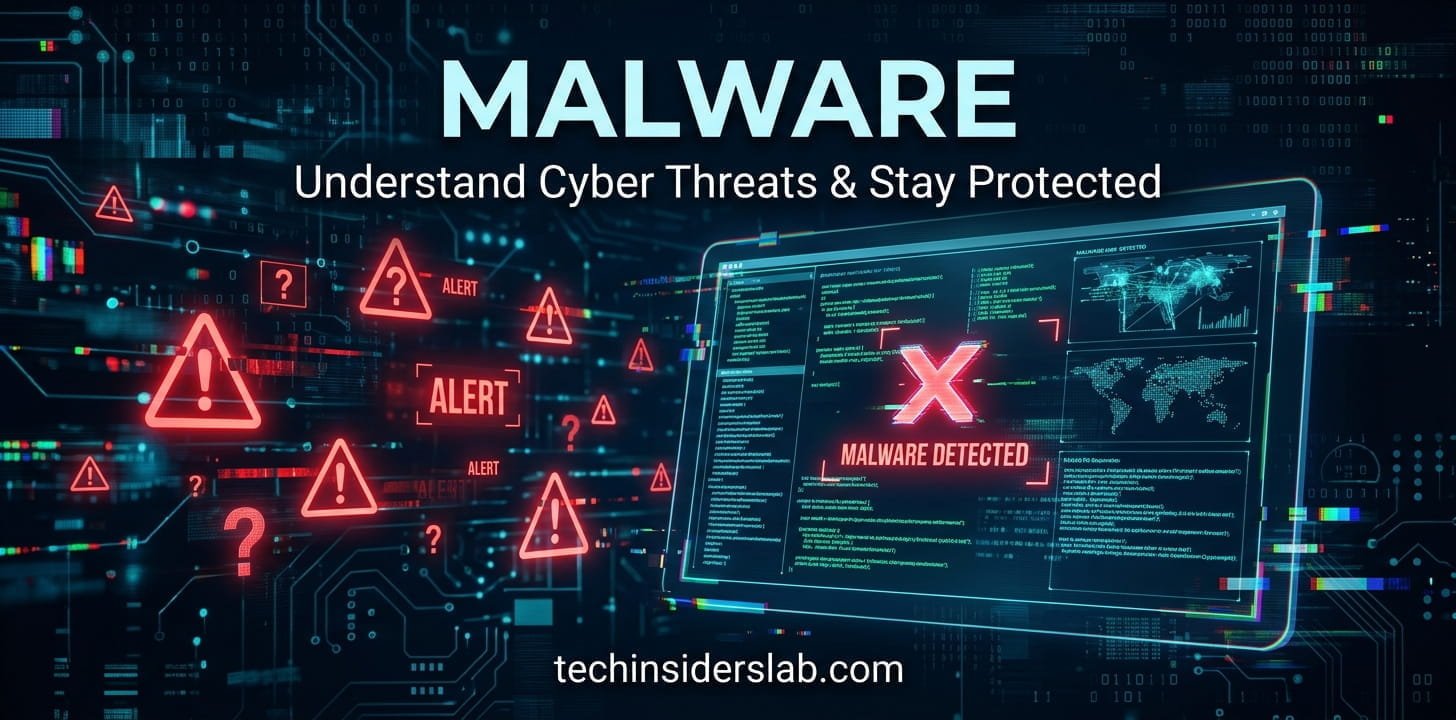
Malware is one of the most common cybersecurity threats facing computers, smartphones, networks, and other connected devices. The word malware comes from “malicious software” and refers to software or code intentionally created to perform harmful or unauthorized actions. Depending on its design, malware can steal information, damage files, monitor user activity, provide unauthorized access, encrypt data, or disrupt normal system operations.
The threat is not limited to large companies or government organizations. Individual users can encounter malware through suspicious downloads, compromised websites, malicious email attachments, fake applications, infected files, or deceptive messages. Understanding how malware works and recognizing common warning signs can help users reduce their exposure to cyber threats.
According to the National Institute of Standards and Technology (NIST), malware is software or firmware intended to perform an unauthorized process that can negatively affect the confidentiality, integrity, or availability of an information system.
What Is Malware?
Malware is a broad term used to describe malicious programs and code. It is not a single type of software. Instead, it covers many different threats that use different techniques and have different objectives.
Some malware is designed to steal passwords and personal information, while other forms are created to damage files or take control of a device. Ransomware, spyware, viruses, worms, and Trojans are all examples of malware, although they behave differently.
The three major security goals affected by malware are often described as:
- Confidentiality: preventing unauthorized access to information.
- Integrity: protecting data from unauthorized modification or destruction.
- Availability: keeping systems and information accessible when needed.
A malware infection can affect one or more of these areas. For example, spyware may compromise confidentiality by collecting personal information, while ransomware can affect availability by preventing access to files.
How Does Malware Work?
Malware usually needs a way to reach a device before it can perform its intended activity. The delivery method varies depending on the type of malware and the attacker’s objective.
A user might unknowingly download an infected application, open a malicious attachment, click a deceptive link, or visit a compromised website. Malware can also exploit weaknesses in outdated software.
Once malware reaches a device, it may attempt to execute itself, establish persistence, communicate with an external server, steal information, modify system settings, or download additional malicious components.
Modern malware can be particularly difficult to recognize because some threats attempt to operate quietly in the background. Microsoft notes that malware can be used to steal passwords, obtain personal information, lock files for ransom, provide remote access, or download additional malicious software.
Common Types of Malware
1. Viruses
A computer virus is malicious software that can replicate by attaching itself to other programs or files. It generally requires the infected host program to be executed before the virus becomes active.
Viruses may corrupt files, interfere with applications, or spread to additional files. NIST describes a virus as malicious software that propagates by modifying other programs to include a copy of itself.
2. Worms
Worms are malware programs that can spread from one system to another without necessarily requiring a user to manually run an infected file.
They can use network connections, vulnerable software, email, messaging systems, shared resources, or removable drives to spread. Some sophisticated worms take advantage of software vulnerabilities to propagate between devices.
3. Trojan Horses
A Trojan, or Trojan horse, attempts to appear legitimate or harmless while performing malicious activities after installation.
For example, a malicious application may be presented as a useful utility, game, document, or update. Once installed, it could attempt to steal information, download additional malware, or give an attacker access to the device.
Unlike many worms and viruses, Trojans generally rely on deception rather than automatically spreading themselves.
4. Ransomware
Ransomware is a type of malware that can prevent users from accessing files or systems and then demand payment or another action from the victim.
File-encrypting ransomware is particularly disruptive because it can make important documents inaccessible. Modern ransomware incidents may also involve data theft and extortion.
Because ransomware can interrupt business operations and cause significant data loss, organizations are encouraged to combine prevention, backups, access controls, monitoring, and incident-response planning.
5. Spyware
Spyware is designed to monitor users or collect information without appropriate authorization. Depending on the specific malware, it may attempt to capture browsing activity, credentials, personal information, or other sensitive data.
Spyware can operate quietly, making it difficult for an ordinary user to notice an infection immediately.
6. Keyloggers
Keyloggers are tools that record keystrokes. Malicious keyloggers can potentially capture usernames, passwords, messages, searches, and other information typed by the victim.
They can be particularly dangerous when used to collect login credentials or financial information.
7. Rootkits
Rootkits are designed to hide malicious activity and maintain unauthorized access to a system. They can operate at a deep level within an operating system, making detection and removal more difficult.
Because of their ability to conceal malicious components, rootkits can be especially challenging for security teams.
8. Adware
Adware is software associated with unwanted advertising behavior. Not every advertising-supported application is malware, but some malicious forms can display intrusive advertisements, redirect users, track activity, or create additional security risks.
It is useful to distinguish malware from potentially unwanted applications because not every unwanted program meets the technical definition of malware. Microsoft maintains separate classifications for malware and potentially unwanted applications.
9. Backdoors
A backdoor provides unauthorized access to a system while attempting to avoid normal security controls.
Attackers may use backdoors to remotely control compromised devices, steal information, install additional malware, or use the infected system as part of a larger attack.
10. Information Stealers
Information-stealing malware is designed to collect valuable information from compromised devices. This may include passwords, browser data, authentication information, or other personal details.
Stolen credentials can then potentially be used for account takeover, fraud, or additional attacks.
How Does Malware Get Into a Device?
Malware can reach devices through many different channels. Some common infection methods include:
Malicious Email Attachments
Attackers may send emails containing dangerous attachments or links. The message may be designed to look like a legitimate communication from a company, colleague, service, or organization.
Opening the attachment or following the instructions can lead to malware installation.
Fake Software
Malicious programs are sometimes disguised as useful software. Users searching for free applications, modified programs, unofficial tools, or software keys may encounter dangerous downloads.
Microsoft recommends downloading software from official vendor websites and carefully reviewing what is being installed.
Compromised Websites
A legitimate website can sometimes be compromised and used to distribute malicious content. Attackers may also exploit outdated software or browser vulnerabilities to attempt an infection.
Malicious Advertisements
Malicious advertising, sometimes called malvertising, can direct users toward dangerous websites or deceptive downloads.
Removable Devices
USB drives and other removable storage can sometimes carry malicious files. Sharing infected files between computers can contribute to malware spread.
Fake Updates
Attackers may display messages claiming that a browser, media player, security tool, or other application needs an urgent update. Instead of installing a legitimate update, the user may unknowingly install malware.
Signs That a Device May Have Malware
Malware does not always produce obvious symptoms, but several unusual changes can indicate that a device deserves investigation.
Possible warning signs include:
- Unexpected pop-ups or advertisements
- Unfamiliar applications appearing on the device
- Sudden browser redirects
- Unusual system slowdowns
- Programs opening or closing unexpectedly
- Security settings changing without permission
- Unknown extensions appearing in a browser
- Unusual network activity
- Files becoming inaccessible or renamed
- Unexpected account or password activity
- Battery or resource usage becoming unusually high
A single symptom does not automatically prove that malware is present. Hardware problems, software bugs, browser extensions, and normal background processes can cause similar behavior.
How to Prevent Malware
Preventing malware is generally easier than recovering from a serious infection. A good security strategy combines technical protection with careful user behavior.
Keep Software Updated
Operating system and application updates frequently include security fixes. Delaying important updates can leave known vulnerabilities available to attackers.
Enable automatic updates where practical and regularly check applications that do not update automatically.
Use Reputable Security Software
Modern security tools can detect many known threats and suspicious behaviors. Keep antivirus or endpoint security software enabled and updated.
Security software is an important layer of defense, but it should not be treated as a replacement for safe browsing and careful downloading.
Download Software From Trusted Sources
Avoid downloading applications from unknown websites whenever possible. Verify the publisher and make sure the software is actually what you intended to install.
Be especially careful with unofficial versions, cracks, key generators, and suspicious “free premium” downloads.
Be Careful With Email
Do not automatically open unexpected attachments or click links simply because an email looks professional.
Check the sender, message context, spelling, link destination, and request. When something seems unusual, verify it through another trusted communication channel.
Use Strong, Unique Passwords
Using unique passwords reduces the damage that can occur if one account’s credentials are stolen.
A password manager can make it easier to create and maintain unique passwords for different services.
Enable Multi-Factor Authentication
Multi-factor authentication adds another layer of protection beyond a password. Even if a password is compromised, an additional authentication factor can make unauthorized account access more difficult.
CISA’s ransomware guidance recommends phishing-resistant MFA for important services, particularly email, VPNs, and accounts that access critical systems.
Maintain Reliable Backups
Backups are especially important for protecting against ransomware and destructive malware.
Important files should be backed up regularly, and organizations should make sure backups cannot be easily modified or deleted by malware affecting the main system.
Avoid Suspicious Links
Think carefully before clicking links received through unexpected messages, emails, social media posts, or pop-ups.
A familiar-looking logo or urgent message does not guarantee that the destination is legitimate.
What to Do If You Suspect Malware
If you believe a device may be infected, avoid ignoring the problem.
First, disconnect the affected device from networks when appropriate, especially if there is a possibility that malware is communicating with other systems or spreading across a network.
Run a security scan using a reputable security product and follow the product’s recommended remediation process.
If sensitive accounts may have been compromised, change passwords from a known-clean device and review account activity. Where available, enable multi-factor authentication.
For organizations, a suspected malware incident should be handled according to an established incident-response plan. NIST emphasizes preparation, prevention, detection, containment, eradication, recovery, and lessons learned as important components of malware incident handling.
If ransomware is involved, avoid assuming that paying automatically solves the problem. Organizations should follow their incident-response procedures and seek appropriate cybersecurity and legal guidance.
Malware vs. Virus: What Is the Difference?
The terms malware and virus are sometimes used interchangeably, but they do not mean exactly the same thing.
Malware is the broader category. It includes viruses, worms, Trojans, ransomware, spyware, rootkits, and other malicious software.
A virus is one specific type of malware that generally replicates by inserting itself into other programs or files.
In simple terms:
Malware = the broad category
Virus = one type of malware
This distinction is useful because not every malware infection behaves like a traditional computer virus.
Why Malware Remains a Major Cybersecurity Concern
Malware continues to evolve as attackers develop new techniques and combine multiple methods in a single campaign. Modern threats may focus on stealing credentials, obtaining remote access, encrypting files, disrupting services, or using compromised devices as part of larger cyberattacks.
Security companies and researchers continuously update detection systems because new malicious software can appear before traditional signatures are available. Microsoft notes that there can be a delay between the release of new malware and its identification by security technologies.
This is why cybersecurity should not depend on one protection mechanism. Software updates, security tools, backups, strong authentication, access controls, and user awareness work together to reduce risk.
Conclusion
Malware is a broad category of malicious software capable of stealing information, damaging systems, disrupting operations, providing unauthorized access, or preventing users from accessing their own data. Viruses, worms, Trojans, ransomware, spyware, rootkits, and information stealers are among the many forms malware can take.
The most effective defense is a layered approach. Keep operating systems and applications updated, use reputable security software, download programs from trusted sources, be cautious with unexpected emails and links, use strong unique passwords, enable multi-factor authentication, and maintain reliable backups.
No single security measure can eliminate every threat. However, understanding how malware spreads and combining multiple defensive practices can significantly reduce the opportunity for malicious software to compromise your devices and information.