Microsoft Copilot: A Complete Guide to Microsoft’s AI Assistant
introduction
Artificial intelligence has become an important part of everyday computing, and Microsoft Copilot is one of the major AI assistants designed to make digital work easier. Developed by Microsoft, Copilot can help users generate content, summarize information, answer questions, organize ideas, work with documents, and complete a variety of productivity tasks.
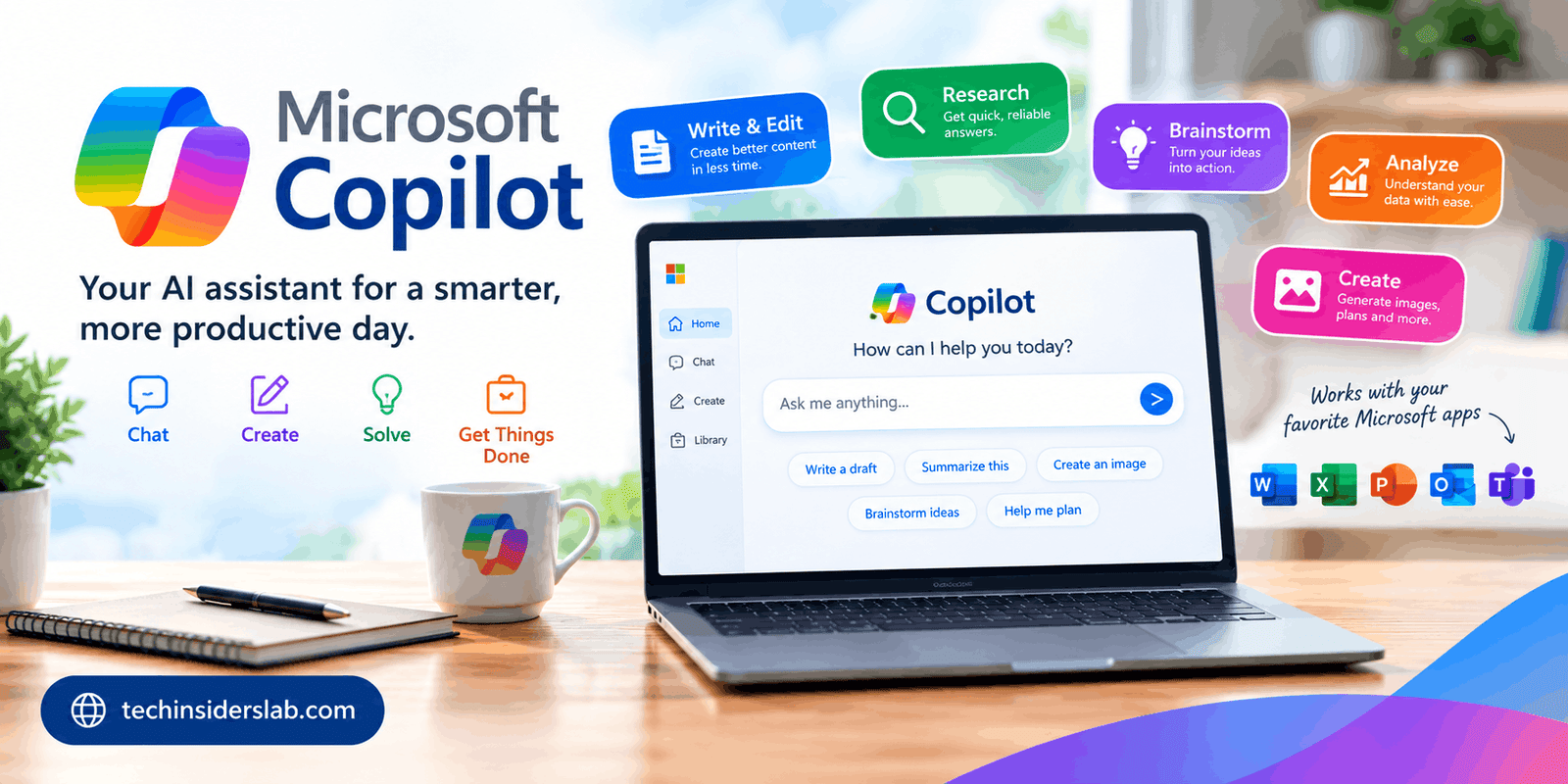
What makes Microsoft Copilot particularly interesting is its connection with the broader Microsoft ecosystem. Depending on the account, subscription, and application being used, Copilot can work alongside services such as Word, Excel, PowerPoint, Outlook, Teams, OneDrive, and other Microsoft products. Microsoft describes Copilot as an experience that can help users move from an idea toward finished work while keeping relevant information and productivity tools in one environment.
What Is Microsoft Copilot?
Microsoft Copilot is an AI-powered assistant from Microsoft that uses natural-language interaction to help users perform different tasks. Instead of navigating through complicated menus or manually completing every step, users can describe what they want in ordinary language and Copilot can generate or transform content based on that request.
For example, a user might ask Copilot to summarize a long piece of information, create a draft email, organize ideas for a presentation, explain a complicated topic, or help create a document. The exact capabilities available depend on the Copilot experience, account type, and subscription.
Microsoft has also been updating the Copilot experience over time. In 2026, Microsoft documentation began using Microsoft Copilot and Microsoft Copilot Chat for experiences that were previously associated with Microsoft 365 Copilot terminology. Some older product references may therefore still use the previous names.
How Microsoft Copilot Works
Copilot is built around conversational AI. Users provide a prompt describing the task, and the system analyzes the request before generating a response.
The quality of the result depends significantly on the instructions provided. A simple prompt can produce a basic response, while a detailed prompt can tell Copilot the desired format, tone, audience, length, and purpose.
For instance, instead of asking:
“Write about online security.”
A more useful instruction could be:
“Create a beginner-friendly explanation of online security with five practical tips and short examples.”
Clear instructions help an AI assistant understand the user’s goal and produce more relevant output.
In Microsoft environments, Copilot can also work with information available through supported Microsoft services. In organizational environments, Microsoft says Copilot respects existing permissions and access controls rather than automatically giving users access to information they could not already access.
Main Features of Microsoft Copilot
1. AI-Powered Conversations
One of Copilot’s central features is conversational interaction. Users can ask questions, request explanations, brainstorm ideas, or ask for assistance with a particular task.
This makes Copilot useful for people who prefer describing a problem in natural language instead of searching through menus or documentation.
2. Writing Assistance
Copilot can assist with different types of writing. Depending on the supported environment, it can help create drafts, rewrite existing text, summarize information, and adjust content for a particular purpose.
Students can use AI assistance for brainstorming and explanations, while professionals can use it for drafts, notes, reports, and communication.
However, generated content should still be reviewed. AI can misunderstand context or produce inaccurate information, so human editing remains important.
3. Document Creation
Microsoft’s ecosystem makes Copilot particularly relevant to document-based work. Copilot can assist users with creating and refining content in supported Microsoft applications.
This can reduce the time required to move from a blank page to a structured draft. Users can then edit the generated material according to their own requirements.
4. Presentation Assistance
Creating a presentation often requires planning, writing, formatting, and organizing information. Copilot can assist with these stages in supported Microsoft experiences.
Users can provide a topic or source material and request a structured presentation. Microsoft documentation also describes file-generation capabilities through Copilot Chat and supported Word, Excel, and PowerPoint agents.
5. Spreadsheet and Data Assistance
Spreadsheets can become complicated when they contain large amounts of information. Copilot can help users understand, organize, and work with data in supported Excel experiences.
Instead of manually trying to determine what information means, users can describe the type of analysis they want. Copilot can then assist with the task.
The final result should always be checked, especially when the information is being used for financial, business, academic, or other important decisions.
6. Email and Productivity Support
Microsoft Copilot can also assist with communication and daily productivity. Microsoft describes capabilities such as drafting emails, organizing the day, and helping users get answers based on the work they are doing.
This can be useful for people who spend a large part of their day handling emails, meetings, documents, and other routine tasks.
Microsoft Copilot for Students
Students can use Copilot as a learning and productivity assistant. It can help explain difficult concepts, generate study questions, organize notes, brainstorm assignment ideas, and summarize information.
The most effective approach is to use AI as a learning aid rather than simply copying generated answers. Students can ask Copilot to explain a concept in simpler language, provide examples, or create practice questions.
This approach can make AI more useful for understanding subjects rather than simply producing finished homework.
Microsoft Copilot for Professionals
Professionals often work with documents, spreadsheets, meetings, emails, and presentations. These are areas where an AI assistant can potentially save time.
For example, a professional might use Copilot to create a first draft of an email, summarize information, prepare presentation material, or organize ideas before a meeting.
Microsoft’s business-oriented Copilot experiences also include enterprise data protection. Microsoft states that organizational Copilot and Copilot Chat experiences are designed to apply existing permissions, identity controls, sensitivity labels, and other Microsoft 365 security policies.
Microsoft Copilot and Microsoft 365
One of Copilot’s major strengths is its relationship with Microsoft’s productivity ecosystem.
Microsoft documentation describes Copilot experiences integrated with applications such as Word, Excel, PowerPoint, Outlook, Teams, OneNote, Loop, and Whiteboard, although the exact availability varies according to the account and subscription.
This integration means users may be able to work with AI without constantly switching between unrelated applications.
For businesses, this can be especially relevant because employees already use Microsoft services for communication, file storage, collaboration, and productivity.
Microsoft Copilot and Web Search
Some Copilot experiences can use web search to improve responses with current information. Microsoft’s documentation explains that Copilot Chat can generate search queries for Bing to ground responses in information from the web.
This can be useful when a question requires information that changes over time.
However, users should still verify important information because AI-generated responses can contain mistakes, misunderstand sources, or present incomplete context.
Privacy and Security
Privacy is an important consideration when using any AI assistant.
Microsoft provides different privacy controls depending on whether a person is using Copilot with a personal Microsoft account or through a work or school account.
For personal Copilot use, Microsoft provides controls related to personalization, memory, conversation activity, and model-training preferences. Microsoft also explains that users can manage or delete their Copilot conversation history.
Business and organizational experiences have different protections. Microsoft states that enterprise Copilot experiences provide enterprise data protection and that organizational prompts, responses, and Microsoft Graph data are not used to train foundation models.
Users should nevertheless understand which Copilot experience they are using before entering confidential information.
Advantages of Microsoft Copilot
Microsoft Copilot can provide several practical advantages.
Natural interaction: Users can describe tasks using everyday language.
Productivity support: Copilot can assist with writing, research, documents, presentations, spreadsheets, and communication.
Microsoft ecosystem integration: Supported Copilot experiences can work alongside familiar Microsoft applications.
Time savings: Routine drafting and organization tasks can potentially be completed more quickly.
Flexible use: Copilot can support students, professionals, creators, and general users.
Multiple AI capabilities: Depending on the experience and subscription, Copilot can provide different types of assistance rather than functioning as a simple question-and-answer chatbot.
Limitations of Microsoft Copilot
Despite its capabilities, Copilot is not perfect.
One limitation is accuracy. AI systems can generate information that sounds convincing but is incorrect. This is why users should verify important facts.
Another limitation is feature availability. Microsoft Copilot does not provide exactly the same capabilities to every user. Features can vary according to account type, subscription, application, location, and Microsoft’s ongoing product changes.
Privacy is another consideration. Users should understand the applicable privacy settings and avoid entering highly sensitive information unless they understand how that particular Copilot environment handles data.
Finally, AI should not completely replace human judgment. Copilot can assist with work, but users remain responsible for reviewing important outputs.
How to Get Better Results from Microsoft Copilot
The quality of an AI response often depends on the quality of the prompt.
A good prompt should clearly explain:
- What you want Copilot to do
- Who the content is intended for
- What format you need
- How detailed the response should be
- Any important information Copilot should consider
- Any restrictions or requirements
For example, instead of asking for “a marketing plan,” a user could request a three-month marketing plan for a technology website, including content topics, publishing frequency, target audience, and measurable objectives.
Users can also improve results by asking follow-up questions. If the first response is too general, they can request additional examples, a simpler explanation, a different format, or more detail.
Is Microsoft Copilot Useful for Everyday Tasks?
For many users, Copilot can be useful for everyday digital tasks. It can assist with writing, brainstorming, summarizing, organizing information, preparing presentations, and answering questions.
Its usefulness is especially noticeable when users already work inside Microsoft’s ecosystem because supported Copilot features can reduce the need to move information between different applications.
However, Copilot should be viewed as an assistant rather than an automatic replacement for human work. Reviewing, editing, and verifying AI-generated information remain important steps.
Microsoft Copilot vs Traditional Software
Traditional software generally requires users to understand specific menus, commands, and workflows. AI assistants introduce a more conversational way of interacting with software.
Instead of searching through multiple menus, a user can describe a desired result and let the AI assist with the process.
This does not mean traditional interfaces are becoming unnecessary. Rather, AI can provide another layer of interaction on top of existing software.
Microsoft Copilot represents this shift by combining conversational AI with Microsoft’s established productivity ecosystem.
The Future of Microsoft Copilot
Microsoft continues to expand and change its Copilot experiences. Recent updates show that the company is moving toward broader AI assistance across personal and professional workflows.
Microsoft’s current documentation also describes more advanced multi-step assistance through features such as Cowork, which is intended to help with larger tasks and deliver completed to-dos.
At the same time, Microsoft has retired or changed some consumer features during its 2026 Copilot updates. For example, Microsoft announced that Deep Research was being retired from the consumer Copilot app beginning August 18, 2026.
This highlights an important point: Copilot is an evolving platform. Features available today may be changed, replaced, or moved as Microsoft updates the product.
Conclusion
Microsoft Copilot is an AI-powered productivity assistant designed to help users work with information, create content, solve problems, and complete everyday digital tasks. Its connection with Microsoft products gives it a different role from a standalone AI chatbot because it can operate within a wider productivity environment.
For students, it can support learning and organization. For professionals, it can assist with documents, communication, presentations, spreadsheets, and other workflows. For general users, it can provide conversational assistance for everyday questions and creative tasks.
At the same time, users should understand that Copilot’s capabilities vary by account and subscription, and AI-generated information should be reviewed before being used for important purposes. Privacy settings should also be checked carefully, particularly when working with personal or organizational information.
Overall, Microsoft Copilot represents Microsoft’s broader move toward AI-assisted computing, where users can combine traditional software tools with natural-language interaction to complete tasks more efficiently.