Gamma: The AI-Powered App for Presentations, Documents
introduction
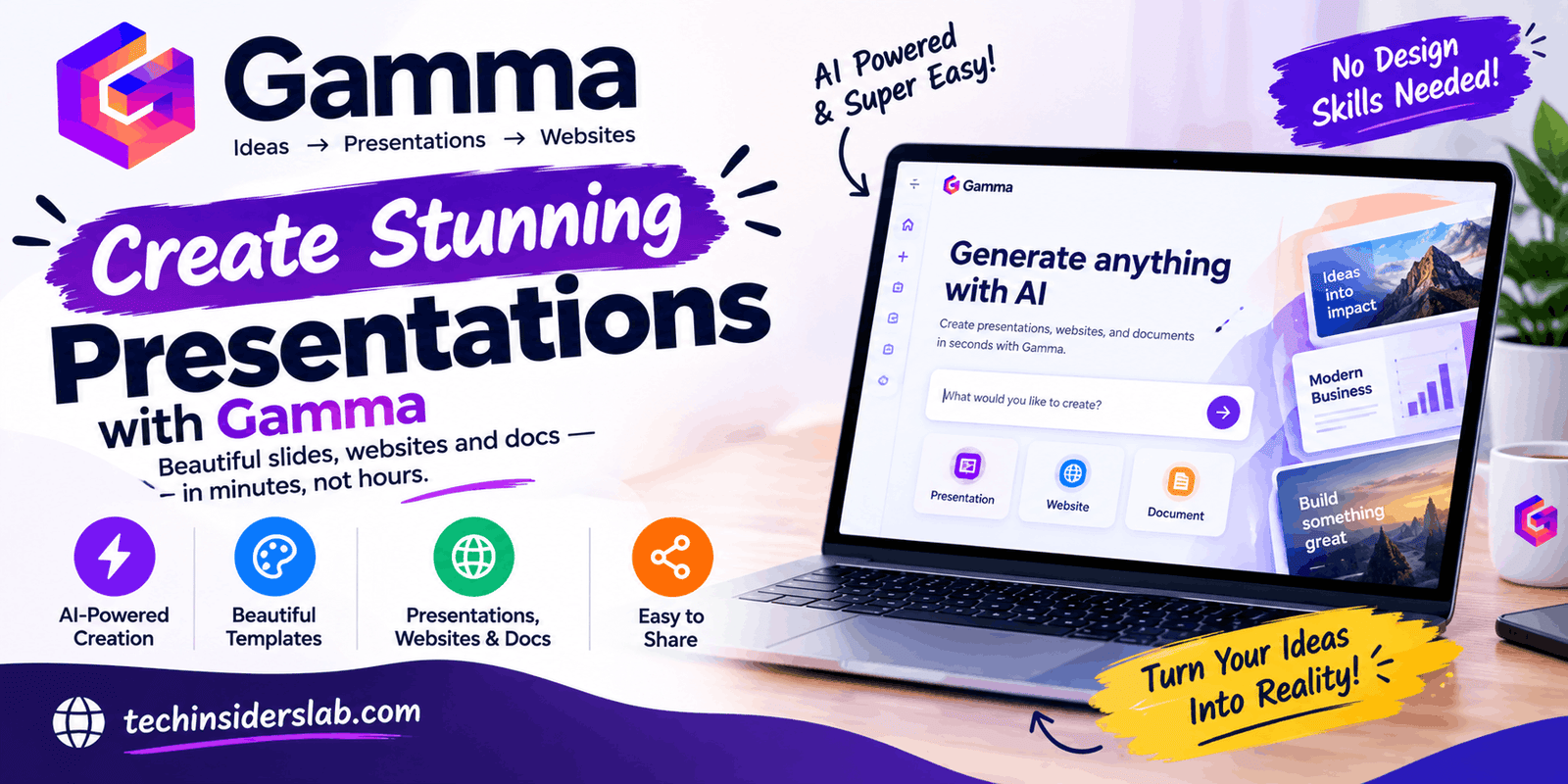
Creating professional presentations, documents, websites, and visual content traditionally requires several different tools and a significant amount of time. Gamma changes this workflow by combining AI-powered writing, design, formatting, and publishing features into one platform.
Gamma is an AI-powered content creation app designed to help users turn simple ideas, prompts, existing text, or uploaded files into polished digital content. It can be used to create presentations, documents, websites, social media content, and graphics without requiring advanced design skills.
For students, marketers, business owners, educators, freelancers, and professionals, Gamma provides a faster way to move from an initial idea to a visually organized finished project. Its main advantage is that users do not have to begin with a blank slide or document. Instead, AI can create a structured first draft that users can customize afterward.
What Is Gamma?
Gamma is an AI content creation platform that focuses on making information easier to create, organize, design, and share. Instead of working only as a traditional presentation editor, Gamma supports multiple content formats from the same environment.
Users can create AI-generated presentations, visual documents, websites, social media assets, and graphics. The platform can start with a prompt, pasted text, an outline, or existing files and then transform that information into a structured design.
This makes Gamma different from conventional presentation software. Traditional tools often require users to select layouts, position elements, adjust spacing, choose images, and format text manually. Gamma automates much of this initial design process so users can focus more on the message and less on repetitive formatting.
How Does Gamma Work?
Gamma uses a relatively simple creation process. Users can begin with an idea or existing material and choose how they want the AI to handle it.
Gamma currently provides three major creation approaches: Generate, Paste, and Import.
Generate
The Generate option is useful when starting with an idea or topic. Users can describe what they want to create, and Gamma generates a structured draft based on the instructions.
For example, someone preparing a presentation about artificial intelligence could provide a topic and specify the audience, tone, number of sections, or purpose of the presentation. Gamma can then organize the information into a visual structure.
Paste
Paste is designed for users who already have written content. Instead of manually formatting notes into slides or pages, users can paste their existing text into Gamma and let the platform organize it into a more polished format.
This can be particularly useful for turning notes, outlines, articles, or AI-generated text into a presentation or visual document.
Import
The Import option allows users to bring existing material into Gamma. The platform supports importing files and other content and can restructure that material into a Gamma project. Gamma’s help documentation describes importing files, decks, and webpages as part of its creation workflow.
This approach can save time when users already have content but want to improve its presentation or convert it into another format.
Gamma for AI Presentations
Presentations are one of Gamma’s most recognizable uses.
Instead of manually creating every slide, users can provide a prompt, outline, or source document. Gamma can then create a complete presentation with organized content, layouts, visuals, and themes.
The platform supports use cases such as pitch decks, sales presentations, product launches, keynote presentations, onboarding materials, and educational presentations.
One useful feature is the ability to refine generated content with AI. Users can make changes to individual slides and content areas rather than rebuilding the entire presentation from scratch.
Gamma also allows presentations to be shared as links or exported into commonly used formats such as PowerPoint, PDF, PNG, and Google Slides, depending on the available plan and export options.
Creating Documents With Gamma
Gamma is not limited to presentations. It can also generate structured visual documents.
Users can create reports, proposals, white papers, case studies, ebooks, business plans, training materials, and other long-form content. The platform combines AI-generated writing with visual formatting, making documents more presentation-friendly.
This can be helpful for people who have strong written content but do not want to spend hours adjusting typography, layouts, sections, and visual elements.
For example, a business could turn a collection of notes into a professional proposal, while a student could organize research material into a structured visual report.
Building Websites With Gamma
Another notable feature is Gamma’s AI website creation capability.
Users can describe the type of website they need, provide existing content, or transform material from another format into a web-based experience. Gamma supports projects such as portfolios, business websites, landing pages, event pages, and lead-generation pages.
The platform handles much of the initial page structure and visual organization. Users can then edit sections, add multimedia, customize the design, and publish the result.
This can be useful for people who need a simple website but do not want to start with traditional web development tools.
Gamma also supports responsive website layouts, allowing published content to adapt to different screen sizes. Custom domains are available on eligible paid plans.
AI-Powered Design and Editing
One of Gamma’s major ideas is that AI should assist with both content and design.
Instead of simply generating text, Gamma can help determine how information should be visually organized. Smart layouts, themes, images, and other visual elements can be used to create a more complete first draft.
Users can then continue editing manually or use AI-assisted editing to make changes.
This workflow is useful because the first generated version does not have to be perfect. It can act as a starting point that users refine according to their goals.
For people who are not professional designers, this can reduce the difficulty of creating visually consistent content.
Gamma for Teams and Collaboration
Gamma can also be used in collaborative environments.
Teams can work inside shared workspaces, organize projects, collaborate on content, and maintain consistent branding. The platform supports real-time collaboration and allows projects to be shared with specific people or published more broadly.
This can be particularly useful for marketing teams and businesses that need to produce multiple types of content.
For example, a company could develop a product presentation, create a supporting document, and build a landing page around the same core information. Using a shared visual style can help maintain brand consistency across those assets.
Gamma for Social Media Content
Gamma has expanded beyond traditional presentations and documents by offering tools for creating social media content.
Users can generate platform-ready social content with layouts and visual styling designed for digital sharing. This makes the platform potentially useful for marketers, creators, and small businesses that need to turn information into multiple content formats.
A single idea can potentially become a presentation, document, website, or social media asset without requiring users to recreate the entire concept manually in another application.
Gamma’s Free Plan
Gamma offers a free tier for users who want to explore the platform before purchasing a subscription.
According to Gamma’s current pricing information, the Free plan includes basic presentations, documents, websites, social content, and images. It also supports importing PDF and PPTX files and exporting content to formats including PDF, PPTX, PNG, and Google Slides. The Free plan has limits on AI generation and the number of slides that can be generated per prompt.
This makes the free version useful for testing the platform and understanding whether its workflow fits a user’s needs.
Paid plans provide additional capabilities such as more AI usage, branding controls, advanced image models, analytics, custom domains, and API access, depending on the selected plan.
Is Gamma Easy to Use?
Gamma is designed around a relatively straightforward workflow. Instead of requiring users to understand complicated design software, it allows them to start with an idea or existing content.
The general process is:
- Choose what you want to create.
- Enter a prompt or provide existing content.
- Select a theme or visual direction.
- Let Gamma generate the initial version.
- Review and edit the result.
- Share, publish, or export the finished project.
This approach makes the platform accessible to beginners while still giving experienced users tools for customization.
However, AI-generated content should still be reviewed. A generated presentation may have the right structure but require changes to facts, wording, examples, images, or overall messaging before it is ready for professional use.
Gamma Mobile App
Gamma has also introduced a mobile application for iOS and Android. The current mobile app is described by Gamma as being in early access, and some desktop features may not yet be available in the mobile version.
The mobile experience allows users to view, generate, edit, present, and share Gamma projects from their phones. It also supports AI-powered editing through Gamma’s Agent.
This can be convenient for making quick changes before a meeting or reviewing a presentation while away from a computer.
Who Can Use Gamma?
Gamma can be useful for many different types of users.
Students: Students can use it to turn research, notes, and assignments into visually organized presentations.
Teachers: Educators can create lesson materials, presentations, training documents, and visual learning resources.
Business professionals: Employees can create reports, proposals, pitch decks, and internal presentations.
Marketers: Marketing teams can produce presentations, landing pages, social media assets, and promotional materials.
Entrepreneurs: Startup founders can use Gamma for pitch decks, product presentations, business plans, and simple websites.
Freelancers: Freelancers can create client proposals, portfolios, reports, and presentation materials without relying heavily on separate design software.
Advantages of Gamma
One of Gamma’s biggest advantages is speed. Creating a structured first draft from a prompt can take much less time than manually building every page or slide.
Another advantage is its multi-format workflow. Presentations, documents, websites, social content, and graphics can be created within the same broader platform.
The AI-assisted editing system is another useful feature because users can continue refining their work after the initial generation.
Gamma also provides themes and branding features that can help maintain a consistent visual identity across different projects.
Things to Consider Before Using Gamma
Although AI can dramatically speed up content creation, users should not assume that every generated result is automatically perfect.
AI-generated text may need fact-checking, editing, and personalization. Visual choices may also require adjustment depending on the audience and purpose of the project.
Users should also consider plan limitations. Free and paid subscriptions provide different levels of AI usage, branding, analytics, customization, and publishing capabilities.
For important business, academic, or public-facing material, reviewing the final content manually is still an important part of the workflow.
Conclusion
Gamma is a useful AI-powered app for creating presentations, documents, websites, and other visual content with less manual design work. Its AI-assisted workflow allows users to start with a simple idea, prompt, or existing content and turn it into a structured and visually appealing project. Students, professionals, marketers, educators, entrepreneurs, and creators can all use Gamma for different content needs.
While AI-generated results should always be reviewed and customized, Gamma can significantly simplify the early stages of content creation. With its combination of AI generation, design tools, collaboration features, and publishing options, Gamma provides a flexible solution for users who want to create professional-looking digital content more efficiently.