Cloud Storage Free Plans:Guide to Free Online Storage
introduction
Cloud storage has become an important part of modern digital life. People use cloud platforms to save photos, videos, documents, school projects, work files, backups, and other important data without depending entirely on their computer or phone storage. The biggest advantage is that files stored in the cloud can usually be accessed from multiple devices as long as there is an internet connection.
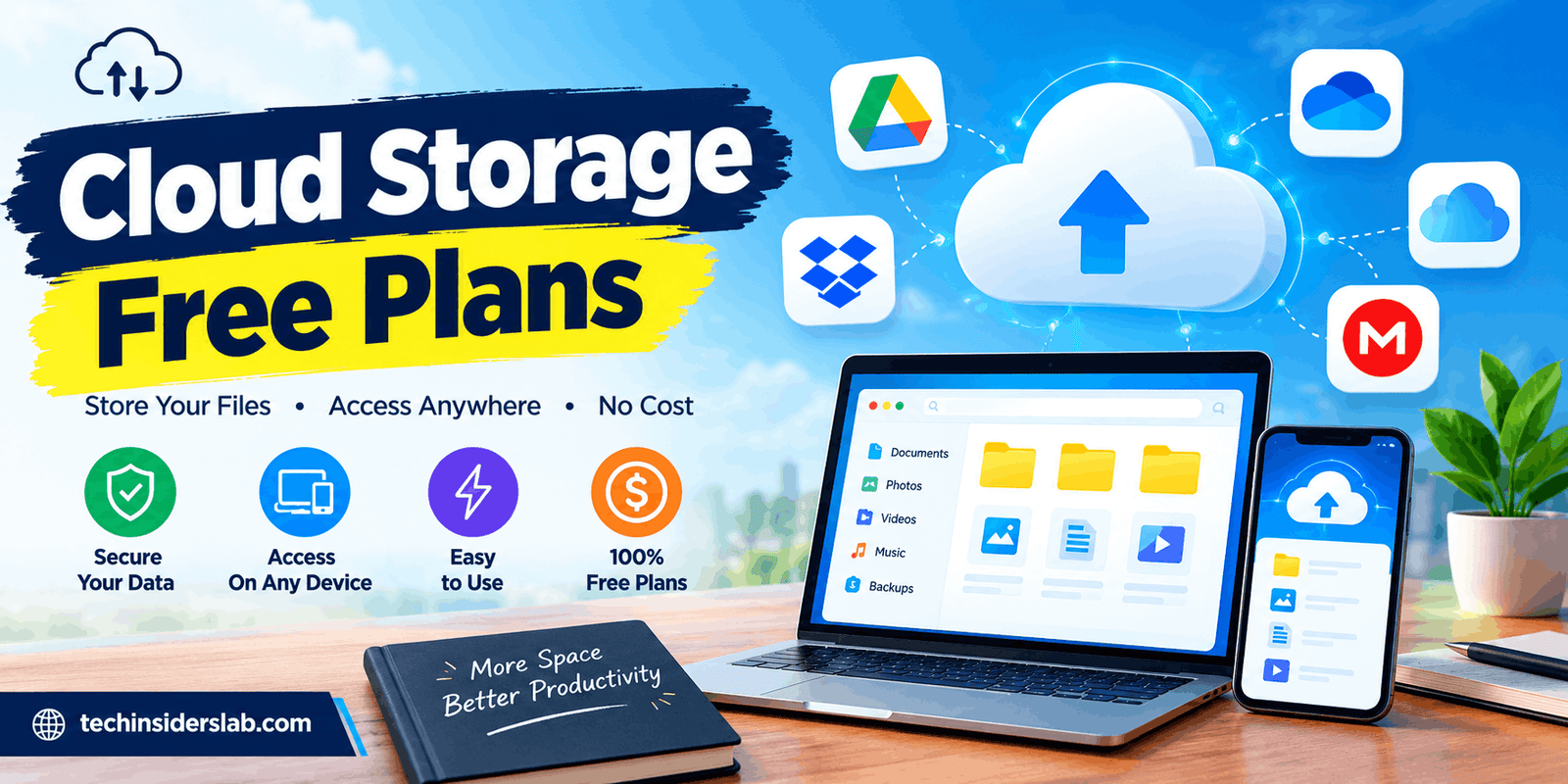
For users who do not want to pay for storage, Cloud Storage Free Plans provide a practical starting point. Many popular cloud storage providers offer a free allowance with different storage limits, synchronization features, sharing options, security tools, and device support.
However, free cloud storage is not the same across every platform. Some services provide more storage, while others focus on collaboration, privacy, synchronization, or integration with other applications. Understanding these differences can help users select a free plan that matches their needs.
What Are Cloud Storage Free Plans?
Cloud Storage Free Plans are no-cost storage packages provided by cloud storage companies. Instead of storing all files directly on a hard drive, SSD, memory card, or phone, users can upload their data to remote servers operated by the provider.
Once uploaded, files can generally be accessed through a web browser, desktop application, or mobile app. This makes cloud storage useful for people who regularly move between computers, smartphones, and tablets.
Free plans normally come with a limited amount of storage. For example, Google provides up to 15 GB of storage with a Google Account, although that allowance is shared between Google Drive, Gmail, and Google Photos. Microsoft provides 5 GB of cloud storage for free Microsoft accounts, while Dropbox Basic starts with 2 GB.
The amount of free space is only one part of the decision. Upload limits, sharing features, privacy controls, file synchronization, and the overall ecosystem can also affect how useful a free plan is.
Why Is Free Cloud Storage Useful?
One of the biggest reasons people use free cloud storage is convenience. Instead of carrying a USB drive everywhere, users can keep important files online and access them from different devices.
Cloud storage can also help reduce pressure on local storage. Large collections of photos, documents, and other files can consume significant space on a phone or computer. Moving selected files to cloud storage can help users organize their devices more efficiently.
Another major benefit is file sharing. Many cloud platforms allow users to create shareable links or invite other people to specific folders. This can be useful for students, remote workers, families, and small teams.
Free storage can also be useful for testing a service before purchasing a paid subscription. Users can explore synchronization, file management, mobile applications, and sharing tools without immediately committing to a monthly or yearly payment.
Popular Cloud Storage Free Plans
Several major cloud platforms offer free storage options. Their features and limitations are different, so users should look beyond the storage number.
Google Drive
Google Drive is closely connected with the wider Google ecosystem. A Google Account comes with up to 15 GB of cloud storage, shared across Google Drive, Gmail, and Google Photos.
This makes Google Drive particularly useful for people who already use Gmail, Google Docs, Google Sheets, Google Slides, or Google Photos.
The free storage can be used for documents, spreadsheets, presentations, PDFs, images, videos, and other supported files. Users can also share files and collaborate on documents.
One important consideration is that the 15 GB allocation is not exclusively for Drive. Gmail messages and attachments as well as Google Photos content can consume the same account storage.
Microsoft OneDrive
Microsoft OneDrive provides 5 GB of free cloud storage to users without a Microsoft 365 subscription. The storage can be used for files and photos and is integrated into Microsoft’s broader ecosystem.
OneDrive can be especially convenient for Windows users because Microsoft’s services are deeply integrated across its products. Users who work with Microsoft Word, Excel, PowerPoint, and other Microsoft services may find cloud synchronization useful.
The free allocation is relatively limited compared with some competitors, so people with large photo or video libraries may eventually need additional storage.
Dropbox Basic
Dropbox Basic starts with 2 GB of free storage. Although the amount is smaller than some competing services, Dropbox has built a strong reputation around file synchronization, sharing, and multi-device access.
The free plan supports access through computers, mobile devices, and web browsers. Dropbox also provides file-sharing functionality and online-only options that can help reduce local disk usage.
The main limitation for free users is the small starting storage allowance. For basic documents and selected files, however, it can still be useful.
MEGA
MEGA is another well-known option in the free cloud storage market and is often considered by users who place additional emphasis on privacy. Current industry comparisons commonly list MEGA among the larger free-storage options, although exact allowances and promotional conditions can change over time.
When considering MEGA or any other provider, users should check the current plan details before moving a large amount of important data because free-plan conditions can change.
pCloud
pCloud is another cloud storage service that provides a free entry-level option. Its offering focuses on file storage, synchronization, sharing, and media management.
The amount of storage available on free accounts can depend on the provider’s current account structure and promotional requirements. Therefore, users should verify the latest terms before relying on a specific amount of storage for long-term data management.
Free Cloud Storage Comparison
Storage capacity is one of the easiest ways to compare free plans, but it should not be the only factor.
| Cloud Storage Service | Free Storage | Useful For |
| Google Drive | Up to 15 GB | Documents, photos, everyday files |
| OneDrive | 5 GB | Windows and Microsoft users |
| Dropbox Basic | 2 GB | File syncing and sharing |
| MEGA | Varies by current plan | Privacy-focused storage |
| pCloud | Varies by current plan | Personal files and media |
Google’s free storage is shared across Drive, Gmail, and Google Photos, while Microsoft’s 5 GB cloud allocation covers files and photos in OneDrive and related Microsoft storage usage. Dropbox Basic starts at 2 GB.
Because providers can change free-plan terms, checking the provider’s current storage policy is important before choosing a service for long-term use.
What Can You Store in Free Cloud Storage?
Free cloud storage can be used for many types of digital content. Common examples include:
- Photos and personal images
- PDF documents
- Word and Excel files
- School assignments
- Work documents
- Presentations
- Scanned documents
- Small videos
- Software-related files
- Personal backups
- Project folders
- Shared documents
The most suitable type of content depends on the available storage. Text documents usually consume very little space, while high-resolution photographs and videos can use gigabytes quickly.
For this reason, a free plan that seems large at first may become full much faster if it is primarily used for multimedia files.
Benefits of Cloud Storage Free Plans
No Initial Cost
The most obvious benefit is that users can start storing files without paying a subscription fee.
Access From Multiple Devices
Cloud storage makes it possible to access files from different computers, smartphones, and tablets, depending on the provider’s supported applications.
Easy File Sharing
Many platforms allow users to share files or folders with other people without sending large attachments through email.
Reduced Local Storage Usage
Files stored online can help users manage limited storage on laptops and mobile devices.
Synchronization
Desktop and mobile applications can synchronize selected files between devices, making it easier to keep documents updated.
Useful for Testing
A free plan gives users an opportunity to understand a platform’s interface and features before deciding whether they need a paid plan.
Limitations of Free Cloud Storage
Free storage plans also have limitations that users should understand.
The first limitation is storage capacity. A free allocation may be enough for documents but insufficient for large video collections or complete device backups.
Another issue is that some providers combine different services under one storage quota. Google’s 15 GB, for example, is shared among Drive, Gmail, and Google Photos.
Free accounts may also have fewer advanced features than paid plans. Depending on the provider, users may encounter restrictions involving storage expansion, collaboration, security features, recovery options, or administrative controls.
There is also a risk of depending on a single cloud account for critical data. Cloud storage should not automatically be treated as the only backup. If an account becomes inaccessible, files can become difficult to retrieve.
How to Choose a Free Cloud Storage Plan
Choosing a free plan becomes easier when you identify what you actually need to store.
If your main requirement is documents and everyday files, a platform with strong productivity integration may be useful. If you regularly work with Microsoft applications, OneDrive may fit naturally into your workflow.
If collaboration and sharing are important, look at how easily the platform handles shared folders, permissions, and file links.
For photographs and videos, storage capacity becomes more important because media files can quickly consume available space.
Privacy is another consideration. Users should review the provider’s security and privacy policies rather than judging a service only by its storage capacity.
Finally, consider the devices you use every day. A service with reliable Windows, Android, iOS, or macOS applications can make synchronization much more convenient.
Tips for Getting More From Free Cloud Storage
Users can make limited free storage last longer by regularly cleaning unnecessary files. Duplicate photos, old downloads, large videos, and outdated documents can consume valuable space.
Organizing files into clearly named folders can also make storage easier to manage. Important documents should be separated from temporary files.
Another useful practice is reviewing the storage dashboard periodically. Google, Microsoft, Dropbox, and other providers provide tools that help users understand how their storage is being consumed.
For large files, compressing suitable folders before uploading can sometimes reduce storage usage, although compression is not equally effective for already-compressed formats such as JPEG images and many video files.
Users should also keep an additional copy of extremely important files. Cloud storage is convenient, but a second backup can provide extra protection against accidental deletion, account problems, or other unexpected situations.
Is Free Cloud Storage Enough?
For many casual users, free cloud storage can be enough. Someone who primarily stores documents, PDFs, spreadsheets, and a limited number of photos may have no immediate reason to purchase additional capacity.
However, users with extensive photo collections, videos, professional projects, large backups, or multiple devices may eventually exceed the free allowance.
The important question is not simply how much storage a service gives you. Instead, consider how quickly your files grow and whether the free allocation will remain practical for your needs.
The Future of Free Cloud Storage
Cloud storage continues to become more integrated with productivity software, smartphones, photo applications, collaboration tools, and artificial intelligence features. This means cloud platforms are increasingly becoming more than simple online hard drives.
As users generate larger amounts of digital content, storage management will remain important. Providers may continue changing their free tiers, paid plans, security options, and additional features.
For consumers, this makes it useful to review storage requirements regularly instead of choosing a provider based only on today’s advertised storage number.
Conclusion
Cloud Storage Free Plans provide an affordable way to store, synchronize, access, and share digital files without immediately paying for a subscription. Services such as Google Drive, OneDrive, and Dropbox provide established free options, while other providers offer alternatives with different approaches to storage, privacy, and functionality.
The right free plan depends on your individual requirements. Storage capacity, device compatibility, file-sharing tools, synchronization, privacy, and integration with other applications should all be considered.
For light users, a free account can provide plenty of room for important documents and selected files. For people managing large media collections or extensive backups, a free plan may eventually need to be supplemented with additional storage or another backup solution.
Ultimately, understanding the limitations as well as the benefits of each free plan is the best way to make cloud storage work efficiently without unnecessary costs.