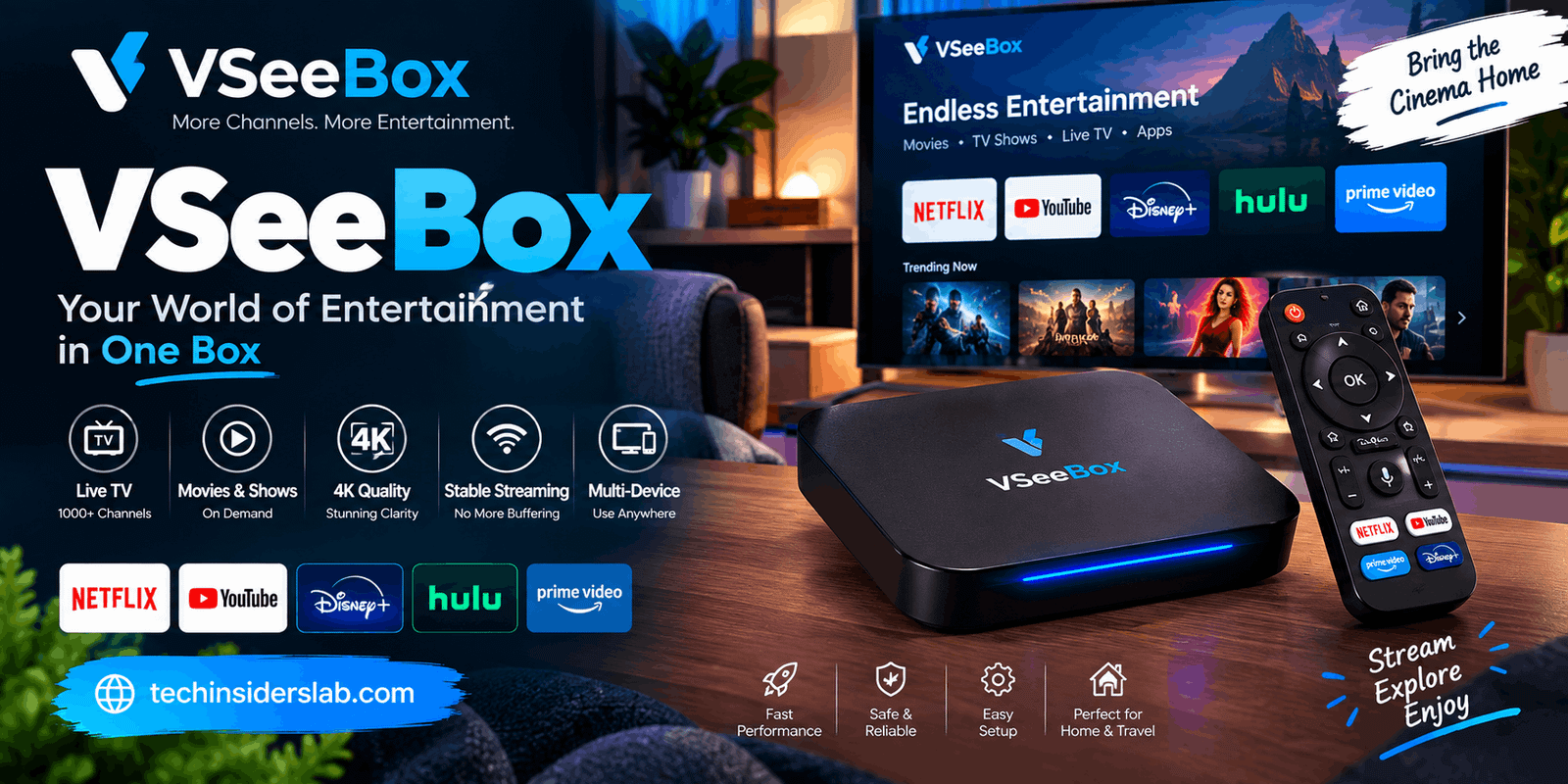
VSeeBox: Guide to Features, Models, Setup, and Streaming
introduction
Streaming has changed the way people watch television. Instead of depending entirely on traditional cable services, many viewers now use smart TVs, streaming sticks, and Android TV boxes to access digital entertainment. VSeeBox is one of the devices that has attracted attention in this growing streaming-device market.
VSeeBox is an Android-based TV box designed to connect a television to the internet and provide access to compatible streaming applications and digital media. Depending on the model, the device can offer features such as high-resolution video playback, Wi-Fi 6 connectivity, Bluetooth, voice control, expanded internal storage, and support for modern video formats.
With newer models moving toward Android 14 and higher hardware specifications, VSeeBox has developed into more than a basic media player. However, understanding what the device actually does, what its specifications mean, and how content access works is important before choosing one.
What Is VSeeBox?
VSeeBox is a compact Android-powered streaming device that connects to a television through HDMI. Once connected to the internet, users can access compatible applications and online entertainment services.
The basic idea is similar to other Android TV boxes: the device provides the hardware and operating system needed to turn a compatible television into a connected entertainment system.
According to VSeeBox’s published information, newer models include Android 14, quad-core processors, 4GB of RAM, 64GB of internal storage, Wi-Fi 6, Bluetooth 5.0, and support for high-resolution video decoding. Some models advertise video decoding and output capabilities reaching up to 8K at 60 frames per second.
It is important to understand that 8K support does not automatically mean every video will be available in native 8K quality. The actual resolution depends on the content source, application, television, HDMI connection, and other hardware limitations.
How Does VSeeBox Work?
VSeeBox works by connecting your television to an internet network through a wired Ethernet connection or Wi-Fi. After connecting the device to the TV using HDMI, users can navigate its Android-based interface with the included remote.
A typical setup involves four basic components:
- A compatible television or monitor
- The VSeeBox device
- An HDMI connection
- A stable internet connection
The device then provides an operating environment where compatible applications can be installed and used.
Some VSeeBox documentation recommends a stable internet connection for smooth streaming, while the exact bandwidth requirement depends on video quality and the application being used. A wired Ethernet connection can also be useful when Wi-Fi performance is inconsistent.
Main Features of VSeeBox
One of the reasons Android TV boxes are popular is the combination of hardware flexibility and software functionality. VSeeBox models offer several features designed around home entertainment.
Android Operating System
Newer VSeeBox models use Android 14, while older generations use earlier Android versions. The operating system provides the foundation for applications, settings, media playback, and device management.
An updated operating system can also provide compatibility with newer applications and security improvements, although software support can vary between individual models.
4GB RAM
Several current VSeeBox models are equipped with 4GB of RAM. RAM affects how efficiently a device can handle applications and multitasking.
For a streaming box, sufficient RAM can contribute to smoother navigation, faster application switching, and better overall responsiveness.
However, RAM alone does not determine streaming quality. The processor, software optimization, network connection, application, and video format all contribute to the final experience.
64GB Internal Storage
Many newer models offer 64GB of eMMC storage. This gives users additional room for applications and other supported data compared with smaller-capacity streaming devices.
Storage requirements are usually much lower for basic streaming than for smartphones or computers, but additional capacity can still be useful for users who install several applications.
Some VSeeBox documentation also describes TF-card expansion on compatible models.
Wi-Fi 6
Wi-Fi 6 is another important feature found on newer models.
A compatible Wi-Fi 6 network can provide improved efficiency and performance compared with older Wi-Fi standards, particularly in environments where many devices are connected simultaneously.
However, having Wi-Fi 6 in the TV box does not automatically guarantee faster streaming. The router, internet plan, signal strength, network congestion, and distance from the router all affect real-world performance.
Bluetooth Connectivity
Bluetooth allows compatible wireless accessories to communicate with the device. Depending on the model, this can include remote controls, keyboards, headphones, and other supported accessories.
This can make navigation easier, particularly when entering text or searching for applications.
High-Resolution Video Support
Some newer VSeeBox models advertise support for AV1, VP9, H.264, and H.265 video formats, with certain models supporting up to 8K decoding and HDMI 2.1 output.
These specifications are particularly relevant to users who have modern 4K or 8K televisions.
Still, the final viewing resolution is determined by the source content and the complete hardware chain. A regular HD video cannot become genuine 8K simply because the TV box supports 8K output.
VSeeBox Models
The VSeeBox lineup has changed over time, with newer models generally offering updated processors, operating systems, storage, and connectivity.
VSeeBox V5 Pro
The V5 Pro is an older generation model that uses Android 12 and includes 4GB RAM and 32GB internal storage. Published specifications also list Wi-Fi 6, Bluetooth connectivity, and high-resolution video support.
It can be relevant for users looking at earlier VSeeBox hardware, although newer models provide more recent hardware and software.
VSeeBox V6 Plus
The V6 Plus represents a newer generation and uses Android 14. Published specifications include 4GB RAM, 64GB storage, Wi-Fi 6, Bluetooth 5.0, and an ARM Cortex-A55-based processor.
The model also supports high-resolution video decoding and HDMI 2.1 output according to published product specifications.
VSeeBox V6 Max
The V6 Max is another Android 14 model with 4GB RAM and 64GB internal storage. It supports modern video codecs and high-resolution playback.
The exact processor and hardware configuration can differ between product listings, so buyers should verify the specifications of the specific unit and seller before purchasing.
VSeeBox V6 Pro
The V6 Pro is positioned as another newer model and is listed with Android 14, 4GB RAM, 64GB storage, Wi-Fi 6, an upgraded cooling system, and split-screen functionality.
Split-screen functionality can be useful for users who want to switch between supported applications or perform multiple tasks on a larger television display.
Elite Ultra
The Elite Ultra is another model in the VSeeBox lineup. Published specifications list 4GB RAM, 128GB storage, Android 12, Wi-Fi 6, and support for high-resolution video.
Because model names, software packages, and specifications can change over time, checking the current specifications before buying is important.
How to Set Up VSeeBox
Setting up a VSeeBox is generally straightforward.
Step 1: Connect the HDMI Cable
Connect the VSeeBox to an available HDMI port on your television.
Step 2: Connect Power
Attach the supplied power adapter and turn on the device.
Step 3: Select the Correct TV Input
Use your television remote to select the HDMI input connected to the VSeeBox.
Step 4: Connect to the Internet
Choose a Wi-Fi network and enter the password, or connect the device through Ethernet if your model and network setup support it.
Step 5: Complete Initial Settings
Follow the on-screen instructions to configure language, network, account, and other available settings.
Step 6: Install Compatible Applications
Use the available Android application environment to install supported streaming applications. Users should obtain applications from legitimate sources and follow the terms of the services they use.
VSeeBox and Streaming Applications
One of the biggest advantages of an Android TV box is application flexibility. Depending on compatibility, users may be able to install mainstream entertainment applications and other Android-compatible software.
However, there is an important distinction between the device and the content service.
VSeeBox itself is hardware. The availability of particular movies, television programs, sports events, or channels depends on the application and service providing that content.
Some VSeeBox-related websites advertise extensive channel and video libraries, but users should not assume that every advertised channel or program is automatically licensed in every country.
For example, one VSeeBox-related FAQ specifically describes the device as a platform for applications and tells users that responsibility for content accessed through third-party applications rests with the user.
Is VSeeBox Legal?
The legality of a streaming box and the legality of the content accessed through it are two different questions.
An Android TV box as a piece of hardware is generally a general-purpose consumer electronics device. The legal issue can arise from how applications and content are used.
Copyright rules vary by country. Accessing officially licensed streaming services through their legitimate applications is different from accessing copyrighted television channels, movies, sports, or other content through unauthorized sources.
Therefore, users should check the copyright laws applicable in their country and use legitimate services.
Security is another consideration. Norton has reported concerns surrounding some VSeeBox and similar Android streaming devices, particularly regarding cybersecurity and unauthorized streaming applications.
For that reason, users should be careful when installing unknown APK files or applications from unfamiliar sources.
Advantages of VSeeBox
VSeeBox can have several useful characteristics for people looking for a flexible streaming device.
Android platform: The Android environment provides access to compatible applications.
High-resolution support: Newer models support modern video formats and resolutions.
Large storage: Some current models offer 64GB, while certain higher-end models advertise 128GB.
Wi-Fi 6: Newer models can connect to modern wireless networks.
Bluetooth: Wireless accessories can make navigation and text input easier.
Ethernet: A wired connection can be useful when stable streaming is a priority.
Voice-enabled remotes: Selected models include voice-control functionality for easier navigation.
Potential Drawbacks
VSeeBox is not necessarily the right choice for every viewer.
First, the experience can vary considerably depending on the model. Older units have different processors, operating systems, storage capacities, and video capabilities.
Second, streaming performance depends heavily on internet quality. A powerful TV box cannot completely eliminate buffering caused by a slow or unstable connection.
Third, application compatibility can change over time. An application that works today may require an update later or may not support a particular Android configuration.
Finally, users should be particularly careful with third-party applications. Installing software from unknown sources can create privacy and security risks.
Who Should Consider VSeeBox?
VSeeBox may appeal to people who want an Android-based streaming box with more hardware flexibility than a basic streaming stick.
It can be useful for:
- Users with older HDMI televisions
- People who want Android-based application support
- Viewers interested in high-resolution video playback
- Users who prefer wired Ethernet connectivity
- Households that want additional internal storage
- People who use compatible Bluetooth accessories
It may be less suitable for someone who simply wants the simplest possible streaming experience from a highly established platform. In that situation, comparing the device’s software support, application compatibility, updates, warranty, and security practices is important.
Tips for a Better VSeeBox Experience
To get the most reliable performance from a VSeeBox, keep the device’s software updated when official updates are available.
Use a strong Wi-Fi connection or Ethernet whenever possible. Avoid placing the device in a location where heat cannot escape, because electronic devices can perform poorly when ventilation is restricted.
Install applications only from trusted sources and avoid unknown APK files. Use strong passwords for streaming accounts and enable additional security protections where available.
It is also useful to regularly remove applications that you no longer use. This can help keep the device organized and preserve available storage.
Conclusion
VSeeBox is a flexible Android-based streaming device that can add smart features and modern streaming capabilities to a compatible television. Depending on the model, users can get features such as Android 14, 4GB RAM, large internal storage, Wi-Fi 6, Bluetooth, and high-resolution video support. However, the overall streaming experience depends on the specific model, internet connection, applications, and content sources. Users should also pay attention to application security, copyright requirements, and the specifications of the particular VSeeBox model before making a purchase.