introduction
The internet has made it easier than ever to listen to music, podcasts, interviews, educational lectures, tutorials, and other audio content. YouTube is one of the largest platforms for this type of content, which is why the search term “YouTube MP3 Download” continues to attract people who want to listen to online videos as audio files.
However, downloading audio from YouTube is not as straightforward as simply clicking a download button. There are important differences between YouTube’s official offline features, downloading your own content, and using third-party conversion services. Understanding these differences can help users choose a safer and more appropriate option.
This guide explains what YouTube MP3 downloading means, how audio conversion works at a general level, what MP3 quality actually means, what official YouTube options are available, and what users should consider before downloading copyrighted material.
What Is YouTube MP3 Download?
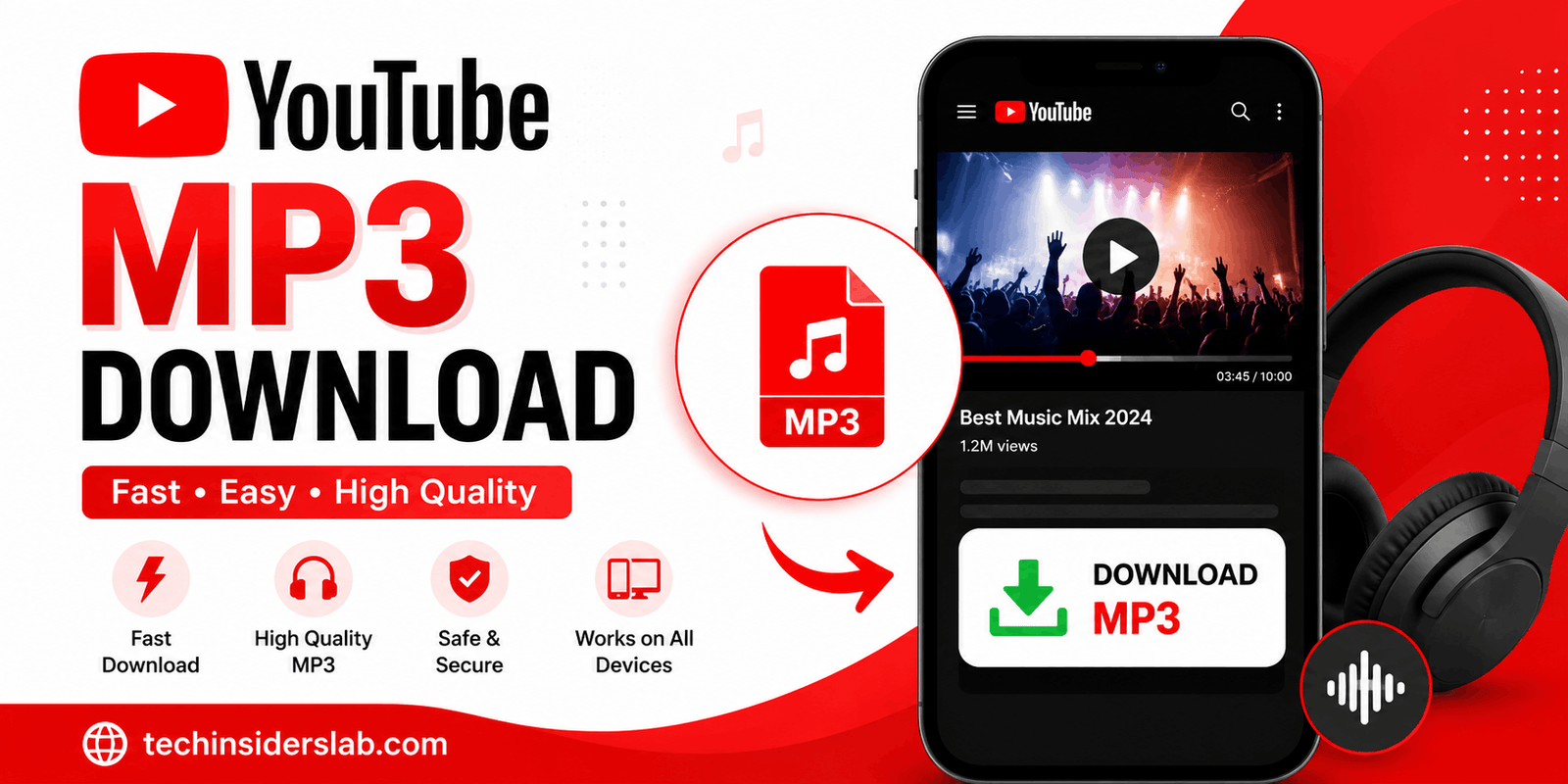
YouTube MP3 Download generally refers to obtaining an audio file from a YouTube video so that the audio can be listened to separately from the video.
For example, a YouTube video might contain:
- A podcast episode
- An educational lecture
- An interview
- A music performance
- A tutorial
- A public-domain recording
- A creator’s original audio
- A speech or presentation
When people search for “YouTube MP3 Download,” they may be looking for a way to turn video content into an audio format such as MP3.
MP3 is popular because it provides a relatively small file size while maintaining reasonable audio quality. This makes it convenient for smartphones, computers, music players, and other devices.
However, converting a YouTube video into an independent MP3 file is different from using YouTube’s built-in offline functionality.
How Does YouTube Audio Conversion Work?
At a basic level, a video can contain both visual and audio components. A conversion process separates or extracts the audio component and saves it in an audio format.
The general process can be understood as:
YouTube video → Audio extraction → Audio encoding → MP3 file
The resulting MP3 can potentially be much smaller than the original video because it does not contain the video portion.
For example, if someone only wants to listen to a long educational presentation, an audio file can be more convenient than storing or playing the complete video.
The important point is that the technical process and the legal permission to download content are two separate issues. A file being technically downloadable does not automatically mean that a user has permission to reproduce or redistribute it.
Does YouTube Officially Allow MP3 Downloads?
This is one of the most important questions surrounding the keyword.
According to YouTube’s official Help documentation, YouTube does not provide a feature for downloading audio, music, or MP3 files directly through the YouTube app.
YouTube does provide official offline functionality in certain circumstances. YouTube Premium members can download supported videos for offline viewing through YouTube, and YouTube Music Premium provides offline music listening within the YouTube Music experience.
These official downloads are designed for playback within YouTube’s ecosystem rather than creating an ordinary MP3 file that can simply be moved anywhere.
This distinction is important for anyone researching YouTube MP3 Download because many websites describe third-party conversion as if it were an official YouTube feature.
YouTube Premium and Offline Listening
For users who simply want to listen to content without an internet connection, YouTube Premium offers an official alternative.
Premium users can download supported videos and watch them offline. YouTube states that downloads are available on supported devices and browsers, depending on the feature and location.
YouTube Music Premium also provides offline music functionality. Users can download music through the YouTube Music app and listen without maintaining an active internet connection.
This option has several advantages:
- It uses an official YouTube feature.
- Content remains connected to the user’s YouTube account.
- Users do not need to search for unknown conversion websites.
- Offline playback is integrated into the YouTube experience.
- Music and videos can be managed from the official app.
The main limitation is that this does not mean you receive a normal MP3 file that you can freely transfer to another media player.
Can You Download Your Own YouTube Videos?
Yes. YouTube provides an official method for creators to download videos they have uploaded.
According to YouTube Help, creators can download their own uploaded videos through YouTube Studio. YouTube also explains that users cannot download another user’s video through this same official creator-download feature.
This can be useful when a creator wants to:
- Keep a backup
- Edit an older video
- Recover an original upload
- Reuse their own content
- Archive their work
- Extract audio from their own video later
For creators, maintaining local copies of original videos is a smart practice because online platforms can change, accounts can experience problems, or content may become unavailable.
Why Is MP3 Format So Popular?
MP3 has remained popular for decades because it offers a practical balance between file size and audio quality.
A video file can consume significantly more storage because it contains visual information. An MP3 contains audio only, making it much more suitable for people who primarily want to listen.
Some common advantages of MP3 include:
Small File Size
MP3 files are generally much smaller than video files. This can be useful when storage space is limited.
Wide Compatibility
MP3 is supported by a huge range of smartphones, computers, car audio systems, music players, and other devices.
Easy Organization
Audio files can be organized into folders and music libraries without storing unnecessary video data.
Convenient Listening
For podcasts, speeches, lectures, and other audio-focused content, video may not be necessary.
Understanding MP3 Quality
Not every MP3 file has the same quality.
Audio quality is commonly discussed in terms of bitrate, measured in kilobits per second (kbps). Higher bitrate generally means more audio information is retained, although the final quality also depends on the original source and encoding process.
Common MP3 bitrate examples include:
- 96 kbps
- 128 kbps
- 192 kbps
- 256 kbps
- 320 kbps
A higher bitrate can produce a larger file.
However, choosing the highest number does not automatically create better audio. If the original source is already compressed or has limited quality, converting it to a higher bitrate cannot magically restore information that was already lost.
This is sometimes called upscaling or re-encoding. A low-quality source converted into a 320 kbps MP3 is still fundamentally limited by the original source.
Why Some YouTube MP3 Files Sound Different
Users sometimes notice that the same video produces different audio results depending on the conversion process.
Several factors can influence the final result:
Original audio quality: The source determines how much detail is available.
Encoding method: Different encoders can produce different results.
Bitrate: Higher bitrate can preserve more information but increases file size.
Repeated conversion: Converting an already compressed file again can reduce quality.
Background noise: Poor source audio cannot be fixed simply by changing the MP3 settings.
For this reason, the best approach is always to start with a legitimate, high-quality source when you have permission to use the content.
Is YouTube MP3 Download Legal?
The legal situation depends on the content, the rights involved, your purpose, and the laws applicable to your location.
YouTube’s Terms state that users may not download or otherwise use content except where the service specifically permits it, where permission has been obtained from YouTube and applicable rights holders, or where applicable law allows it.
That means users should not assume that every YouTube video can legally be converted into an MP3.
For example, downloading your own video is fundamentally different from downloading a copyrighted song belonging to another person or company.
Before using any downloaded content, consider:
- Who owns the content?
- Did the creator provide permission?
- Is the content licensed for reuse?
- Is the content public domain?
- Are you downloading it only for an officially supported offline feature?
- Are you planning to redistribute or monetize the resulting file?
These questions are especially important for websites publishing guides about YouTube downloads.
Copyright Should Not Be Ignored
Music is one of the most copyright-sensitive categories on YouTube.
A song being publicly available to stream does not automatically mean that it is free to download, copy, redistribute, or use in another project.
The same applies to:
- Movies
- TV clips
- Audiobooks
- Paid courses
- Premium content
- Commercial podcasts
- Copyrighted lectures
- Music videos
If the creator or rights holder has not given permission, users should avoid treating publicly accessible content as freely reusable content.
For websites targeting the YouTube MP3 Download keyword, it is therefore better to educate users about responsible downloading rather than suggesting that every YouTube URL can be converted without restrictions.
Safe Practices When Looking for Audio Downloads
People searching for online conversion tools should also think about security.
Unknown websites can sometimes contain aggressive advertisements, misleading download buttons, redirects, or potentially unsafe files.
A safer approach is to:
- Use official YouTube features whenever they meet your needs.
- Avoid downloading suspicious executable files.
- Do not install unknown browser extensions simply to convert a video.
- Check website addresses carefully.
- Avoid entering unnecessary personal information.
- Keep antivirus and browser security features enabled.
- Do not provide account passwords to third-party conversion websites.
- Be especially careful with websites that claim you must install unknown software.
A simple MP3 file should not require you to hand over sensitive account credentials.
YouTube MP3 Download on Mobile Devices
Mobile users are one of the largest audiences searching for YouTube download solutions.
Android and iPhone users often want to listen to videos while traveling, exercising, studying, or when internet access is limited.
The official YouTube approach is to use supported offline functionality. YouTube explains that downloaded content is stored for offline playback within the YouTube environment rather than appearing as a normal video file in the device’s gallery.
This is particularly useful because users do not have to manage separate files manually.
For music specifically, YouTube Music Premium offers offline listening through its own application.
YouTube MP3 Download for Podcasts and Educational Content
Not every search for YouTube MP3 downloading is about music.
Podcasts, interviews, tutorials, lectures, documentaries, and educational content can also be audio-focused.
For these types of content, users may prefer audio because they do not need to watch the screen continuously.
For example, an educational creator may publish a one-hour lecture on YouTube. A listener who has permission to use the content may prefer an audio version for commuting or revision.
Creators can also publish their content in dedicated podcast formats, which is often a better long-term solution than asking viewers to convert videos themselves.
Alternatives to Converting YouTube Videos
If your main objective is simply offline listening, conversion may not be necessary.
You can consider:
YouTube Premium
Useful for official offline video playback and other Premium features.
YouTube Music Premium
Designed specifically for music listening, including offline playback.
Creator-Provided Downloads
Some creators provide downloadable audio or video files through their own websites or platforms.
Public-Domain and Licensed Audio
For reusable content, look for material that is explicitly licensed for downloading and redistribution.
Your Own Content
If you own the video, YouTube provides official ways to retrieve your uploaded content.
These alternatives can reduce copyright concerns and provide a better user experience.
What Makes a Good YouTube MP3 Download Website?
If you are building content around the YouTube MP3 Download keyword, the quality of your website matters.
A useful website should focus on clarity rather than making exaggerated promises.
Important elements include:
- Clear explanations
- Simple navigation
- Mobile-friendly design
- Transparent privacy practices
- No misleading download buttons
- Helpful FAQs
- Copyright information
- Explanation of supported formats
- Information about audio quality
- Security-conscious recommendations
Instead of simply targeting the keyword repeatedly, create content that answers the questions users actually have.
This can also make the article more useful for search engines because it covers related concepts naturally.
Conclusion
YouTube MP3 Download is a popular search topic because many people want a convenient way to listen to online video content without watching the video itself. MP3 remains a practical audio format because of its small size, broad compatibility, and simple file management.
However, downloading YouTube content involves more than finding a conversion method. Users should understand the difference between official YouTube offline features, downloading their own videos, and obtaining third-party copies of copyrighted content.
For ordinary offline viewing and listening, YouTube’s official Premium and YouTube Music features provide supported solutions. For creators, YouTube also provides tools to download their own uploaded videos.