Clippit.ai: AI-Powered Email and Message Writing Assistant
introduction
In today’s digital world, email and online messaging have become an important part of both professional and personal communication. People send emails to clients, colleagues, teachers, customers, employers, and friends every day. Although writing a simple message may seem easy, creating the right words, tone, and structure can sometimes take more time than expected.
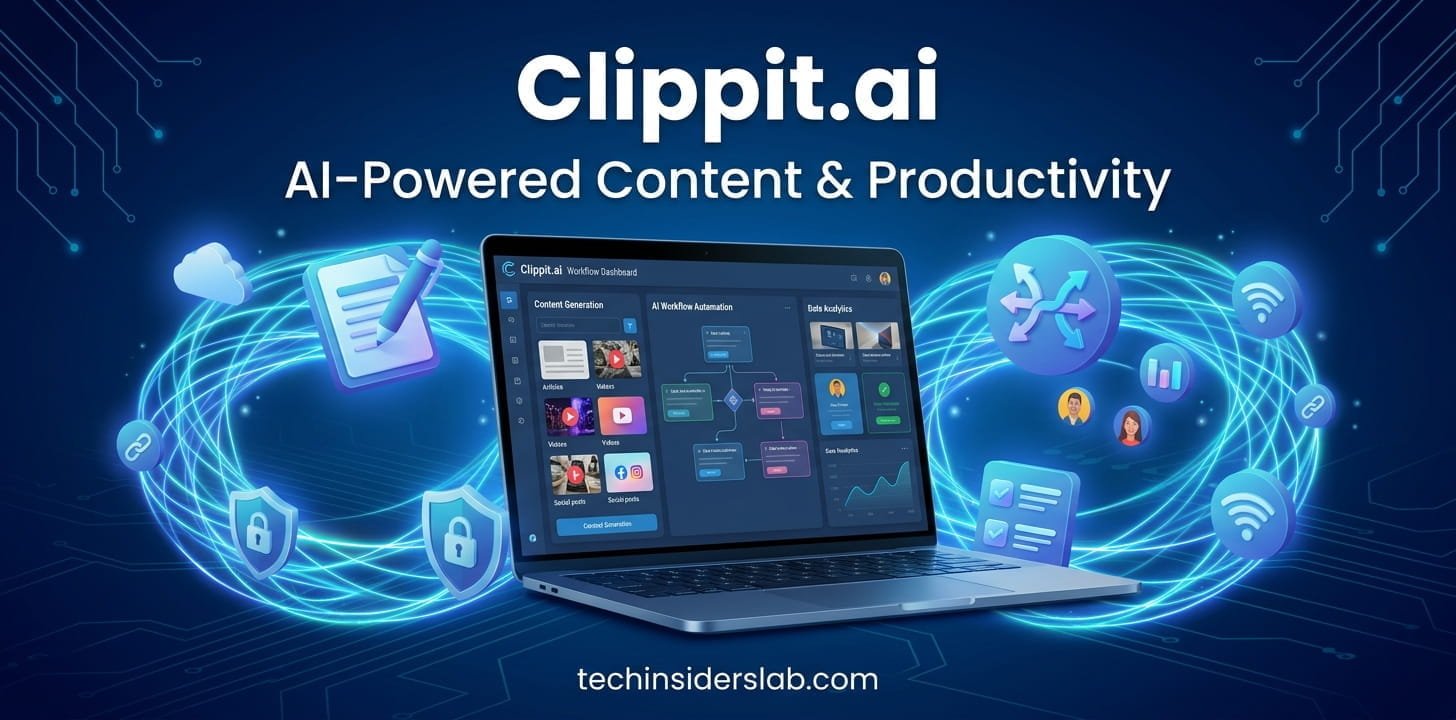
Clippit.ai is an AI-powered writing assistant designed to make email and message writing easier. It helps users create, rewrite, improve, summarize, and adjust text without requiring them to leave their browser and open a separate AI application. The tool is particularly focused on communication and productivity, making it useful for people who regularly work with emails and online messages.
Rather than starting every email from a blank screen, users can use AI assistance to create a first draft, improve existing text, or adjust the tone of a message according to the situation.
What Is Clippit.ai?
Clippit.ai is an AI writing and communication tool designed primarily for emails and online messages. It works through a browser extension and is intended to provide writing assistance while users are already working on websites or email platforms.
The main idea behind Clippit.ai is convenience. Normally, a person might copy an email into an AI chatbot, ask for a response, copy the generated answer, and then return to their email application. Clippit.ai aims to simplify this process by bringing AI writing capabilities closer to the user’s existing workflow.
It can be used for different writing tasks, including generating emails, rewriting sentences, correcting grammar, changing tone, summarizing text, and creating responses.
How Does Clippit.ai Work?
Clippit.ai follows a relatively simple workflow. Users can activate the tool through their browser extension and provide an instruction describing what they want the AI to do.
For example, someone might need to reply to a customer but may not know how to phrase the response professionally. Instead of writing the entire message manually, the user can provide a short instruction explaining the situation. Clippit.ai can then generate a draft that can be reviewed and edited.
The tool can also work with selected text. This makes it possible to improve an existing sentence or paragraph instead of generating an entirely new message.
The final output should always be reviewed before it is sent because AI-generated content may occasionally misunderstand context or produce wording that does not perfectly match the user’s intention.
Key Features of Clippit.ai
AI Email Writing
One of the main purposes of Clippit.ai is helping users write emails with AI.
Users can provide a simple description of what they want to communicate, and the tool can turn that idea into a more structured message. This can be particularly useful when the user knows the information they want to share but struggles with wording.
It can assist with:
- Professional emails
- Follow-up emails
- Meeting requests
- Customer communication
- Work-related messages
- Job-related communication
- General correspondence
Instead of spending several minutes creating an email from scratch, users can start with an AI-generated draft and then personalize it.
Context-Aware Responses
Context is extremely important when responding to emails. A response needs to address what the other person actually said.
Clippit.ai is designed to assist with context-aware email replies. This can help users create responses that are more relevant to the existing conversation rather than generating completely unrelated text.
For example, if a customer asks about a delayed order, an AI assistant can help create a response specifically related to that issue rather than producing a generic customer-service message.
Multiple AI Models
Clippit.ai has been designed to work with multiple AI models. Its available product information has referenced models from major AI providers, giving users flexibility in how their content is generated.
Different AI models can sometimes produce different writing styles and results. Having multiple model options can therefore be useful for people who want to experiment with different outputs.
However, model availability can change over time, so users should check the current version of the tool for the models and options that are actually available.
Tone Adjustment
The tone of an email can change how the message is received.
A message to a close friend can be casual, while a message to a manager, client, or potential employer may need to be more professional.
Clippit.ai can help users adjust the tone of their writing. Depending on the situation, users may want text that sounds professional, friendly, confident, straightforward, or casual.
This feature can be especially useful when the original message contains the right information but does not have the appropriate tone.
Length Control
Another useful capability is controlling the length of generated text.
Sometimes an email needs to be short and direct. In other situations, additional explanation may be necessary.
AI-assisted writing can help users create shorter or more detailed versions depending on their requirements. This can reduce unnecessary information and make communication more efficient.
Grammar Improvement
Grammar and spelling mistakes can make professional communication look less polished.
Clippit.ai can assist with improving existing text and correcting common writing issues. Users can write a rough message and then use AI assistance to make it cleaner and easier to understand.
This can be particularly helpful for people who write frequently or communicate in a language that is not their first language.
Text Rewriting
Not every writing problem is related to grammar. Sometimes the message is grammatically correct but difficult to understand.
Clippit.ai can help rewrite existing text to improve clarity and flow.
For example, a complicated paragraph can potentially be converted into shorter and clearer sentences while keeping the original meaning.
This makes the tool useful not only for creating new content but also for improving content that has already been written.
Summarization
Long emails and messages can take considerable time to read.
Summarization tools can help users understand the main points of lengthy content without going through every detail immediately.
For professionals who receive large numbers of emails, this can be useful when deciding which messages require a detailed response and which can be handled more quickly.
Clippit.ai and Gmail
Email is one of the areas where Clippit.ai can be particularly useful.
Users often need to respond to several emails throughout the day. Writing every response manually can become repetitive, especially when many messages require similar types of communication.
Clippit.ai is designed to work with Gmail so users can access AI assistance while handling their email conversations.
The basic workflow can involve opening an email, starting a reply, activating the AI assistant, describing the desired response, and then reviewing the generated result.
This approach reduces the need to repeatedly switch between different applications.
Using Clippit.ai Across Websites
Clippit.ai is not limited to a single communication environment. Its browser-based approach allows users to access writing assistance while working across different websites.
This can be useful when people communicate through multiple platforms throughout the day.
For example, someone might write emails in Gmail, respond to messages on another website, and work with text inside a web-based application. Having an AI writing assistant available through the browser can make the process more convenient.
Who Can Benefit From Clippit.ai?
Students
Students often need to communicate with teachers, universities, classmates, and organizations.
Clippit.ai can help them make emails more organized and professional, especially when writing formal communication.
Professionals
Employees may send dozens of emails every week. AI-assisted writing can help reduce the time spent drafting repetitive messages.
Freelancers
Freelancers communicate with clients about deadlines, revisions, payments, meetings, and projects. Clear communication is important, and an AI assistant can help create polished drafts.
Job Seekers
People searching for jobs often need to write application-related emails, follow-ups, and professional messages.
Clippit.ai can help create a starting point for these communications while allowing users to personalize the final message.
Business Owners
Small business owners often handle customer communication themselves. An AI writing assistant can help them respond to routine questions and messages more efficiently.
Benefits of Clippit.ai
One of the biggest benefits of Clippit.ai is time savings.
Writing an email from scratch may only take a few minutes, but those minutes can add up when someone sends many messages every day.
Another benefit is convenience. Users can access AI writing assistance from their browser instead of repeatedly switching between applications.
The tool can also help improve communication quality by making messages clearer, more organized, and appropriately structured.
Another advantage is flexibility. Users can create new content, rewrite existing content, adjust tone, change length, or summarize information depending on what they need.
Privacy and Security Considerations
Privacy is an important consideration whenever AI tools are used for communication.
Emails can contain private conversations, customer information, business details, financial information, or other sensitive material. Users should therefore understand how an AI tool processes information before using it for confidential communication.
Even when a service provides privacy and security features, users should avoid entering extremely sensitive information unless they understand the applicable policies and data-handling practices.
It is also important to review AI-generated text carefully before sending it. A generated response may accidentally include information that should not be shared or may misunderstand the context of a conversation.
Limitations of Clippit.ai
Like other AI writing tools, Clippit.ai is not perfect.
AI-generated text can sometimes sound generic or overly formal. In other cases, it may misunderstand the user’s instructions or produce a response that does not accurately represent the intended message.
Another limitation is that AI-generated content may require editing. Users should not assume that the first generated response is always ready to send.
The quality of the result can also depend on the instruction provided by the user. A vague prompt may produce a generic answer, while a detailed instruction can usually provide better direction.
Users should also remember that browser extensions can change over time, including their supported models, features, pricing, and compatibility.
How to Get Better Results From Clippit.ai
The quality of AI writing often depends on the quality of the instruction.
Instead of simply asking:
“Write an email.”
A better instruction would be:
“Write a short and professional follow-up email to a client asking whether they have reviewed the proposal.”
This gives the AI more useful information.
Users can also specify:
- The recipient
- The purpose of the email
- Desired tone
- Desired length
- Important details
- The action they want the recipient to take
Providing clear instructions can make the generated content more relevant.
After generating the message, users should read it carefully and make personal adjustments where necessary.
Clippit.ai for Productivity
The biggest practical value of Clippit.ai is its focus on everyday communication.
Many people already use AI chatbots to write emails, but that process often involves switching between applications and copying text back and forth.
A browser-based assistant can make this workflow more direct.
For people who regularly send emails, customer responses, business messages, or online communications, even small improvements in the writing process can save time.
The tool can therefore be viewed as a productivity assistant rather than simply another AI chatbot.
Conclusion
Clippit.ai is a useful AI-powered writing assistant for people who regularly deal with emails and online messages. It can help users create new emails, improve existing text, adjust tone, summarize content, and generate replies more efficiently. Its browser-based approach also makes AI assistance convenient while working online.
Although AI can save time and improve the structure of communication, users should always review generated content before sending it. With proper instructions and human editing, Clippit.ai can become a practical productivity tool for everyday digital communication.