AskCodi:Complete Guide to the AI Coding Assistant for Developers
introduction
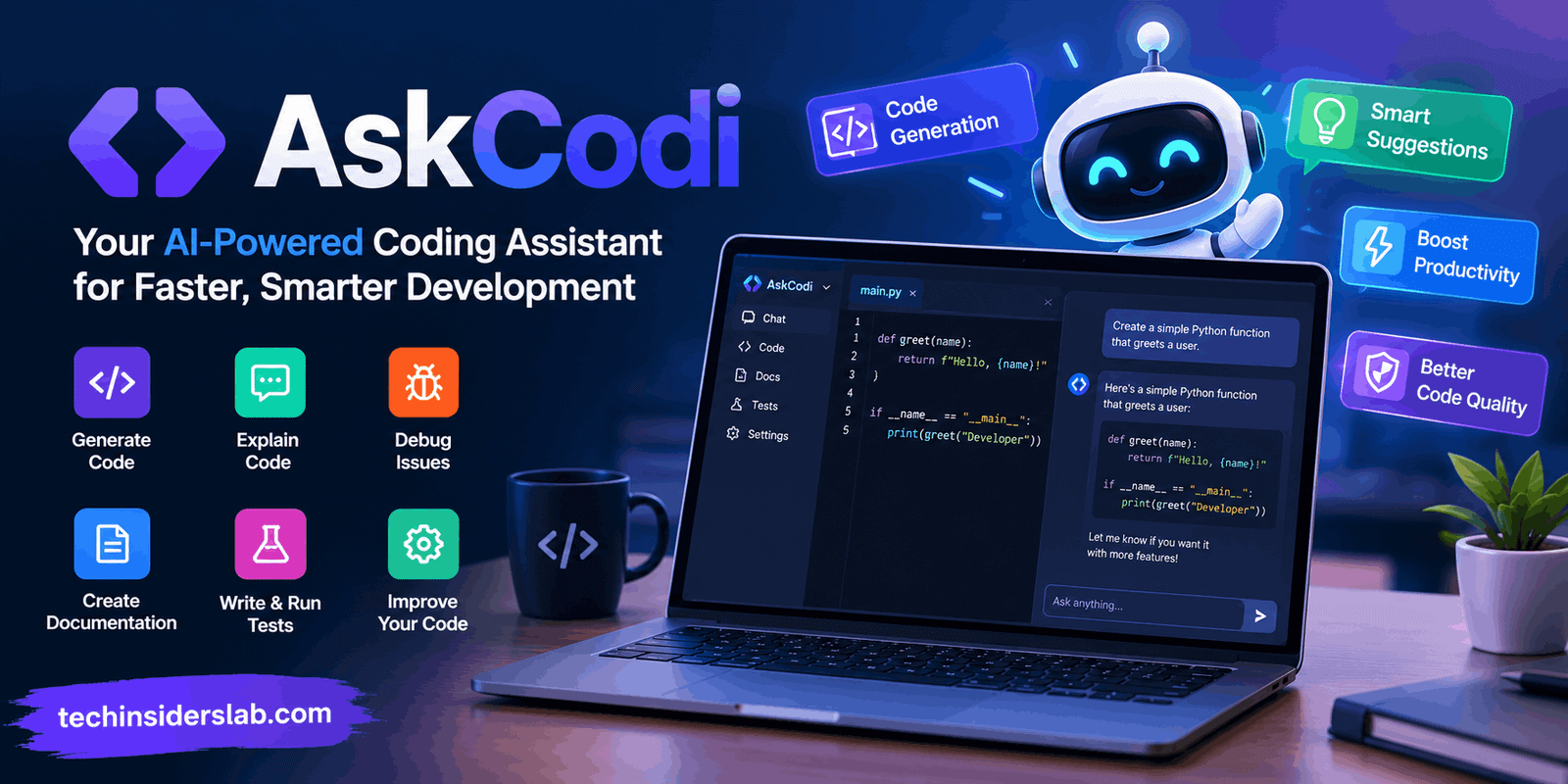
Software development is becoming increasingly connected with artificial intelligence. From generating small code snippets to planning complete applications, AI-powered development tools are changing the way programmers work. AskCodi is one of the platforms built around this shift, offering developers AI assistance for coding, project development, debugging, documentation, testing, and broader engineering workflows.
What makes AskCodi particularly interesting is that its current platform goes beyond the traditional idea of an AI chatbot that simply answers programming questions. AskCodi now presents itself as an AI coding cofounder that can understand a project, break work into tasks, coordinate specialized agents, review changes, and help move software projects forward.
For developers, students, programmers, startup builders, and technical teams, this approach can reduce the amount of repetitive work involved in software development. However, AI-generated code still needs human review, testing, and security checks before it is used in a production environment.
What Is AskCodi?
AskCodi is an AI-powered development platform designed to assist with software engineering tasks. Its earlier identity was strongly associated with AI coding assistance, including code generation, explanation, documentation, and testing. The platform has since expanded toward an AI engineering workflow where users can describe what they want to build and allow Codi to organize the development process.
According to AskCodi’s current website, users can describe an outcome and have Codi turn that request into milestones, tasks, code changes, reviews, and other development activities. The system can work with repositories and keep changes in GitHub, while important decisions remain under human control.
This makes AskCodi relevant to both beginners who need help understanding programming concepts and experienced developers who want to automate repetitive engineering work.
How AskCodi Works
The basic idea behind AskCodi is simple: instead of manually handling every repetitive development task, a developer can explain the desired result in natural language.
For example, a developer could describe an application feature such as:
- Add user authentication
- Create a dashboard
- Build a responsive landing page
- Fix a specific error
- Add automated tests
- Improve documentation
- Refactor an existing component
AskCodi can then interpret the requested outcome and organize the work.
Its current Cofounder workflow can map a project, create tasks, assign specialist engineering roles, work through tasks in parallel, and review the resulting changes. The platform says that multiple specialist engineers can work in isolated Git worktrees, which helps separate changes during development.
The important point is that AskCodi is not intended to completely remove the developer from the process. Human approval remains part of the workflow, especially when decisions involve scope, money, destructive actions, or other potentially irreversible changes.
Main Features of AskCodi
1. AI-Powered Code Generation
One of the core uses of AskCodi is generating code from natural-language instructions.
Instead of manually writing every function or component, developers can explain what they need. AI can then create an initial implementation that the developer can inspect and modify.
This can be especially useful for:
- Boilerplate code
- Utility functions
- UI components
- API-related code
- Database queries
- Small scripts
- Repetitive programming patterns
Code generation does not mean the resulting code should automatically be considered production-ready. Developers should still check logic, dependencies, performance, and security.
2. Code Explanation
Understanding unfamiliar code can take considerable time, particularly when working on an existing project.
AskCodi can help developers understand code by explaining what a function, class, component, or section is intended to do. This can be useful for beginners learning programming as well as experienced developers joining an unfamiliar codebase.
For example, a developer can ask an AI coding assistant to explain:
- What a function does
- Why a particular approach is used
- How different files interact
- What a particular error means
- What a complicated code section is doing
This makes AI assistance useful as a learning and productivity tool rather than simply a code generator.
3. Debugging Assistance
Debugging is one of the most time-consuming parts of software development.
AskCodi can assist developers in examining errors and suggesting potential fixes. Instead of searching through multiple pages of documentation for every issue, a developer can provide an error message or relevant code and ask for an explanation.
AI-assisted debugging can help identify:
- Syntax errors
- Logical problems
- Incorrect API usage
- Missing dependencies
- Potential edge cases
- Common programming mistakes
However, developers should test proposed fixes instead of applying them blindly.
4. Code Documentation
Good documentation is essential for maintaining software, but developers frequently postpone it because it takes time.
AskCodi can assist with generating documentation and explaining existing code. Documentation support can help make projects easier for other developers to understand and maintain.
Useful applications include:
- Function descriptions
- Code comments
- Technical explanations
- Project documentation
- API-related descriptions
- Developer notes
This can be particularly helpful for projects where documentation has fallen behind the codebase.
5. Testing Support
Testing is another important part of modern software development.
AskCodi has historically included functionality for generating and working with tests, while its current engineering workflow also emphasizes reviews and tests before changes are considered ready.
AI-generated tests can provide a starting point for developers who need to cover common scenarios quickly.
Still, automated tests should be reviewed carefully. A test can technically pass while failing to cover an important real-world behavior.
6. AI Agents and Task Orchestration
One of the more significant developments in AskCodi is its movement toward AI-agent-based software development.
The platform describes Codi as an orchestrator that can turn a high-level objective into a project map and task board. Specialist agents can then work on different areas of the project.
This approach is different from asking a chatbot one question at a time.
A traditional workflow might look like:
Developer → AI → Developer → AI → Developer
An agent-oriented workflow can instead organize multiple related tasks around a broader objective.
This can potentially be useful for larger projects where frontend, backend, testing, and other responsibilities need to be coordinated.
AskCodi and GitHub
GitHub plays an important role in AskCodi’s current workflow.
AskCodi describes a model where development work remains inside a repository controlled by the user. Changes can be made on branches and reviewed through the repository’s normal checks before being considered ready.
This approach gives developers a familiar way to inspect AI-generated work.
Instead of treating AI output as an unexplained final product, developers can review:
- Code changes
- Branches
- Tests
- Pull requests
- Project history
- Development decisions
This is important because software development requires traceability and review, particularly when AI is involved.
AskCodi Desktop
AskCodi has also expanded into a desktop-oriented development experience.
Its current website describes AskCodi Desktop as a local-first AI engineering environment. The platform says Codi can understand projects, organize tasks, coordinate specialist agents, and work with multiple AI models.
The current pricing page says the desktop application and Codi orchestration are free to use, while users can either connect their own supported provider accounts or use optional AskCodi-managed model access.
The desktop experience is therefore positioned less like a simple browser chatbot and more like an AI engineering workspace.
AskCodi AI Gateway
Another part of the platform is AskCodi AI Gateway.
The gateway provides an OpenAI-compatible endpoint designed to give developers access to multiple AI models through a common interface. AskCodi currently describes the gateway as supporting more than 200 models.
This can be useful for developers who want flexibility when selecting AI models.
Instead of designing an application around one model provider, a developer can use a compatible API structure and change the model according to project requirements.
Potential benefits include:
- Model flexibility
- Centralized access
- Easier experimentation
- Different models for different tasks
- Integration with developer tools
The exact capabilities and costs can change over time, so developers should check the current AskCodi documentation and pricing before selecting it for a production workflow.
AskCodi Integrations
AI coding tools become more useful when they fit naturally into existing development environments.
AskCodi has supported integrations and workflows around developer tools, and current third-party documentation describes use through tools such as Continue.dev, Cline, and Zed.
Its broader ecosystem can therefore be useful for developers who do not want to completely change their existing workflow.
Instead of moving between a coding environment and a separate AI website constantly, developers can use compatible integrations to bring AI assistance closer to their development process.
Who Can Use AskCodi?
AskCodi can be useful for several types of users.
Beginners
New programmers can use AI assistance to understand programming concepts, generate simple examples, and learn how different parts of code work.
However, beginners should avoid using AI as a replacement for learning fundamentals. Understanding variables, functions, data structures, algorithms, debugging, and software architecture remains important.
Students
Students can use AskCodi to experiment with programming projects and understand unfamiliar code. It can also provide explanations that make difficult programming concepts easier to explore.
Students should still follow their institution’s rules regarding AI-assisted coursework.
Professional Developers
Experienced developers can use AI assistance to reduce repetitive work. Code generation, documentation, testing, debugging, and refactoring are examples of tasks where AI can potentially save time.
Startups and Small Teams
Small teams may find AI engineering tools useful because they can provide additional development assistance without requiring a large engineering organization.
AskCodi’s current orchestration approach is particularly relevant to teams interested in automating structured development tasks.
Advantages of AskCodi
AskCodi offers several characteristics that may make it useful in modern software workflows.
Natural-language development: Developers can describe desired functionality instead of manually writing every instruction.
Automation: Repetitive engineering tasks can be assisted or organized through AI.
Multiple models: The AI Gateway provides a route to multiple models through a common interface.
Project-oriented workflow: Current Cofounder functionality focuses on projects, tasks, reviews, and repository changes rather than isolated answers.
Human approval: The platform emphasizes keeping important decisions with the developer.
GitHub-based development: Repository-based workflows provide a familiar way to review changes.
Limitations to Consider
AI coding tools also have limitations.
The first is accuracy. AI can produce code that looks correct while containing logical or security problems. Developers should always test generated code.
Another consideration is context. AI tools can perform differently depending on how much project information is available. A vague prompt can lead to an incomplete solution.
Large software projects also require architectural decisions that cannot always be reduced to code generation. Developers still need to understand requirements, scalability, security, user experience, and long-term maintenance.
There can also be a learning risk. Developers who rely on AI for every programming problem may miss opportunities to develop their own problem-solving skills.
How to Use AskCodi Effectively
The quality of an AI coding workflow often depends on the quality of the instructions.
Instead of writing:
“Build a website.”
A better request could specify:
- The type of website
- Required pages
- Technology stack
- Design requirements
- Responsive behavior
- Data requirements
- Authentication requirements
- Testing expectations
- Limitations
Clear instructions give AI more useful context.
Developers should also work incrementally. Rather than asking an AI system to build a huge application in one step, divide the project into logical milestones.
A practical workflow could be:
- Define the project.
- Explain the desired outcome.
- Let AskCodi analyze the project.
- Review the proposed tasks.
- Allow implementation.
- Inspect the generated changes.
- Run tests.
- Review security and functionality.
- Approve appropriate changes.
- Continue with the next milestone.
This approach keeps the developer involved while still benefiting from automation.
Is AskCodi Good for Coding?
AskCodi is designed specifically around software development and AI-assisted engineering. Its current direction makes it more than a basic code generator, with project orchestration, specialist agents, model routing, reviews, testing, GitHub workflows, and an AI Gateway forming parts of its broader ecosystem.
Whether it is suitable for a particular developer depends on the workflow, programming environment, preferred AI models, project complexity, and budget.
The most important consideration is not simply how much code an AI tool can generate. The quality of the development process also depends on testing, code review, security, version control, and human decision-making.
AskCodi for AI-Powered Development
The growing popularity of AI coding platforms shows how software development is changing. Instead of AI being used only to answer programming questions, modern systems are increasingly being designed to participate in larger development workflows.
AskCodi reflects this trend by combining coding assistance with project planning, AI agents, model access, repository workflows, and automation.
For developers, this can create a more streamlined development experience. Routine tasks can be delegated to AI while humans remain responsible for product requirements, architecture, quality, security, and important decisions.
The strongest use of AskCodi is therefore not simply asking it to write code. It is using the platform as part of a structured development process where AI handles appropriate repetitive tasks and developers maintain control over the final product.
Conclusion
AskCodi has evolved into a broader AI development platform aimed at helping developers move from an idea to working software with less repetitive manual effort. Its current ecosystem includes AI coding assistance, project orchestration, specialized agents, GitHub-based workflows, testing and review processes, desktop development, and an OpenAI-compatible AI Gateway.
For beginners, it can provide useful explanations and coding assistance. For experienced developers, it can help automate repetitive engineering tasks and organize larger workflows. For teams, its agent-based approach offers another way to coordinate AI-assisted development.
At the same time, AskCodi should be viewed as a development assistant rather than an unquestionable replacement for human engineering. Generated code needs testing, review, security checks, and proper project context.
As AI continues to become part of everyday software development, platforms such as AskCodi demonstrate how coding tools are moving from simple code suggestions toward more complete AI-assisted engineering environments.