Tome: Guide to the AI-Powered Presentation & Storytelling Tool
introduction
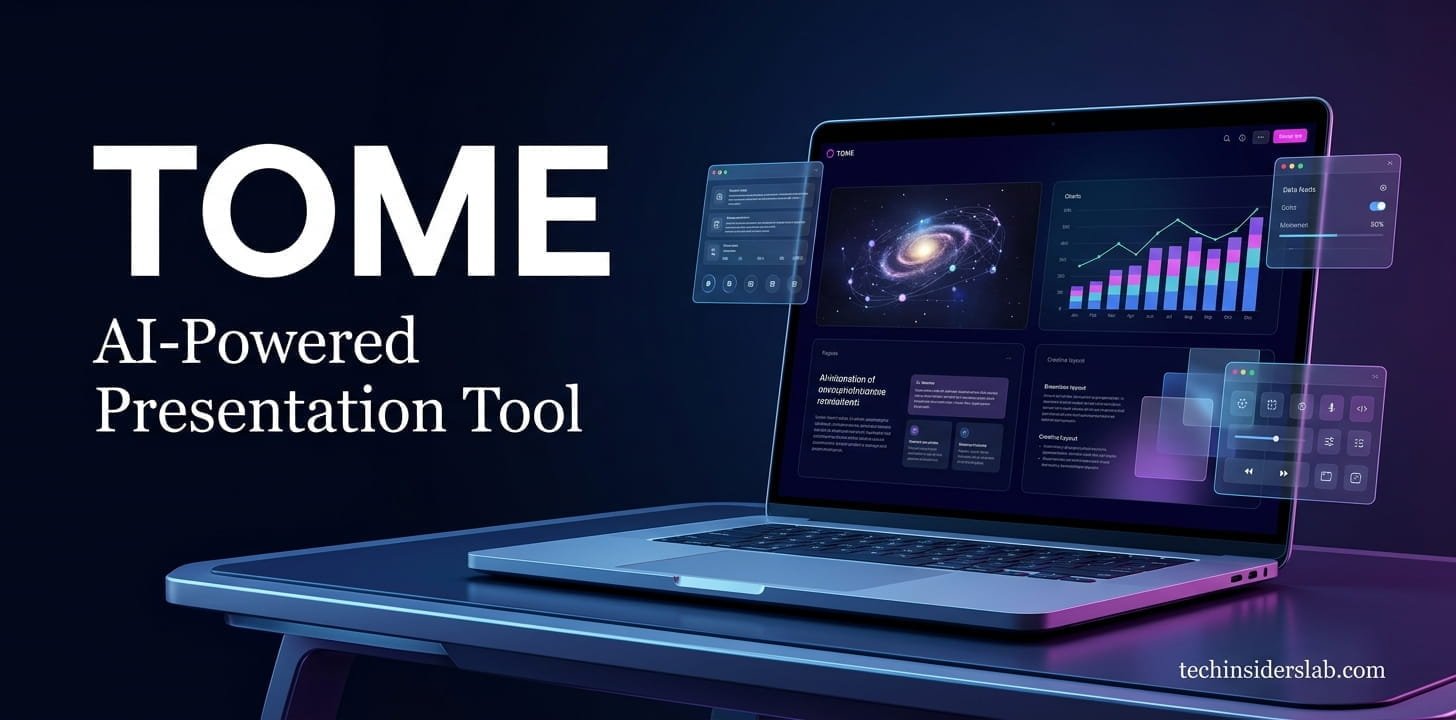
Creating a professional presentation can take a lot of time. From researching information and organizing ideas to writing content, selecting images, and designing individual slides, the entire process can become difficult, especially when you have a short deadline. Tome is an AI-powered content creation and presentation tool designed to make this process faster and more convenient.
Instead of starting with a blank presentation, users can provide an idea or prompt and allow AI to help develop an outline, written content, visual elements, and page layouts. This approach makes Tome particularly interesting for students, professionals, marketers, educators, entrepreneurs, and content creators.
Tome is not simply focused on traditional slides. It takes a more flexible approach to visual storytelling, allowing users to create presentations, one-page documents, visual stories, portfolios, and other types of digital content.
What Is Tome?
Tome is an AI-powered presentation and visual storytelling platform. It helps users transform ideas and written instructions into structured visual content.
The main concept behind Tome is to reduce the amount of manual work involved in creating presentations. Instead of designing every page from scratch, users can describe what they want and let AI generate an initial structure.
For example, a user could enter a topic such as artificial intelligence in education and provide instructions about the target audience, number of pages, important topics, and preferred visual style. Tome can then use that information to create a presentation structure.
Users can review the generated content, make changes, and customize the result according to their requirements.
How Does Tome Work?
Tome uses an AI-assisted workflow that begins with an idea or prompt.
The first step is usually providing information about the presentation you want to create. A simple prompt can produce a basic result, while a detailed prompt can provide the AI with more useful information about the subject, audience, design, and structure.
After receiving the prompt, Tome can generate an outline. This outline provides an opportunity to review the presentation structure before creating the complete content.
Users can add or remove topics, change the order of sections, rewrite headings, and modify the overall direction.
Once the outline is ready, the platform can generate presentation pages based on the selected structure.
This workflow is useful because it separates the planning stage from the design stage. Instead of immediately generating a large presentation, users can first decide whether the structure makes sense.
AI-Powered Presentation Creation
One of Tome’s main features is AI-assisted presentation generation.
Traditional presentation software usually requires users to begin with a blank slide. They must decide where to place headings, paragraphs, images, charts, and other elements.
Tome takes a different approach.
Users can start with a topic and allow AI to create an initial presentation. This can significantly reduce the time required to create the first draft.
For example, someone preparing a presentation about cloud computing could ask Tome to create a beginner-friendly presentation covering cloud infrastructure, benefits, security, storage, and common applications.
The AI can then organize these ideas into a logical sequence.
The generated presentation should still be reviewed carefully, but having a complete starting point can make the editing process much easier.
AI Writing and Editing
Tome can also help with written content.
Sometimes the biggest challenge in a presentation is not design but writing concise and understandable text. Long paragraphs that work well in an article may not work well on a presentation page.
AI-assisted editing can help transform longer content into shorter and more presentation-friendly wording.
Users can also ask AI to rewrite text, adjust the tone, shorten information, expand an explanation, or improve grammar.
This can be useful for people who already have the information but need help turning it into polished presentation content.
For example, a technical paragraph could be rewritten into a simpler explanation for beginners. Similarly, a long explanation could be converted into a concise section that is easier for an audience to read.
Creating Presentations From Existing Content
Another useful aspect of Tome is its ability to help transform written information into visual presentations.
Many users already have content available in the form of research notes, reports, articles, meeting information, project plans, or educational material.
Instead of manually copying every section into presentation pages, users can use their existing material as a starting point.
Tome’s AI can help organize the information into sections and pages.
This feature can be especially helpful for professionals who regularly need to turn reports into presentations.
For students, it can also provide a convenient way to transform research material into an initial presentation structure.
However, users should always check the generated result to ensure that important information has not been removed or changed incorrectly.
AI-Generated Images and Visuals
Visual content plays an important role in modern presentations.
Tome includes AI-assisted visual creation capabilities that can help users generate images based on their descriptions.
This means users do not always have to search through large image libraries to find a picture that matches their topic.
For example, a presentation about future technology could require futuristic illustrations, digital environments, or conceptual graphics. AI-generated visuals can provide a way to create such content based on a written prompt.
This can save time and help maintain a consistent visual direction throughout a presentation.
However, AI-generated images should still be reviewed. Some generated visuals may contain unusual details or may not communicate the intended concept clearly.
Tome’s Design and Layout Features
Good presentation design is about more than adding attractive images. Information needs to be organized so that the audience can understand it quickly.
Tome uses flexible layouts to help organize text, images, and other elements on a page.
Instead of requiring users to manually position every object, AI can suggest or generate layouts based on the content.
This is particularly useful for users who do not have advanced graphic-design skills.
Someone may have excellent information but little experience with presentation design. AI-generated layouts can provide a professional starting point that the user can then customize.
The platform’s flexible approach also makes it possible to create content that feels more like a visual webpage or interactive story rather than a traditional collection of slides.
Charts and Diagrams
Presentations often require charts, diagrams, and other visual explanations.
Tome supports visual elements that can help users communicate processes, relationships, comparisons, and concepts.
Simple diagrams can be useful for explaining subjects that are difficult to understand through text alone.
For example, a technology presentation could use a diagram to show how data moves between different components of a system.
Similarly, a business presentation could use a visual process to explain a customer journey or workflow.
While Tome can help with basic visual communication, users working with highly complex datasets may still need specialized data-analysis or visualization software.
Sharing and Presenting Content
After creating a presentation, users need a convenient way to show it to others.
Tome provides presentation and sharing capabilities that allow digital content to be viewed and presented online.
This can be useful for remote meetings, online education, business presentations, and collaborative projects.
Digital sharing also makes it easier to distribute content without requiring every viewer to have the same presentation software installed.
The presentation can be refined before sharing, allowing users to check the text, images, layout, and overall flow.
Who Can Use Tome?
Tome can be useful for many different types of users.
Students
Students can use Tome to turn research topics into visual presentations. It can help organize ideas and create an initial structure.
However, students should verify information independently, especially when using AI-generated content for academic assignments.
Teachers and Educators
Teachers can use AI presentation tools to prepare educational material, lesson content, visual explanations, and classroom presentations.
Business Professionals
Professionals can use Tome for meetings, project updates, reports, proposals, and internal presentations.
Marketers
Marketing professionals can create campaign presentations, product explanations, marketing strategies, and client-facing visual content.
Entrepreneurs
Startup founders can use Tome to organize business ideas, product concepts, market information, and company presentations.
Content Creators
Content creators can use Tome to turn written ideas into visually appealing presentations and digital stories.
Benefits of Tome
One of the main benefits of Tome is speed.
Creating a presentation manually can require significant time. AI can provide a first draft much faster, allowing users to spend more time editing and improving the final result.
Another advantage is the combination of content and design.
Users do not necessarily need to create written content in one application, search for images in another, and design everything in a third tool.
Tome attempts to bring several parts of the content-creation process into one environment.
Its flexible format is another advantage. The platform can be used for more than traditional presentations, making it suitable for different types of visual storytelling.
Limitations of Tome
Although AI presentation tools can save time, they are not perfect.
One major limitation is that AI-generated content may contain inaccurate or unnecessary information. Users should always review important facts before using a presentation publicly.
Another limitation is customization.
Users who require complete control over every design element may prefer traditional presentation software. AI-generated layouts are convenient, but they may not always match a user’s exact requirements.
There is also a need to distinguish between older and newer information about Tome. The product has evolved over time, and older guides may describe features or workflows that are no longer available in the same form.
Therefore, users researching Tome should pay attention to when information was published.
Tome vs Traditional Presentation Tools
Traditional presentation software usually begins with a blank slide. Users have complete control but are responsible for creating most of the content and design themselves.
Tome focuses more heavily on AI-assisted creation.
The basic difference can be understood as follows:
Traditional workflow:
Idea → Blank slide → Write content → Add images → Design → Edit
AI-assisted workflow:
Idea → Prompt → AI outline → Generated content → Customize → Present
The AI approach can be especially useful when users need to create a first draft quickly.
Traditional tools may still be preferable when precise formatting and detailed manual control are required.
Tips for Getting Better Results With Tome
The quality of an AI-generated presentation depends heavily on the quality of the instructions.
Instead of using a very short prompt, provide useful information about the project.
For example, instead of simply asking for:
“Create a presentation about cybersecurity.”
A more detailed instruction could be:
“Create a 10-page beginner-friendly presentation about cybersecurity for small businesses. Explain phishing, password security, malware, employee awareness, device protection, and basic security practices. Use simple language and a modern technology-focused visual style.”
A detailed prompt gives the AI more context.
It is also helpful to review the outline before generating the complete presentation. Removing unnecessary topics early can prevent repetition later.
Users should also maintain a consistent visual style and avoid filling every page with excessive text.
A presentation should support the speaker rather than become a document that the audience has to read word by word.
Is Tome Good for AI Presentation Creation?
Tome can be useful for people who want to reduce the amount of manual work involved in creating visual content.
Its AI-focused workflow makes it possible to move from an idea to an initial presentation structure quickly.
The platform can be particularly helpful when the main goal is to create a strong first draft, organize information, or experiment with different ways of presenting an idea.
However, the best results usually come from combining AI generation with human editing.
AI can provide structure and speed, while the user provides judgment, accuracy, context, and creativity.
Conclusion
Tome is an AI-powered presentation and visual storytelling tool that helps users turn ideas and written information into structured, engaging content. Its AI features can simplify presentation creation by helping with outlines, text, layouts, visuals, and editing. This makes it useful for students, professionals, marketers, educators, entrepreneurs, and content creators.
The biggest advantage of Tome is its ability to reduce the time and effort required to create a presentation from scratch. However, AI-generated content should always be reviewed and customized to ensure accuracy, clarity, and originality. When used as a creative assistant rather than a complete replacement for human input, Tome can make the presentation-building process faster and more efficient.