introduction
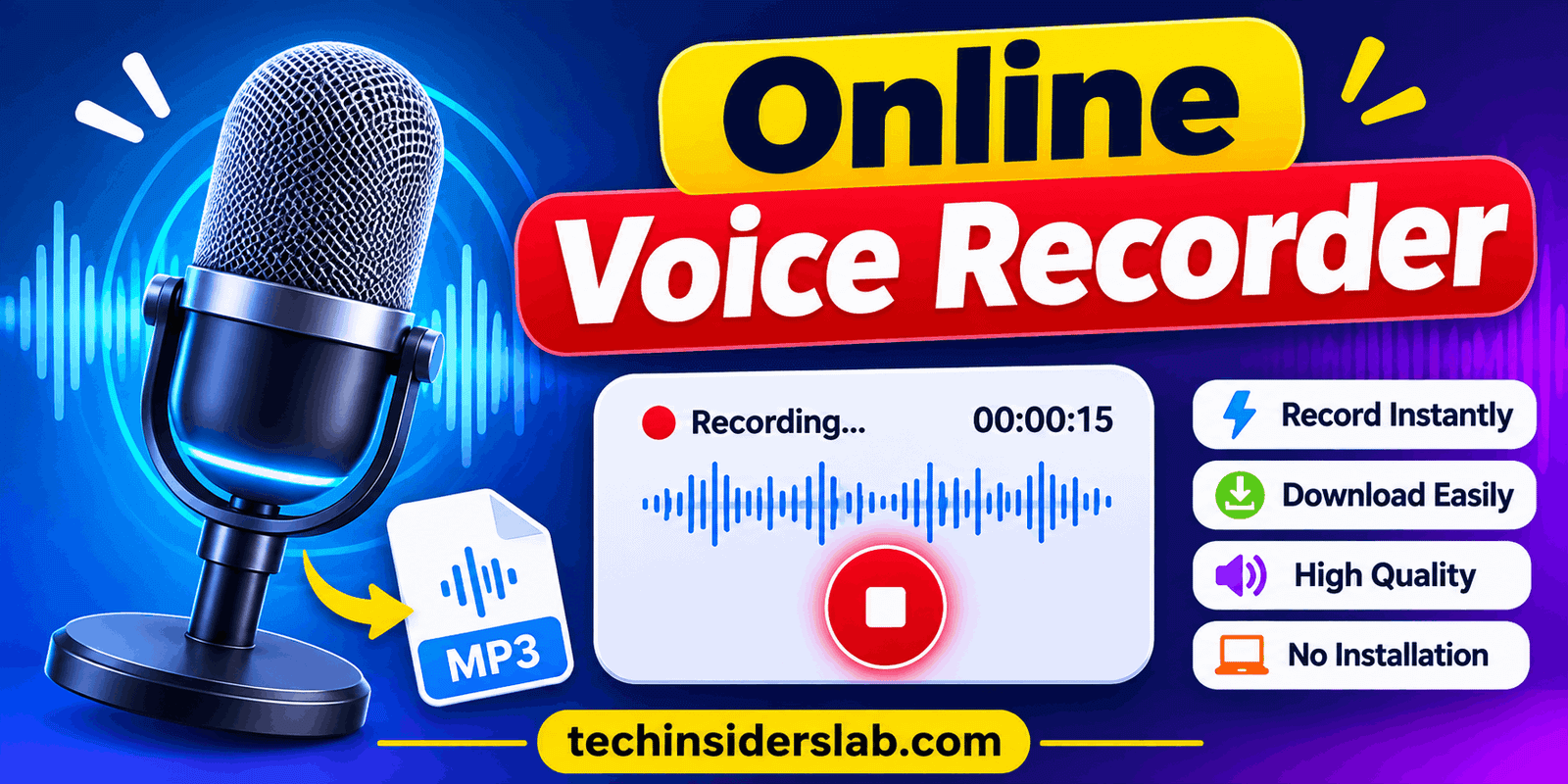
Online voice recorders have made it easier than ever to capture audio without installing complicated software or purchasing expensive recording equipment. Whether someone wants to record personal notes, prepare a lecture, save an important idea, create a podcast, or capture a voice message, an online voice recorder provides a simple and convenient solution.
These tools work directly through a web browser and allow users to record their voices using a computer, laptop, tablet, or smartphone microphone. Many online recording platforms also include useful features such as playback, audio downloads, trimming, and file management.
In this guide, we will explore what an online voice recorder is, how it works, its key features, benefits, limitations, and how to choose the right recording tool.
What Is an Online Voice Recorder?
An online voice recorder is a web-based tool that captures sound through a device’s microphone and allows users to save the recording as an audio file. Unlike traditional recording applications, it does not always require software installation. Users can simply visit a recording website, grant microphone permission, and begin speaking.
Most basic online voice recorders are designed around three main actions: record, listen, and download. More advanced platforms may offer additional options, including audio editing, noise reduction, automatic transcription, and cloud storage.
These tools are useful for people who need a quick way to capture spoken information without learning complicated audio production software.
How Does an Online Voice Recorder Work?
Online voice recorders use modern browser technology to access the microphone and capture incoming audio. When someone opens a compatible recording website and presses the record button, the browser requests permission to use the microphone.
Once permission is granted, the recording process generally follows these steps:
- Microphone Access: The browser connects to the selected microphone after the user approves the permission request.
- Audio Capture: The microphone converts spoken words and surrounding sounds into an audio signal.
- Audio Processing: The browser may apply basic processing, depending on the recording tool and its settings.
- Recording: The captured audio is collected and encoded into a supported format.
- Playback: Users can listen to their recordings to check the sound quality.
- Download: The finished audio can be saved to the device or shared if the platform supports sharing.
Modern browsers commonly use technologies such as the MediaRecorder API to capture and encode audio streams. The microphone access process is generally handled through the getUserMedia() interface. These technologies make browser-based recording possible without requiring a traditional desktop application.
Key Features of an Online Voice Recorder
Not every online voice recorder offers the same capabilities. Some focus on quick recordings, while others provide additional features for content creators, students, and professionals.
Here are some important features worth understanding.
1. One-Click Voice Recording
A simple recording interface is one of the most valuable features. Users should be able to start and stop recording without navigating through multiple menus.
This is especially helpful when someone wants to capture an idea quickly or record a short message before forgetting important details.
2. Microphone Selection
Some computers have multiple audio input devices, including built-in microphones, webcams, headphones, and external USB microphones.
A useful online recorder allows users to select their preferred input device. This can improve recording quality when an external microphone is more suitable than the computer’s built-in option.
3. Pause and Resume Recording
Pause and resume functionality gives users more control over longer recordings. Instead of creating several separate audio files, they can temporarily pause the recording and continue when they are ready.
This feature is particularly useful for students recording study notes, teachers preparing lessons, and professionals creating voice explanations.
4. Audio Playback
Listening to a recording before downloading it helps users identify mistakes, background noise, and unclear speech.
A playback option also makes it easier to decide whether another recording is necessary.
5. Audio Download Options
Downloading is an essential feature because users often need to access their recordings outside the browser.
Depending on the platform, available formats may include:
- MP3: A compressed format suitable for everyday listening and sharing.
- WAV: An uncompressed audio format commonly used for editing and higher-quality audio workflows.
- M4A: A compressed format frequently associated with AAC audio.
- WebM: A browser-friendly format that can contain Opus-encoded audio.
The available format depends on the recording service and browser compatibility. For example, Chrome, Firefox, and Safari may produce different native recording formats.
6. Audio Trimming
Some voice recorders include basic editing features that allow users to remove unwanted sections from the beginning or end of a recording.
This is useful when a recording contains unnecessary silence, accidental microphone noise, or an incorrect opening.
7. Noise Reduction
Background noise can make spoken audio difficult to understand. Advanced recording tools may provide noise reduction features that help minimize sounds such as fans, keyboard typing, and environmental distractions.
However, noise reduction is not a replacement for a suitable recording environment. Starting with a clean audio signal usually produces better results.
8. Privacy and Local Storage
Privacy is an important consideration when recording personal or professional conversations.
Some online recorders process and store recordings directly in the browser, while others upload audio to remote servers for additional services such as transcription and cloud storage.
Users should always check the privacy policy and understand where their recordings are stored before capturing confidential information.
Benefits of Using an Online Voice Recorder
Online voice recorders offer several practical advantages that make them useful for everyday activities.
No Software Installation Required
One of the biggest benefits is convenience. Users can access a browser-based recorder without downloading a large application or completing a complicated installation process.
This is particularly useful for people working on shared computers or devices with limited storage.
Easy to Use for Beginners
Traditional audio editing applications can contain complicated controls and advanced settings. An online voice recorder usually provides a much simpler experience.
Even someone with limited technical knowledge can generally understand how to start recording, stop it, and download the result.
Saves Time
When an important idea comes to mind, recording it can be faster than typing a long message.
Students can capture explanations, professionals can record reminders, and content creators can save ideas for future projects.
Accessible Across Different Devices
Many browser-based recording tools work on desktop computers, laptops, tablets, and smartphones.
This allows users to record audio from different devices without depending on one particular computer.
However, actual compatibility depends on the website, browser, microphone hardware, and operating system.
Useful for Remote Work
Remote employees often need to communicate information without scheduling another meeting. A short voice recording can explain an idea, provide feedback, or communicate instructions more naturally than a lengthy written message.
Convenient for Content Creation
Bloggers, YouTubers, online educators, and social media creators can use voice recorders to prepare narration, introductions, and audio drafts.
A basic recording can also serve as a starting point for a more professional editing process.
Common Uses of Online Voice Recording Tools
Online voice recorders are not limited to one particular audience. They can support different activities in education, business, entertainment, and personal productivity.
1. Recording Study Notes
Students can record important explanations, revision points, and personal reminders. Instead of writing every detail, they can speak their thoughts and listen to them later.
Voice recordings can also help students practice presentations and improve their speaking confidence.
2. Creating Voiceovers
Content creators often need narration for tutorials, presentations, videos, and educational content.
An online voice recorder provides a convenient starting point for capturing narration before adding it to a video editor.
3. Recording Business Ideas
Entrepreneurs and professionals frequently think of new ideas while working, travelling, or completing other tasks.
A quick voice recording allows them to save those thoughts and organize them later.
4. Practicing Languages
Language learners can record themselves reading sentences, practicing pronunciation, or speaking in another language.
Listening to their own recordings helps them recognize pronunciation mistakes, speaking habits, and areas that need improvement.
5. Preparing Presentations
Speakers can rehearse their presentations by recording their voices. They can then listen to the recording to identify unclear explanations, unnecessary pauses, and sections that need improvement.
6. Recording Interviews and Discussions
Basic voice recorders can capture spoken conversations when appropriate permission has been obtained.
For professional interviews, users may prefer advanced platforms that support separate audio tracks, remote participants, and backup recording.
7. Personal Voice Memos
People can use voice recording tools to save shopping reminders, daily thoughts, personal notes, and important information.
This makes an online recorder a simple productivity tool for everyday life.
Online Voice Recorder vs. Traditional Recording Software
Both online voice recorders and traditional recording applications have advantages, but they are designed for somewhat different purposes.
| Feature | Online Voice Recorder | Traditional Software |
| Installation | Usually unnecessary | Usually required |
| Ease of use | Generally simple | Varies by application |
| Accessibility | Browser-based | Depends on installation |
| Audio editing | Often basic | Frequently advanced |
| Recording controls | Basic to moderate | Often extensive |
| Internet requirement | Depends on the tool | Often works offline |
| Best for | Quick recordings | Professional audio projects |
An online recorder is a practical option for simple voice capture. Traditional recording software is usually more suitable when users need advanced mixing, multiple tracks, detailed audio effects, or professional production controls.
Neither option is universally better. The right choice depends on the type of recording and the features required.
How to Choose the Best Online Voice Recorder
Choosing the right recording tool is important because different platforms are designed for different purposes.
Consider these factors before selecting one.
Recording Quality
Look for a tool that provides clear audio and supports a suitable recording format. If you plan to edit the recording later, check whether the platform offers WAV or another appropriate format.
Remember that microphone quality and recording conditions also affect the final result.
Ease of Navigation
The interface should be simple and understandable. Important controls such as Start, Pause, Stop, Play, and Download should be easy to locate.
Browser Compatibility
Check whether the recorder works with your preferred browser. A reliable service should clearly communicate any device or browser limitations.
Privacy Protection
Read the privacy policy before recording sensitive information. Check whether audio stays on your device, is uploaded to a server, or is stored through a third-party service.
Editing Features
If you frequently create voiceovers or educational recordings, trimming and basic editing features can save time.
File Format Support
Consider how you will use the recording after downloading it. MP3 is convenient for sharing, while WAV can be more appropriate for editing workflows.
Recording Duration
Some platforms impose recording limits, file-size restrictions, or storage limitations. If you plan to record long lectures or interviews, check these conditions before starting.
Tips for Getting Better Audio Recordings
Even a good recording tool cannot completely compensate for poor recording conditions. A few simple techniques can make a noticeable difference.
Choose a quiet location: Background conversations, traffic, and household appliances can interfere with voice recordings. Find a quiet place before starting.
Use a quality microphone: An external USB microphone or a good headset can provide clearer results than a low-quality built-in microphone.
Maintain a suitable distance: Keep a consistent distance from the microphone. Speaking too close can create unwanted popping sounds, while standing too far away can make the voice quieter.
Perform a short test: Record a few seconds and listen to the result before beginning a longer session.
Speak naturally: Clear pronunciation and a steady speaking pace make recordings easier to understand.
Avoid unnecessary movement: Moving the microphone or touching the desk during recording can create distracting sounds.
Check your surroundings: Close unnecessary applications and reduce potential interruptions before recording important audio.
These small improvements can help produce cleaner recordings without requiring expensive equipment.
Are Online Voice Recorders Safe to Use?
Online voice recorders can be safe and convenient, but their privacy practices are not identical.
Some services process audio locally inside the browser, while others transfer recordings to their servers. A local-first recording approach can reduce the amount of audio shared with external services, but users should still consider device security and browser permissions.
For safer use, follow these precautions:
- Use trusted recording websites with HTTPS connections.
- Grant microphone permission only to websites you trust.
- Review the website’s privacy and data-retention policies.
- Avoid recording passwords, financial details, or other highly confidential information.
- Do not share private recordings through public links.
- Remove recordings you no longer need, including unnecessary cloud copies.
Another important point is consent. If you are recording another person’s voice or a conversation, make sure you follow applicable laws and obtain the necessary permission.
For example, browser microphone access normally requires user permission and a secure context such as HTTPS.
Limitations of Online Voice Recorders
Although online voice recorders are convenient, they also have some limitations that users should understand.
Internet and browser dependency: Some tools require an internet connection to load or process recordings. Others can continue working offline after the website has loaded.
Limited editing options: Basic recorders may not provide advanced audio effects, equalizers, multitrack editing, or professional sound mixing.
Microphone problems: Recording quality depends on the microphone, browser permissions, and device settings. A blocked microphone can prevent recording from starting.
File compatibility: Not every recorder supports every audio format. Some downloaded files may require conversion before they can be used in particular applications.
Device limitations: Long recordings can be affected by available memory, browser restrictions, battery life, and mobile operating system behavior.
Privacy differences: Not all online tools store recordings in the same way. Users need to understand whether their audio remains local or is transferred to an external server.
These limitations do not make browser-based recording tools unsuitable. They simply mean that users should select a platform according to their recording requirements.
The Future of Online Voice Recording
Online voice recording technology continues to develop as browsers and audio processing tools become more capable. Modern recording platforms are moving beyond basic microphone capture and introducing features that make audio creation more productive.
Artificial intelligence is becoming an important part of this development. Some platforms can automatically convert speech into written text, generate summaries, identify important discussion points, and help users organize recorded information.
Another developing area is automatic audio enhancement. Background noise reduction, silence detection, and voice improvement features can make recordings easier to use without requiring extensive manual editing.
Cloud integration is also changing how people manage audio files. Users can increasingly combine recording, editing, transcription, and collaboration in connected workflows.
However, these advanced features are not available in every online recorder. Simple recording tools will continue to be useful because many people only need a quick and straightforward way to capture their voices.
As browser technology improves, online voice recorders are likely to become even more flexible, accessible, and useful for students, professionals, and content creators.
Conclusion
An online voice recorder is a convenient tool for capturing audio without installing complicated software. It allows users to record voice notes, prepare presentations, practice languages, create voiceovers, and save important ideas directly through a web browser.
Its biggest advantages include accessibility, simplicity, and time savings. While basic tools may have limitations in editing, recording duration, and file compatibility, they are more than sufficient for many everyday recording tasks.
When choosing an online voice recorder, users should consider audio quality, microphone compatibility, supported formats, privacy protection, and available recording features. Selecting a suitable platform can make the recording process easier and help users manage their audio more effectively.
Overall, online voice recorders provide a practical solution for anyone who wants a simple way to record and save audio using a computer or mobile device.




3 Comments