Introduction
Writing clear, professional, and engaging content is an important part of modern communication. Whether someone is preparing a school assignment, writing a blog post, creating business documents, or sending professional emails, good writing helps communicate ideas effectively. However, producing high-quality text takes time, effort, and attention to grammar, sentence structure, and vocabulary. This is where AI-powered writing assistants can make a difference.
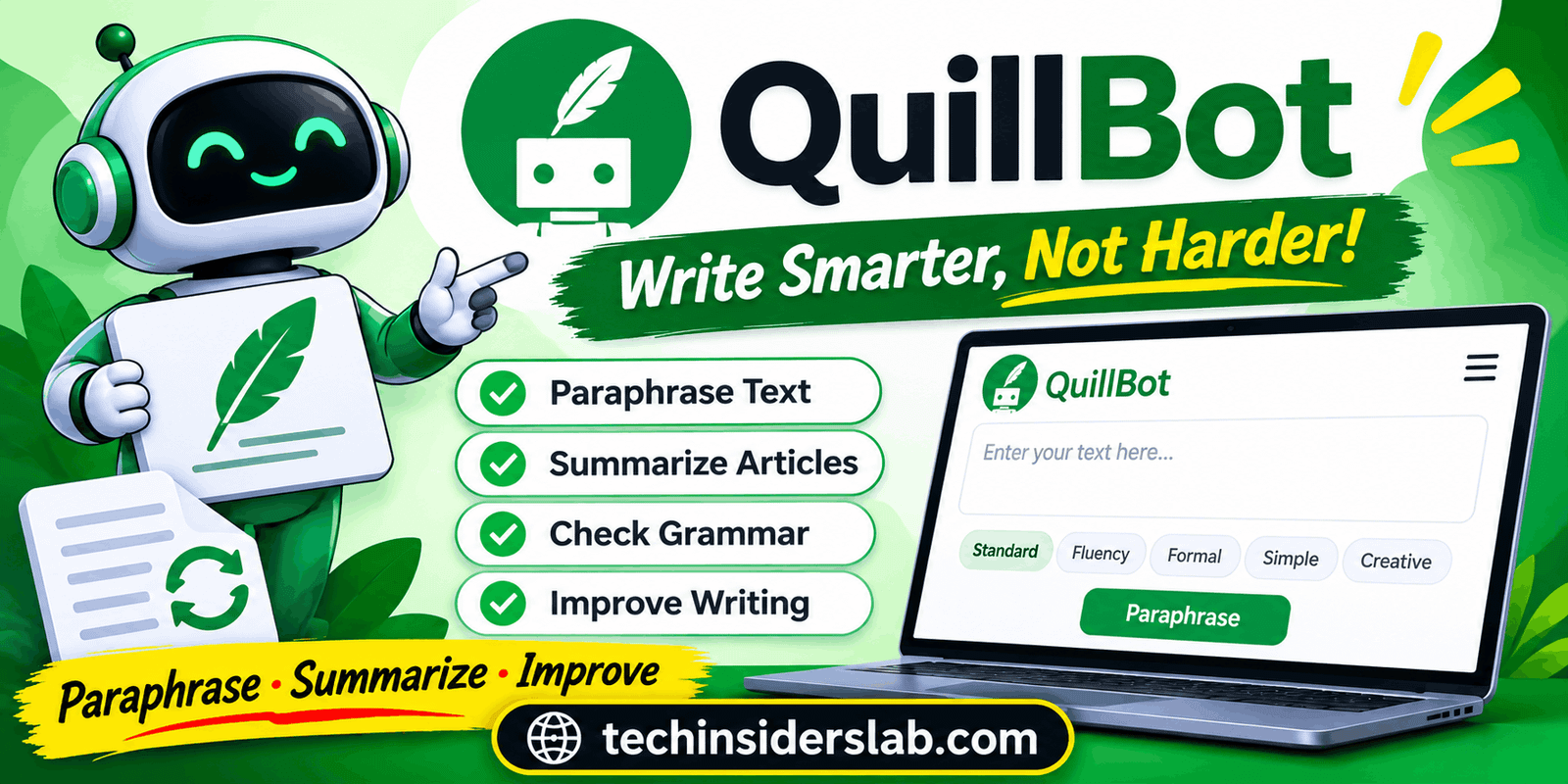
QuillBot is an AI-powered writing assistant designed to help users improve, rewrite, summarize, and refine written content. It provides several writing tools in one platform, making it useful for students, bloggers, researchers, professionals, and everyday users.
Instead of focusing only on paraphrasing, QuillBot combines multiple features, including grammar checking, summarization, translation, AI detection, and writing assistance. These tools help users work with text more efficiently while maintaining better readability.
In this article, we will explore QuillBot’s main features, how it works, its benefits, limitations, pricing options, and whether it is worth using.
What Is QuillBot?
QuillBot is an artificial intelligence writing platform that helps users improve the quality and clarity of their text. Its primary purpose is to make writing easier by providing tools that can rewrite sentences, correct grammatical mistakes, summarize lengthy information, and improve the overall flow of content.
One of its most popular features is the Paraphraser, which allows users to rewrite existing sentences without changing their original meaning. This can be particularly helpful when someone wants to express an idea differently or make complicated sentences easier to understand.
QuillBot is also useful for people who regularly work with large amounts of written information. Its summarization tool can turn lengthy content into shorter versions containing the most important points.
The platform is available through its website and offers additional access through browser extensions, mobile applications, and other integrations.
How Does QuillBot Work?
QuillBot uses artificial intelligence and natural language processing to understand and transform written text. When users enter a sentence or paragraph, the system analyzes its structure, vocabulary, and context before generating an alternative version.
For example, a user might enter a sentence that sounds repetitive or difficult to understand. QuillBot can suggest another version with improved vocabulary and sentence structure.
The general process is straightforward:
- Open the QuillBot website.
- Select the writing tool you want to use.
- Enter or paste your text into the available editor.
- Choose the required settings or writing mode.
- Let the AI process your content.
- Review the generated result and make any necessary changes.
Users can then copy the revised text or continue editing it.
Although the process is simple, reviewing the output is important. AI-generated suggestions may occasionally change the intended meaning or introduce wording that does not fit the context.
Main Features of QuillBot
QuillBot offers several tools that support different writing and reading tasks. Here are its most important features.
1. AI Paraphrasing Tool
The Paraphraser is one of QuillBot’s best-known features. It rewrites existing text using different vocabulary and sentence structures while attempting to preserve the original meaning.
This feature can help writers improve awkward sentences, avoid unnecessary repetition, and create more natural paragraphs.
For example, bloggers can use it to explore alternative ways of expressing an idea, while students can use it to understand how sentences can be structured differently.
QuillBot provides different paraphrasing modes, allowing users to adjust the style and tone of their writing. Free users have access to Standard and Fluency modes, while Premium provides additional modes and customization options.
2. Grammar Checker
Grammar mistakes can make even useful content look unprofessional. QuillBot’s Grammar Checker helps users identify and correct spelling, punctuation, and grammatical problems.
It can highlight mistakes and suggest corrections that make sentences easier to read.
This feature is useful for:
- Students preparing assignments.
- Bloggers editing website articles.
- Professionals writing emails.
- Job seekers preparing applications.
- Businesses creating written documents.
The basic grammar-checking functionality is available for free, while Premium provides additional recommendations for improving sentence clarity and writing style.
3. AI Summarizer
Reading long articles, research papers, and documents can take considerable time. QuillBot’s Summarizer helps users extract the main information from lengthy text.
It can produce summaries in paragraph or bullet-point formats. This makes it easier to understand important ideas without reading every sentence.
For example, a student researching a particular topic can paste a long passage into the Summarizer and receive a shorter version containing its central points.
Free users can summarize up to 1,200 words per input, while Premium supports up to 6,000 words per input.
4. AI Translator
QuillBot also includes a translation tool that helps users translate text between different languages.
This feature can be helpful for people who communicate internationally, study foreign-language material, or need to understand content written in another language.
Rather than translating individual words manually, users can enter complete sentences or passages and receive translated text.
However, translations should always be reviewed when dealing with technical, academic, or professional material because some expressions may have different meanings depending on the context.
5. AI Detector
The AI Detector is designed to analyze written content and estimate whether it may have been generated using artificial intelligence.
This feature can be useful for educators, writers, editors, and content reviewers who want additional information about the possible origin of a text.
However, AI detection tools are not perfectly reliable. Human-written content can sometimes receive an AI-related classification, while AI-generated content may not always be identified correctly.
Therefore, QuillBot’s AI Detector should be treated as an additional checking tool rather than definitive proof of how a document was written.
6. AI Humanizer
QuillBot also provides an AI Humanizer that aims to make text sound more natural and conversational.
It can help improve sentence flow, reduce awkward expressions, and create a more readable writing style.
This feature may be useful when AI-generated drafts sound repetitive or overly formal. However, users should not depend on humanization tools to guarantee that content will pass AI detection systems.
The best approach is to review the content, add original insights, verify information, and make sure the final writing accurately represents the intended message.
7. Plagiarism Checker
Originality is an important consideration in academic and professional writing. QuillBot includes a Plagiarism Checker that helps users identify text that may match existing published material.
This can be helpful for writers who want to review their work before submitting or publishing it.
A plagiarism check does not automatically make content original. Users should properly cite sources, avoid copying other people’s work, and ensure that their writing reflects their own understanding.
Premium access includes a monthly plagiarism-checking allowance.
8. AI Writing Assistance
QuillBot also offers generative AI features that help users brainstorm ideas, develop drafts, and refine existing content.
These features can be useful when someone struggles to begin an article, needs help organizing ideas, or wants suggestions for improving a paragraph.
Instead of replacing the writer, AI assistance can serve as a starting point for creating more organized and effective content.
Who Can Benefit from QuillBot?
QuillBot is designed for different types of users rather than a single professional group.
Students: Students can use the platform to improve sentence structure, correct grammar, summarize reading material, and understand alternative ways of expressing ideas. They should follow their institution’s academic integrity policies.
Bloggers and Content Writers: Bloggers can use QuillBot to refine drafts, improve readability, identify repetitive expressions, and summarize research material.
Teachers and Educators: Educators can use writing and grammar tools to review text, prepare learning materials, and support language development.
Business Professionals: Employees can improve emails, reports, presentations, and other business documents through grammar checking and rewriting suggestions.
Researchers: Researchers may find the summarization and language-support features useful when reviewing large amounts of written information.
Non-Native English Speakers: People learning English can use paraphrasing and grammar suggestions to understand sentence construction and improve their writing skills.
QuillBot Free vs Premium
QuillBot offers free and paid options, allowing users to choose according to their writing requirements.
Free Plan
The free version provides access to several essential writing tools. It is suitable for occasional users who need basic writing assistance.
Its features include:
- Standard and Fluency paraphrasing modes.
- Limited paraphrasing word count.
- Basic grammar checking.
- Summarization.
- AI Detector with limited access.
- Access to supported extensions.
- Basic writing assistance.
Premium Plan
The Premium plan is designed for users who need more advanced features and fewer usage restrictions.
Depending on the current plan, Premium includes:
- Full access to paraphrasing modes.
- Higher or unlimited paraphrasing capacity.
- Advanced grammar recommendations.
- Custom paraphrasing modes.
- Expanded summarization limits.
- More AI Detector access.
- Advanced writing assistance.
- Additional customization options.
QuillBot’s official pricing page lists different subscription options. Pricing and available features can change, so users should check the official website before purchasing.
For occasional writing tasks, the free plan may be enough. People who regularly produce articles, academic documents, or professional content may benefit more from Premium.
Benefits of Using QuillBot
QuillBot offers several advantages that make it a useful writing platform.
1. Saves Time: Rewriting sentences and correcting grammar manually can take a considerable amount of time. QuillBot helps speed up these tasks.
2. Improves Readability: Its paraphrasing and grammar tools can make complicated sentences easier to understand.
3. Multiple Tools in One Platform: Users can access paraphrasing, summarization, translation, and other writing tools without switching between several websites.
4. Beginner-Friendly Interface: The platform has a relatively simple interface, making it accessible even to people who are not familiar with advanced writing software.
5. Useful Free Features: Users can explore several important tools without immediately purchasing a subscription.
6. Supports Different Writing Needs: Students, professionals, bloggers, and language learners can use the platform for different purposes.
Limitations of QuillBot
Despite its useful features, QuillBot has some limitations that users should understand.
Limited Free Access: The free plan restricts certain features and usage limits. Users who work with long documents may need a paid subscription.
Meaning Can Change: Paraphrasing tools sometimes replace words or restructure sentences in ways that slightly change the original meaning.
AI Detection Is Not Perfect: Its AI Detector cannot guarantee accurate identification of AI-generated or human-written content.
Requires Human Review: AI suggestions may contain unnatural expressions, incorrect details, or unsuitable wording.
Not a Complete Replacement for Writers: QuillBot can improve existing text, but it cannot replace human creativity, research, critical thinking, and subject knowledge.
Understanding these limitations helps users get better results from the platform.
QuillBot Alternatives
Although QuillBot is a popular writing assistant, several other tools offer similar features.
Grammarly: Grammarly focuses on grammar correction, spelling, clarity, and writing suggestions. It is particularly useful for professional communication.
<escape>Wordtune</escape>: Wordtune helps users rewrite sentences and adjust their writing style. It is useful when improving clarity and tone.
<escape>ProWritingAid</escape>: ProWritingAid offers detailed writing analysis, grammar checking, and style recommendations. It can be helpful for longer documents.
<escape>LanguageTool</escape>: LanguageTool provides grammar and spelling assistance across multiple languages.
<escape>GrammarlyGO</escape>: Grammarly’s AI writing features help users generate and refine written content.
Each alternative has its own strengths, so the right choice depends on the user’s writing goals and preferred features.
Is QuillBot Worth Using?
QuillBot can be a valuable tool for people who regularly work with written content. Its combination of paraphrasing, grammar checking, summarization, and translation features makes it useful for everyday writing tasks.
For students, it can help improve sentence clarity and understand difficult reading material. Bloggers can use it to refine drafts, while professionals can benefit from its grammar and writing suggestions.
However, it is important to remember that AI-generated suggestions should not be accepted without review. Good writing requires accurate information, clear ideas, appropriate language, and an understanding of the intended audience.
The free version is a reasonable starting point for beginners. Users with more demanding writing requirements can consider the Premium subscription after exploring its features.
Conclusion
QuillBot is a useful AI-powered writing assistant that helps users improve their writing through paraphrasing, grammar checking, summarization, translation, and other features. Its simple interface makes it suitable for students, bloggers, professionals, and everyday writers. Although it cannot replace human creativity, research, or proofreading, it can make writing tasks faster and easier. The free version is a good starting point, while Premium offers additional features for regular users. Overall, QuillBot is worth trying for anyone looking to improve writing quality and productivity.