introduction
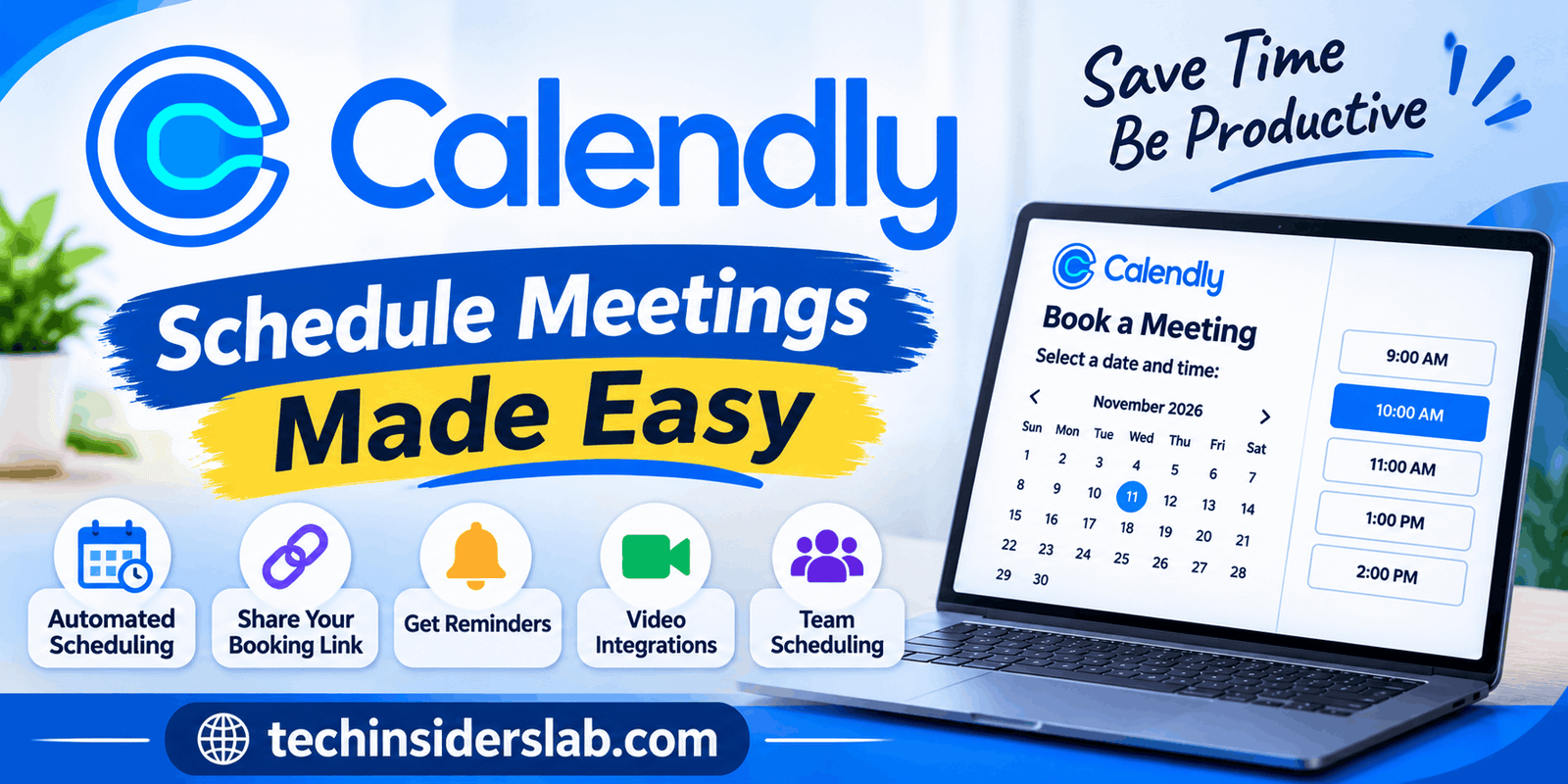
Calendly is a popular online scheduling tool designed to make booking meetings, appointments, and business calls easier. It helps individuals, freelancers, teams, and businesses manage their schedules without the repeated emails and messages usually required to find a suitable meeting time.
In today’s digital world, time management is important for almost every professional. Whether someone works remotely, manages clients, provides consultations, or organizes team meetings, scheduling can become a time-consuming task. Calendly addresses this problem by allowing users to share their availability through a booking link. Other people can then select a suitable time based on the available slots.
This guide explores Calendly’s features, how it works, its benefits, pricing considerations, integrations, limitations, and the types of users who can benefit from it.
What Is Calendly?
Calendly is an online appointment scheduling platform that allows people to arrange meetings without manually coordinating dates and times. Instead of exchanging multiple messages to decide when everyone is available, users can create a personalized scheduling page and share its link with others.
When someone opens the link, they can view the available time slots and choose a convenient option. Calendly automatically handles important scheduling details, including calendar updates, meeting confirmations, and notifications.
The platform is particularly useful for professionals who regularly communicate with clients, colleagues, students, customers, or business partners.
For example, a freelance web developer can share a Calendly booking link with a potential client. The client can choose an available consultation time without waiting for the developer to respond manually.
Calendly is available through its website and offers integrations with popular calendar and communication platforms. It is designed to simplify scheduling while helping users maintain better control over their working hours.
How Does Calendly Work?
Calendly follows a straightforward process that makes appointment scheduling accessible even to people without technical experience.
- Create an account: Visit the Calendly website and sign up using your email address or an available account connection.
- Connect your calendar: Link a supported calendar, such as Google Calendar or Outlook, so Calendly can identify existing appointments and busy periods.
- Set your availability: Choose the days and hours when you want people to book meetings.
- Create an event type: Select the meeting duration, location, description, and other booking preferences.
- Share your scheduling link: Send your personalized Calendly link through email, social media, or your website.
- Receive bookings: Once someone selects an available time, Calendly confirms the appointment and adds it to the connected calendar.
This process reduces unnecessary communication and gives both parties a convenient way to arrange meetings. Calendly also checks calendar conflicts to help prevent double-booking.
Main Features of Calendly
Calendly offers several features that help individuals and organizations manage their appointments more efficiently. Its functionality goes beyond simply displaying available meeting times.
1. Automated Appointment Scheduling
Automated scheduling is Calendly’s primary feature. Users can create booking pages and share them with people who need to arrange meetings.
Instead of manually suggesting different dates and times, users allow invitees to choose from available slots. Once a booking is completed, the appointment is added to the connected calendar.
This feature is especially helpful for consultants, freelancers, recruiters, sales professionals, and customer support teams who handle multiple appointments every week.
2. Calendar Integrations
Calendly connects with supported calendar services, including Google Calendar, Outlook, Office 365, and Exchange.
These integrations help users keep their schedules organized. When someone already has a busy event on a connected calendar, Calendly can block that time from being booked.
Users can also configure which calendars are checked for scheduling conflicts and where new appointments should be added.
This makes it easier to manage personal and professional commitments without constantly switching between different calendar applications.
3. Customizable Booking Pages
Calendly allows users to create personalized scheduling pages that display their meeting availability.
Users can customize event descriptions, meeting durations, booking preferences, and other details. They can also add relevant questions to collect information from invitees before a meeting.
For example, a business consultant might ask potential clients about their company, project requirements, and the type of assistance they need.
These details help meeting hosts prepare in advance and make conversations more productive.
4. Multiple Event Types
Different meetings require different durations and arrangements. Calendly supports multiple event types so users can create separate booking options for different purposes.
Examples include:
- 15-minute introductory calls
- 30-minute consultations
- 60-minute business meetings
- Job interviews
- Customer support appointments
- Group training sessions
Each event type can have its own availability, duration, description, and meeting location. The number of event types available depends on the selected subscription plan.
5. Automatic Meeting Reminders
Missed appointments can waste valuable time, especially for professionals who work with multiple clients.
Calendly offers automated notifications and reminder options that help keep participants informed about upcoming meetings.
Depending on the plan and configuration, users can send confirmations, reminders, and follow-up communications.
These notifications help participants remember their scheduled appointments and reduce the need for manual reminders.
6. Video Conferencing Integration
Remote meetings have become an important part of modern business communication. Calendly supports integrations with popular video conferencing platforms, including Zoom, Google Meet, Microsoft Teams, GoTo Meeting, and Webex.
When a connected conferencing service is selected for an event, Calendly can automatically generate meeting details after someone books an appointment.
The meeting information is then included in the relevant confirmation and calendar event.
This feature makes online consultations, interviews, and team discussions easier to organize.
7. Team Scheduling
Calendly is not limited to individual users. Businesses can also use it to coordinate appointments involving multiple team members.
Its team scheduling capabilities help organizations distribute meetings, organize shared availability, and manage different scheduling requirements.
For example, a sales department can use round-robin scheduling to distribute incoming meetings among available representatives.
Organizations can also create collective scheduling arrangements when an appointment requires more than one host.
These capabilities are particularly useful for companies that receive regular customer inquiries and sales requests.
8. Workflow Automation
Calendly includes workflow automation options that help reduce repetitive administrative tasks.
Users can configure certain actions around scheduled meetings, such as sending notifications, reminders, and follow-up messages.
Depending on the plan and available integrations, these workflows can help teams maintain consistent communication with clients and colleagues.
Instead of manually managing every appointment, businesses can automate parts of their scheduling process and focus on more important responsibilities.
9. Payment Collection
Calendly supports payment integrations that allow eligible users to collect payments when people book appointments.
For example, a private tutor can offer a paid consultation session, while a business consultant can request payment for a scheduled strategy call.
Supported payment integrations include Stripe and PayPal, with availability depending on the subscription and configuration.
This feature can be useful for professionals who sell their time through consultations, coaching, or appointment-based services.
10. Website and Social Media Sharing
Calendly makes it possible to share booking links across different online platforms.
Users can place scheduling links in email signatures, social media profiles, websites, and other communication channels.
Businesses can also embed scheduling pages into their websites, allowing visitors to book appointments without leaving the business website.
This can create a smoother booking experience and make it easier for potential customers to connect with a business.
Calendly Pricing and Plans
Calendly offers different subscription plans for individuals, small businesses, growing teams, and large organizations. Users can start with its free plan and upgrade when they need more advanced scheduling features.
According to Calendly’s published plan information, the platform currently offers six main options.
Calendly Help
| Plan | Best For |
| Free | Individuals with basic scheduling needs |
| Standard | Professionals and small teams |
| Standard Plus | Users who need additional AI meeting features |
| Teams | Organizations managing team scheduling |
| Teams Plus | Teams requiring additional AI capabilities |
| Enterprise | Large organizations with advanced administration and security needs |
Free Plan
The Free plan is suitable for individuals who want to try Calendly or manage a simple scheduling routine.
It includes one event type, one connected calendar, unlimited one-on-one meetings, basic booking page customization, and confirmation emails.
It is a practical starting point for freelancers and individuals who do not require advanced scheduling tools.
Standard Plan
The Standard plan provides additional flexibility for individuals and smaller teams.
It supports unlimited event types, multiple connected calendars, group scheduling options, payment integrations, and additional automation capabilities.
This plan is useful for professionals who regularly manage different types of appointments.
Standard Plus Plan
Standard Plus builds on Standard and adds AI-powered meeting management features.
It is designed for users who want additional assistance with meeting-related tasks and organization.
Teams Plan
The Teams plan is designed for organizations that need more advanced scheduling and collaboration features.
It includes capabilities such as team scheduling, routing forms, administrative controls, and meeting distribution tools.
Teams Plus Plan
Teams Plus combines team-oriented scheduling capabilities with additional AI meeting management features.
It may be suitable for organizations that handle a high volume of meetings and want more assistance with meeting administration.
Enterprise Plan
Enterprise is intended for larger organizations with advanced security, compliance, and management requirements.
It offers features such as single sign-on, user provisioning, audit logs, and additional administrative controls.
Important: Subscription prices, billing conditions, and feature availability can change. Check Calendly’s official pricing page before purchasing a plan. Some features may also depend on account eligibility and add-ons.
Benefits of Using Calendly
Calendly offers several practical advantages for people who regularly schedule appointments.
Saves time: Users do not need to exchange multiple emails to find a suitable meeting time.
Reduces scheduling conflicts: Calendar integrations help identify busy periods and prevent many double-booking situations.
Improves productivity: Automated booking and notifications reduce repetitive administrative work.
Provides convenience: Invitees can select available meeting times without waiting for a personal response.
Supports remote work: Video conferencing integrations make it easier to arrange online meetings.
Helps businesses manage clients: Booking links provide a consistent way for customers and potential clients to schedule appointments.
Offers flexibility: Different event types and availability settings allow users to organize meetings according to their needs.
These benefits make Calendly useful for individuals and organizations that want to spend less time coordinating schedules.
Who Should Use Calendly?
Calendly can benefit a wide range of professionals and organizations.
- Freelancers: Independent professionals can share booking links with clients and arrange consultations without lengthy conversations.
- Small business owners: Businesses can simplify customer appointments and organize service consultations.
- Recruiters: Hiring professionals can coordinate interviews with candidates more efficiently.
- Teachers and tutors: Educators can arrange student meetings, tutoring sessions, and parent consultations.
- Sales teams: Sales representatives can make it easier for potential customers to schedule product demonstrations.
- Consultants: Professional advisors can organize paid and free consultation sessions.
- Remote teams: Distributed employees can coordinate meetings across different schedules and time zones.
Calendly is particularly valuable for people whose work involves frequent appointments or conversations with other people.
Is Calendly Safe to Use?
Security is an important consideration when connecting an online scheduling platform to personal or business calendars.
Calendly provides several security and privacy protections designed to safeguard account information and scheduling data. Its security documentation describes encryption in transit and at rest, access controls, multi-factor authentication, and organizational security measures.
The platform also uses OAuth authentication for supported Google and Microsoft calendar connections, helping users connect calendars without directly sharing their third-party account passwords with Calendly.
Calendly maintains several compliance certifications and security programs, including SOC 2 Type II and ISO/IEC 27001.
However, users should still review account permissions, protect their login credentials, and avoid collecting sensitive personal information through booking forms unless an appropriate secure process is in place.
Limitations of Calendly
Although Calendly provides useful scheduling features, it may not be the perfect solution for every user.
Limited free features: The free plan is suitable for basic scheduling, but users who need multiple event types and advanced automation may need a paid subscription.
Internet dependency: Calendly is a cloud-based service, so users generally need an internet connection to manage their online booking pages and scheduling settings.
Learning curve for advanced features: Basic scheduling is easy to understand, but team management, integrations, and workflow configuration may require additional time.
Subscription costs: Paid plans can become expensive for organizations with many employees because team subscriptions generally involve per-seat pricing.
Integration requirements: Some advanced workflows depend on third-party applications and may require additional subscriptions or configuration.
Not a complete business management system: Calendly focuses primarily on scheduling. Businesses that need advanced project management, accounting, or comprehensive customer management may need additional software.
Understanding these limitations can help users decide whether Calendly matches their actual requirements.
Calendly Alternatives
Although Calendly is a popular scheduling solution, several other platforms provide similar services.
1. Cal.com
Cal.com is an appointment scheduling platform that offers flexible scheduling options and customization. It can be a suitable choice for developers, independent professionals, and organizations that want greater control over their scheduling experience.
2. Acuity Scheduling
Acuity Scheduling is designed for appointment-based businesses. It provides booking management, client information collection, and payment-related capabilities. It can be useful for consultants, coaches, and service providers.
3. YouCanBook.me
YouCanBook.me helps individuals and businesses manage online appointments through customizable booking pages. It is particularly useful for professionals who want to simplify customer scheduling.
4. Microsoft Bookings
Microsoft Bookings is an appointment scheduling solution that works with Microsoft’s productivity ecosystem. It can be a convenient option for organizations already using Microsoft 365.
5. Google Calendar
Google Calendar offers scheduling and appointment-related features alongside its calendar management capabilities. It can be suitable for individuals and small businesses that prefer Google’s ecosystem.
Each alternative has different pricing, features, and integration options. The right choice depends on the user’s scheduling requirements, budget, and existing software.
Tips for Getting Better Results with Calendly
Users can improve their scheduling experience by configuring their accounts carefully.
- Set realistic availability: Avoid making every hour available. Keep sufficient time for regular work and personal responsibilities.
- Add meeting buffers: Include breaks between appointments to avoid back-to-back meetings.
- Use clear event descriptions: Explain the purpose and expected duration of each meeting.
- Connect the correct calendars: Make sure Calendly checks the calendars that contain your existing commitments.
- Customize booking questions: Collect only the information needed to prepare for appointments.
- Enable appropriate reminders: Help participants remember their scheduled meetings.
- Review your booking page: Test your scheduling link to make sure the available times and meeting details are correct.
These simple practices can make Calendly more effective and help create a professional booking experience.
Conclusion
Calendly is a powerful and easy-to-use scheduling tool that helps individuals and businesses save time by automating appointment bookings. Its features, including calendar integrations, customizable booking pages, automatic reminders, team scheduling, and video conferencing support, make managing meetings much easier. Whether you are a freelancer, consultant, recruiter, educator, or business owner, Calendly can help you organize appointments and improve productivity. Although some advanced features require a paid subscription, its free plan is a good starting point for basic scheduling needs. Overall, Calendly is a valuable productivity tool for anyone looking for a simple and efficient way to manage meetings and appointments.