introduction
Online meetings have become an important part of modern work. Businesses, freelancers, students, and remote teams use video calls to discuss projects, share ideas, interview candidates, and communicate with customers. However, remembering every important detail during a meeting can be difficult. Taking notes while listening to a speaker may also distract you from the conversation.
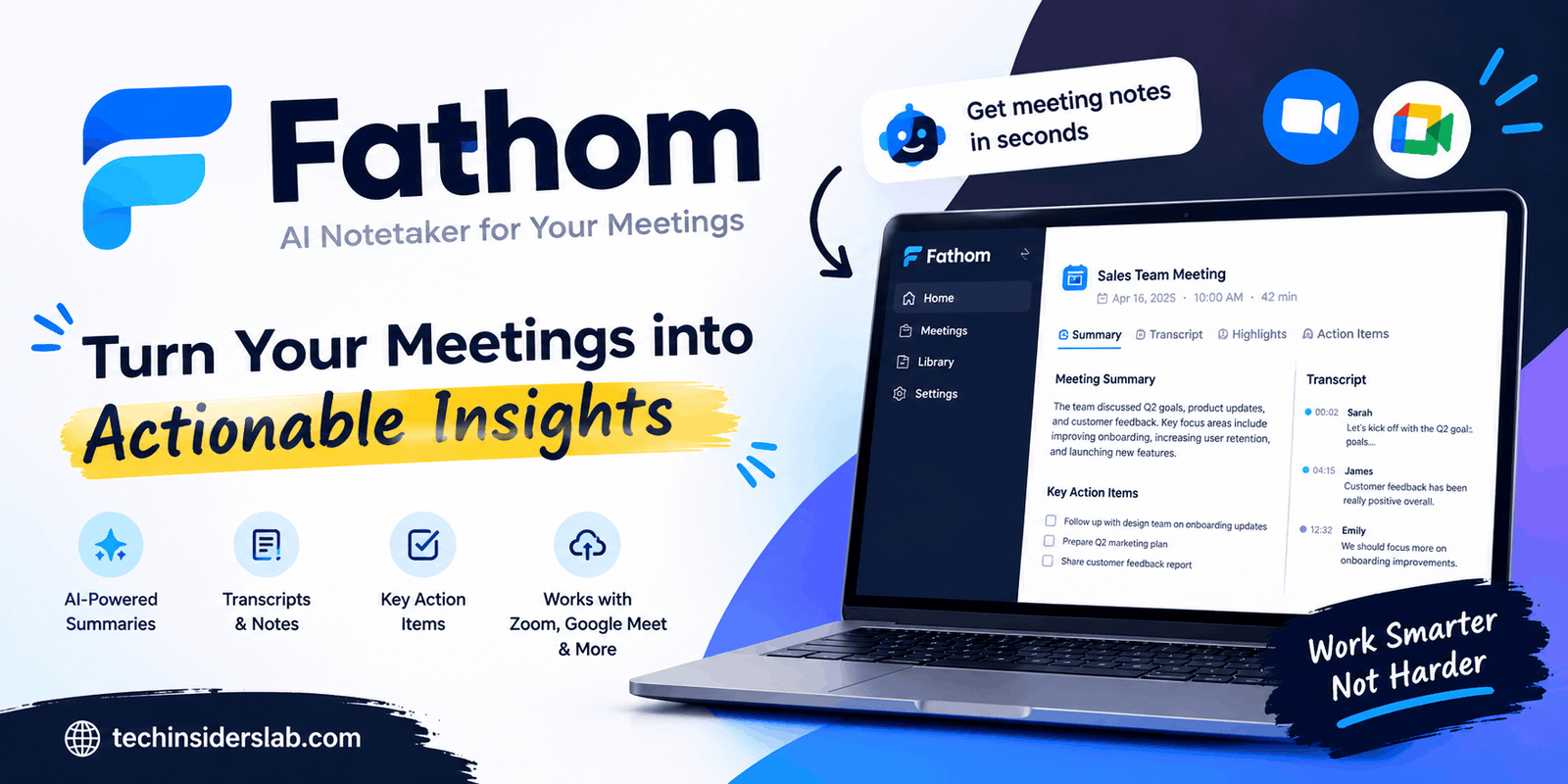
Fathom is an AI-powered meeting assistant designed to make this process easier. It helps users record meetings, generate transcripts, summarize discussions, and identify important action items. Instead of manually writing every detail, users can review an organized record of their conversations after a call.
Fathom is particularly useful for professionals who attend multiple meetings each day and want to spend less time on administrative tasks. Its AI features can also help teams find decisions, review customer feedback, and prepare follow-up messages.
In this guide, we will explore what Fathom is, how it works, its main features, pricing considerations, advantages, limitations, and whether it is the right productivity tool for your needs.
What Is Fathom?
Fathom is an AI meeting assistant that captures conversations and converts them into searchable, organized information. It supports popular video conferencing platforms, including Zoom, Google Meet, and Microsoft Teams.
The platform uses artificial intelligence to process meeting conversations and produce written summaries, transcripts, and other useful information. Depending on the plan and available features, users can also generate action items, create follow-up emails, and search across previous meetings.
The primary goal of Fathom is to reduce the effort required to document conversations. Rather than dividing your attention between listening and taking detailed notes, you can concentrate on the discussion and review the generated information afterward.
Fathom can benefit sales representatives, consultants, project managers, customer success teams, recruiters, and business owners. It is also useful for individuals who frequently attend online meetings and need a reliable way to remember what was discussed.
However, Fathom is not a replacement for human judgment. AI-generated notes should be reviewed before they are used for important business decisions.
How Does Fathom Work?
Fathom follows a relatively straightforward workflow. Once you set up the tool and connect it to a supported meeting environment, you can use its meeting-capture features to document conversations.
Here is how the process generally works.
1. Set Up Your Account
Start by visiting Fathom’s official website and creating an account. Follow the setup instructions for your preferred meeting platform and choose the available recording method.
Depending on your setup, Fathom may join a meeting as a visible assistant or offer a bot-free capture option. Availability can vary by device and product version.
2. Capture the Meeting
When a compatible meeting begins, use the configured capture method to record or document the conversation. Make sure the recording is permitted and that participants understand how the meeting will be captured.
3. Generate a Transcript
Fathom processes the conversation and creates a written transcript. This makes it easier to locate specific statements, review discussions, and identify the context behind important decisions.
4. Review the AI Summary
After processing, Fathom can provide an organized meeting summary. Depending on the available features, the summary may include major topics, important decisions, and action items.
5. Share or Use the Results
Users can review the meeting information, share relevant notes with teammates, and connect supported integrations to their existing workflows.
This process can reduce repetitive administrative work, especially when several meetings take place throughout the day.
Key Features of Fathom
Fathom offers several features designed to improve meeting productivity. The exact capabilities available to an individual user depend on the plan, platform, and current product version.
AI-Powered Meeting Summaries
One of Fathom’s main features is automatic meeting summarization. Long conversations often contain repeated explanations, unrelated discussions, and small details that are not necessary in a final recap.
Fathom helps organize a conversation into a more manageable summary. Users can review the main points without reading an entire transcript.
This feature is useful for project meetings, customer calls, planning sessions, and internal discussions. It can also help someone who missed a meeting understand the major topics, provided they have permission to access the notes.
Automatic Transcription
Fathom converts spoken conversations into written text. Transcripts provide a searchable record that can be useful when you need to verify what someone said or revisit a specific topic.
Its official individual-plan information lists transcription in 38 languages, although users should confirm support for their preferred language and recording setup before relying on it.
Transcription quality can vary with audio quality, accents, background noise, overlapping speakers, and technical terminology. Reviewing important names, numbers, and commitments remains essential.
Action Items and Follow-Up Emails
Meetings often end with tasks that need to be completed later. Someone may promise to send a document, schedule another call, or finish a project milestone.
Fathom’s AI features can help identify these commitments and organize them into action items. Depending on the plan, it can also assist with drafting follow-up emails.
These features are particularly valuable for teams that need clear responsibilities after customer conversations or project discussions. Users should still verify task owners, deadlines, and commitments before sending a recap.
Searchable Meeting History
Finding a statement in an old meeting can be frustrating when notes are scattered across documents and applications.
Fathom helps users search recorded meeting information instead of manually reviewing every conversation. Its meeting-intelligence features can also help surface decisions, customer feedback, objections, and recurring topics across calls.
This capability becomes more useful over time because previous discussions can serve as a reference for future work.
Ask Fathom
Ask Fathom allows users to ask questions about meeting information using natural language. Rather than searching through a transcript manually, users can request relevant details from conversations they have access to.
For example, a sales professional might want to review a customer’s main concerns, while a project manager may need to identify unresolved questions from previous discussions.
The value of this feature depends on the quality of the underlying meeting records. Important answers should be checked against the source transcript, particularly when a decision depends on an exact statement.
Integrations With Other Tools
Fathom supports integrations that help meeting information flow into other work applications. Depending on the integration and subscription, these may include CRM platforms and collaboration tools such as HubSpot, Salesforce, Slack, Notion, and Asana.
The platform also provides connections to AI tools such as ChatGPT and Claude, along with API and MCP capabilities for supported workflows.
These integrations can reduce manual copying and help teams maintain a more consistent record of customer conversations, project updates, and follow-up tasks.
Benefits of Using Fathom
Fathom can offer several practical advantages for people who regularly attend meetings.
Saves time: Automatic summaries and transcripts can reduce the amount of time spent writing meeting notes.
Improves focus: Participants can concentrate more on the conversation instead of attempting to document every sentence.
Supports accountability: Organized action items help teams remember commitments and follow-up tasks.
Makes information easier to find: Searchable transcripts can help users revisit discussions without reviewing an entire recording.
Improves team communication: Shared meeting notes can help colleagues understand decisions and next steps.
Supports consistent workflows: Integrations can move meeting information into existing systems, reducing repetitive data entry.
These benefits are most noticeable when meetings happen frequently and the resulting notes are actively used. Simply recording conversations will not improve productivity unless users review the information and follow through on the decisions.
Fathom Pricing: Is It Free?
Fathom offers a free plan as well as paid options for individuals and teams. This makes it possible to explore its core meeting-assistant features before committing to a subscription.
Its published plan information has included unlimited recordings and storage, along with unlimited transcription. The free plan may limit access to advanced AI summaries and other premium capabilities.
Paid plans can provide additional features, such as more advanced summaries, customizable templates, AI-generated action items, follow-up emails, and expanded meeting-intelligence tools. Team plans may offer additional administrative and collaboration features.
Pricing, included features, and subscription names can change. For the latest costs and plan limits, check Fathom’s official pricing page before making a purchase.
When evaluating the price, consider how many meetings you attend, how much time you spend preparing notes, and whether you need integrations or team-level controls. A free plan may be sufficient for basic personal use, while businesses with complex workflows may benefit from a paid subscription.
Who Should Use Fathom?
Fathom is suitable for several professional and educational situations.
Sales Teams
Sales representatives can use meeting summaries to review customer requirements, objections, product questions, and agreed next steps. Meeting records can also support follow-up emails and customer relationship management.
Remote Workers
Remote employees often attend multiple calls across different teams. Fathom can help organize discussions and make it easier to revisit decisions after a busy day.
Project Managers
Project managers can use summaries to track progress, review open questions, and identify tasks that require further attention.
Consultants and Freelancers
Consultants frequently discuss requirements, deadlines, and deliverables with clients. A searchable meeting record can help them verify expectations and prepare accurate follow-ups.
Recruiters and Interviewers
Recruiters may find transcripts and summaries helpful when reviewing interviews. However, they should handle candidate information carefully and avoid treating AI-generated summaries as the sole basis for hiring decisions.
Students and educators may also find meeting documentation useful for permitted online sessions, study groups, and collaborative projects.
Limitations of Fathom
Although Fathom can improve meeting workflows, it has limitations that users should understand.
AI Can Make Mistakes
Transcripts may misinterpret speech, while summaries can omit context or misunderstand a statement. Names, dates, technical terms, and numerical details deserve particular attention.
Supported Platforms and Features Vary
Not every feature works identically across all meeting platforms, operating systems, or subscription levels. Users should confirm compatibility before building an important workflow around a specific capability.
Privacy Requires Attention
Meeting recordings can contain confidential business information, personal details, and sensitive customer conversations. Users should obtain appropriate consent and follow workplace policies and applicable laws before recording.
Fathom publishes information about its security and compliance practices, but organizations should independently evaluate whether its controls meet their own requirements.
Advanced Features May Require Payment
While the free plan can be useful, certain AI features and customization options may require a paid subscription. Review the current plan comparison to avoid unexpected limitations.
Human Review Is Still Necessary
Fathom helps organize meeting information, but it does not eliminate the need for judgment. Important summaries, commitments, and decisions should be checked against the original conversation.
Is Fathom Safe to Use?
Fathom states that it maintains security and compliance measures, including SOC 2 Type II auditing and support for relevant privacy and compliance requirements.
Nevertheless, no productivity platform should automatically be considered appropriate for every type of conversation. Security certifications do not remove the responsibility to protect confidential information.
Before using Fathom, review its current privacy policy, recording options, data-handling practices, retention controls, and available administrative settings. Check whether your organization permits third-party AI recording tools.
For sensitive discussions, confirm that every participant understands the recording arrangement and that the selected capture method is appropriate. Avoid uploading or sharing private meeting content with people who are not authorized to access it.
Fathom vs. Traditional Meeting Notes
Traditional note-taking gives users direct control over what they record. It can be effective for short meetings or discussions where only a few details matter.
However, manual notes can be incomplete when the conversation moves quickly. Participants may also struggle to listen carefully while writing.
Fathom offers an alternative by generating transcripts and summaries automatically. It can make information easier to search and help users prepare follow-up tasks.
The best approach depends on the situation. Some people prefer to combine Fathom with brief personal notes, using AI to capture the conversation while highlighting their own priorities.
Conclusion
Fathom is a powerful AI meeting assistant that helps users save time by creating meeting transcripts, summaries, and action items. Its features can improve productivity, simplify follow-ups, and keep important discussions organized. Although AI-generated notes may require review, Fathom is a useful tool for professionals, remote teams, and businesses that regularly attend online meetings.