Protected Text: A Simple Guide to Private Online Notes
Introduction
Taking notes online is convenient, but not every note belongs in a public document or an ordinary messaging app. Personal ideas, private reminders, project details, and sensitive information may need a more discreet place to stay. Protected Text is designed for people who want to write and save notes online with password-based protection.
The service combines a familiar notepad experience with a private online space. It allows users to create notes through a web browser and return to them later. This makes it different from many conventional note-taking platforms that require a traditional account.
In this article, we will explore what Protected Text is, how it works, its main features, its benefits, and the important things users should know before relying on it.
What Is Protected Text?
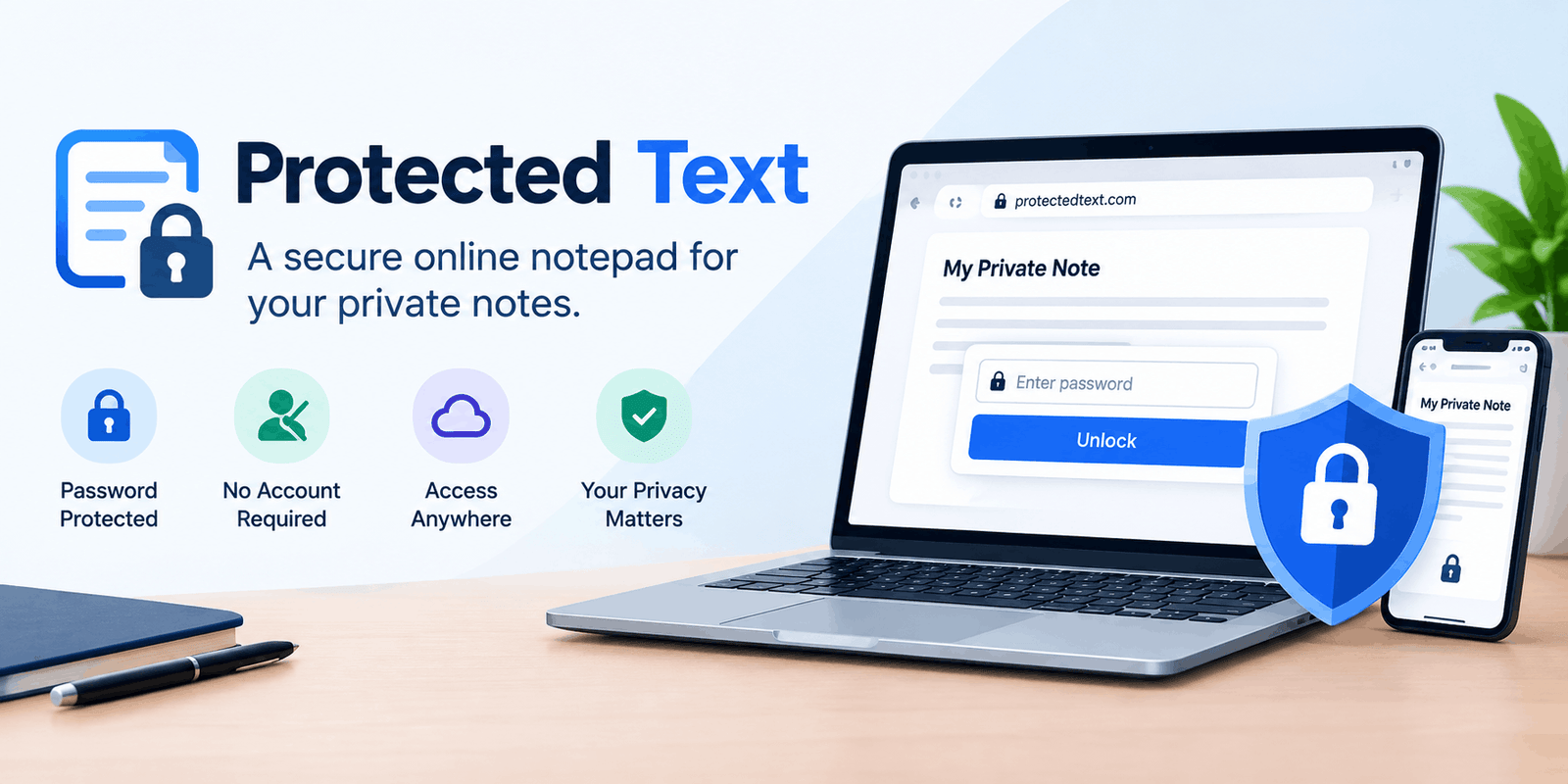
Protected Text is an online notepad that lets users create a private notes page, protect it with a password, and access it through a web browser. It is designed for people who want a simple place to store text without going through a lengthy registration process.
The basic idea is simple: instead of keeping every note in a publicly visible document or an ordinary text file, users can store it online in a protected form. This can be useful for personal reminders, ideas, project notes, and other text-based information.
Protected Text is best understood as a privacy-focused writing tool. It is not a complete replacement for every type of secure storage, but it can be a practical option for everyday private notes.
How Does Protected Text Work?
The main concept behind Protected Text is client-side encryption. In simple terms, the browser performs the encryption before the note is sent to the service.
A typical workflow looks like this:
- Choose a notes URL. The user selects a unique address for the note.
- Create a password. This password protects access to the encrypted content.
- Write the note. The browser handles the encryption process.
- Save the encrypted data. The online service stores the protected version.
- Return later. The user opens the same address and enters the password to access the note.
This approach is often described as a zero-knowledge security model. The important idea is that the service does not need to know the password in order to store the encrypted note.
However, users should still understand that no online service is automatically risk-free. Browser security, password quality, and the software’s implementation all matter.
Main Features of Protected Text
1. No Traditional Sign-Up
One of the most noticeable features is the lack of a conventional registration process. Users can create and access notes without adding another username and password combination to their daily routine.
This makes the service useful for people who want a quick writing space without creating a full account.
2. Password-Protected Notes
A password is central to the service’s protection model. It is not simply a decorative lock on the page; the password is used as part of the encryption process.
Users should choose a strong, unique password rather than something easy to guess. A weak password can reduce the protection of an otherwise private note.
3. Access from Different Devices
Protected Text is designed to be accessed through a web browser, so users can return to their notes from different devices.
This can be useful for someone who writes on a computer but later wants to read or update the same note on a phone or tablet.
4. Automatic Saving
Automatic saving is another useful part of the notepad experience. It can help prevent the inconvenience of manually saving every small change while writing.
This is especially helpful when working on longer notes, outlines, or project ideas.
5. Overwrite Protection
Protected Text also offers protection against accidental overwriting when the same note is edited from multiple devices.
This is useful for people who switch between a phone and a computer and want to avoid losing recent changes.
6. Simple, Distraction-Free Writing
The service focuses on writing and saving text rather than offering a large collection of productivity features.
For users who prefer a clean and straightforward interface, this simplicity can be an advantage.
Why People Use Protected Text
Protected Text is useful when the main requirement is private text storage with a simple interface. It can be a practical choice for several everyday situations.
Personal Notes and Ideas
Writers, students, and professionals often need a place to record ideas before they become finished work. A private notes page can be useful for brainstorming, outlines, reminders, and rough drafts.
The online format makes it possible to return to those notes without carrying a physical notebook.
To-Do Lists and Planning
A password-protected notepad can also be used for personal planning. Users may keep project checklists, shopping reminders, study plans, or other information that they do not want to publish publicly.
Developer Notes and Code Snippets
Protected Text can also be used for text-based technical information, such as scripts, configuration notes, and code snippets.
However, sensitive credentials should not be treated like ordinary notes. API keys, passwords, and private tokens require careful handling and should not be shared casually.
Sharing Private Text
Protected Text can be useful when someone needs to share a note with a trusted person. The recipient may need the note’s address and password to access the content.
However, anyone who receives both can potentially access the note. Users should only share private notes with people they trust.
Understanding the Security Model
The most important part of Protected Text is not its appearance; it is the way the service handles encryption.
Encryption Happens in the Browser
The service uses a client-side encryption approach. This means the note is protected before it is sent to the online storage system.
This is different from a system where the server receives ordinary readable text and then encrypts it afterward.
Your Password Matters
A strong password is essential. If someone knows the note’s address but does not know the password, the encryption is intended to prevent them from reading the content.
On the other hand, if a password is weak or shared with the wrong person, the privacy of the note can be compromised.
Lost Passwords Cannot Simply Be Recovered
One of the most important things to understand is that a forgotten password may mean losing access to the encrypted note.
This is a common trade-off in privacy-focused services: stronger privacy can also mean less convenience when access information is lost.
Before storing important information, users should make sure they have a safe way to remember their password.
Protected Text vs. a Regular Online Notepad
A regular online notepad may focus on convenience, collaboration, formatting, or integration with other applications. Protected Text focuses more specifically on private, password-protected text.
| Feature | Protected Text | Traditional Online Notepad |
| Main purpose | Private text storage | General note-taking |
| Account model | No traditional sign-up required | Often account-based |
| Password protection | Central feature | Varies by service |
| Online access | Yes | Usually yes |
| Collaboration | Limited compared with full workspace tools | Often more extensive |
| Best for | Personal notes and private text | Documents, teamwork, and organization |
The right choice depends on the task. Someone writing a shared project document may prefer a collaborative workspace, while someone who wants a simple private notes page may find Protected Text more suitable.
Limitations to Keep in Mind
Protected Text is useful, but it is not designed to solve every privacy or productivity problem.
It Is Primarily a Text Tool
The service is built around notes and text. It should not be assumed to provide the same capabilities as a full document-management platform, password manager, or encrypted file-storage system.
Password Recovery Is Not Available
Losing the password can mean losing access to the encrypted note. This is one of the most important limitations to understand before using the service for valuable information.
Sharing Reduces Privacy
A note may be encrypted, but sharing its address and password with another person gives that person access.
Users should only share sensitive notes with people they trust.
Browser and Device Security Still Matter
Client-side encryption does not protect against every possible threat. If a device is infected with malware, a browser is compromised, or someone gains access to an unlocked device, private information may still be exposed.
Users should keep their devices updated and avoid entering sensitive information on untrusted computers.
How to Use Protected Text Safely
A few simple habits can make the experience more secure.
Choose a Strong Password
Use a long, unique password that is not reused on other websites. Avoid common words, names, birthdays, or easily guessed combinations.
Keep a Safe Backup of Important Notes
If a note is important, consider keeping a secure backup. Before relying on any backup feature, make sure you understand how the backup is protected.
Avoid Sharing Passwords Publicly
Do not post a protected note’s password in a public comment, social media post, or open group.
If you need to share private information, use a trusted communication method.
Be Careful with Sensitive Credentials
For passwords, API keys, and other high-value secrets, a dedicated password manager or an organization-approved secure storage system may be more appropriate than a general-purpose notes service.
Use the Official Website
Always check the website address carefully before entering a password or opening a private note.
Avoid entering sensitive information on unfamiliar websites that look similar to the original service.
Protected Text on Mobile Devices
Protected Text is primarily a browser-based service, but users may also find mobile applications designed for password-protected notes and synchronization.
This can be useful for people who prefer writing on a phone while still accessing their notes through a browser.
However, users should understand how synchronization works and make sure they do not lose important information when changing devices.
The same security principles apply on mobile devices: use a strong password, keep the device secure, and avoid sharing private information unnecessarily.
Is Protected Text a Good Choice?
Protected Text can be a good choice for people who want:
- A simple online notepad
- Password-protected personal notes
- Access without a traditional account
- A private place for ideas and reminders
- A text-focused tool without unnecessary complexity
It may be less suitable for people who need:
- Advanced document collaboration
- Extensive file-management features
- Enterprise-level administration
- A complete password-management system
- Guaranteed recovery of forgotten passwords
The best tool is the one that matches the information being stored and the level of protection required.
Conclusion
Protected Text is a useful option for people who want a simple, private space for writing and storing notes online. Its password-based protection, browser access, and straightforward interface make it suitable for personal reminders, ideas, checklists, and other text-based information.
However, users should remember that privacy depends on more than the tool itself. A strong password, a secure device, careful sharing, and a safe backup strategy are all important. Protected Text is best viewed as a practical privacy-focused writing tool, not a replacement for every type of secure storage.
For techinsiderslab.com, Protected Text fits naturally into the Tools → Text Tools / Privacy Tools category.