introduction
In the world of social media, online communities, gaming, and digital communication, people are always looking for simple ways to make their text look different. One popular option is a Tiny Text Generator, an online tool that converts ordinary words into small-looking Unicode characters that can be copied and pasted into different platforms.
Tiny text is commonly seen in social media bios, usernames, captions, Discord profiles, gaming names, comments, chats, and other places where users want their text to have a distinctive appearance. Unlike traditional font formatting, the generated result is generally made from Unicode characters rather than a normal font-size setting. This is why the text can maintain its appearance after being copied and pasted into platforms that do not provide font controls.
What Is a Tiny Text Generator?
A Tiny Text Generator is an online text-conversion tool that transforms standard characters into smaller-looking Unicode alternatives.
For example, ordinary text such as:
Tiny Text
may be converted into styles such as:
ᵀⁱⁿʸ ᵀᵉˣᵗ
or:
ᴛɪɴʏ ᴛᴇxᴛ
or a subscript-style variation:
ₜᵢₙᵧ ₜₑₓₜ
The exact characters available depend on Unicode and the generator being used. Some alphabets have complete-looking sets, while others do not have a direct tiny equivalent for every letter. As a result, certain characters may remain unchanged or be replaced with the closest available Unicode character.
How Does a Tiny Text Generator Work?
The most important thing to understand is that a tiny text generator usually does not actually reduce the font size.
Instead, it maps normal characters to different Unicode characters that have a naturally smaller or raised/lowered appearance.
Unicode is the international character standard used by computers and digital platforms to represent text. It contains thousands of characters created for different purposes, including mathematics, chemistry, phonetics, writing systems, symbols, and technical notation.
Some of these characters happen to look smaller than ordinary letters. Tiny text tools use those characters creatively to produce miniature-looking text.
For example, superscript characters are commonly used in mathematical expressions such as x², while subscript characters can be found in scientific notation such as H₂O. Small text generators repurpose similar Unicode characters for decorative and social-media purposes.
This approach is different from changing the CSS font-size property on a webpage. A CSS font size only changes how text is displayed on that particular webpage. Unicode characters, however, are part of the text itself.
Main Types of Tiny Text
Tiny text generators commonly provide several styles. The three most recognizable are superscript, subscript, and small caps.
1. Superscript Text
Superscript characters appear above the normal baseline.
Example:
ᵗⁱⁿʸ ᵗᵉˣᵗ
This style is especially recognizable because superscript is already used in mathematics and scientific writing.
Users may choose superscript for:
- Social media bios
- Short captions
- Gaming names
- Discord profiles
- Decorative phrases
- Footnote-style text
- Mathematical expressions
Because superscript characters are raised and relatively small, they can create a subtle visual effect.
2. Subscript Text
Subscript characters appear below the normal baseline.
Example:
ₜᵢₙᵧ ₜₑₓₜ
Subscripts have legitimate technical applications, especially in mathematics and chemistry. For example, H₂O uses a subscript number.
Tiny text generators can use available subscript Unicode characters to create a miniature visual style. However, subscript has more limitations than users may initially expect because Unicode does not provide equivalent subscript characters for every letter.
3. Small Caps
Small caps use smaller capital-like characters that remain approximately aligned with normal text.
Example:
ᴛɪɴʏ ᴛᴇxᴛ
For many social-media users, small caps can be easier to read than strongly raised or lowered superscript text. Some generators describe small caps as one of the more readable tiny-text styles.
Why Do People Use Tiny Text?
The popularity of tiny text comes mainly from customization.
Most social platforms provide limited options for changing the appearance of text. Users may be able to make text bold or italic in some areas, but many profile fields and username boxes provide little or no formatting control.
Unicode-based text provides another way to create visual variation.
People use tiny text for several reasons:
- To personalize a profile
- To create unique usernames
- To decorate social-media bios
- To make captions visually different
- To create gaming nicknames
- To emphasize short phrases
- To add subtle headings
- To create mathematical or scientific notation
The key advantage is that the generated output can often be copied and pasted directly into text fields that support Unicode.
Tiny Text for Social Media
Social media is one of the most common places where tiny text is used.
Users may add small text to Instagram bios, TikTok profiles, X posts, Discord descriptions, YouTube comments, or other online profiles. Several current tiny-text tools specifically advertise copy-and-paste use across platforms such as Instagram, Discord, TikTok, and X.
For example, instead of writing:
Photography | Travel | Technology
someone might use a small-caps version for a more stylized profile:
ᴘʜᴏᴛᴏɢʀᴀᴘʜʏ | ᴛʀᴀᴠᴇʟ | ᴛᴇᴄʜɴᴏʟᴏɢʏ
The result can make a profile look more customized without requiring image editing software.
Tiny Text for Gaming
Gaming communities are another popular use case.
Players often want usernames, clan descriptions, status messages, or profile text that looks different from standard characters. Some Unicode-based tiny text tools specifically mention gaming platforms and games as use cases.
However, compatibility is not guaranteed. A game may restrict certain Unicode characters, replace unsupported characters, or display a square box instead. Users should test the generated name before relying on it.
Tiny Text for Discord
Discord is particularly suitable for creative Unicode text because users can customize various parts of their profiles, messages, channel names, and other areas.
Tiny text can be used for:
- Profile descriptions
- Status messages
- Channel labels
- Short announcements
- Decorative messages
- Nicknames where supported
Superscript and small-cap styles can create a compact appearance without requiring an external font file. Some tools specifically advertise tiny Unicode text for Discord messages and names.
Tiny Text for Mathematical and Scientific Notation
Tiny text is not only decorative.
Superscript and subscript characters have genuine technical purposes. Superscript is commonly used for powers and exponents, such as x² or E=mc². Subscript appears in chemical formulas such as H₂O.
This makes a tiny text generator useful when a website, chat box, or application does not provide rich text formatting.
Instead of using a complicated equation editor for a simple expression, a user may copy available Unicode characters directly into a plain-text field.
However, Unicode superscript and subscript characters are not a complete replacement for professional mathematical typesetting. Complex formulas may require dedicated equation formatting.
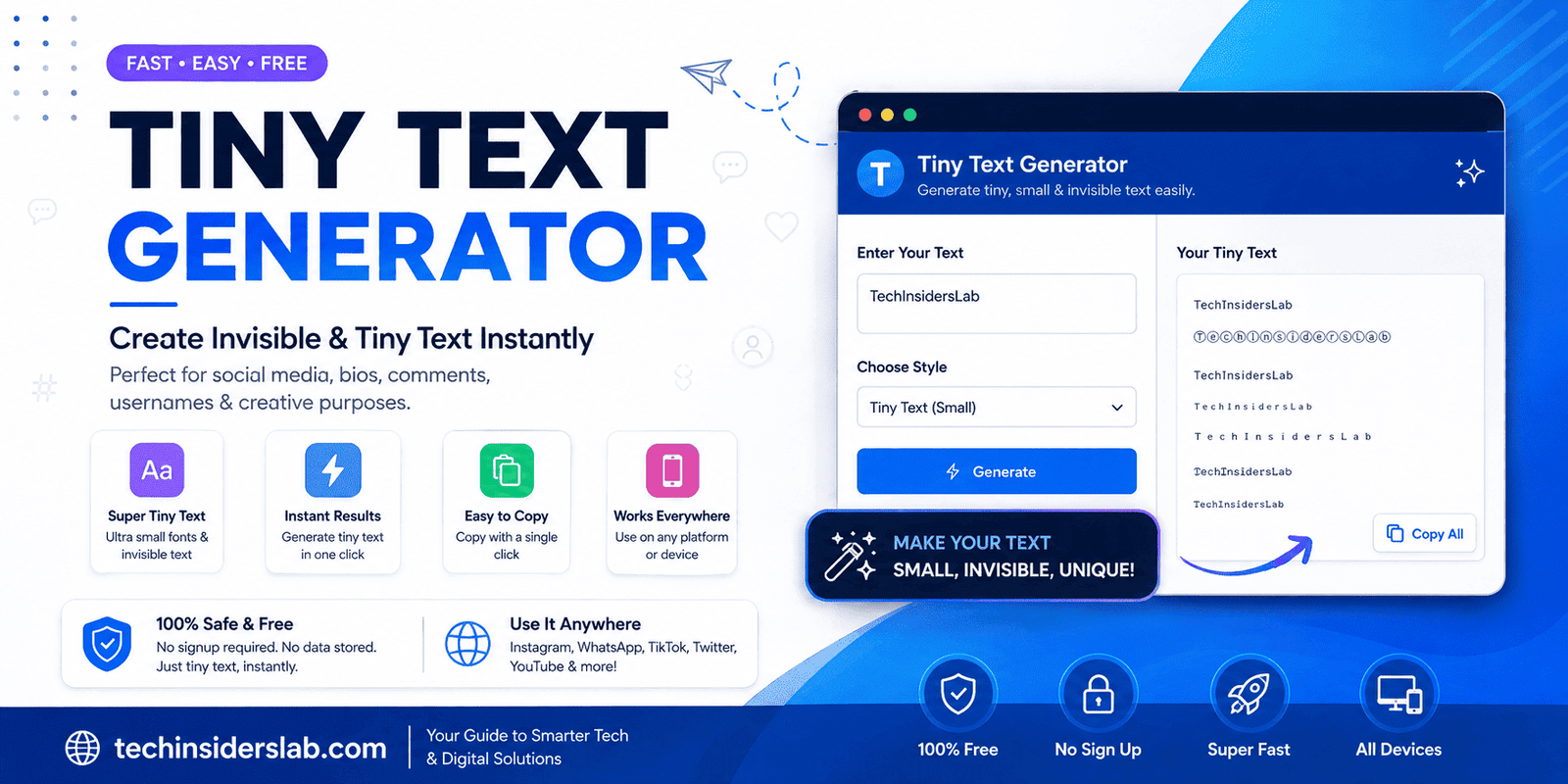
How to Use a Tiny Text Generator
Using a Tiny Text Generator is usually straightforward.
Step 1: Enter Your Text
Open the generator and type or paste the word, phrase, username, or sentence you want to convert.
Step 2: Choose a Style
The tool may generate several options, including:
- Superscript
- Subscript
- Small caps
- Other tiny Unicode variations
Some tools display multiple results simultaneously so users can compare them.
Step 3: Copy the Result
Click the copy button associated with the style you prefer.
Step 4: Paste It
Paste the result into your desired social profile, chat, username field, document, comment, or other Unicode-compatible location.
Step 5: Check Compatibility
Always look at the pasted result before publishing. Different platforms and devices may render Unicode characters differently.
Advantages of a Tiny Text Generator
Easy to Use
Most generators require only three basic actions: type, choose, and copy.
No Font Installation
Because the result uses Unicode characters rather than requiring a special font installation, users can generally copy and paste the output directly.
Fast Results
The conversion normally happens instantly, making the tool useful for quick profile customization.
Useful Across Multiple Platforms
Unicode text can work in many applications that accept Unicode characters, although individual platform support varies.
Good for Creative Profiles
Tiny text can provide a distinctive appearance for bios, usernames, captions, and short messages.
Useful for Technical Text
Superscript and subscript are also useful for mathematical, scientific, and chemical notation.
Limitations of Tiny Text
Despite its convenience, tiny text has some important limitations.
Not Every Letter Has a Tiny Equivalent
Unicode does not contain a perfect tiny version of every alphabetic character. Some characters are missing from superscript or subscript sets, so generators may use approximations or leave characters unchanged.
Compatibility Can Vary
One platform may display a Unicode character correctly while another may show a box, substitute another character, or reject it.
Readability Can Be Lower
Very small characters are harder to read, especially in long sentences.
Accessibility Concerns
Unicode tiny characters are not necessarily interpreted like ordinary text by screen readers. Some accessibility tools may pronounce the underlying Unicode character names, interpret the characters individually, or handle them inconsistently.
For this reason, tiny text should generally be used for decoration rather than essential information.
Tiny Text vs. Traditional Fonts
A common misconception is that tiny text is simply a very small font.
It is not.
Traditional fonts determine how existing characters are visually rendered. If you change the font size from 16px to 10px, the underlying text remains the same.
A Unicode tiny-text generator changes the characters themselves.
For example, the normal word:
hello
is made from standard Unicode letters.
A tiny version such as:
ʰᵉˡˡᵒ
contains different Unicode characters.
That distinction explains why tiny text can survive copy-and-paste into places where traditional font formatting would disappear.
Tips for Getting Better Results
For the best experience, keep your tiny text relatively short.
Short phrases are usually easier to read than entire paragraphs. Small caps can be a better choice when readability matters, while superscript can work well for short decorative phrases.
It is also useful to test the result on the platform where you plan to use it. A character that looks perfect in one browser may appear slightly different on another device.
Avoid using tiny Unicode characters for critical information such as phone numbers, emergency instructions, important announcements, or accessibility-focused content.
Is a Tiny Text Generator Free?
Many online tiny text generators are available without registration and provide instant copy-and-paste conversion. Some tools state that their conversion happens directly in the browser and that text is not uploaded to a server.
However, privacy practices differ between websites. Users should review the privacy policy of a specific tool if they intend to enter private or sensitive information.
There is generally no reason to enter passwords, financial details, private medical information, or other confidential data into a decorative text generator.
Conclusion
A Tiny Text Generator is a simple but useful online tool for converting ordinary text into small-looking Unicode characters. Instead of changing the actual font size, it uses available Unicode characters such as superscript, subscript, and small capitals to create a miniature appearance.
Its popularity comes from its convenience. Users can type a word or phrase, choose a style, copy the result, and paste it into compatible social-media profiles, chats, gaming names, comments, and other digital spaces.
Tiny text also has practical applications beyond decoration. Superscript and subscript characters are used in mathematical and scientific notation, making Unicode conversion useful when traditional formatting tools are unavailable.
At the same time, users should understand its limitations. Unicode does not provide a perfect tiny version of every character, platform compatibility varies, and very small text can create accessibility and readability problems.
When used appropriately, a Tiny Text Generator is an easy way to add personality and visual variety to digital communication while keeping the output copy-and-paste friendly.