introduction
In recent years, online healthcare has changed the way patients communicate with doctors and healthcare professionals. Instead of visiting a clinic for every consultation, many people now use telemedicine platforms to connect with providers remotely. Doxy.me is one of the platforms designed to make this process simple, accessible, and convenient.
Unlike complicated healthcare systems that may require patients to download applications or create complicated accounts, Doxy.me focuses on browser-based communication. Patients can generally connect with a healthcare provider through a web browser using a provider-specific room link. This straightforward approach can make virtual appointments easier for people who are not comfortable with complicated technology.
This guide explains what Doxy.me is, how it works, its main features, benefits, limitations, privacy considerations, and what patients and healthcare professionals should know before using it.
What Is Doxy.me?
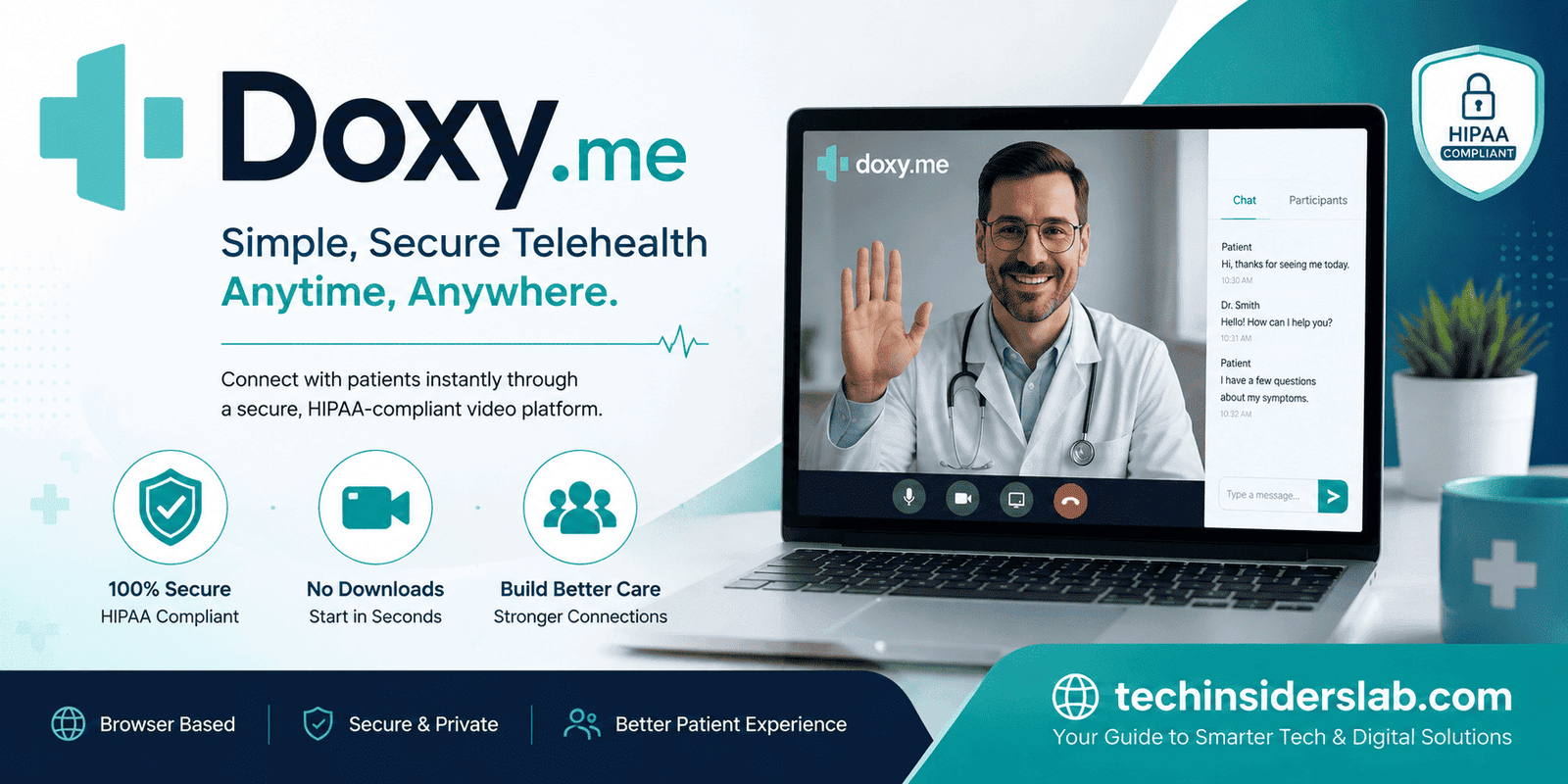
Doxy.me is a telemedicine platform that allows healthcare professionals to conduct virtual appointments with patients. The service is designed to support remote communication between providers and patients through video and audio.
One of its major characteristics is its browser-based approach. Patients typically do not need to install a dedicated application simply to join a consultation. Instead, a healthcare provider can give a patient a personalized room address, and the patient can use that address to enter the provider’s virtual waiting room.
The platform is intended to reduce technical barriers while providing healthcare professionals with tools for remote consultations.
Doxy.me is used by different types of healthcare providers, including doctors, therapists, counselors, and other professionals whose services can be delivered remotely.
How Does Doxy.me Work?
The basic process is designed to be relatively straightforward.
A healthcare provider creates and maintains a virtual clinic room. Patients can then access that room through the provider’s Doxy.me address.
A typical appointment may work like this:
- The healthcare provider sends the patient a Doxy.me room link.
- The patient opens the link in a compatible web browser.
- The patient enters basic identifying information requested by the provider.
- The patient enters the virtual waiting room.
- The healthcare professional receives a notification that the patient has arrived.
- The provider starts the consultation when ready.
- The appointment takes place through the platform’s communication tools.
The exact workflow can vary depending on how a healthcare professional has configured their account and how their practice handles appointments.
Why Browser-Based Telemedicine Matters
One of the most noticeable aspects of Doxy.me is its emphasis on browser-based access.
Traditional digital healthcare systems sometimes require users to download software, install applications, register accounts, or remember passwords. Those requirements can become obstacles, particularly for patients who have limited technical experience.
A browser-based model can make access easier. A patient may simply receive a link and open it using a supported browser.
This can be particularly useful for:
- Older adults
- Patients using shared devices
- People with limited technical knowledge
- Individuals who do not want to install another application
- Patients accessing healthcare from different devices
However, browser compatibility, device configuration, microphone permissions, camera permissions, and internet quality can still affect the experience.
Key Features of Doxy.me
1. Video Consultations
The primary purpose of Doxy.me is virtual communication between healthcare providers and patients. Video consultations allow providers to communicate face-to-face with patients when an in-person visit is unnecessary or impractical.
Depending on the provider’s setup and subscription, available communication features can vary.
2. Patient Waiting Rooms
Doxy.me uses virtual waiting rooms that allow patients to arrive before the healthcare professional begins the appointment.
This concept resembles a traditional clinic waiting room but exists digitally. The provider can see which patients are waiting and bring them into a consultation when appropriate.
3. No Traditional Patient Account Requirement
A major convenience for many patients is that they generally do not need to create a separate Doxy.me account just to participate in a provider’s appointment.
Instead, the healthcare professional typically manages the provider account while the patient accesses the provider’s room.
This can reduce the number of credentials patients have to remember.
4. Browser Accessibility
Because the platform is designed around web access, patients can often participate from supported computers and mobile devices without installing specialized software.
The exact browser and device requirements should always be checked before an appointment.
5. Messaging and Communication Tools
Depending on the account and configuration, healthcare professionals may have access to additional communication features. These tools can help providers communicate with patients before, during, or after virtual visits.
6. File and Information Sharing
Some telemedicine workflows require documents, images, forms, or other information to be exchanged between patients and providers. Available file-sharing functionality can depend on the Doxy.me plan and provider configuration.
Healthcare professionals should also consider their organization’s policies when handling sensitive patient information.
Benefits of Using Doxy.me
Simple Patient Experience
The platform’s straightforward access model can be one of its biggest advantages. Patients generally receive instructions from their healthcare provider rather than having to learn a complicated healthcare application.
Convenient Remote Care
Telemedicine can save travel time and reduce the need to visit a clinic for certain types of consultations.
For patients living far away from healthcare facilities, virtual appointments can be particularly convenient.
Useful for Follow-Up Visits
Some healthcare appointments do not require physical examination or specialized equipment. Follow-up discussions, therapy sessions, medication-related conversations, and certain consultations may be suitable for telemedicine.
Whether a virtual visit is appropriate depends on the patient’s situation and the provider’s professional judgment.
Accessible Across Devices
A browser-based system can provide flexibility for patients who switch between computers, tablets, or smartphones.
Reduced Technical Barriers
Patients who are uncomfortable installing applications may find a browser-based appointment easier to understand.
Doxy.me for Healthcare Professionals
Doxy.me is not only a patient-facing tool. Healthcare professionals can use the platform as part of their telemedicine workflow.
A provider may use it to organize virtual consultations, communicate with patients, and manage a digital waiting room.
For smaller practices, simplicity can be particularly valuable. A provider may not need to introduce a complicated software ecosystem to patients when the primary requirement is a secure virtual communication channel.
However, healthcare organizations should evaluate the platform according to their specific technical, regulatory, privacy, security, and workflow requirements.
Privacy and Security Considerations
Healthcare information is highly sensitive. Therefore, privacy and security are important considerations when choosing any telemedicine platform.
Doxy.me has positioned privacy and healthcare compliance as important aspects of its service. Nevertheless, no technology should be treated as automatically secure simply because it is used for healthcare.
Providers should understand the platform’s current policies, security documentation, terms, and applicable compliance features.
Patients should also take basic precautions.
For example:
- Use a private environment for consultations.
- Avoid public computers when possible.
- Use a trusted internet connection.
- Keep your device and browser updated.
- Do not share private appointment links unnecessarily.
- Follow your healthcare provider’s instructions.
- Make sure you are communicating with the correct healthcare professional.
Providers have additional responsibilities regarding patient records, access control, organizational policies, and applicable healthcare regulations.
What Do You Need to Use Doxy.me?
In most cases, a patient needs a few basic things for a virtual appointment:
- A compatible device
- A reliable internet connection
- A supported web browser
- A microphone
- A camera if video is required
- The provider’s Doxy.me room link
- A reasonably private location
Before the appointment, it is a good idea to check whether the browser has permission to access the microphone and camera.
A weak internet connection can cause freezing, audio delays, or dropped calls. Moving closer to a Wi-Fi router or switching to a more reliable connection may improve the experience.
Common Problems During a Doxy.me Appointment
Even simple telemedicine systems can experience technical issues.
Camera Not Working
If the video does not appear, the browser may not have permission to use the camera. Checking browser permissions and ensuring that no other application is using the camera can help.
Microphone Problems
If the provider cannot hear you, check the microphone permissions and confirm that the correct input device is selected.
Poor Video Quality
Video quality can be affected by internet speed, network congestion, device performance, or browser issues.
Connection Drops
A temporary network interruption may disconnect a consultation. Reconnecting through the provider’s room link may solve the problem.
Browser Compatibility
Using an outdated or unsupported browser can create problems. Keeping the browser updated can reduce compatibility issues.
How Patients Can Prepare for a Virtual Visit
Good preparation can make an online healthcare appointment much smoother.
Before the appointment:
- Test your internet connection.
- Charge your device.
- Check your camera and microphone.
- Open the appointment link in advance.
- Choose a quiet and private location.
- Keep relevant medical information nearby if needed.
- Write down questions you want to ask.
- Follow any instructions provided by your healthcare professional.
Patients should also avoid multitasking during medical consultations. Giving the appointment your full attention can make communication easier.
Doxy.me vs. Traditional In-Person Healthcare
Telemedicine does not completely replace traditional healthcare.
Virtual appointments are useful when physical examination, laboratory testing, imaging, or hands-on treatment is not required. They can also be valuable for follow-up communication.
However, some medical conditions require an in-person assessment.
For example, a healthcare professional may need to physically examine an injury, measure vital signs using clinical equipment, perform a procedure, collect laboratory samples, or provide emergency treatment.
Therefore, telemedicine should be viewed as an additional healthcare delivery method rather than a universal replacement for physical medical care.
Advantages and Limitations
Like any technology platform, Doxy.me has both strengths and limitations.
Advantages
- Simple browser-based access
- Convenient remote consultations
- Virtual waiting-room functionality
- Reduced need for travel
- Useful across different types of healthcare services
- Can be easier for patients unfamiliar with complex applications
Limitations
- Requires an internet connection
- Technical issues can interrupt appointments
- Not every medical condition is suitable for virtual care
- Features can differ according to the provider’s plan
- Patients still need an appropriate device and browser
- Virtual care cannot always replace physical examination
Understanding these limitations helps users set realistic expectations.
Is Doxy.me Easy to Use?
For many users, simplicity is one of its strongest characteristics. The patient generally does not need to manage a complicated registration process before joining a provider’s virtual room.
The overall concept is similar to entering a digital waiting room: access the provider’s room, identify yourself as instructed, and wait for the healthcare professional.
However, ease of use can still depend on the patient’s device, internet connection, browser, and familiarity with basic video-call controls.
Tips for a Better Telemedicine Experience
A few simple habits can improve virtual appointments.
Use headphones when appropriate: They can reduce background noise and make conversations easier to hear.
Use good lighting: A light source facing you generally makes your face easier to see than a bright window directly behind you.
Keep the camera stable: Position your phone or computer so that you do not have to hold it throughout the appointment.
Reduce background noise: Turn off televisions and unnecessary notifications.
Test everything beforehand: Checking the camera and microphone a few minutes before the appointment can prevent delays.
Protect your privacy: Avoid conducting sensitive medical conversations in public places.
The Future of Telemedicine
Telemedicine continues to evolve as healthcare providers and patients become more comfortable with remote communication.
Future developments may include better integration with electronic health records, remote monitoring devices, scheduling systems, digital prescriptions, and other healthcare technologies.
The broader goal is not simply to move traditional appointments onto a screen. Instead, effective telemedicine can combine digital communication with appropriate clinical workflows to make healthcare more accessible and efficient.
Platforms such as Doxy.me demonstrate how reducing technical complexity can encourage more people to participate in virtual healthcare.
Conclusion
Doxy.me is a telemedicine platform focused on making virtual healthcare communication straightforward for providers and patients. Its browser-based approach can reduce some of the technical barriers commonly associated with online appointments, while features such as virtual waiting rooms and video communication support remote consultations.
For patients, the main advantages are convenience, accessibility, and a relatively simple joining process. For healthcare professionals, the platform can provide a practical way to incorporate virtual appointments into their workflows.
At the same time, telemedicine has natural limitations. A virtual consultation cannot replace every type of medical care, and a reliable device, internet connection, privacy, and appropriate clinical judgment remain important.
Ultimately, Doxy.me is best understood as a digital tool that can complement traditional healthcare. When used appropriately, telemedicine can help connect patients and healthcare professionals without requiring every interaction to take place inside a physical clinic.