Introduction
Meetings are an essential part of modern work, but keeping track of every discussion, decision, and assigned task can be difficult. Employees often spend valuable time writing notes instead of participating in conversations. After a meeting ends, they may also struggle to remember important details or identify the next steps.
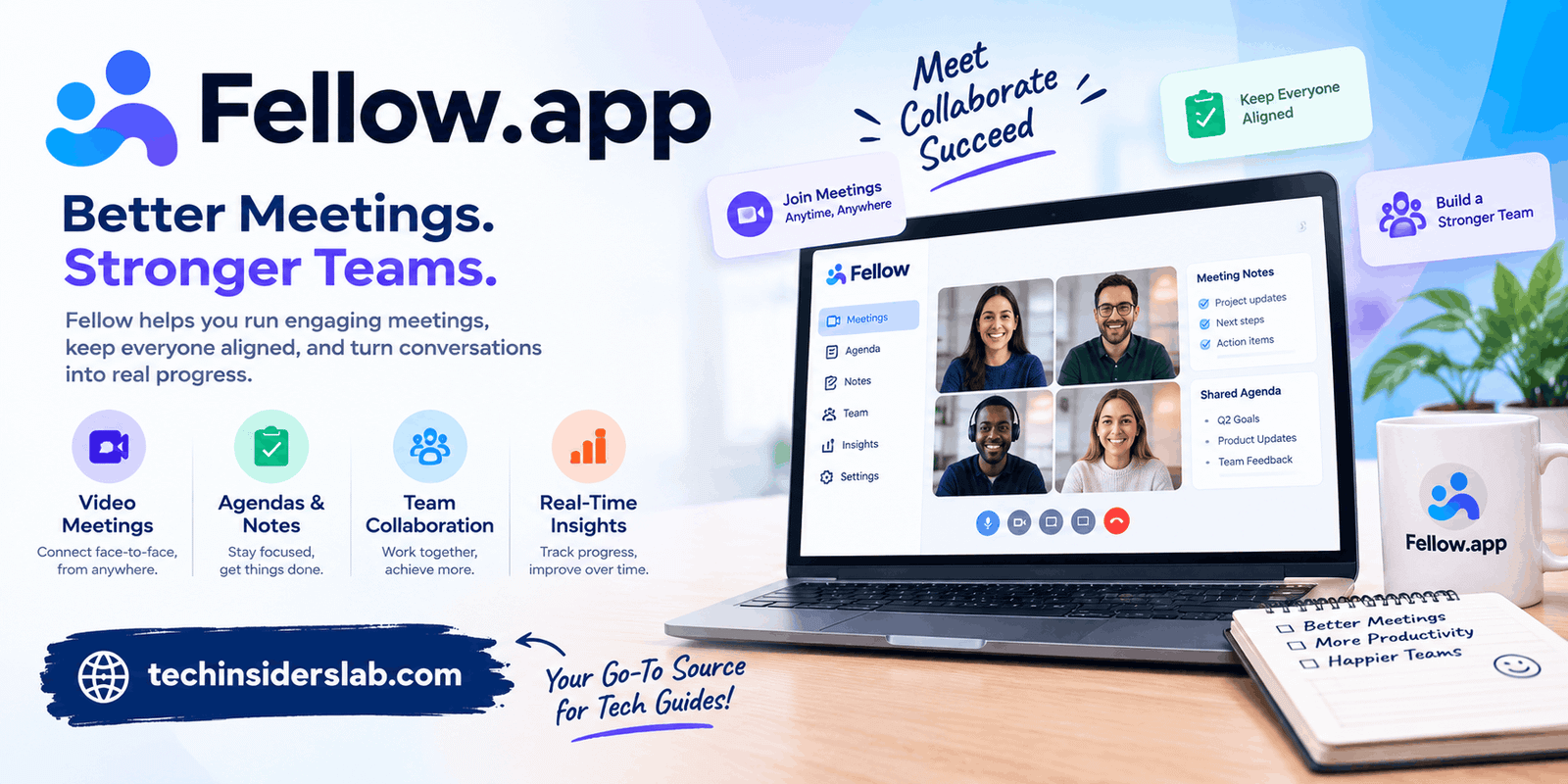
Fellow.app is an AI-powered meeting assistant designed to simplify this process. It helps users capture conversations, organize meeting notes, generate summaries, and identify action items so that important information is easier to review later.
The platform combines meeting management with artificial intelligence to help individuals and teams turn conversations into organized, actionable information. Whether you work remotely, manage a team, attend client calls, or coordinate projects across departments, Fellow can help reduce the administrative work associated with meetings.
Understanding its features, benefits, pricing structure, and privacy considerations is important before deciding whether it fits your workflow.
What Is Fellow.app?
Fellow is an AI-powered meeting assistant and productivity platform that helps people prepare for meetings, record discussions, generate notes, and manage follow-up tasks.
Instead of relying entirely on manual note-taking, users can use its AI Note Taker to capture supported meetings and produce transcripts, summaries, important decisions, and action items. Its other features help users organize meeting agendas, revisit previous conversations, and find information from recorded discussions.
For example, imagine a marketing team discussing an upcoming product launch. During the meeting, the team agrees on a publishing date, assigns promotional tasks, and identifies a budget issue that needs further investigation.
Without an organized system, someone must write down each decision and distribute the notes afterward. Fellow can help capture the discussion and organize the key outcomes into a meeting recap, making it easier for team members to understand their responsibilities.
The platform supports workflows involving popular video-conferencing tools, including Zoom, Google Meet, and Microsoft Teams. Available integrations and features depend on the user’s plan and configuration.
Fellow is particularly useful for businesses that hold frequent meetings and need a reliable way to preserve information, coordinate responsibilities, and reduce repetitive administrative tasks.
Key Features of Fellow
Fellow combines several meeting-related capabilities in one platform. Understanding these features can help you determine which parts of your workflow it can improve.
1. AI Meeting Note Taker
One of Fellow’s central features is its AI Note Taker. It can record supported meetings and transform spoken conversations into written information.
After a meeting, users can review the generated transcript and summary instead of depending exclusively on handwritten notes. This is helpful when a discussion includes several topics, multiple speakers, or detailed instructions.
The Note Taker can be configured according to supported meeting and recording settings. Users should review these settings to ensure it joins only the meetings they intend to capture.
2. Automatic Meeting Summaries
Long meetings often contain repetition, side discussions, and several separate topics. Reviewing the entire conversation afterward can take considerable time.
Fellow generates AI-powered recaps that highlight important information and help users understand what happened without immediately reviewing every minute of the recording.
A useful recap may include the main discussion points, key decisions, and follow-up tasks. Users should still review important details because AI-generated summaries can occasionally miss context or misunderstand a statement.
3. Meeting Transcription
Fellow converts supported meeting recordings into text, making conversations easier to search and review.
Transcripts are useful when a team needs to verify a particular statement, recover a project requirement, or check what someone said during a client discussion.
Transcription quality can vary depending on language, audio quality, accents, overlapping speech, and technical terminology. Reviewing important passages helps ensure that the information is accurate.
4. Automatic Action Items
A meeting becomes more valuable when participants know what to do afterward. Fellow helps identify tasks mentioned during conversations and organize them into action items.
For example, a project discussion might produce the following tasks:
- A designer needs to prepare updated screen layouts.
- A developer must investigate a reported software issue.
- A marketing manager needs to review the campaign budget.
- A project lead must schedule the next progress meeting.
By making these responsibilities easier to identify, Fellow can help teams reduce the risk of forgetting commitments. Users should verify automatically generated tasks and correct their owners or deadlines when necessary.
5. Ask Fellow AI Assistant
Fellow’s AI assistant helps users search available meeting information through natural-language questions.
Instead of manually opening multiple recordings, a user might ask what was decided during a previous project meeting or which follow-up tasks remain outstanding.
The assistant uses available meeting information to help retrieve relevant context. Its usefulness depends on the quality of the recorded information and the user’s access permissions.
6. Meeting Agendas and Preparation
Effective meetings begin before participants join the call. An agenda helps everyone understand the purpose of a discussion and identify the subjects that need attention.
Fellow provides meeting agenda and preparation features that can help teams organize talking points and maintain focus. For recurring meetings, preparation features can help users revisit previous discussions and identify outstanding follow-ups.
This can be especially useful for managers conducting regular one-on-one meetings or teams coordinating long-running projects.
7. Recording Library
Fellow organizes recorded meetings and their associated information in a recording library. Depending on permissions and available features, users can revisit recordings, search for information, review transcripts, and share relevant recaps.
This creates a searchable record of discussions that might otherwise be scattered across individual notes or forgotten after a call.
A well-organized recording library can be particularly helpful for onboarding employees, reviewing client requirements, and maintaining continuity when team members are absent.
How Fellow Helps Different Types of Users
Fellow is not limited to one profession. Its meeting-focused features can support several types of teams, although the value depends on how frequently they meet and how they manage follow-up work.
Remote and Hybrid Teams
Remote employees often participate in multiple video calls throughout the day. Fellow helps capture important conversations so team members can focus on discussion rather than trying to write down every detail.
It can also help colleagues in different time zones catch up on meetings they could not attend, provided they have permission to access the relevant records.
Managers and Team Leaders
Managers frequently conduct one-on-one meetings, performance discussions, and project reviews. Organized agendas, meeting recaps, and action items can help them maintain continuity between conversations.
Instead of relying on memory, managers can review earlier discussions and follow up on commitments. Sensitive conversations still require careful handling of recording permissions and access controls.
Sales Professionals
Sales teams need to understand client requirements, objections, purchasing priorities, and promised follow-ups. Meeting summaries can help sales representatives review conversations and prepare for their next interaction.
Fellow also provides sales-oriented capabilities in certain plans, including AI recap templates and integrations with customer relationship management systems. Availability depends on the subscription and configuration.
Project Managers
Project managers often coordinate several people, deadlines, and deliverables. Fellow can help them capture decisions, identify assigned tasks, and review previous discussions when questions arise.
For example, a team planning a website redesign could use meeting recaps to keep track of design approvals, development requirements, testing issues, and upcoming milestones.
Students and Researchers
People who attend online study groups, interviews, or research discussions may benefit from searchable transcripts and organized notes. However, Fellow is primarily designed for meeting workflows rather than serving as a complete academic research platform.
Students should also consider institutional policies, participant consent, and whether recording is appropriate for their particular activity.
How to Use Fellow: A Step-by-Step Guide
Getting started is easier when you understand the basic workflow.
Step 1: Create an Account
Set up your account and select the plan that fits your individual or team requirements.
Step 2: Connect Your Meeting Tools
Configure the supported calendar and video-conferencing integrations you need. Review the available permissions before connecting your accounts.
Step 3: Choose Your Recording Preferences
Decide whether the Note Taker should join selected meetings manually or follow supported automatic recording rules. Make sure the configuration matches your preferences and organizational policies.
Step 4: Prepare Your Agenda
Add discussion topics, objectives, and questions that participants should address. A clear agenda helps keep the meeting focused.
Step 5: Attend the Meeting
Participate in the discussion while the configured Note Taker captures the conversation. Follow applicable consent and recording requirements.
Step 6: Review the Meeting Recap
Check the summary, transcript, decisions, and automatically generated action items for accuracy. Correct any mistakes before sharing the results.
Step 7: Organize the Follow-Up
Confirm task assignments, clarify deadlines, and share relevant information with authorized colleagues. This step helps turn meeting notes into practical outcomes.
The most important step is reviewing the recap before relying on it. AI can make mistakes, especially when participants speak quickly, use specialized terminology, or discuss complicated decisions.
Fellow Pricing: Is It Free to Use?
Fellow offers a free plan as well as paid plans designed for teams with different requirements. Available recording limits, integrations, collaboration features, and administrative controls vary by plan.
| Plan | General Purpose |
| Free | Trying core meeting-assistant features |
| Team | Supporting small teams with additional usage and integrations |
| Business | Providing broader AI meeting support and business workflows |
| Enterprise | Supporting larger organizations with advanced controls |
The free option is useful for exploring the platform and testing its basic capabilities. Paid plans may provide higher usage limits, expanded integrations, additional collaboration features, and administrative controls.
Pricing and limits can change, so review the current offering before making a purchasing decision. Consider how many meetings you record, how many people need access, and whether your team needs advanced integrations.
For occasional meetings, a free option may be sufficient. Organizations that record meetings daily may benefit more from a paid plan with higher usage limits and collaboration features.
Fellow Security and Privacy
Meeting recordings can contain confidential business information, personal details, financial discussions, or sensitive client information. Privacy should therefore be a major consideration when selecting an AI meeting assistant.
Fellow describes security measures that include encryption, access controls, and compliance with recognized standards. It also outlines policies concerning customer data and AI processing.
However, no software should be adopted without considering how it will be used within your organization.
Before recording a meeting, users should:
- Inform participants when required and obtain appropriate consent.
- Check recording permissions and who can access the resulting notes.
- Avoid sharing confidential recaps through unrestricted links.
- Review organizational policies for sensitive or regulated information.
- Understand data retention, deletion, and administrative settings.
Security certifications and vendor policies can provide useful assurances, but organizations should independently evaluate whether the product meets their legal, contractual, and internal requirements.
Advantages and Limitations of Fellow
Before choosing Fellow, it is helpful to consider both its strengths and the situations in which it may be less suitable.
Main Advantages
- Saves note-taking time: Automates much of the work involved in documenting meetings.
- Improves organization: Keeps meeting summaries, transcripts, and follow-up tasks together.
- Supports accountability: Helps teams identify decisions and responsibilities.
- Makes information searchable: Allows users to revisit earlier discussions without relying entirely on memory.
- Supports team collaboration: Helps colleagues share relevant meeting information and coordinate their work.
- Offers integrations: Connects with supported conferencing and productivity tools to reduce repetitive work.
Potential Limitations
- Usage restrictions: The free plan has limits that may not suit people with frequent meetings.
- Transcription errors: Background noise, overlapping speakers, and unfamiliar terminology can affect results.
- Additional review is necessary: AI summaries may omit important context or misinterpret decisions.
- Privacy considerations: Meeting recordings require appropriate permissions and careful access management.
- Setup requirements: Teams may need time to configure integrations, recording preferences, and workflows.
- Dependence on integrations: The experience varies depending on the tools and features available to the user’s account.
Fellow is most valuable when teams have recurring meetings and a clear process for reviewing and acting on the information it captures. It may be unnecessary for people who rarely attend meetings or prefer to take brief notes manually.
Fellow vs. Traditional Meeting Note-Taking
Traditional note-taking gives participants complete control over what they record. However, it can be difficult to capture detailed conversations while actively participating in a discussion.
Fellow automates much of this work by generating transcripts, summaries, and action items. This allows participants to spend more time listening and contributing, although they still need to verify the resulting information.
| Feature | Fellow | Manual Note-Taking |
| Recording and transcription | Available for supported workflows | Usually requires separate tools |
| Meeting summaries | AI-generated | Written manually |
| Action item identification | AI-assisted | Identified by participants |
| Searchable meeting history | Available through supported features | Depends on how notes are stored |
| Accuracy review | Recommended | Controlled directly by the note-taker |
| Cost | Free and paid plans | Can be free with basic tools |
Neither approach is perfect for every situation. Some teams may prefer a combination of AI-generated notes and human review to maintain both efficiency and accuracy.
Tips for Getting Better Results With Fellow
You can improve the usefulness of meeting summaries by following a few practical habits.
Set clear meeting objectives. Define what the meeting should accomplish before it begins. Clear objectives make it easier to identify relevant decisions and outcomes.
Use descriptive meeting titles. Names such as “Website Redesign Planning” are more informative than generic titles such as “Weekly Call.”
Speak clearly. Encourage participants to avoid talking over one another and to explain unfamiliar technical terms when necessary.
Review assigned tasks. Confirm that the correct person owns each action item and that deadlines reflect the team’s actual commitments.
Keep sensitive information protected. Review recording settings, permissions, and sharing options before distributing meeting recaps.
Use previous meeting information. When preparing for recurring meetings, review earlier decisions and unresolved tasks to maintain continuity.
These simple practices help transform meeting documentation into a useful part of everyday project management.
Conclusion
Fellow is a useful AI-powered meeting assistant for people who want to spend less time documenting conversations and more time acting on their outcomes. Its combination of meeting transcription, AI summaries, action items, searchable records, and collaboration features can help businesses organize discussions and improve follow-up.
The platform is particularly suitable for remote teams, managers, sales professionals, and project coordinators who attend frequent meetings. However, users should consider pricing limits, transcription accuracy, privacy requirements, and integration compatibility before choosing a plan.
Ultimately, Fellow works best when AI-generated information is combined with human judgment. By reviewing summaries, confirming decisions, and assigning clear responsibilities, individuals and teams can turn everyday meetings into more organized and productive work sessions.