Introduction
Modern businesses rely on multiple applications to manage customers, marketing campaigns, sales, emails, projects, and daily operations. Although these tools make work easier, switching between them and transferring information manually can consume valuable time. This is where workflow automation becomes useful.
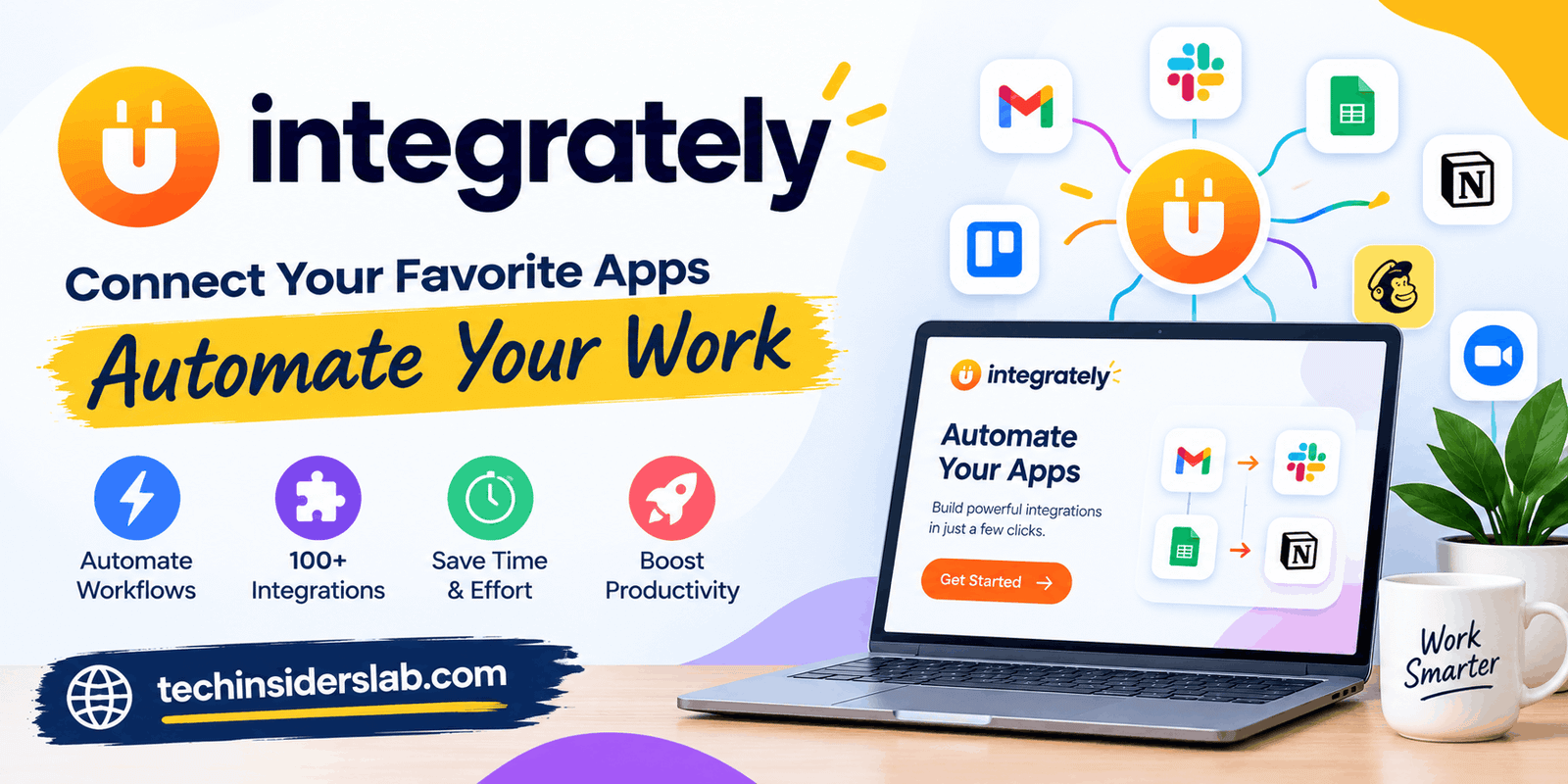
Integrately is a no-code automation platform designed to connect different applications and automate repetitive tasks. Instead of manually copying information from one service to another, users can create workflows that move data and trigger actions automatically. The platform focuses on making automation accessible to people who do not have programming experience.
Whether you operate an online business, manage a marketing team, or handle everyday administrative tasks, Integrately can help reduce repetitive work. However, its usefulness depends on the applications you use, the complexity of your workflows, and your automation requirements.
This guide explains what Integrately is, how it works, its main features, pricing considerations, advantages, limitations, and potential alternatives.
What Is Integrately?
Integrately is a cloud-based workflow automation tool that connects applications so they can exchange information and perform tasks with less manual effort. It provides ready-made automation templates and a workflow builder that allows users to create connections between compatible services.
For example, imagine receiving customer information through an online form. Normally, you might need to copy the details into a spreadsheet, add the customer to an email marketing platform, and notify your team. With a properly configured Integrately workflow, these steps can happen automatically after the form is submitted.
The platform advertises support for more than 1,500 applications and millions of ready-made automation combinations. Its primary focus is simplifying app integration through prebuilt workflows and straightforward configuration.
Integrately belongs primarily to the Tools category, with a more specific classification of Automation Tools or Workflow Automation Software.
How Does Integrately Work?
Integrately uses a trigger-and-action system. A trigger is an event that starts a workflow, while an action is the task performed in response to that event.
Consider a business that collects customer inquiries online. A new form submission can trigger an automation that creates a spreadsheet record and sends a notification to the sales team.
The general setup process involves the following steps.
1. Choose the Applications
First, select the applications you want to connect. These might include Gmail, Google Sheets, a customer relationship management system, a project management platform, or an email marketing service.
Before building a workflow, confirm that Integrately supports the applications and specific events you need.
2. Select a Trigger
Choose the event that should start the automation. Depending on the available integration, a trigger could be a new contact, a submitted form, a new spreadsheet row, or an updated record.
3. Add the Required Actions
Decide what should happen after the trigger occurs. You might create a contact, update a database, send a notification, or add a task to a project management tool.
Some workflows can include multiple steps, allowing one event to initiate several related actions.
4. Connect Your Accounts
Authorize the applications that will participate in the workflow. The connection process varies depending on the service and may involve a sign-in authorization process, API credentials, or a webhook.
Only grant the permissions necessary for your intended automation.
5. Test and Activate the Workflow
Review the field mappings, test the automation, and confirm that information reaches the correct destination. Once everything works as expected, activate the workflow and monitor its execution history.
Testing is important because an incorrectly mapped field or unexpected data format can create errors even when the automation itself appears simple.
Key Features of Integrately
Integrately offers several features intended to make automation easier to create and manage.
Ready-Made Automation Templates
One of its main attractions is its collection of prebuilt workflows. Instead of designing every automation from scratch, users can search for a suitable app combination and select a template that matches their needs.
For example, a business might use a ready-made workflow to send new leads from a form service to its CRM. Templates can reduce setup time, although users should still check whether the available trigger and actions match their actual requirements.
AI Automation Builder
Integrately’s documentation describes an AI-powered automation builder that can generate a workflow from a written description of the task.
For instance, a user might describe a process in which new form submissions should be added to a spreadsheet and forwarded to a team member. The builder can help create the corresponding automation structure.
AI-generated workflows should always be reviewed and tested before activation. A generated setup may require adjustments to account connections, data fields, conditions, or application-specific limitations.
Multi-Step Workflows
Some tasks require more than one action. Multi-step automation allows users to connect several operations into a single workflow.
A possible example is:
- Receive a new customer inquiry.
- Create a contact record in a CRM.
- Add the inquiry to a tracking spreadsheet.
- Notify the appropriate team member.
This approach can reduce the need to maintain separate automations for closely related activities. The number and complexity of available steps depend on the selected plan and integration.
Conditions and Filters
Conditions allow a workflow to process information according to specific rules. For example, a business could route inquiries to different destinations based on their source or category.
Filters can also help prevent unnecessary actions when a record does not meet the required criteria.
More advanced routing and branching features are plan-dependent, so users should confirm availability before designing a complicated workflow.
Webhooks and API Connections
Webhooks allow compatible applications to send event information to another service when something happens. APIs provide another way for applications to communicate and exchange data.
Integrately supports webhook and API-related workflows, which can extend automation beyond standard app-to-app templates. These capabilities may require technical knowledge, depending on the application and the type of connection.
Data Mapping and Modification
Applications do not always use identical field names or data formats. A workflow might receive a full name in one field but need separate first-name and last-name fields in another.
Data mapping and modification features help users prepare information before sending it to the next application. Correct mapping is especially important when handling customer records, dates, contact details, and other structured information.
Automation Monitoring and Auto-Retry
Automation can fail because of temporary service interruptions, expired authorizations, missing information, or changes in an application’s behavior.
Integrately provides execution history and an AutoRetry feature on eligible plans. These tools can help users identify failed operations and retry certain unsuccessful steps after resolving a problem.
Automatic retries are useful, but they do not eliminate the need to monitor important workflows. Users should verify that failed records are eventually processed and that retries do not create duplicate entries.
Practical Uses of Integrately
Integrately can support a variety of business and personal workflows. The following examples illustrate where it may provide value.
Marketing Automation
Marketing teams often collect leads through landing pages, forms, advertising campaigns, and email subscriptions. An automation can transfer eligible leads to a CRM or email marketing platform and notify the responsible team.
This reduces manual data entry and can help teams respond to inquiries more consistently.
Sales and Customer Management
Sales representatives may need to keep contact information synchronized across multiple applications. Integrately can help create or update records when supported events occur.
For example, a new lead could be added to a CRM and assigned for follow-up. Teams should configure duplicate checks and verify how updates are handled to maintain accurate customer records.
E-Commerce Operations
Online stores manage orders, customer information, inventory-related records, and support requests. Compatible integrations can automate selected administrative tasks, such as sending order information to another system or notifying a team when a relevant event occurs.
Availability depends on the store platform and supported integration actions. Financial transactions, refunds, and inventory changes require particularly careful testing.
Project Management
Project teams often receive work requests through forms, email, or customer support tools. An automation can turn an incoming request into a project task and alert the appropriate person.
This helps reduce delays caused by manually transferring information between applications.
Reporting and Spreadsheets
Businesses frequently collect information from several sources and organize it in spreadsheets. Integrately can automate supported record transfers, helping teams maintain more current tracking sheets without repeatedly copying data.
Users should check how the workflow handles changed records, missing fields, and repeated events to avoid inaccurate reports.
Customer Support
When a new support request arrives, an automation might notify the support team, create a task, or update a related customer record.
These workflows can improve internal coordination, but they should not replace human review for sensitive complaints, urgent cases, or decisions requiring judgment.
Integrately Pricing
Integrately offers a free plan and paid subscription tiers. Its pricing is based in part on the number of tasks available and the features included in each plan.
The pricing page currently lists the following plans with annual billing:
| Plan | Advertised price | Task allowance |
| Free | $0 | 100 tasks |
| Starter | $19.99/month | 2,000 tasks |
| Professional | $39/month | 10,000 tasks |
| Growth | $99/month | 30,000 tasks |
| Business | $239/month | 150,000 tasks |
These figures reflect the published annual-billing prices and may change. Taxes, billing terms, promotions, and feature availability should be confirmed on the official pricing page before purchasing.
What Counts as a Task?
A task is not necessarily the same as a complete workflow. Integrately explains that successful actions, conditions, data modifications, and searches can consume tasks, while triggers and failed actions are not counted under its stated rules.
Suppose an automation receives a new lead, checks a condition, modifies two data fields, and creates a CRM contact. Several successful operations may count toward the task allowance.
Before selecting a plan, estimate your expected monthly volume and the number of steps each workflow performs. A plan with a low monthly price may not be the most economical option if your automations involve frequent data processing.
Advantages of Integrately
Integrately has several potential benefits for individuals and businesses.
- No-code setup: Many common workflows can be configured without writing code.
- Ready-made templates: Prebuilt automations can shorten setup time.
- Reduced manual work: Repetitive data transfers and notifications can run automatically.
- Multi-step automation: Compatible plans support workflows involving multiple actions.
- Flexible use cases: Marketing, sales, project management, and reporting tasks can benefit from connected applications.
- Task-based pricing: Users can compare plans according to their expected automation volume.
- AI-assisted setup: The AI builder can help translate a plain-language request into a workflow.
The actual benefit depends on the quality of the integration, the reliability of the connected applications, and how well the workflow is designed.
Limitations of Integrately
Although Integrately can simplify routine work, it is not the perfect choice for every situation.
Integration Availability
A platform may advertise support for many applications without offering every trigger or action a user needs. Check the exact integration documentation before committing to a workflow.
Task Limits
Multi-step automations can consume tasks more quickly than expected. Conditions, searches, and data modifications may also contribute to usage, making careful planning important.
Timing and Reliability
Some automations depend on polling intervals, while others can use event-based mechanisms such as webhooks. The available update frequency depends on the plan and integration. Workflows that require immediate processing should be tested carefully.
Complex Technical Requirements
Businesses that need extensive custom code, detailed governance controls, specialized data processing, or highly complex orchestration may require a more flexible automation platform or a custom integration.
Security and Data Privacy
Connecting business applications can expose customer information to another service. Organizations should review permissions, account access, data handling practices, and relevant privacy obligations before enabling automation.
Integrately should be configured with least-privilege access wherever possible, and sensitive workflows should be tested with non-production data before going live.
Integrately vs. Other Automation Tools
Several platforms offer similar capabilities, but their strengths differ.
Integrately vs. Zapier: Both connect applications and automate workflows. Integrately emphasizes ready-made automations and straightforward setup, while Zapier may be preferable when a business depends on particular integrations or advanced capabilities available in its ecosystem.
Integrately vs. Make: Make provides a visual environment for designing more elaborate scenarios. Integrately may feel more approachable for users who want to activate common workflows quickly. The best choice depends on workflow complexity and task or operation costs.
Integrately vs. IFTTT: IFTTT is often associated with simple personal automations and connected services. Integrately is more focused on business-oriented app workflows, such as lead management, marketing, and CRM processes.
No platform is automatically the cheapest or most capable for every use case. Compare the specific integrations, execution limits, workflow features, and total expected cost rather than relying only on headline prices.
Who Should Use Integrately?
Integrately may suit freelancers, small businesses, marketing professionals, sales teams, online store operators, and nontechnical users who repeatedly transfer information between compatible applications.
It can be particularly useful when the desired workflow is already available as a template or can be created with a small number of clear steps.
However, organizations with strict compliance requirements, unusual integration needs, high-volume processing, or complex custom logic should evaluate the platform more carefully. A small pilot project can help determine whether it meets operational and security requirements.
Is Integrately Worth Using?
Integrately is worth considering if your daily work involves repetitive tasks across multiple applications. Its template-based approach and AI-assisted builder can reduce the effort required to connect services, while multi-step workflows can help organize related operations.
The most important question is not how many applications a platform supports, but whether it can reliably perform the exact tasks your business needs.
Start with one low-risk workflow, measure the time saved, monitor task consumption, and review the results before automating more important processes. This approach provides a practical way to evaluate its value without committing to a large automation project immediately.
Conclusion
Integrately is a workflow automation tool that helps connect applications and reduce repetitive manual work. Its ready-made templates, trigger-and-action system, multi-step workflows, and AI-assisted builder make it an option for users who want to automate routine business activities without extensive coding.
At the same time, task limits, integration-specific restrictions, pricing, and security considerations deserve attention. Comparing these factors with your actual needs will help you decide whether Integrately is the right fit.
For small businesses and individuals seeking a straightforward way to connect compatible apps, Integrately can be a useful starting point. A carefully tested workflow is the best way to discover whether it delivers meaningful time savings.