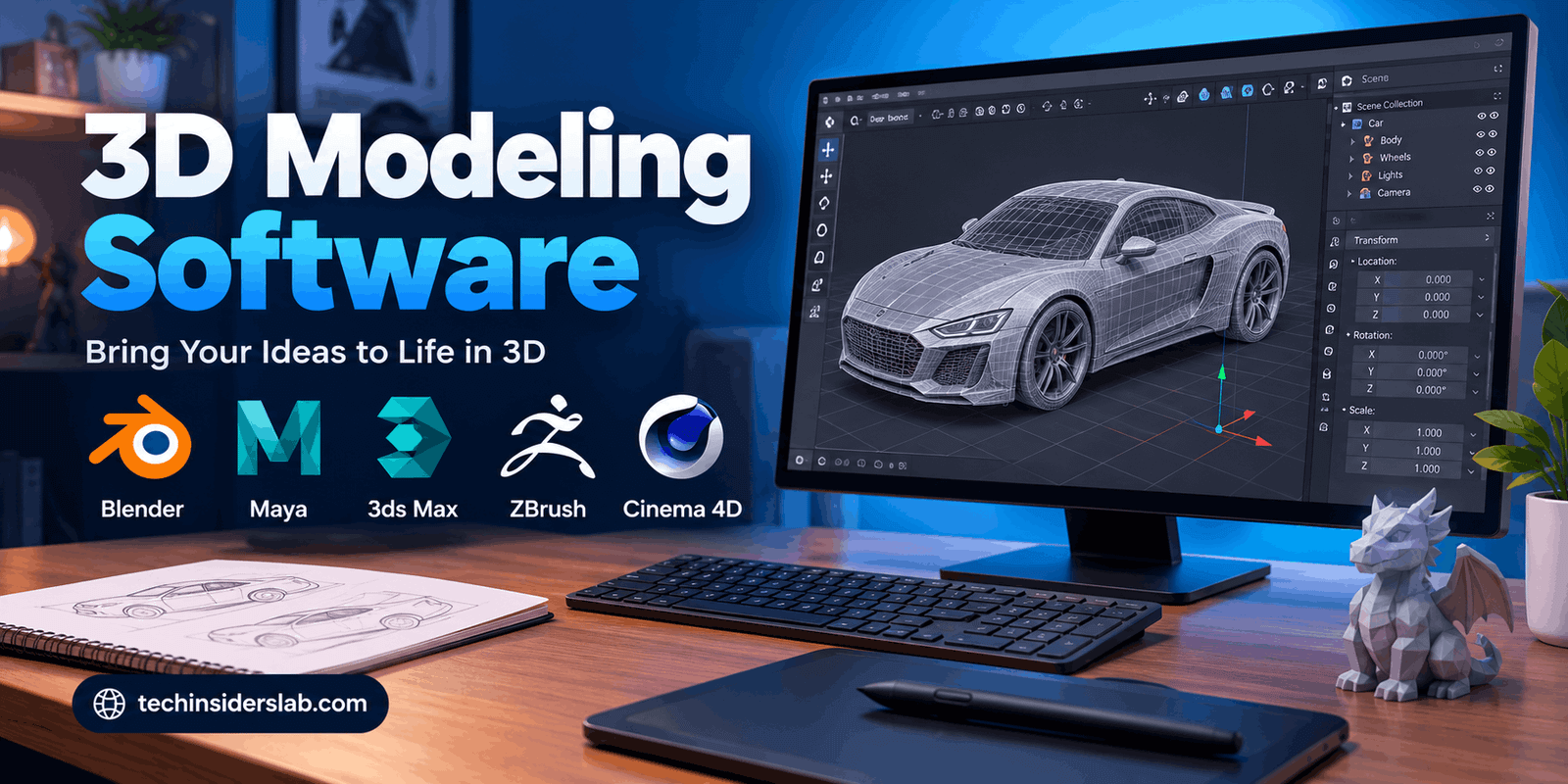
3D Modeling Software: A Complete Guide
introduction
3D modeling software is a type of technology and design software used to create, edit, and visualize objects in three-dimensional space. Unlike traditional 2D design tools, 3D modeling programs allow users to work with height, width, and depth, making it possible to build realistic digital objects, characters, environments, products, and structures.
Today, 3D modeling is used in many industries, including gaming, animation, architecture, engineering, product design, manufacturing, education, visual effects, and 3D printing. Some applications are designed for creative artists, while others focus on engineering accuracy and technical design.
What Is 3D Modeling Software?
3D modeling software is an application that allows users to construct digital objects inside a virtual three-dimensional environment. A model can begin with a basic shape such as a cube, sphere, cylinder, or plane and then be transformed into a detailed object.
Depending on the software, users can manipulate vertices, edges, faces, curves, surfaces, or solid geometry. After creating the basic shape, they can add materials, colors, textures, lighting, and other visual elements.
For example, a designer could create a simple cube and transform it into a table, chair, machine part, building, or another complex object. A game developer could use similar tools to create characters, vehicles, weapons, buildings, and environments.
The important thing to understand is that different 3D modeling programs are designed for different purposes. A program used to create animated characters may not be the best choice for designing an accurate mechanical component.
How Does 3D Modeling Work?
Although different applications have different interfaces, most 3D modeling workflows follow several basic stages.
Creating a Basic Shape
Most projects begin with simple geometric objects. Common starting shapes include cubes, spheres, cylinders, cones, and planes.
These primitives can then be combined, stretched, cut, or modified to create more complicated designs.
Editing the Geometry
After creating a basic object, users can modify its geometry. Depending on the modeling method, they may move points, adjust edges, modify surfaces, extrude sections, create cuts, or reshape the entire object.
Polygon-based modeling uses vertices, edges, and faces to construct an object. This provides considerable flexibility for creative projects.
Adding Details
Once the main shape is complete, additional details can be added. These might include buttons, grooves, handles, facial features, mechanical components, or surface patterns.
For organic designs such as characters and creatures, digital sculpting can be used to create detailed shapes and natural-looking surfaces.
Applying Materials and Textures
A 3D model can be made more realistic by applying materials and textures. These elements control how an object looks and reacts to light.
For example, the same model can be designed to look like metal, plastic, wood, glass, stone, or fabric.
Lighting and Rendering
Lighting helps define the appearance of a 3D scene. After the model, materials, and lights are prepared, the scene can be rendered into an image or animation.
Rendering converts the digital scene into a final visual representation.
Main Types of 3D Modeling
There are several different approaches to creating 3D models. Each method is useful for different types of projects.
Polygon Modeling
Polygon modeling creates objects from a mesh made of vertices, edges, and faces. It is widely used for games, animation, visual effects, and digital art.
Artists can directly control the mesh, allowing them to create both simple and highly detailed objects.
Parametric Modeling
Parametric modeling is commonly used in engineering and computer-aided design. Instead of manually adjusting every part of an object, users can define dimensions, constraints, and relationships.
One major advantage is that changes can be made more systematically. If a particular measurement is changed, related parts of the design can update accordingly.
Surface Modeling
Surface modeling focuses mainly on creating and controlling the outer surfaces of an object. It is useful when smooth and visually attractive shapes are important.
This type of modeling can be found in automotive design, industrial design, product development, and other areas where surface quality matters.
Solid Modeling
Solid modeling represents an object as a complete three-dimensional solid. It is especially useful for mechanical engineering and manufacturing.
Solid models can represent the actual physical form of a component, making them useful for design, measurements, assemblies, and manufacturing processes.
Digital Sculpting
Digital sculpting provides a workflow similar to working with digital clay. Instead of manually editing every individual component, users can use brushes to push, pull, smooth, and shape the model.
It is especially popular for characters, creatures, faces, artistic models, and highly detailed objects.
NURBS Modeling
NURBS stands for Non-Uniform Rational B-Splines. This modeling method uses mathematical curves and surfaces to create smooth and precise forms.
NURBS can be particularly useful in product design, industrial modeling, and projects where accurate smooth surfaces are required.
What Is 3D Modeling Software Used For?
3D modeling software has applications across many different industries.
Game Development
Game developers use 3D modeling tools to create characters, weapons, vehicles, buildings, environments, objects, and other game assets.
A model created for a game often needs to be optimized so that it can work efficiently in a real-time environment.
Animation
Animation studios use 3D models as the foundation for characters, creatures, objects, and environments.
After a model is created, it may go through additional stages such as rigging, texturing, animation, lighting, and rendering.
Film and Visual Effects
Modern visual effects often depend on 3D models. Digital environments, creatures, vehicles, buildings, and other elements can be created and integrated into scenes.
3D modeling allows artists to build objects that would be difficult, expensive, or impossible to create physically.
Architecture
Architects use 3D modeling software to create digital representations of buildings and spaces.
A model can include walls, doors, windows, furniture, lighting, landscaping, and other elements. This allows designers and clients to visualize a project before construction begins.
Product Design
Manufacturers and product designers can create digital versions of products before producing physical prototypes.
Designers can experiment with shapes, dimensions, materials, and different concepts during the development process.
Engineering
Engineers use 3D CAD software to design mechanical components, machines, structures, and assemblies.
Accurate digital models can help engineers evaluate dimensions and relationships between different components.
Manufacturing
3D models can also be used as part of manufacturing workflows. A digital design can provide information needed for producing physical components through different manufacturing methods.
3D Printing
3D modeling and 3D printing are closely connected. A user can create a digital model and prepare it for printing using an appropriate workflow.
Before printing, the model may need to be checked for problems such as incorrect geometry, holes, unsupported areas, or unsuitable wall thickness.
Popular 3D Modeling Software
There are many 3D modeling applications available today, and each one has different strengths.
Blender
Blender is a free and open-source 3D creation application. It includes tools for modeling, sculpting, animation, rendering, simulation, compositing, and other creative tasks.
Its wide range of features makes it useful for beginners, artists, animators, game developers, and other digital creators.
Autodesk Fusion
Autodesk Fusion is designed around product design, engineering, manufacturing, and related workflows.
It supports different modeling approaches and provides tools for creating accurate designs and preparing them for engineering and manufacturing tasks.
Autodesk Maya
Maya is widely used for professional animation, character creation, visual effects, and digital content production.
It is particularly relevant to users working with complex animated characters and production environments.
3ds Max
3ds Max is a professional 3D application used for modeling, rendering, animation, and visualization.
It is commonly associated with architectural visualization, game development, product visualization, and digital environments.
ZBrush
ZBrush is well known for digital sculpting and high-detail modeling.
Its workflow is particularly useful for artists creating characters, creatures, faces, and other organic designs.
3D Modeling Software for Beginners
People who are new to 3D modeling do not necessarily need expensive professional software.
A beginner-friendly application should provide basic modeling tools, an understandable interface, learning resources, and a reasonable workflow.
Free applications can be a good starting point because they allow users to learn the fundamentals without making a large financial investment.
Beginners should start with simple projects such as:
- A basic room
- A table
- A chair
- A simple vehicle
- A basic character
- A small game environment
- A simple 3D-printable object
Starting with small projects makes it easier to understand the fundamentals before moving into advanced modeling.
3D Modeling for Professional Users
Professional users generally choose software based on the requirements of their industry.
An animator may need strong tools for character modeling, rigging, animation, rendering, and simulation.
An engineer may need accurate dimensions, parametric features, assemblies, technical drawings, and manufacturing capabilities.
An architect may prioritize building design, visualization, materials, lighting, and rendering.
A 3D printing enthusiast may focus on modeling accuracy, mesh quality, export formats, and printable geometry.
This is why there is no single 3D modeling application that is perfect for every user.
Important Features to Consider
Before choosing 3D modeling software, it is useful to examine several important features.
Modeling Tools
Check whether the software supports the type of modeling you want to perform. This could include polygon modeling, solid modeling, parametric modeling, surface modeling, or sculpting.
Rendering
If realistic images are important, look for good rendering capabilities or compatibility with external rendering systems.
File Compatibility
Import and export support is important when working with different applications. Good file compatibility makes it easier to transfer models between different stages of a project.
Performance
Complex models and large scenes can require significant computer resources. Users should consider the hardware requirements of the software before beginning professional projects.
Animation
If animation is part of the workflow, look for features such as rigging, keyframes, motion controls, simulation, and character tools.
Collaboration
Professional teams may need tools for sharing projects, managing versions, reviewing designs, and working with other team members.
3D Printing Support
For 3D printing projects, the software should be capable of creating suitable geometry and exporting files in formats supported by the intended printing workflow.
Benefits of 3D Modeling Software
3D modeling offers several important benefits.
Better Visualization
A 3D model provides a clear visual representation of an object or environment.
Faster Design Changes
Digital models can be modified without rebuilding a physical prototype every time a change is required.
Cost Reduction
Virtual design and testing can reduce the need for some physical prototypes and help identify design problems earlier.
Improved Communication
A 3D model can make it easier for designers, engineers, clients, and other team members to understand a concept.
Reusable Designs
Digital models can often be modified and reused for future projects.
Greater Creative Freedom
Artists can create designs that would be difficult to produce using traditional physical methods.
Challenges of 3D Modeling
3D modeling also has some challenges.
One of the biggest challenges for beginners is the learning curve. Professional applications can contain a large number of tools, settings, and workflows.
Understanding topology, geometry, materials, lighting, rendering, and file formats can take time.
Hardware is another consideration. Complex models, large environments, detailed textures, and high-quality renders may require a powerful computer.
File management can also become difficult when a project contains many models, textures, animations, and other assets.
The best approach is to learn gradually instead of trying to master every feature at once.
How to Choose the Right 3D Modeling Software
The best way to select a 3D modeling program is to first identify what you want to create.
For gaming and animation, look for strong modeling, texturing, animation, sculpting, and rendering tools.
For engineering, focus on accurate dimensions, parametric modeling, constraints, assemblies, and manufacturing features.
For architecture, consider building design, visualization, rendering, materials, and compatibility with architectural workflows.
For 3D printing, pay attention to geometry, dimensions, mesh quality, and export capabilities.
Budget is also important. Some programs are free, while others use subscriptions or paid licenses.
The Future of 3D Modeling Software
3D modeling technology continues to develop as computers become more powerful and software becomes easier to use.
Cloud-based collaboration is making it easier for teams to work on digital projects from different locations. Advanced simulation allows designers to test certain aspects of products before creating physical prototypes.
Artificial intelligence is also becoming part of the broader 3D design ecosystem. AI-assisted tools may help automate repetitive tasks, generate starting concepts, assist with textures, or speed up parts of the creative workflow.
However, fundamental 3D modeling skills remain important. Understanding geometry, proportions, topology, dimensions, materials, and design principles gives users greater control over their projects.
Conclusion
3D modeling software has become an important part of modern technology and digital design. It is used to create everything from simple objects and product concepts to animated characters, engineering components, architectural environments, and detailed game worlds.
Different modeling techniques serve different purposes. Polygon modeling is useful for many creative projects, while parametric and solid modeling are especially valuable for engineering and manufacturing. Surface modeling and digital sculpting provide additional options for specialized designs.
For beginners, the best way to learn is to start with simple projects and gradually develop more advanced skills. Once the fundamentals are understood, users can choose specialized software based on their goals.
Whether you are interested in gaming, animation, engineering, architecture, product design, or 3D printing, understanding how 3D modeling software works can open the door to a wide range of creative and professional opportunities.