Introduction
Managing multiple applications and completing repetitive tasks can consume a significant amount of time, especially for businesses, freelancers, and professionals who depend on digital tools every day. From sending emails and updating spreadsheets to managing customer information and organizing projects, many routine activities require people to move information between different platforms manually. This is where Zapier becomes useful.
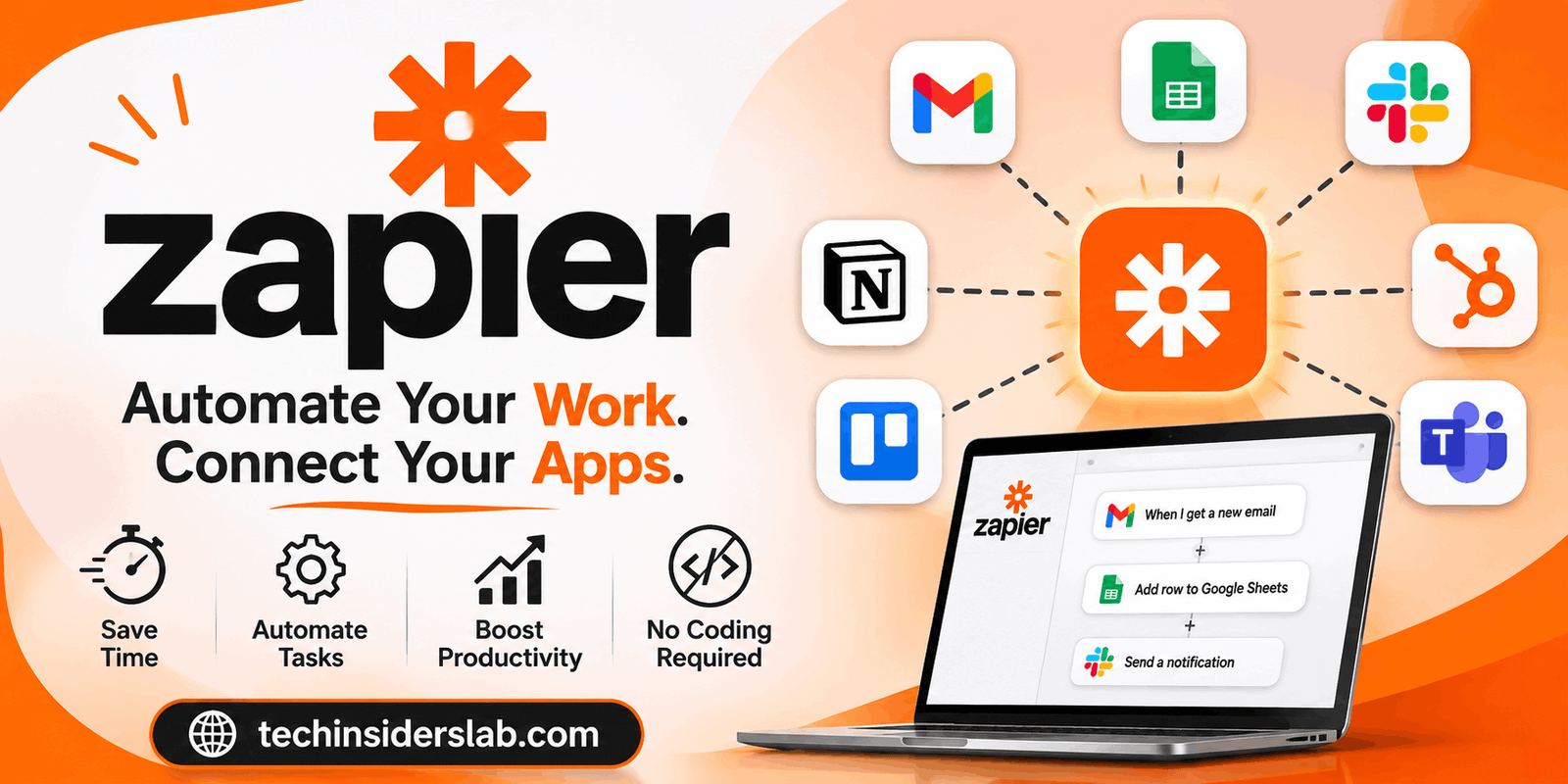
Zapier is a workflow automation platform that connects different applications and allows them to communicate with each other automatically. It helps users create automated processes without requiring advanced programming knowledge. Instead of manually transferring information from one application to another, users can build workflows that perform these activities whenever a specific event occurs.
For example, a business can automatically save new website form submissions into a spreadsheet, add potential customers to a CRM, and notify its sales team through a messaging application. These activities can happen through a single automated workflow.
Zapier has expanded beyond basic app connections and now includes AI-powered automation, databases, forms, and tools for creating more advanced business processes. This guide explains how Zapier works, its major features, advantages, limitations, and whether it is a suitable choice for different users.
What Is Zapier?
Zapier is a cloud-based automation platform designed to connect applications and automate repetitive digital tasks. It acts as a bridge between different software services, allowing information to move between them without requiring constant manual involvement.
The platform uses automated workflows called Zaps. A Zap begins when a particular event happens in one application and then performs one or more actions in connected applications.
For instance, when someone submits a contact form on a website, Zapier can automatically transfer their information into a customer management system. It can also send a notification to the appropriate employee or create a follow-up task.
One of Zapier’s biggest advantages is its extensive integration library. Its official platform currently supports more than 9,000 applications, giving users access to a wide range of popular business and productivity services.
Zapier is useful for individuals, startups, small businesses, marketing departments, sales teams, and larger organizations that want to reduce repetitive work and improve productivity.
How Does Zapier Work?
Zapier works through a simple trigger-and-action system. Users select the applications they want to connect, define an event that starts the automation, and choose what should happen afterward.
A typical automation process involves three main stages.
1. Choose a Trigger
A trigger is the event that starts an automated workflow. It tells Zapier when to begin performing a particular task.
Examples include:
- Receiving a new email.
- Getting a new customer through a website form.
- Adding a new row to a spreadsheet.
- Receiving a new order from an online store.
- Creating a new record in a CRM.
When the selected event occurs, Zapier detects it and starts the workflow.
2. Select an Action
An action is the task Zapier performs after detecting the trigger. Users can select one or multiple actions depending on the workflow they want to create.
For example, after receiving a new customer inquiry, Zapier might create a contact in a CRM, send an email notification, and add a follow-up task to a project management application.
3. Test and Publish the Workflow
Before activating a Zap, users should test each step to confirm that information is transferred correctly. This helps identify incorrect field mappings, missing information, or connection problems.
After successful testing, the workflow can be published and activated. Zapier then processes new events according to the selected trigger.
This approach makes automation accessible to users who do not have software development experience.
Key Features of Zapier
Zapier offers several features that make it more than a basic application connection service.
1. App Integrations
App integrations are the foundation of Zapier. The platform connects thousands of applications across different categories, including communication, marketing, customer management, productivity, e-commerce, and data management.
Users can connect tools such as Gmail, Google Sheets, Slack, HubSpot, Trello, and many other services.
These integrations make it easier to move information between applications and reduce the need for manual data entry.
2. Multi-Step Zaps
Multi-step workflows allow users to perform several actions after a single trigger.
For example, when a new customer registers on a website, a workflow could:
- Create a customer record in a CRM.
- Add the customer to an email marketing list.
- Send a welcome message.
- Notify the sales department.
- Create a follow-up task.
Instead of building separate automations for every activity, users can organize multiple actions into one connected workflow.
3. Filters and Conditional Logic
Not every event should trigger the same response. Filters allow users to decide whether a workflow should continue based on specific conditions.
For example, a business may want to notify its sales team only when a new lead meets certain requirements, such as having a business email address or selecting a particular service.
Conditional paths make it possible to send different information through different routes depending on the data received.
This feature is especially useful for businesses with different customer categories and operational requirements.
4. AI-Powered Automation
Zapier has expanded its platform with AI-related features that help users build smarter workflows.
Its AI capabilities can support activities such as summarizing information, classifying incoming messages, generating draft responses, and assisting with workflow creation.
Users can also describe an automation idea in natural language and use AI-assisted building features to help configure the workflow.
These capabilities can reduce setup effort and make automation more accessible to people who are unfamiliar with technical workflow design.
5. Zapier Tables
Zapier Tables is a built-in data management tool that allows users to store and organize information used in automated workflows.
It can be useful for maintaining customer details, tracking business processes, organizing project information, and managing records that need to be accessed by multiple automation steps.
Because Tables works within the Zapier ecosystem, users can connect stored information to their workflows.
6. Zapier Forms
Forms provide a way to collect information from customers, employees, or website visitors.
For example, a business can create a form for collecting service requests. When someone submits it, the information can be processed through a Zap and sent to the appropriate application.
This can simplify information collection and eliminate several manual administrative steps.
7. Webhooks and Custom Integrations
Webhooks allow applications and external services to exchange information through web-based requests.
They are particularly helpful when users need to connect services that do not have a suitable standard integration or when they want more control over how information moves between systems.
Developers can also use custom actions and Zapier’s developer tools to build more specialized automation experiences.
8. Zapier MCP
Zapier MCP is another important development in the platform’s automation ecosystem. It connects compatible AI clients with applications available through Zapier.
This allows supported AI tools to perform actions in connected applications, rather than simply providing written instructions.
For example, an AI assistant could use an authorized connection to interact with business applications and carry out supported tasks.
This creates opportunities for more advanced AI-assisted workflows while keeping application connections and authentication within Zapier’s infrastructure.
Popular Uses of Zapier
Zapier can support a wide range of everyday activities. Its usefulness depends on the applications a person already uses and the tasks they want to automate.
Marketing Automation
Marketing professionals often work with email platforms, advertising services, website forms, and analytics tools.
Zapier can connect these services to automate lead collection, contact organization, campaign notifications, and other repetitive activities.
For example, a new subscriber can automatically be added to an email marketing platform and recorded in a spreadsheet.
Sales and Customer Management
Sales teams regularly receive leads from different sources. Managing this information manually can create delays and increase the risk of missing important inquiries.
Zapier can automatically transfer new leads into a CRM, assign follow-up tasks, and notify sales representatives.
This helps teams organize customer information and respond more efficiently.
E-Commerce Operations
Online store owners can use automation to connect their sales platforms with inventory systems, spreadsheets, customer management applications, and communication tools.
A new order could trigger an internal notification, update a sales record, or start another supported business process.
These workflows can reduce repetitive administrative work and help store owners manage daily operations.
Project Management
Project managers frequently coordinate tasks across multiple applications.
Zapier can automatically create project tasks when a new request arrives, notify team members about updates, and transfer relevant information between productivity platforms.
This makes it easier to keep project information organized.
Email and Communication
Email automation is another practical use case. Users can connect email services with task managers, spreadsheets, and communication applications.
For example, an important email can trigger a new task or send a notification to a team channel.
These workflows help reduce the time spent organizing messages manually.
Benefits of Using Zapier
Zapier offers several advantages for people and organizations that want to improve their digital workflows.
Saves Time
One of its biggest benefits is reducing the time spent on repetitive activities. Once an automation is properly configured, it can handle recurring tasks without requiring someone to repeat the same process manually.
No Advanced Coding Required
Zapier uses a visual workflow builder that allows users to connect applications through configuration rather than writing complex code.
This makes it accessible to freelancers, business owners, marketers, and administrative professionals.
Connects Different Applications
Many businesses use several applications that do not automatically share information. Zapier helps connect these services and create a more organized digital environment.
Improves Workflow Consistency
Manual processes can sometimes result in missing information, delayed notifications, or forgotten tasks. Properly configured automation can make routine processes more consistent.
Supports Business Growth
As a business grows, the number of customer inquiries, orders, and internal activities often increases. Automation can help teams manage more work without increasing every administrative responsibility.
Offers AI Automation Capabilities
AI-powered features provide additional opportunities to summarize, organize, and process information within workflows. This can make certain business processes more flexible.
Limitations of Zapier
Although Zapier offers powerful automation features, it is not the perfect solution for every situation.
Task-Based Pricing
Zapier uses task-based usage limits in its plans. Successful action steps can consume tasks, meaning complex workflows and high activity volumes may increase monthly usage.
Businesses should estimate their expected automation volume before selecting a subscription.
Learning Curve for Complex Workflows
Basic automations are relatively easy to create. However, workflows involving multiple conditions, advanced data mapping, webhooks, and several connected applications can require additional learning and testing.
Dependence on Third-Party Applications
Zapier depends on the applications it connects. If an external service changes its API, experiences downtime, or modifies available permissions, an automation may stop working as expected.
Not Every Integration Offers Every Feature
Although Zapier supports thousands of applications, the available triggers and actions vary between integrations. Users should check whether a particular app supports the exact operation they need.
Cloud-Based Operation
Zapier is primarily a cloud-based platform. Organizations that require fully offline automation or complete control through self-hosted infrastructure may need another solution.
Troubleshooting Can Take Time
A workflow may fail because of incorrect field mapping, expired authentication, missing information, or restrictions within a connected application. Users should regularly review important automations to ensure they are operating correctly.
Zapier Pricing and Plans
Zapier offers different subscription options for individuals, teams, and larger organizations.
Its main plans include:
Free: The Free plan is designed for individuals who want to explore automation and create basic workflows. It includes limited task usage and basic functionality.
Professional: This plan is intended for users who need more advanced automation capabilities. Depending on the subscription, it can provide features such as multi-step workflows, conditional logic, and additional automation capacity.
Team: The Team plan is designed for people working together. It adds collaboration features, shared workspaces, and administrative capabilities.
Enterprise: Enterprise is intended for larger organizations that require advanced security, governance, user management, and centralized administration.
Pricing and task allowances can change, so users should check the official Zapier pricing page before purchasing a subscription. The best plan depends on workflow complexity, the number of users, and expected monthly task consumption.
Zapier Alternatives
Zapier is not the only platform available for workflow automation. Several alternatives provide different approaches to connecting applications.
Make: Make is a visual automation platform that supports complex scenarios and branching workflows. It can be attractive to users who prefer a more visual approach to designing automation.
n8n: n8n offers flexible workflow automation with options for self-hosting. It is particularly appealing to technical users and developers who want greater control over their automation environment.
Microsoft Power Automate: This platform is useful for organizations that rely heavily on Microsoft applications and services. It supports business process automation and integration with the Microsoft ecosystem.
Each alternative has its own strengths, pricing model, and technical requirements. Users should compare them according to their actual workflow needs rather than choosing based only on the number of integrations.
Is Zapier Suitable for Beginners?
Yes, Zapier can be a suitable starting point for beginners who want to automate everyday digital tasks.
Its visual editor, prebuilt integrations, and trigger-and-action system make basic automation relatively straightforward.
A beginner can start with a simple workflow, such as saving new form submissions into a spreadsheet or sending a notification whenever a particular event occurs.
The best approach is to begin with one repetitive task, test the workflow, and gradually introduce additional steps as confidence improves.
Users should avoid automating complicated business processes immediately without understanding how information moves between applications.
Is Zapier Worth Using?
Zapier can be worth using for individuals and businesses that regularly move information between multiple applications.
It is particularly valuable when repetitive tasks consume time that could be spent on customer service, business development, marketing, or more important projects.
Its large integration library, visual workflow builder, conditional logic, and growing AI capabilities make it a flexible option for different types of users.
However, the platform may become expensive for organizations with high automation volumes. Users with highly specialized technical requirements may also prefer more customizable alternatives.
Before committing to a paid plan, it is sensible to identify the tasks that need automation, estimate their monthly volume, and test the available integrations.
Conclusion
Zapier is a powerful workflow automation platform that helps individuals and businesses connect applications and reduce repetitive manual work. Its trigger-and-action system makes it possible to transfer information, organize business activities, manage customer data, and coordinate tasks across different software services.
Features such as multi-step Zaps, filters, conditional paths, Tables, Forms, webhooks, and AI-powered automation provide flexibility for both simple and more advanced workflows.
Although task-based pricing, integration limitations, and complex workflow configuration are important considerations, Zapier remains a useful choice for users who want to improve productivity without building every connection themselves.
Overall, Zapier is worth exploring if you want your applications to work together more efficiently and spend less time handling repetitive digital tasks.