introduction
Many iPhone users search for the Sniffies App iOS because they want to know whether the platform is available on Apple’s App Store and how they can use it on an iPhone. Sniffies has become one of the most talked-about location-based social platforms for adults, making it popular among users looking for nearby connections.
Unlike many traditional dating applications, Sniffies focuses on a browser-first experience. Instead of requiring users to download a mobile application from the App Store, the platform works directly through a web browser. This approach gives users quick access without going through the usual app installation process.
In this guide, you’ll learn everything about the Sniffies App iOS experience, including availability, installation methods, key features, safety tips, privacy controls, advantages, disadvantages, and frequently asked questions.
What Is Sniffies?
Sniffies is a location-based social networking platform designed for adults aged 18 and older. It allows users to discover nearby people through an interactive map instead of the traditional swipe-based interface used by many dating apps.
The platform is primarily used by the LGBTQ+ community, particularly gay, bisexual, and curious men, although anyone who meets the platform’s age requirements can access the website.
One of Sniffies’ biggest differences is its emphasis on real-time location discovery and instant connections.
Is There a Sniffies App for iOS?
This is one of the most common questions searched online.
The simple answer is:
No, Sniffies does not currently operate as a traditional iPhone app available for everyone through the Apple App Store.
Instead, Sniffies is designed as a Progressive Web App (PWA). This means users access the service through Safari or another supported mobile browser.
Once the website is opened in Safari, users can save it to their Home Screen, making it function similarly to a normal application without downloading it from the App Store.
Because of this browser-based approach, many users refer to it as the Sniffies App iOS, even though technically it is a web application.
Why Doesn’t Sniffies Use a Traditional iPhone App?
Apple has strict App Store guidelines regarding adult-oriented content.
Since Sniffies includes mature social networking features intended only for adults, maintaining a browser-based platform allows the service to operate without relying entirely on App Store distribution.
This gives users access through Safari while allowing the platform to update features more quickly than traditional mobile applications.
How to Use Sniffies on iPhone
Getting started is simple.
Step 1
Open Safari on your iPhone.
Step 2
Visit the official Sniffies website.
Step 3
Allow location access if you want to discover nearby users.
Step 4
Create an account or continue as a guest if that option is available.
Step 5
Tap the Share button in Safari.
Step 6
Select Add to Home Screen.
Now the website appears on your iPhone just like a regular application.
Main Features of Sniffies on iPhone
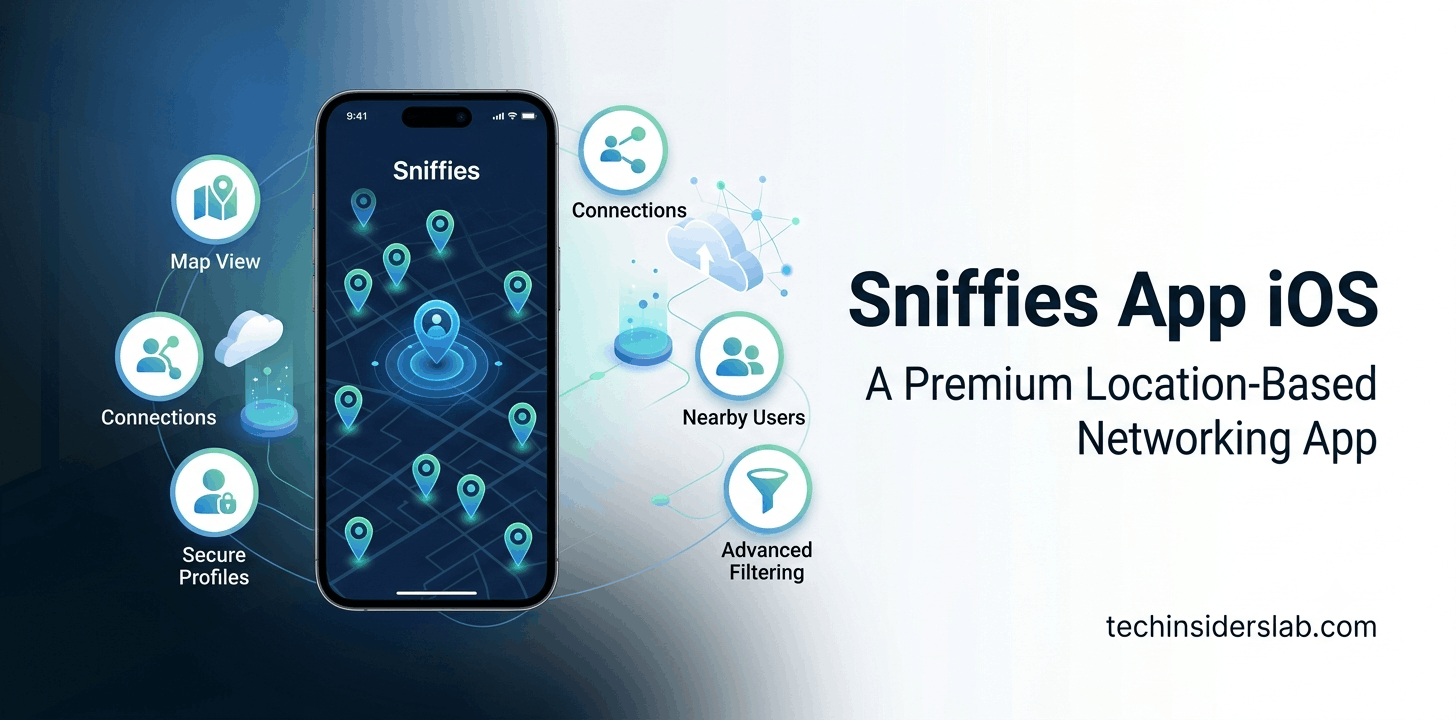
Interactive Live Map
Instead of endless swiping, users can view nearby profiles directly on an interactive map.
This provides a faster and more visual way of finding local connections.
Browser-Based Experience
No App Store download is required.
Users simply visit the website using Safari.
Quick Access
Since no installation process is necessary, users can begin using the platform almost immediately.
Profile Customization
Users can personalize their profiles with photos, interests, descriptions, and preferences.
This helps improve compatibility with nearby users.
Location Discovery
GPS technology allows the platform to display people nearby in real time.
Users maintain control over their location-sharing preferences.
Privacy Controls
Privacy is one of the platform’s strongest features.
Users can:
- Hide precise location
- Browse anonymously
- Control profile visibility
- Manage blocked users
- Customize privacy settings
Benefits of Using Sniffies on iPhone
There are several reasons why iPhone users prefer the browser-based version.
No App Store Installation
Users don’t need to wait for downloads or updates.
Everything works directly from Safari.
Faster Updates
Because the service operates through the web, new features can be released immediately.
Less Storage Usage
Unlike traditional apps, Sniffies doesn’t consume significant iPhone storage space.
Cross-Platform Compatibility
The same account works across:
- iPhone
- Android
- Windows
- Mac
- Tablets
This flexibility makes switching devices simple.
Is Sniffies Safe on iPhone?
Generally, the platform includes several privacy tools designed to help users protect their information.
However, as with any location-based social networking service, users should follow basic online safety practices.
These include:
- Avoid sharing financial information.
- Meet only in safe public locations if you choose to meet someone.
- Use strong passwords.
- Enable available privacy settings.
- Report suspicious behavior.
Remember that online safety depends both on the platform’s features and on responsible user behavior.
Pros and Cons of Sniffies App iOS
Pros
- Easy browser access
- No App Store download required
- Fast performance
- Interactive map
- Modern interface
- Strong privacy controls
- Cross-device compatibility
Cons
- No traditional iPhone app for most users
- Requires internet connection
- Browser permissions are needed for location features
- Some users prefer native mobile apps
Sniffies App iOS vs Other Dating Apps
Many users compare Sniffies App iOS with popular dating and social networking apps before deciding which platform best suits their needs. While there are similarities, Sniffies offers a unique experience that sets it apart.
Sniffies vs Grindr
Grindr is a native mobile app available through official app stores, while Sniffies is primarily a browser-based platform. One of Sniffies’ biggest advantages is its interactive map, which allows users to view nearby profiles based on location instead of scrolling through a traditional list.
Grindr focuses on profile browsing and messaging, whereas Sniffies emphasizes real-time location discovery. Users who prefer a map-based interface often find Sniffies more intuitive.
Sniffies vs Tinder
Tinder is known for its swipe-right and swipe-left matching system. Sniffies removes the swiping process entirely by allowing users to discover nearby people instantly through an interactive map.
This creates a different experience for users who want faster local connections without waiting for mutual matches.
Sniffies vs Bumble
Bumble offers dating, friendships, and professional networking features. Sniffies, on the other hand, is focused on location-based adult social networking and is intended only for users aged 18 and older.
Each platform serves a different audience, so the best choice depends on your preferences and intended use.
Why Many iPhone Users Search for “Sniffies App iOS”
Search interest for the keyword Sniffies App iOS continues to grow because many people assume there is a downloadable iPhone application.
Common reasons include:
- Looking for the official iOS app
- Wondering if Sniffies is available on the App Store
- Learning how to install it on an iPhone
- Understanding how the browser version works
- Comparing it with other dating apps
Most users quickly discover that the platform is designed to run through Safari rather than as a traditional App Store application.
Tips for the Best Sniffies Experience on iPhone
To get the most out of Sniffies on iOS, follow these best practices:
Use Safari
Safari provides the smoothest experience for most iPhone users and supports adding the website directly to your Home Screen.
Enable Location Services
Location access is essential for discovering nearby users. You can manage these permissions at any time in your iPhone’s privacy settings.
Add the Website to Your Home Screen
By saving Sniffies to your Home Screen, it behaves much like a regular app, offering quicker access and a cleaner experience.
Keep Your Browser Updated
Using the latest version of Safari helps ensure better performance, security, and compatibility with web-based features.
Protect Your Privacy
Take advantage of the platform’s privacy controls, use a strong password, and avoid sharing sensitive personal or financial information with people you do not know.
Common Issues with Sniffies on iPhone
Some users may encounter occasional issues while using Sniffies through a browser. Fortunately, most problems are easy to resolve.
Website Not Loading
- Check your internet connection.
- Refresh the page.
- Clear Safari cache if necessary.
- Try reopening the browser.
Location Not Working
- Ensure Location Services are enabled for Safari.
- Refresh the website after granting permission.
- Verify that your device’s GPS is active.
Login Problems
- Double-check your username and password.
- Reset your password if needed.
- Make sure your browser is updated.
Slow Performance
- Close unnecessary browser tabs.
- Restart Safari.
- Restart your iPhone if performance issues continue.
Is Sniffies Free to Use?
Sniffies offers free access to many of its core features, allowing users to explore the platform without paying. Depending on your region and account type, additional premium features or subscription options may be available to unlock enhanced functionality.
Before subscribing, it’s always a good idea to review the latest pricing and available features directly on the official website.
Conclusion
The Sniffies App iOS experience is different from most traditional mobile applications because it is built as a browser-based platform rather than a standard App Store app. This allows users to access the service quickly through Safari without downloading or installing a native application.
For iPhone users, Sniffies offers a fast, convenient, and responsive experience with features such as an interactive map, location-based discovery, customizable profiles, and privacy controls. By adding the website to the Home Screen, users can enjoy an app-like experience while benefiting from regular updates delivered through the web.
If you’ve been searching for Sniffies App iOS, the key takeaway is that you don’t need a traditional iPhone app to use the platform. Simply access the official website through Safari, follow the setup steps, and use the available privacy settings to customize your experience. As with any online social networking platform, always use caution, protect your personal information, and interact responsibly. With its unique browser-first approach and user-friendly design, Sniffies continues to be a popular choice for adults looking for location-based social connections on iPhone.