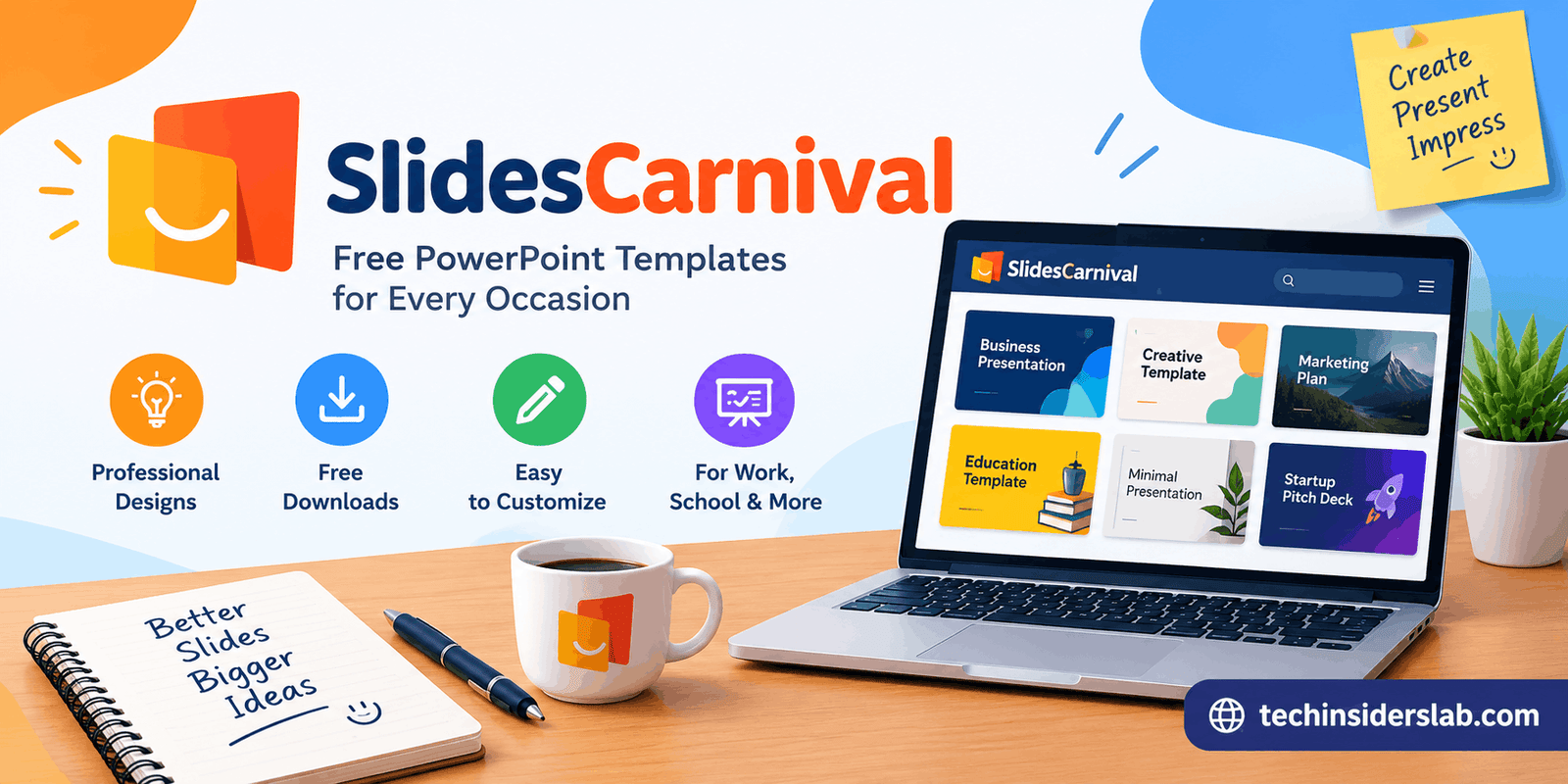
SlidesCarnival: Free Presentation Templates for PowerPoint
introduction
Creating a professional presentation from scratch can take a lot of time. Choosing the right layout, matching colors, finding suitable fonts, arranging images, and keeping every slide visually consistent can become a difficult task, especially when the presentation needs to be completed quickly. SlidesCarnival is designed to make this process easier by providing ready-made presentation templates that users can customize for different purposes.
SlidesCarnival is a popular platform for finding presentation designs for PowerPoint, Google Slides, and Canva. Its collection covers a wide range of subjects, presentation styles, industries, and visual themes. The platform also provides templates for documents and spreadsheets, along with several productivity tools.
Whether you are a student preparing a class presentation, a professional creating a business proposal, a marketer working on a campaign, or a teacher preparing educational material, SlidesCarnival can provide a starting point that saves time and reduces the amount of design work required.
What Is SlidesCarnival?
SlidesCarnival is an online template platform focused on presentation and document design. Its main purpose is to help users create attractive presentations without having to design every slide manually.
Instead of opening PowerPoint or Google Slides and starting with a blank page, users can browse available templates, choose a design that matches their topic, and customize the content according to their needs.
The platform offers templates organized around different topics and visual styles. Business, education, marketing, medical, sales, consulting, finance, real estate, startups, engineering, travel, and several other subjects are represented in its template library.
This makes SlidesCarnival useful for people who want more than a basic collection of generic presentation layouts.
SlidesCarnival Templates for PowerPoint
PowerPoint remains one of the most widely used presentation applications for schools, businesses, meetings, conferences, and professional projects. SlidesCarnival provides dedicated PowerPoint templates that can be downloaded and edited using Microsoft PowerPoint.
The platform currently lists a large collection of PowerPoint templates, including professional business presentations, educational designs, creative layouts, marketing presentations, and many other styles.
Using a ready-made PowerPoint template can save time because the basic visual structure is already prepared. Users can replace sample text, modify images, adjust colors, and add their own information.
To download a PowerPoint template, users can open a template’s page and select the PowerPoint download option. SlidesCarnival provides the template as a PowerPoint file that can then be edited in the application. Some templates may also require specific fonts, which can be identified through the presentation’s design information.
Google Slides Templates
Google Slides is especially useful for people who prefer browser-based presentations and collaborative editing. SlidesCarnival also offers a large collection of templates designed for Google Slides.
The Google Slides section includes templates for school projects, business reports, meetings, presentations, marketing campaigns, and creative projects. The designs can be customized after making a copy in a user’s Google account.
This approach can be convenient for teams because Google Slides allows multiple people to work on a presentation and make changes without repeatedly sending presentation files to one another.
A user can select the Google Slides option from a supported template and follow the instructions to create an editable copy. This makes the process relatively simple for people who already use Google’s productivity tools.
Canva Templates on SlidesCarnival
Canva has become a popular design platform for presentations, social media graphics, posters, documents, and other visual content. SlidesCarnival also provides templates that can be opened and customized through Canva.
The Canva collection is particularly useful for users who prefer a drag-and-drop design environment. Instead of working with traditional presentation software, users can customize their chosen template inside Canva and adjust text, graphics, layouts, and other visual elements.
SlidesCarnival’s Canva collection currently contains thousands of templates and includes different styles, industries, colors, layouts, and use cases.
This variety gives users more flexibility when they are looking for a specific visual style rather than a basic presentation format.
Types of Templates Available
One of the strongest aspects of SlidesCarnival is the variety of template categories. Users can search according to both the subject of a presentation and its visual appearance.
For example, topic-based templates include:
- Business presentations
- Education slides
- Marketing presentations
- Medical presentations
- Sales presentations
- Finance presentations
- Real estate presentations
- Startup presentations
- Consulting presentations
- Travel presentations
- Engineering presentations
- Legal presentations
There are also visual categories such as minimalist, professional, modern, creative, colorful, dark, elegant, vintage, pastel, abstract, corporate, and aesthetic designs.
This organization can make template discovery easier because users can start with either their subject or the type of design they want.
Why People Use SlidesCarnival
Designing a presentation manually requires more than simply adding text to slides. A good presentation needs visual consistency, readable typography, appropriate spacing, useful graphics, and a logical structure.
SlidesCarnival templates provide a pre-designed foundation for these elements.
1. Saves Design Time
The most obvious advantage is time savings. Instead of spending hours creating backgrounds, choosing fonts, arranging elements, and developing slide layouts, users can begin with an existing design.
This allows them to concentrate more on the actual information they want to communicate.
2. Provides Professional-Looking Layouts
SlidesCarnival’s templates are designed around consistent visual systems. Colors, fonts, spacing, and layouts are generally coordinated across the presentation.
This can be helpful for users who do not have advanced graphic-design skills.
3. Offers Many Different Styles
Not every presentation needs to look corporate or formal. Some projects require colorful educational slides, while others may benefit from minimalist or modern designs.
SlidesCarnival organizes templates by different styles, making it easier to find a visual direction that matches the audience and subject.
4. Supports Different Presentation Platforms
Users are not restricted to a single presentation application. Depending on the template, SlidesCarnival supports PowerPoint, Google Slides, and Canva.
This flexibility is useful for students, businesses, teachers, freelancers, and teams who use different software.
SlidesCarnival for Students
Students often need to create presentations for assignments, research projects, class discussions, and academic reports. Starting with a blank presentation can make the design process unnecessarily time-consuming.
A suitable SlidesCarnival template can provide a basic structure for presenting research, charts, images, statistics, and conclusions.
However, students should still focus on the quality of their information. A visually attractive presentation cannot replace accurate research and clear communication.
SlidesCarnival’s educational templates include different designs that can be adapted for classroom presentations and academic projects.
SlidesCarnival for Business Presentations
Business users can also benefit from presentation templates. A company may need slides for a sales proposal, project report, marketing strategy, financial presentation, product launch, or internal meeting.
A professionally structured template can provide a consistent visual foundation for this type of content.
For example, a business presentation may need sections for an introduction, problem statement, market information, strategy, financial figures, timeline, and conclusion. A suitable template can provide layouts that help organize these sections without requiring the user to build every slide from zero.
SlidesCarnival includes business, marketing, sales, consulting, finance, startup, and related presentation categories.
Additional Tools and Resources
SlidesCarnival has expanded beyond presentation templates. Its website currently includes several productivity-focused tools, including an AI presentation maker, font pairing tool, APA citation tool, and various PDF utilities.
The PDF tools listed by the platform include PDF-to-PPT, PDF-to-JPG, JPG-to-PDF, PDF editing, merging, splitting, Word-to-PDF conversion, and rotation tools.
This makes the platform more than a simple template directory. Users who regularly work with presentations and documents may find several useful resources in one place.
Are SlidesCarnival Templates Free?
SlidesCarnival states that its presentation and document templates are free to use, but users are required to provide appropriate credit to SlidesCarnival.
Credit can be provided in different ways depending on the template and use case. The platform mentions options such as using the Credits slide included with a presentation, adding attribution in a slide footer, or providing an appropriate citation.
This is an important detail for anyone planning to use a SlidesCarnival template for a public presentation, website, business project, or other published work.
Can You Use SlidesCarnival Templates Commercially?
SlidesCarnival states that its templates can be used for commercial purposes when users provide the required attribution and add their own original content.
However, there is an important restriction: users cannot simply take an unmodified template and resell, sublicense, or redistribute it as their own template. Commercial use should therefore involve the user’s own content and comply with the platform’s stated conditions.
Anyone using templates for professional or commercial work should review the current usage terms before publishing or distributing the final material.
How to Choose the Right SlidesCarnival Template
Choosing a template should not be based only on how attractive the preview looks. The design should also support the information being presented.
First, consider the audience. A school presentation may benefit from a different style than a corporate financial report.
Next, think about the amount of information. A presentation containing charts and statistics needs layouts that provide enough space for data without making slides crowded.
Typography is another important factor. Text should remain readable from a distance, particularly for classroom or conference presentations.
Finally, consider consistency. Once a template is selected, maintaining a consistent visual style throughout the presentation can make the final result easier to follow.
SlidesCarnival itself recommends using visuals such as images, icons, charts, and graphics to communicate ideas effectively rather than filling slides with large blocks of text.
Tips for Getting Better Results
A template is only the starting point. The quality of the final presentation depends on how it is customized.
Keep the original design structure where it makes sense, but replace generic sample content with information that directly supports your topic. Avoid adding too much text to individual slides.
Use charts when numbers need to be compared, images when visual examples improve understanding, and headings to make the structure clear.
It is also useful to maintain a consistent font hierarchy. Titles, subtitles, body text, and captions should have clear differences in size and importance.
Most importantly, do not allow the template to become more important than the message. A presentation should communicate an idea clearly rather than simply demonstrate an attractive design.
SlidesCarnival and Presentation Productivity
The biggest value of SlidesCarnival is the combination of design and convenience. Creating a presentation from scratch requires decisions about structure, colors, typography, graphics, and spacing. A template removes many of these initial decisions.
The platform’s current library covers a wide range of subjects and visual styles, while its support for PowerPoint, Google Slides, and Canva gives users several ways to customize their presentations.
For people who frequently create presentations, this can turn the design process from a lengthy blank-page task into a more focused editing process.
Conclusion
SlidesCarnival is a useful presentation-template platform for students, teachers, professionals, marketers, businesses, and anyone who wants to create polished slides without designing everything from the beginning. Its collection covers PowerPoint, Google Slides, and Canva, with templates available across business, education, marketing, medical, finance, startup, travel, and many other categories.
The platform also provides document templates and productivity tools, making it increasingly useful for broader digital-work tasks. Its free templates can be used for personal and commercial projects under the stated attribution and usage conditions.
Ultimately, the best way to use SlidesCarnival is to treat a template as a foundation rather than a finished presentation. By replacing sample content with original information, choosing readable layouts, using relevant visuals, and following the required attribution rules, users can turn a ready-made design into a presentation that fits their own goals.