Introduction
Digital technology has changed the way students learn, teachers deliver lessons, and schools manage academic activities. Traditional classrooms remain important, but many educational institutions now use online platforms to organize lessons, share resources, communicate with families, and monitor student progress. Schoology is one such platform designed to bring these activities together in a centralized digital learning environment.
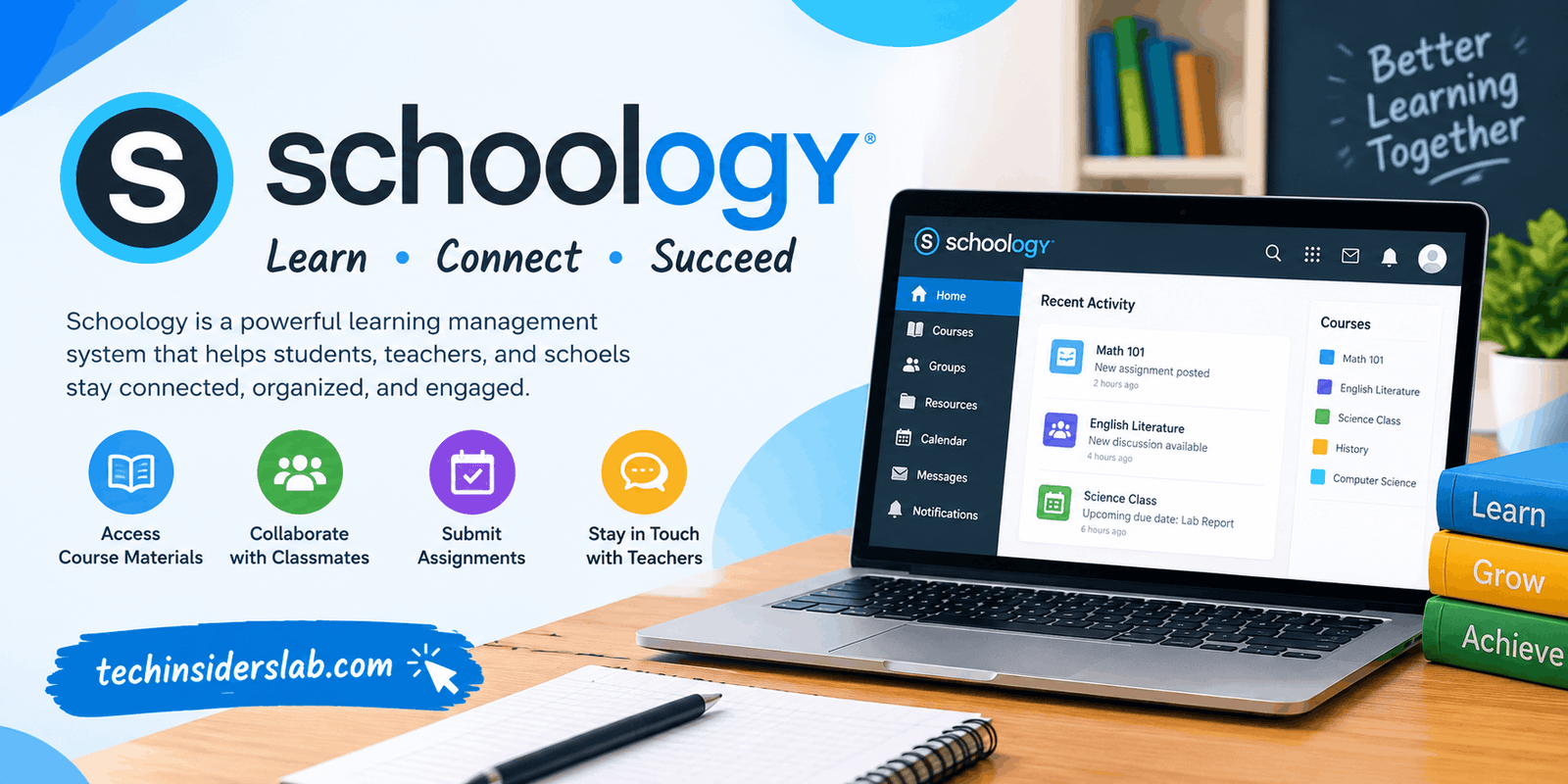
Schoology Learning, offered by PowerSchool, is a learning management system (LMS) primarily designed for K–12 education. It helps schools organize courses, distribute learning materials, manage assignments, conduct assessments, and support communication between teachers, students, and families. According to PowerSchool, the platform also supports personalized learning experiences and collaboration across educational communities.
Whether you are a student trying to find assignments, a teacher organizing classroom activities, or a parent checking school updates, understanding Schoology can help you make better use of digital education tools.
What Is Schoology?
Schoology is an online learning management system that allows educational institutions to manage teaching and learning activities through a single platform. Instead of relying entirely on printed worksheets, separate messaging services, and scattered documents, schools can use Schoology to organize many academic tasks digitally.
Teachers can create courses, upload educational materials, post announcements, assign homework, and provide feedback. Students can access course content, submit their work, participate in discussions, and review their academic progress. Depending on the school’s configuration, parents or guardians may also receive access to information about their children’s learning.
Schoology supports different learning environments, including traditional classroom instruction, blended learning, and remote education. Its available features depend on the school’s subscription, configuration, integrations, and permissions.
The platform is particularly relevant to schools that want to establish a more structured digital learning environment rather than managing every classroom activity through separate tools.
How Does Schoology Work?
Schoology works by connecting educators and learners through courses and learning activities. A school or educational institution typically establishes the platform, creates accounts, configures access, and organizes courses for teachers and students.
The general process involves several steps:
- Account access: Students and teachers sign in using the login details or authentication method provided by their school.
- Course enrollment: Students access the courses assigned to them, while teachers manage their respective classes.
- Learning materials: Teachers upload notes, documents, videos, links, and other resources.
- Assignments and assessments: Educators publish tasks, quizzes, or tests and provide instructions and deadlines.
- Submission and feedback: Students submit their work through the available tools, and teachers review submissions and provide feedback.
- Progress monitoring: Authorized users can review relevant grades, course activities, and learning information.
The exact process can differ between schools. Some institutions use Schoology alongside student information systems or other educational applications, so students may encounter different login procedures and interfaces.
Key Features of Schoology
1. Course Management
Course management is one of Schoology’s central functions. Teachers can organize lessons, learning materials, activities, and assessments into separate courses.
This structure helps students understand which resources belong to each subject. For example, a mathematics course might contain algebra lessons, practice worksheets, quizzes, and revision materials, while an English course could include reading assignments, writing exercises, and grammar activities.
Organizing content by course makes it easier to locate relevant information and maintain a consistent learning schedule.
2. Assignment Management
Schoology allows teachers to distribute assignments digitally and provide instructions for completing them. Students can check their coursework, review deadlines, and submit work through the options enabled for their courses.
Teachers can review submitted assignments and provide feedback without depending entirely on paper-based processes. Digital assignment management can also help educators maintain a clearer record of coursework.
However, students should always confirm submission status and follow their teacher’s instructions, particularly when deadlines are approaching.
3. Quizzes and Assessments
Assessment tools help teachers evaluate whether students understand the material covered in class. Depending on the school’s setup and available features, educators can create quizzes, tests, and other forms of assessment.
Digital assessments may reduce some administrative work and make it easier to organize student responses. Teachers can use assessment results to identify topics that require additional explanation or practice.
Students should check the instructions for each assessment carefully because permitted attempts, time limits, question formats, and grading rules may vary.
4. Grade Tracking and Feedback
Schoology can support grade management and feedback within the learning process. Students may be able to review grades, assignment results, and teacher comments through their course interfaces.
This information can help learners identify areas of strength and understand where improvement is needed. Teachers can also use academic records to guide future instruction.
It is important to remember that a missing grade does not necessarily mean an assignment was not submitted. The teacher may not have graded the work yet, or the school may use a separate system for reporting final grades.
5. Communication and Announcements
Clear communication is essential for effective education. Schoology provides tools that can help teachers share announcements, communicate course information, and support classroom discussions.
For example, a teacher may announce a schedule change, explain an upcoming project, or share additional reading materials. Students can use available discussion features to ask questions and participate in learning activities.
These tools can reduce confusion by keeping important academic communication connected to the relevant course.
6. Learning Resources and Collaboration
Teachers can share a variety of educational resources, including documents, presentations, videos, and external learning materials. Depending on the available integrations, schools may also connect Schoology with other applications used in their teaching environment.
Collaboration features can support group discussions, shared learning activities, and the exchange of ideas. Students can engage with course content beyond simply reading instructions or completing individual assignments.
When used thoughtfully, these features help educators create more interactive lessons and encourage students to participate actively in their education.
7. Parent and Guardian Access
Family involvement can play an important role in student success. Schoology can provide parents or guardians with access to selected academic information, such as course updates, assignments, calendars, or grades, depending on the institution’s configuration.
This visibility can help families understand upcoming responsibilities and discuss academic progress with their children.
Parent access does not necessarily provide the same permissions as a student or teacher account. Schools determine what information families can view, so parents should contact the institution if they cannot find a particular record.
8. Mobile and Online Access
Schoology supports digital access through its web platform and mobile applications where available. This flexibility can help students review learning materials, check updates, and manage coursework without always needing a desktop computer.
Mobile access is particularly useful for checking announcements or reviewing assignment deadlines. However, certain tasks may be easier on a larger screen, especially when students need to edit documents, complete detailed assessments, or work with complex learning materials.
Users should also ensure that their devices, internet connections, and applications meet their school’s requirements.
Benefits of Using Schoology
Schoology offers several potential advantages for educational institutions and their communities.
Centralized learning: Course materials, assignments, announcements, and other learning activities can be organized in one digital environment.
Better organization: Students can refer to course pages and available calendars to understand their academic responsibilities.
Improved communication: Teachers can distribute updates and provide feedback through supported communication features.
Flexible learning: Students may be able to access course resources outside normal classroom hours, subject to school policies and internet availability.
Progress visibility: Available grades and assessment information can help students identify areas that need improvement.
Reduced paperwork: Digital assignments and resources can reduce the need to print and distribute some classroom materials.
Support for blended education: Schools can combine in-person instruction with online resources and activities.
These benefits are not automatic. Their effectiveness depends on how teachers design their courses, how consistently students use the platform, and how well the school supports its digital learning environment.
Limitations of Schoology
Although Schoology offers useful educational tools, it may not be ideal in every situation.
Internet and Device Requirements
Students generally need a suitable device and reliable internet access to use online learning features. Learners with limited connectivity may find it difficult to access materials or submit assignments consistently.
Schools can reduce this challenge by providing offline resources, flexible arrangements, or access to appropriate devices where possible.
Learning Curve for New Users
First-time users may need time to understand the interface, locate course materials, and learn how to submit assignments. A well-organized course structure and clear instructions can make the experience easier.
Different School Configurations
Not every school enables the same features. A student may not see a particular tool because the school has disabled it, the teacher has not published the activity, or the account lacks the required permission.
Technical Problems
Like other online platforms, Schoology may occasionally experience loading issues, application errors, or submission difficulties. Users should keep track of deadlines, confirm successful submissions, and contact their school’s technical support team when problems persist.
Dependence on School Access
Schoology is commonly deployed through educational institutions. Students usually need the correct school-provided account, course enrollment, or access instructions. Someone cannot necessarily create an independent account and access a particular school’s courses without authorization.
Is Schoology Free?
Schoology’s availability and pricing depend on the type of access and the educational institution using it. Students and teachers may receive access through their school or district, so they do not necessarily pay separately to use the learning environment provided to them.
Institutional deployments can involve licensing, implementation, support, and integration arrangements. Costs and available features may vary according to the school’s requirements.
Anyone considering Schoology for an entire institution should contact PowerSchool or an authorized representative for current pricing and deployment details. Individual students should first check with their school rather than assuming that they need to purchase a subscription.
Who Should Use Schoology?
Schoology is primarily suited to educational organizations that need a structured way to manage teaching and learning.
- Students: To access course materials, review instructions, submit assignments, and check available feedback.
- Teachers: To organize lessons, share resources, assess learning, and communicate with classes.
- Parents and guardians: To monitor the academic information made available by their child’s school.
- School administrators: To support consistent digital learning processes and manage educational activities across an institution.
- IT teams: To help configure accounts, manage access, and support integrations with other school systems.
Its suitability depends on the size of the institution, existing technology, teaching requirements, and the support available to users.
Schoology vs. Traditional Classroom Learning
Traditional classroom learning offers direct interaction, immediate verbal feedback, and face-to-face collaboration. These advantages remain valuable, particularly for practical activities, discussions, and subjects that benefit from personal instruction.
Schoology complements these experiences by providing a digital space for course resources, assignments, announcements, and academic communication. It can help students review instructions after class and allow teachers to share additional materials without distributing every item on paper.
The two approaches are not necessarily competitors. In many educational settings, combining classroom teaching with an online learning platform creates a more flexible experience. The most effective approach depends on students’ needs, subject requirements, and the quality of instruction.
Tips for Getting the Most Out of Schoology
Students and teachers can improve their experience by following a few practical habits.
- Check the dashboard regularly: Review announcements and upcoming activities so important information is not missed.
- Organize coursework: Use course pages and available folders to locate learning materials quickly.
- Monitor deadlines: Check assignment instructions and calendars frequently.
- Confirm submissions: Verify that assignments have been submitted successfully and keep a copy of important work.
- Use feedback constructively: Review teacher comments and ask questions when instructions are unclear.
- Protect account security: Use strong passwords, avoid sharing login details, and sign out on shared devices.
- Ask for help early: Contact the teacher or school support team if login issues, missing courses, or technical errors interfere with learning.
Consistent use of these habits can make digital learning more organized and reduce avoidable academic problems.
Conclusion
Schoology is a learning management system that helps schools connect teachers, students, and families through a centralized digital learning environment. Its tools support course organization, assignment management, assessments, communication, and access to educational resources.
The platform’s main advantage is that it brings many everyday learning activities together instead of requiring users to manage everything through separate channels. At the same time, its usefulness depends on reliable access, clear course organization, appropriate school configuration, and effective teaching practices.
For schools seeking to support classroom instruction with digital tools, Schoology can be a practical option. Students and parents can benefit from understanding how their institution uses the platform, while teachers can use its available features to organize coursework and support learning more efficiently.