Introduction
Artificial intelligence is changing how people search for information, create content, solve problems, and complete everyday tasks. AI chatbots have become valuable tools for students, professionals, developers, content creators, and businesses. One of the notable platforms in this field is Grok, an AI assistant developed by xAI.
Grok is designed to answer questions, assist with research, generate written content, help with coding, analyze files, and create images and videos. It can also access real-time information from the web and public posts on X, depending on the feature being used. These capabilities make it useful for people who want an AI assistant for both everyday questions and more advanced tasks.
Unlike a traditional search engine that primarily presents a list of webpages, Grok can generate conversational answers and respond to follow-up questions. Users can refine their requests, explore ideas, and ask for explanations in a more interactive way.
In this guide, we will explore what Grok is, how it works, its major features, practical applications, advantages, disadvantages, and privacy considerations.
What Is Grok?
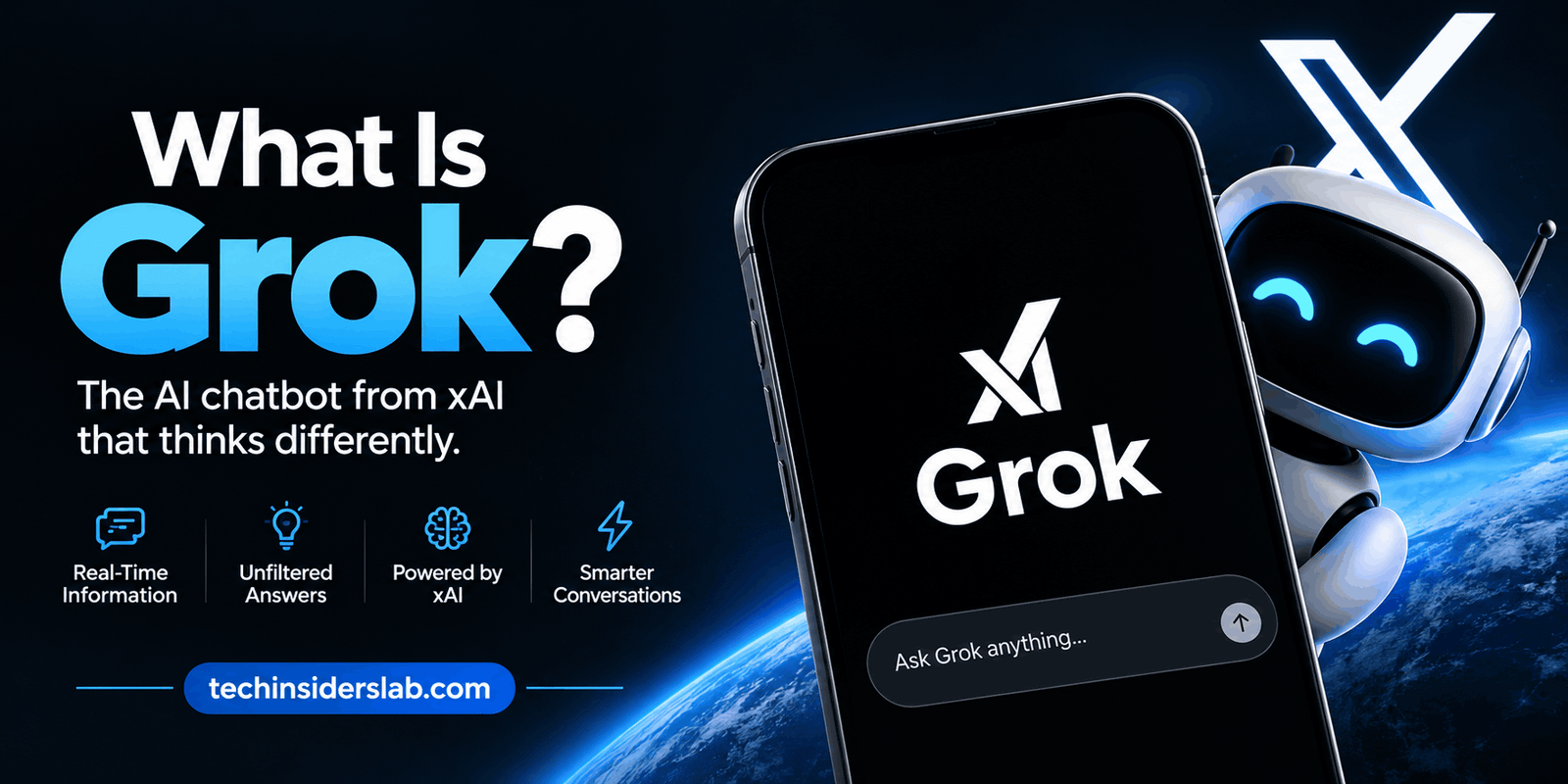
Grok is a generative artificial intelligence chatbot created by xAI. It uses advanced AI models to understand prompts and produce responses in natural language. Users can interact with it through supported web and mobile applications.
The platform is intended to help users understand information, complete tasks, develop ideas, and communicate with AI more naturally. It can assist with a broad range of subjects, including technology, science, education, business, programming, and creative writing.
One feature that distinguishes Grok is its connection with X, the social media platform formerly known as Twitter. This integration can help it examine public discussions and identify current topics when relevant access is available.
Grok also supports capabilities beyond text conversations. Depending on the available model, plan, and platform, users may be able to generate images and videos, communicate through voice, upload documents, and perform more detailed research.
Grok is available through its website and supported mobile applications. Some features are available without a paid subscription, while usage limits and access to advanced capabilities can depend on the user’s plan.
How Does Grok Work?
Grok relies on large AI models trained to recognize patterns in language and other types of data. When a user submits a question or instruction, the system processes the input and generates a response based on its learned capabilities and the context of the conversation.
For example, a user can ask Grok to explain a technical concept, write an email, summarize a document, or identify errors in a piece of code. The assistant interprets the request and produces an answer intended to meet the user’s needs.
For questions involving recent developments, Grok can use supported web-search and X-search capabilities to retrieve relevant information. This can help it provide more current answers than relying exclusively on previously learned information.
However, not every response necessarily involves a live search. Its approach depends on the question, available tools, and selected features. Users should therefore request sources or current verification when accuracy and freshness are particularly important.
Like other generative AI systems, Grok can misunderstand questions, overlook important details, or produce incorrect information. Its responses should be treated as assistance rather than guaranteed facts.
Key Features of Grok
Grok offers several capabilities that make it useful for different types of users.
1. AI Chat and Question Answering
Grok allows users to ask questions in everyday language and receive conversational responses. It can explain difficult subjects, define unfamiliar terms, compare concepts, and provide step-by-step guidance.
For example, a beginner learning web development could ask it to explain HTML elements or the difference between JavaScript and CSS. A student could request a simpler explanation of a scientific topic.
Users can also ask follow-up questions without starting an entirely new conversation, making it easier to explore complicated subjects.
2. Real-Time Web Search
One of Grok’s useful capabilities is its ability to search supported online sources for current information. This can help users investigate recent announcements, technology developments, public discussions, and other time-sensitive subjects.
Its integration with public X posts can provide additional context about ongoing conversations and emerging trends.
Nevertheless, real-time access does not guarantee complete or accurate information. Search results may be incomplete, and social media posts may contain rumors, misleading claims, or personal opinions. Important information should be checked against reliable sources.
3. Content Writing and Editing
Grok can assist with many writing tasks, including blog posts, summaries, emails, outlines, product descriptions, social media captions, and creative ideas.
Content creators can use it to brainstorm topics, organize articles, improve sentence clarity, and develop alternative headlines. Businesses may use it to draft customer communications or prepare initial versions of internal documents.
For example, a website owner could ask Grok to create an outline for an article about cybersecurity. The user could then request an introduction, headings, examples, and a conclusion.
AI-generated content still requires human review. Users should check factual accuracy, originality, tone, and usefulness before publishing it.
4. Coding and Programming Assistance
Developers can use Grok to understand programming concepts, generate code examples, troubleshoot errors, and explore different technical approaches.
It can help with languages and technologies such as Python, JavaScript, HTML, and CSS. Beginners may find it useful for learning how individual code sections work, while experienced programmers can use it to investigate possible solutions.
Grok can also explain error messages and suggest improvements to existing code.
However, generated code may contain bugs, security weaknesses, or outdated methods. Developers should test suggestions, review dependencies, and follow appropriate security practices before using AI-generated code in real applications.
5. Image and Video Generation
Grok includes creative capabilities through its image and video generation features, commonly associated with Grok Imagine. Depending on current access and usage limits, users can describe a scene and request visual content based on their instructions.
These tools may help with concept art, social media graphics, creative experiments, visual storytelling, and promotional ideas.
Users can refine their prompts to adjust the subject, composition, atmosphere, or visual style. Some supported workflows also allow users to work with reference images.
Generated visuals may contain inaccurate details, unwanted elements, or inconsistencies. Users should review results before using them professionally and respect applicable copyright, consent, and platform rules.
6. Voice Conversations
Supported versions of Grok provide voice interaction, allowing users to communicate by speaking instead of typing.
Voice features can be convenient when someone is multitasking, using a mobile device, or prefers spoken explanations. They can also make conversations feel more natural.
The exact voice options and availability may vary across devices, applications, and subscriptions.
7. File and Image Analysis
Grok can analyze supported uploaded files and visual material. Depending on the platform, supported formats may include documents, spreadsheets, code files, images, and audio or video files.
Users can request document summaries, ask questions about information in a file, interpret tables, or seek explanations of screenshots and diagrams.
For example, a business professional could upload a spreadsheet and ask for an overview of its main trends. A student could submit notes and request a concise revision summary.
The results depend on the quality of the uploaded material and the system’s ability to interpret it. Users should verify important calculations and avoid uploading confidential information unnecessarily.
8. Research and Reasoning
Grok can help break complex questions into smaller parts, compare competing explanations, and organize information into structured summaries.
These capabilities are useful for preliminary research, technical investigations, planning, and learning. Where supported, deeper research features can use multiple sources to build a more detailed response.
However, a long answer is not automatically a reliable answer. Users should examine the supporting evidence, distinguish established facts from speculation, and check important conclusions independently.
Common Uses of Grok
Grok can support different activities depending on the user’s goals.
For Students
Students can use Grok to understand difficult concepts, generate practice questions, summarize study materials, and explore unfamiliar topics. It can provide alternative explanations when a textbook description is confusing.
Students should use it as a learning assistant rather than a replacement for independent thinking. They must also follow their school’s rules concerning AI-generated work and academic integrity.
For Content Creators
Bloggers, social media managers, and digital publishers can use Grok to brainstorm topics, prepare outlines, develop captions, and organize research.
It can also help generate visual concepts for promotional materials. However, creators should fact-check information, add original insight, and edit drafts to suit their audience.
For Developers
Programmers can use Grok to learn new technologies, troubleshoot code, understand technical documentation, and explore implementation ideas.
It is particularly helpful when users provide clear details about their programming language, intended behavior, and error messages.
For Businesses
Businesses can use Grok for brainstorming, drafting routine communications, researching markets, and summarizing information. It may also help teams develop initial ideas for campaigns and customer support materials.
Organizations should establish appropriate rules for confidential data, employee use, and human approval of important outputs.
For Everyday Users
Everyday users can ask Grok for explanations, travel-planning ideas, recipes, writing assistance, comparisons, and help organizing personal projects.
Its conversational format makes it accessible to people who do not have advanced technical knowledge.
Benefits of Using Grok
Grok offers several potential advantages.
Versatile functionality: Users can access writing, research, coding, conversation, and supported creative tools within one AI platform.
Conversational experience: Follow-up questions make it easier to clarify information and refine results.
Current information access: Supported live-search features can help users investigate recent events and online discussions.
Creative support: Grok can suggest ideas, generate drafts, and assist with visual content.
Learning assistance: It can explain difficult concepts in simpler language and provide examples suited to different experience levels.
Flexible access: Users can access supported versions through web and mobile applications, subject to availability and account requirements.
These benefits can improve productivity, but the results depend on the task, prompt quality, available features, and the user’s ability to evaluate the output.
Limitations of Grok
Despite its capabilities, Grok has several limitations that users should understand.
1. Incorrect Information
Grok can generate convincing responses that contain factual errors. Important medical, legal, financial, or technical information should be verified with appropriate authoritative sources.
2. Subscription and Usage Limits
Some advanced features may require a paid plan or may be restricted by usage limits. Availability and pricing can change, so users should review the current terms before subscribing.
3. Dependence on Prompt Quality
Vague instructions may produce generic or incomplete answers. Providing context, desired length, examples, and formatting requirements can improve results.
4. Privacy Considerations
Users should understand how their prompts, uploaded files, and conversations may be processed or used. Available data controls and privacy options should be reviewed before sharing sensitive information.
5. Need for Human Judgment
Grok cannot replace professional expertise, independent research, or responsible decision-making. Its suggestions should be reviewed before being used in important situations.
Is Grok Free to Use?
Grok offers free access, but the amount of usage and the features available may vary. Paid subscriptions can provide higher limits or access to additional capabilities.
The exact plans, prices, and feature restrictions may change over time and across regions. Users should check the current options in the official Grok application before making a purchasing decision.
For occasional questions, simple writing tasks, or basic exploration, free access may be sufficient. People who regularly perform intensive research, coding, or creative work may want to compare paid features with their actual needs.
Is Grok Safe to Use?
Grok can be useful for everyday tasks, but safe usage requires attention to privacy, accuracy, and content quality.
Avoid entering passwords, financial account details, private business documents, or other sensitive information unless you have confirmed that the service and your settings are appropriate for that use.
Review the available data controls to understand whether conversations can be used to improve AI models. Be careful when creating or sharing public conversation links, as shared material may become accessible to other people.
Users should also independently verify important answers and be cautious with generated images, news summaries, and information from social media.
For children and teenagers, age requirements, parental guidance, and the suitability of generated content should be considered.
Grok vs. Traditional Search Engines
Traditional search engines generally help users discover webpages, documents, videos, and other online resources. Grok focuses on generating conversational answers and helping users work through questions.
A search engine may be preferable when someone wants to compare many original sources directly. Grok may be more convenient when the user wants an explanation, a structured summary, a draft, or assistance with a follow-up question.
The two approaches can work together. Users can ask Grok to explain a topic and then examine reliable sources to confirm the details.
Neither approach guarantees accuracy. Search results require evaluation, and AI-generated answers require verification.
Tips for Getting Better Results from Grok
To make Grok more useful, follow these practical suggestions:
- Be specific: Clearly describe what you want the assistant to do.
- Provide context: Explain your audience, purpose, experience level, or relevant background.
- Set the format: Request a table, bullet list, step-by-step guide, or short summary when appropriate.
- Ask follow-up questions: Request clarification or a simpler explanation if the first answer is unclear.
- Verify important claims: Check reliable sources when factual accuracy matters.
- Protect private information: Avoid sharing sensitive data unnecessarily.
- Review generated content: Edit written material, test code, and inspect images before publishing or using them.
These habits help users treat Grok as a practical assistant rather than an unquestionable source of information.
Conclusion
Grok is an AI chatbot developed by xAI that combines conversational assistance with capabilities such as web research, coding support, content creation, file analysis, voice interaction, and image or video generation. Its integration with X and supported real-time search features can make it useful for exploring current topics.
Students, developers, content creators, businesses, and everyday users can benefit from its flexible tools. However, Grok can still make mistakes, and some features may have usage limits or subscription requirements.
Overall, Grok is a useful option for people who want to explore AI-assisted work and learning. The best results come from clear prompts, careful verification, responsible privacy practices, and human judgment.