Presentations.AI: Complete Guide to the AI Presentation Maker
introduction
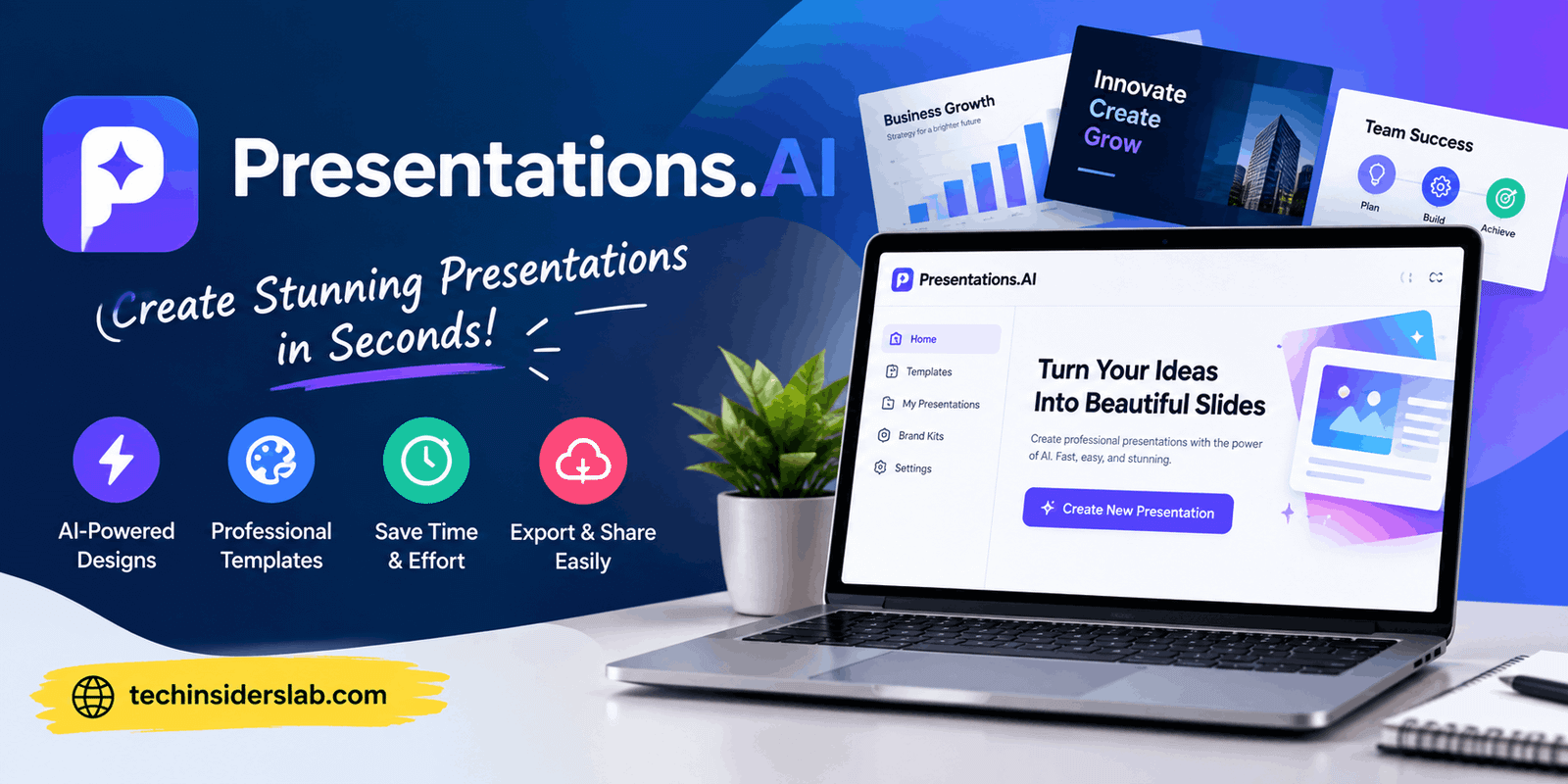
Creating a professional presentation can take much more time than expected. Writing slide content, arranging information, selecting layouts, finding suitable visuals, maintaining brand consistency, and preparing the final PowerPoint file can turn a simple presentation into a time-consuming project. Presentations.AI is designed to reduce much of this manual work by using artificial intelligence to create presentation decks from prompts, documents, URLs, and other types of content.
Presentations.AI describes itself as an AI-powered presentation platform that can transform ideas, documents, data, and business information into professional slide decks. The platform supports different workflows, including generating a complete presentation from a prompt, converting documents into slides, creating pitch decks, and editing individual slides.
For students, marketers, business professionals, consultants, educators, founders, and teams, an AI presentation maker can be useful when the main goal is to move quickly from an idea to a structured presentation. Instead of beginning with an empty slide, users can provide information and allow the AI to build an initial presentation that can then be reviewed and edited.
What Is Presentations.AI?
Presentations.AI is a web-based AI presentation creation platform. It uses artificial intelligence to help users generate slide decks without manually designing every slide from the beginning.
According to the platform, users can start with a simple prompt, upload documents, provide URLs, or use other supported inputs. The AI analyzes the provided information and creates a presentation structure, writes slide content, selects layouts, and applies visual styling.
The platform was founded in 2018 and says that more than 12 million users worldwide use Presentations.AI. It is positioned for both individual users and organizations that regularly create presentations.
Rather than replacing traditional presentation editors completely, Presentations.AI focuses on speeding up the creation process. Users can generate a first version with AI and then modify the resulting slides according to their requirements.
How Does Presentations.AI Work?
The basic process is relatively straightforward. A user provides information and explains what kind of presentation they want. The platform then uses AI to organize the information into a logical slide structure.
For example, a user could provide a topic such as a digital marketing strategy and specify the intended audience. The AI can then create an introduction, key objectives, strategy sections, data points, recommendations, and a conclusion.
Presentations.AI also supports document-based workflows. Users can provide PDFs, Word documents, URLs, Google Docs, Excel files, and other supported content, allowing existing information to become the foundation of a presentation.
This approach is particularly useful when the user already has the information but does not want to manually copy and organize it across dozens of slides.
AI Presentation Generation
One of the main features of Presentations.AI is prompt-to-presentation generation.
Instead of opening a blank PowerPoint file, users can describe their presentation requirements using natural language. The AI can generate the structure, slide copy, layouts, and design.
The official platform states that its AI presentation maker can create a deck from a topic or prompt and generate a 10–15 slide presentation in approximately a minute, although actual generation time can vary depending on the task and input.
This can be particularly useful when preparing:
- Business presentations
- Sales decks
- Marketing strategies
- Product presentations
- Educational material
- Investor pitch decks
- Company reports
- Training presentations
- Project proposals
The generated presentation should still be reviewed before being used professionally because AI-generated content can require factual checking, editing, and customization.
Create Presentations From Documents
A major advantage of an AI presentation platform is the ability to work with information that already exists.
Presentations.AI supports inputs such as PDFs, Word documents, Excel files, URLs, Google Docs, and other formats. The platform can extract important information and reorganize it into a presentation structure.
Imagine having a 20-page research report that needs to become a short presentation. Instead of manually deciding what information belongs on each slide, users can provide the document to the platform and let AI create an initial structure.
This does not mean every generated slide will automatically be perfect. Important numbers, conclusions, names, and claims should always be checked against the original source material.
Presentations.AI and PowerPoint
PowerPoint remains one of the most widely used presentation formats, particularly in professional and educational environments. One of the useful features of Presentations.AI is its ability to export presentations as editable PowerPoint files.
The platform states that generated decks can be downloaded as native PPTX files, allowing users to open and continue editing them in PowerPoint or Google Slides.
This is important because users may want to use AI for the initial design and content creation but still need traditional presentation software for final adjustments.
Instead of treating AI and PowerPoint as completely separate workflows, Presentations.AI can act as a bridge between automated presentation generation and conventional slide editing.
Brand Sync
Brand consistency can be difficult when different employees create presentations independently. Fonts, colors, logos, and visual styles can easily become inconsistent.
Presentations.AI includes a feature called Brand Sync. According to the platform, users can provide their company website and the system can extract elements such as logos, colors, and fonts to apply branding across presentations.
This can be useful for companies that frequently prepare sales presentations, reports, proposals, and internal documents.
Consistent branding can make multiple presentations appear as part of the same organization rather than unrelated slide decks created by different people.
AI Slide Creator
Presentations.AI also provides a slide-by-slide creation workflow. Instead of generating an entire presentation at once, users can work on individual slides.
This approach can be useful when the user already has a presentation structure but needs help creating specific slides.
For example, someone might already have an introduction and conclusion but need a better comparison slide, timeline, process diagram, or data-focused slide. An AI slide creator can help develop individual sections without rebuilding the entire deck.
AI Pitch Deck Generator
Another specialized feature is the AI Pitch Deck Generator.
Pitch decks often follow a recognizable structure, including a problem, solution, market opportunity, business model, traction, and investment request. Presentations.AI provides a workflow designed specifically around this type of presentation.
This can be useful for startups and entrepreneurs who need to organize their business information into a presentation suitable for investors or business discussions.
However, the quality of a pitch deck still depends heavily on the quality and accuracy of the underlying business information. AI can help with structure and presentation, but it cannot replace genuine business data or strategic decision-making.
Presentation Templates
Templates provide another starting point for users who do not want to generate everything from scratch.
Presentations.AI offers presentation and slide templates for different use cases. Its current platform highlights templates for areas such as sales, board meetings, product launches, and other professional scenarios.
Templates can save time because the visual structure is already established. Users can then focus more on replacing the placeholder information with their own content.
For people who are not experienced with presentation design, this can make the process less complicated.
Editing and Customization
AI generation is useful for creating a first draft, but customization remains important.
Presentations.AI states that generated slides are editable, allowing users to change text, images, layouts, colors, and other presentation elements.
This means users do not have to accept every AI decision.
A practical workflow is to let AI generate the initial deck, review the structure, remove unnecessary slides, correct factual information, improve important messages, and then customize the design.
This combination of AI automation and human editing can produce a more useful final presentation than relying entirely on automatically generated content.
Real-Time Collaboration
Presentations.AI also includes collaboration features for teams.
According to the platform, multiple users can work on presentations together in real time, leave comments, and review the same presentation in a shared workspace.
This can be helpful for marketing departments, sales teams, consultants, and organizations where presentations are created by several people.
Instead of passing different PowerPoint files between team members, users can work from a shared presentation and make changes within the same environment.
Presentation Analytics
Another feature offered by Presentations.AI is presentation analytics.
When a presentation is shared through a link, users can gain information about engagement, including which slides receive attention and how viewers interact with the presentation. The platform lists engagement metrics and slide-level analytics among its capabilities.
For sales and business teams, this can provide additional information after a presentation has been shared.
For example, a sales team might want to understand whether recipients opened a presentation and which sections received more attention. Such information can help teams refine future presentations.
Live Data and Recurring Presentations
Presentations.AI has expanded beyond simple slide generation with features designed for presentations that need regular updates.
Its feature documentation describes live data connections, scheduled updates, and a Refresh Agent for certain plans. These capabilities are intended for recurring presentations where information changes over time.
This can be particularly relevant for reports such as:
- Monthly sales updates
- Business performance reports
- KPI presentations
- Board reports
- Operational reviews
- Recurring management presentations
Instead of rebuilding the same presentation repeatedly, connected data and automated refresh capabilities can help reduce repetitive work.
Who Can Use Presentations.AI?
Presentations.AI is not limited to one type of user.
Students
Students can use AI presentation tools to turn research notes and project information into structured slides. They should still verify information and follow their school’s rules regarding AI-generated work.
Teachers and Educators
Teachers can create lesson presentations, educational summaries, training material, and visual explanations more quickly.
Business Professionals
Business users can create reports, proposals, sales presentations, strategy decks, and internal presentations.
Entrepreneurs
Founders can use presentation-generation features when preparing pitch decks, product presentations, or business proposals.
Marketing Teams
Marketing professionals can create campaign presentations, research summaries, product launches, and strategy decks while maintaining consistent branding.
Consultants
Consultants often work with large amounts of research and client information. Converting documents and data into structured presentations can help reduce manual formatting work.
Benefits of Presentations.AI
There are several reasons users may consider an AI presentation platform.
Saves time: AI can create an initial presentation much faster than building every slide manually.
Works with existing content: Documents, URLs, and other information can be used as starting points.
Brand consistency: Brand Sync can help apply company branding across presentations.
Editable output: Users can continue modifying AI-generated presentations.
PowerPoint export: Native PPTX export makes it easier to continue working with familiar presentation software.
Team collaboration: Shared editing and review features can support group projects.
Limitations to Consider
Despite its automation capabilities, Presentations.AI is not a substitute for human review.
AI-generated content can contain incorrect information, weak arguments, unnecessary wording, or unsuitable slide structures. Important business figures and factual claims should always be checked against reliable source material.
Pricing and access to certain advanced capabilities can also depend on the plan. The platform’s feature comparison shows differences between Free, Pro, Business, and Enterprise plans, including collaboration, branding, analytics, live data connections, and enterprise controls.
Independent reviews have also reported limitations around free-plan credits and export access, so users should check the current plan details before relying on a specific feature.
Is Presentations.AI Easy to Use?
The platform is designed around a relatively simple workflow: provide information, generate a presentation, review it, edit it, and export or share it.
This can be easier than manually designing a presentation from a blank slide. Users who are already familiar with PowerPoint may also find the editable output useful because they can continue refining the generated deck using traditional tools.
The amount of editing required depends on the purpose of the presentation. A simple internal presentation may need only minor adjustments, while an investor deck or important client presentation may require extensive human review.
Conclusion
Presentations.AI is a useful AI-powered presentation tool that helps users create professional slides from prompts, documents, URLs, and other information. Its AI generation, templates, branding options, collaboration features, and PowerPoint export can save significant time. While the platform can simplify presentation creation, users should still review and customize AI-generated content before using it for important business, academic, or professional purposes.