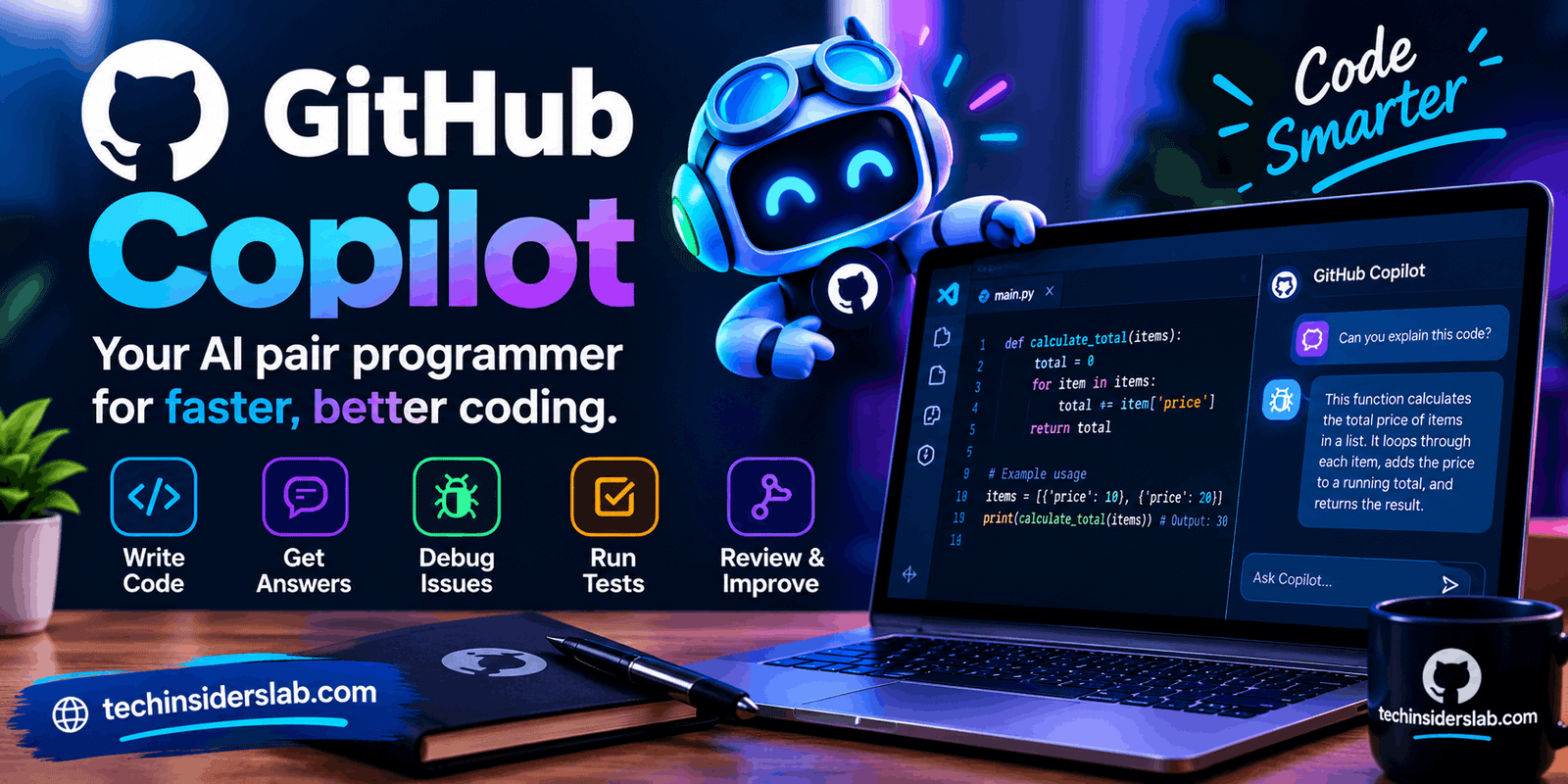
GitHub Copilot: A Complete Guide to AI-Powered Coding
introduction
Software development is becoming increasingly dependent on artificial intelligence, and GitHub Copilot has emerged as one of the most widely used AI coding assistants. Instead of simply searching for code examples or manually writing every function, developers can use Copilot to generate code, explain programming concepts, suggest improvements, create tests, debug problems, and work through larger development tasks.
What makes GitHub Copilot particularly interesting is its integration with the development workflow. It can work inside supported code editors, GitHub, the command line, and agent-based development environments. Recent Copilot features go beyond simple autocomplete by allowing the AI to analyze a project, plan changes, modify files, run tests, and help prepare pull requests.
What Is GitHub Copilot?
GitHub Copilot is an AI-powered coding assistant developed by GitHub. It is designed to help developers write and understand software by providing AI-generated suggestions and conversational assistance.
Traditional coding requires developers to remember syntax, search documentation, inspect examples, and manually build solutions. Copilot can reduce some of this repetitive work by interpreting natural-language instructions and turning them into code or explanations.
For example, a developer could describe a requirement such as creating a function that validates an email address. Instead of starting from an empty file, Copilot can suggest an implementation that the developer can inspect, modify, and test.
Copilot can also work with existing code. Developers can ask questions about unfamiliar functions, request explanations, identify potential problems, or ask for alternative approaches.
GitHub describes Copilot as a tool that supports different stages of the development process, from planning and coding to reviewing and working with repositories.
How Does GitHub Copilot Work?
GitHub Copilot uses AI models to interpret the context provided by a developer and generate responses or code suggestions. Depending on the feature being used, that context can include source code, files, repository information, prompts, issues, or other development-related information.
One of its familiar capabilities is inline code completion. As developers type, Copilot can suggest the next part of a function, statement, or block of code. The developer can accept, reject, or modify the suggestion.
Copilot also includes a chat-based experience. GitHub Copilot Chat can answer coding questions about programming concepts, syntax, debugging, tests, and other development tasks. It is available across GitHub and several supported development environments.
More advanced agent features allow Copilot to perform multi-step development tasks. Depending on the environment and plan, it can analyze code, propose changes, make edits, run tests, and help validate the results.
GitHub Copilot’s Main Features
1. AI Code Completion
Code completion is one of Copilot’s core capabilities. While typing, developers can receive suggestions for individual lines or larger pieces of code.
This can be useful for repetitive programming tasks, standard patterns, boilerplate code, and common functions. Instead of manually writing every statement, a developer can review an AI-generated suggestion and decide whether it fits the project.
The developer remains responsible for checking the result because generated code can contain mistakes.
2. Copilot Chat
Copilot Chat provides a conversational interface for programming-related questions. Developers can use it to understand unfamiliar code, troubleshoot errors, discuss implementation approaches, and generate examples.
For instance, a developer working with JavaScript could ask Copilot to explain an asynchronous function or suggest a way to handle an API response.
GitHub notes that Copilot Chat can work with repository context and, in supported experiences, provide references to source files, issues, or documentation that contributed to an answer.
3. Agent Mode
Agent mode represents a major change from traditional autocomplete.
Rather than only suggesting the next line, an agent can work through a larger task. GitHub describes agent mode as capable of analyzing code, proposing edits, running tests, and validating results across multiple files.
This makes it useful for tasks such as implementing a feature, modifying several related files, fixing a bug, or updating an existing part of an application.
However, developers should still review the changes before accepting them.
4. Copilot Cloud Agent
GitHub also provides a cloud-based agent capable of working asynchronously on repository tasks. It can research a repository, create an implementation plan, make code changes on a branch, and create a pull request when requested.
This can be helpful when a developer wants AI to handle a defined task while they concentrate on another part of the project.
GitHub’s documentation also explains that the cloud agent operates with constrained permissions and that generated changes should be reviewed before they are merged.
5. Code Review
Copilot can assist with reviewing pull requests by examining code changes and producing feedback.
This can help developers identify potential issues that deserve additional attention. However, AI-generated review comments are not guaranteed to identify every problem, and GitHub specifically recommends supplementing Copilot’s review with careful human review.
6. Copilot CLI
Developers who prefer the command line can use Copilot CLI for coding-related tasks.
According to GitHub, Copilot CLI can create and modify files, execute commands, and perform multi-step tasks. Its actions involve permission prompts and are scoped according to the environment in which it operates.
This makes Copilot useful beyond a traditional graphical code editor.
What Can You Use GitHub Copilot For?
GitHub Copilot can support many everyday development activities.
Developers can use it for:
- Writing functions and classes
- Generating boilerplate code
- Explaining existing code
- Debugging programming errors
- Creating test cases
- Refactoring code
- Translating code between programming languages
- Writing documentation
- Understanding unfamiliar repositories
- Creating implementation plans
- Reviewing pull requests
- Working with GitHub issues
- Performing command-line development tasks
Its usefulness depends heavily on the quality of the instructions and the context available to the AI.
For small tasks, a short prompt may be enough. Larger tasks generally benefit from clear requirements, relevant context, and step-by-step verification.
GitHub Copilot for Beginners
Beginners can use Copilot as a learning companion, but it should not replace learning fundamental programming concepts.
For example, a beginner could ask Copilot to explain what a particular function does, show a simpler version of an implementation, or explain why an error occurs.
This approach is generally more useful than simply copying generated code. Understanding why the code works helps developers build knowledge that can be applied to future projects.
A good workflow is to ask Copilot for an explanation first, examine the generated code, test it, and then modify it independently.
GitHub Copilot for Professional Developers
Experienced developers can use Copilot to reduce repetitive work and accelerate parts of their workflow.
For example, a developer might use AI to generate test scaffolding while concentrating on application architecture. Another developer might ask Copilot to analyze a repository before implementing a change.
Agent-based features can also help with larger tasks by allowing Copilot to work across multiple files rather than producing isolated snippets.
The important distinction is that Copilot is an assistant rather than an automatic replacement for software engineering judgment.
GitHub Copilot Plans and Pricing
GitHub currently offers several Copilot plans for individuals and organizations.
The individual options include Copilot Free, Copilot Student, Copilot Pro, Copilot Pro+, and Copilot Max. GitHub also provides Copilot Business and Copilot Enterprise for organizations.
According to GitHub’s current pricing information, Copilot Free costs $0, while Pro is listed at $10 per user per month, Pro+ at $39, and Max at $100. Business is listed at $19 per user per month, while Enterprise is listed at $39 per user per month. Features and usage allowances vary by plan.
GitHub has also introduced an AI Credits system for usage-based features. The amount of included usage depends on the selected plan and the type of AI interaction.
Because GitHub can change pricing and plan benefits, users should check the current official pricing information before subscribing.
Advantages of GitHub Copilot
One major advantage is speed. Developers can spend less time writing repetitive code and more time thinking about application structure and functionality.
Another benefit is accessibility. Developers can communicate with the system using natural language rather than relying entirely on traditional search queries.
Copilot can also provide useful context while working inside an existing project. Instead of switching between an editor and multiple search pages, developers can ask coding questions within their development environment.
Agent features extend this further by supporting multi-file changes, testing, repository research, and other development workflows.
Limitations You Should Know
AI-generated code is not automatically correct.
GitHub’s own responsible-use documentation explains that Copilot can produce inaccurate code, miss quality problems, and generate false-positive review comments. The quality of results can also vary depending on the programming language and complexity of the task.
Less common programming languages or unusual code structures may produce weaker results because the model may have less useful training context for those situations.
Security is another consideration. AI-generated code should be reviewed carefully, especially in applications involving sensitive data, authentication, financial systems, or other critical functionality.
Developers should also avoid treating an AI-generated answer as proof that a solution is correct. Testing, code review, documentation, and human judgment remain important parts of professional development.
Is GitHub Copilot Worth Using?
Whether Copilot is useful depends on the developer’s workflow, programming experience, project requirements, and how frequently AI assistance is needed.
Someone who writes code regularly may benefit from having AI assistance integrated directly into the development environment. A beginner may find its explanations and examples useful while learning, provided they continue developing their own understanding.
For occasional coding tasks, the free option can provide a way to explore Copilot before considering a paid plan. Users with more demanding workflows can compare the available plans and their included AI usage.
Conclusion
GitHub Copilot has become a powerful AI assistant for modern software development, helping developers with coding, debugging, testing, documentation, code review, and larger development tasks. Its features such as Copilot Chat, agent mode, cloud agents, and code completion can make many development workflows faster and more convenient.
However, Copilot should be treated as an assistant rather than a replacement for programming knowledge or human review. AI-generated code can contain errors or security issues, so developers should always understand, test, and review the suggestions before using them in real projects.
For beginners, experienced programmers, and development teams, GitHub Copilot provides a flexible way to bring AI assistance directly into the coding workflow.