introduction
A damaged phone screen can quickly turn a normal day into a frustrating one. Whether your smartphone has been dropped on a hard surface, exposed to pressure, or developed display problems over time, a cracked or malfunctioning screen can make everyday tasks difficult. From answering calls and sending messages to using banking apps, maps, cameras, and social media, we depend heavily on our smartphones.
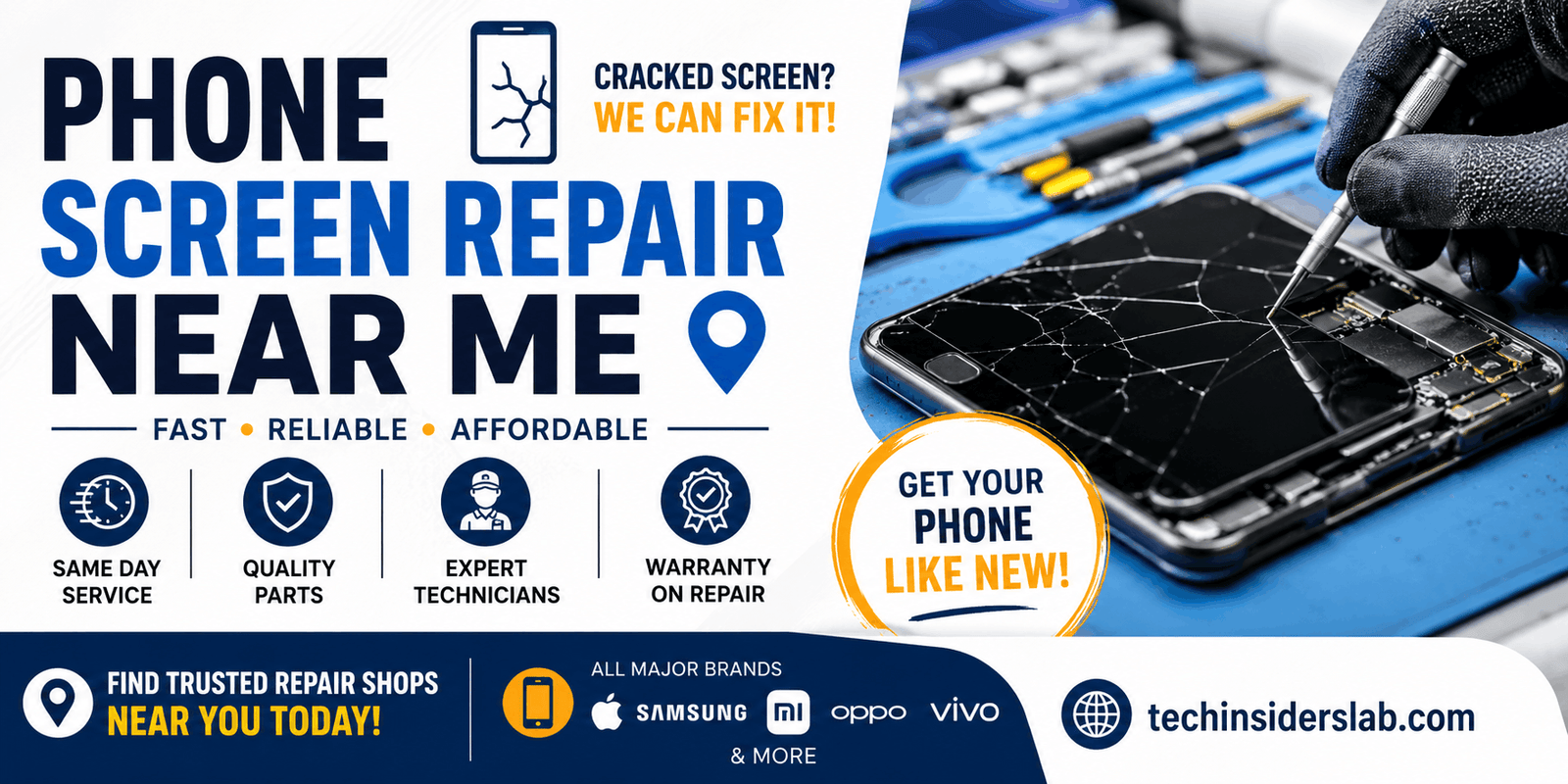
This is why people often search for “phone screen repair near me” when they need a quick and convenient solution. Local phone repair shops can provide services such as cracked screen replacement, touchscreen repair, display replacement, and diagnosis of screen-related hardware problems.
However, choosing the nearest repair shop is not always the best decision. Quality, technician experience, replacement parts, warranty, repair time, and data protection are all important factors to consider.
What Does Phone Screen Repair Near Me Mean?
The phrase “phone screen repair near me” generally refers to a local search for a technician or repair center that can fix a damaged smartphone screen.
The repair may involve replacing only the damaged front glass, replacing the display assembly, fixing touchscreen problems, or replacing other components associated with the screen.
Different phones require different repair procedures. A modern smartphone may have several components integrated into its display assembly, including the touchscreen digitizer and OLED or LCD panel. Therefore, the exact repair required depends on the model and the type of damage.
For example, a phone with a small crack but a fully functional display may require a different repair than a phone with black spots, dead pixels, flickering, or a completely unresponsive touchscreen.
Google’s official Pixel guidance notes that cracked screens, dead pixels, lines, flickering, and screens that do not turn on can indicate hardware problems that may require repair.
Common Reasons People Need Screen Repair
Smartphone screens are designed to be durable, but they are still vulnerable to accidents and everyday wear.
1. Cracked or Shattered Glass
Dropping a phone is one of the most common causes of screen damage. A minor crack may initially appear harmless, but sharp edges can become uncomfortable and additional cracks can spread across the display.
A heavily damaged screen may also affect touch sensitivity or make the phone difficult to use.
2. Unresponsive Touchscreen
Sometimes the glass looks fine while the touchscreen stops responding correctly. You may notice that certain areas do not register taps or that the screen responds incorrectly.
This can result from internal display damage, impact, moisture, or other hardware problems.
3. Black Spots or Dead Pixels
Black spots, colored lines, unusual patches, or dead pixels can appear after physical damage. These problems may become worse over time and can indicate damage to the display panel.
4. Flickering Display
A screen that repeatedly flickers can make a phone uncomfortable to use. While software problems can sometimes cause display issues, persistent flickering may indicate a hardware fault.
Google recommends checking for system updates for certain Pixel display problems and seeking repair if the issue continues.
5. Completely Broken Display
In severe cases, the screen may stop displaying anything even though the phone itself is still powered on. A professional diagnosis can help determine whether the problem is limited to the screen or involves another internal component.
Should You Repair or Replace Your Phone?
One of the biggest questions after screen damage is whether repairing the phone is worthwhile.
Repair can make sense when the phone is otherwise working properly and the screen is the main problem. A quality repair can extend the useful life of a device and may cost less than purchasing a new smartphone.
On the other hand, replacing the phone may be worth considering if it has multiple hardware problems, an aging battery, serious internal damage, or a repair cost that is close to the value of the device.
Before making a decision, ask the repair center for a diagnosis and an estimate. Compare the repair cost with the phone’s current value and expected remaining lifespan.
How to Find a Good Phone Screen Repair Shop Near You
A search engine can show many results for “phone screen repair near me,” but not every listing represents the same level of service.
Here are some factors worth checking.
Check Customer Reviews
Reviews can provide useful information about a repair business. Look for consistent feedback about repair quality, technician professionalism, turnaround time, pricing, and customer service.
Don’t rely only on the overall star rating. Read recent reviews and look for patterns.
Ask About Replacement Parts
Ask what type of screen will be installed.
Depending on the phone and repair provider, parts may be original manufacturer parts, authorized replacement parts, or third-party components. The quality of the replacement can affect display brightness, touch response, durability, and overall user experience.
For example, Samsung states that its certified repair services use genuine Samsung parts for supported repairs.
Confirm the Warranty
A reliable repair provider should clearly explain whether the repair comes with a warranty and what the warranty covers.
Ask whether the warranty applies to the replacement screen, installation, touch functionality, or other issues.
Having clear warranty terms can provide additional protection if a problem develops shortly after the repair.
Compare Prices
The cheapest repair is not necessarily the best repair.
A very low price may indicate lower-quality components or limited warranty coverage. At the same time, the most expensive quote is not automatically the best option.
Get a few estimates and compare what is included in each quote.
Screen repair prices can vary significantly depending on the smartphone model and the type of repair. Samsung, for example, provides model-specific repair pricing and distinguishes between screen repair and screen-module replacement for supported devices.
Authorized Service Centers vs. Local Repair Shops
You may have two main choices: an authorized manufacturer service center or an independent local repair shop.
Authorized Service Centers
Authorized centers are often a strong option when warranty coverage, manufacturer-approved procedures, or genuine parts are important.
For example, Samsung Pakistan provides a service-center locator and says its authorized support centers use trained technicians and genuine Samsung parts.
Google also provides repair options for Pixel phones through supported walk-in and mail-in services, depending on location, device, and warranty status.
Independent Repair Shops
Independent repair shops can offer convenience, competitive prices, and fast turnaround times. Some experienced technicians specialize in specific brands or models.
Before choosing one, ask about the technician’s experience, replacement parts, warranty, repair process, and data-protection practices.
What to Do Before Giving Your Phone for Repair
Protecting your personal information should be a major priority before handing your phone to a technician.
Back Up Your Data
Back up important photos, contacts, documents, messages, and other information before repair whenever possible.
Google’s repair guidance specifically recommends backing up data before sending a Pixel phone for repair.
Remove Sensitive Information When Possible
If your phone can still be used, consider removing sensitive accounts or using the manufacturer’s repair or maintenance mode when available.
Samsung Pakistan recommends using Maintenance Mode when submitting supported mobile devices for service because it restricts access to personal data.
Remove the SIM Card
If you are sending the phone away for repair, check the repair provider’s instructions regarding your SIM card. Google recommends removing the SIM card before sending a Pixel phone for repair.
Record the Device Condition
Before handing over the phone, take pictures of its exterior. This can provide a record of the device’s condition before repair.
Also note existing scratches, dents, camera damage, or other problems.
Questions to Ask a Phone Repair Technician
Before approving the repair, ask a few simple questions:
- What exactly is damaged?
- Does the entire display need replacement?
- What type of replacement screen will be used?
- Is the part original, authorized, or third-party?
- How long will the repair take?
- Is there a repair warranty?
- Will the touchscreen and display be tested afterward?
- Will Face ID, fingerprint sensors, cameras, or other functions be affected?
- What happens if another issue is discovered during the repair?
- Do I need to back up or erase my data?
A professional technician should be able to explain the process clearly rather than pressuring you into an immediate repair.
How Long Does Screen Repair Take?
Repair time depends on the phone model, availability of replacement parts, severity of damage, and the repair provider.
Some common screen repairs may be completed during the same visit, while more complicated repairs or mail-in services can take longer.
Samsung says same-day service is available for many supported models through certain authorized walk-in services, while mail-in turnaround can be longer.
Therefore, always ask for an estimated completion time before leaving your phone.
How to Reduce the Risk of Future Screen Damage
After getting your screen repaired, prevention is important.
A strong protective case can help protect the phone during drops. A quality screen protector can also provide an additional layer of protection against scratches and minor impacts.
Avoid placing your phone in locations where it can easily fall or be crushed, such as the edge of a table or underneath heavy objects.
It is also important to keep your phone away from excessive moisture unless the device is specifically designed and rated for the conditions involved.
Conclusion
Finding the right Phone Screen Repair Near Me is about more than choosing the closest repair shop. A reliable service should offer quality replacement parts, experienced technicians, transparent pricing, reasonable repair time, and a clear warranty. Before handing over your device, always back up important data and ask about the type of screen being installed. By comparing local options and checking customer reviews, you can choose a repair service that restores your phone safely and helps extend its useful life.