introduction
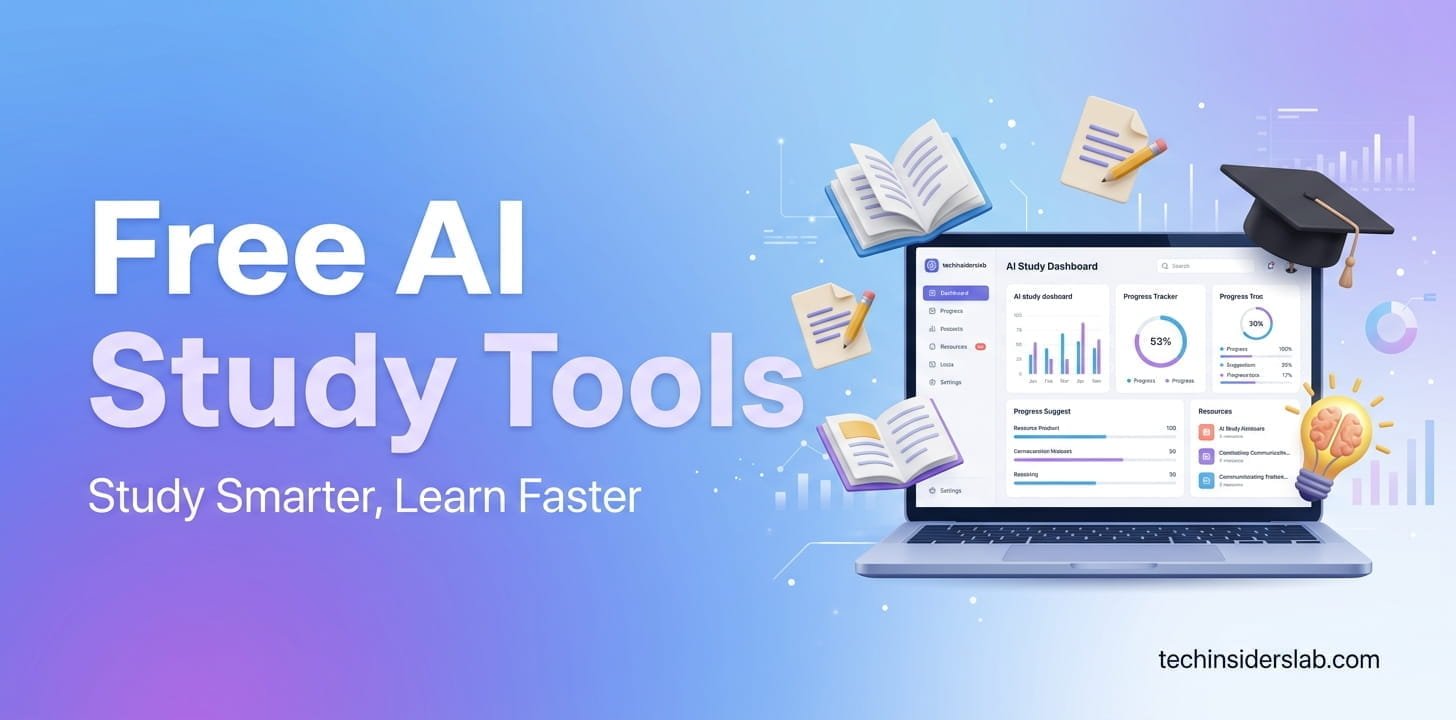
Artificial intelligence has changed the way students learn, research, organize notes, and prepare for exams. Instead of spending hours searching through textbooks or trying to understand difficult topics alone, students can now use free AI study tools to turn complicated information into easier explanations, practice questions, summaries, flashcards, and personalized study plans.
However, having access to AI does not automatically mean studying becomes easier. The real advantage comes from choosing the right tool for the right task. A chatbot may be excellent for explaining a difficult concept, while a flashcard platform may be better for memorization. Similarly, an AI research assistant can help locate information, but it should not replace checking original academic sources.
In this guide, we explore how students can use free AI study tools effectively in 2026, what features matter most, and how to avoid using AI in ways that weaken actual learning.
What Are Free AI Study Tools?
Free AI study tools are websites, apps, and educational platforms that use artificial intelligence to support different parts of the learning process without requiring students to purchase a premium subscription.
Depending on the platform, these tools can help students:
- Explain difficult subjects
- Summarize long study materials
- Create flashcards
- Generate quizzes
- Build study plans
- Review class notes
- Solve and explain mathematics problems
- Improve writing
- Research academic topics
- Practice languages
- Prepare for exams
- Organize information
- Generate examples and practice exercises
The word “free” deserves attention, though. Many AI platforms use a freemium model, meaning their basic functionality is available without payment while advanced features, higher usage limits, or additional models require a subscription. Free availability can also change over time, so students should check the current limits before depending on a particular feature.
Why Students Are Using AI for Studying
Traditional studying often involves several separate activities: reading, taking notes, creating questions, reviewing mistakes, and testing yourself.
AI can connect many of these activities into a single workflow.
For example, a student preparing for a biology examination could provide their notes to an AI learning tool and ask it to:
- Identify the major concepts.
- Explain difficult terminology.
- Create a study guide.
- Generate multiple-choice questions.
- Ask questions one at a time.
- Explain incorrect answers.
- Create a final revision checklist.
This makes AI particularly useful as a study assistant, rather than simply an answer generator.
Modern AI education features are increasingly moving toward this approach. For example, ChatGPT’s Study Mode is designed to guide students through problems, ask questions, explain concepts in stages, and check understanding rather than simply providing an answer. It can also work with uploaded notes, slides, worksheets, PDFs, and other learning materials.
Best Free AI Study Tools by Task
There is no single AI tool that is perfect for every student. A better strategy is to match the tool with the job.
1. AI Tutors for Understanding Difficult Topics
General-purpose AI assistants can function as interactive tutors when students use them correctly.
Instead of asking:
“Give me the answer.”
Try asking:
“Explain this concept like I am a beginner, then ask me three questions to check whether I understood it.”
This difference is important because the objective should be understanding, not simply obtaining an answer.
ChatGPT’s Study Mode is specifically designed around guided learning. It can use Socratic-style questions, break complex subjects into smaller sections, provide layered explanations, and quiz students on the material.
2. AI Tools for Notes and PDFs
Students frequently have large collections of lecture slides, PDFs, readings, and notes.
AI-powered study notebooks can make these resources easier to navigate. Instead of manually searching through dozens of pages, students can ask questions about their materials and request summaries, study guides, or revision questions.
Google has also been expanding its learning-focused AI features. Its 2026 study notebook experience can use student prompts and uploaded course materials to create personalized lessons and quizzes, while integrating with NotebookLM for working with course sources and creating study resources.
This makes source-based AI particularly useful when studying from a specific syllabus rather than asking broad questions from the internet.
3. AI Flashcard Generators
Flashcards remain useful because they encourage active recall.
AI can speed up the process by converting notes into question-and-answer cards.
For example, instead of manually creating 50 cards from a history chapter, a student can ask an AI tool to identify:
- Important dates
- People
- Definitions
- Events
- Causes
- Effects
- Comparisons
The student can then review the cards and correct anything that is inaccurate or irrelevant.
AI-generated flashcards should not be accepted blindly. A tool might create a poorly worded question or miss an important detail, so reviewing the generated material is still necessary.
4. AI Quiz and Exam Preparation Tools
One of the most practical uses of AI is generating practice tests.
Students can provide a topic and request:
- Multiple-choice questions
- True/false questions
- Short-answer questions
- Essay questions
- Difficulty levels
- Exam-style questions
- Answer explanations
A stronger approach is to ask the AI not to reveal the answers immediately.
For example:
“Give me one question at a time. Wait for my answer, grade it, explain my mistake, and then give me the next question.”
This turns AI into an interactive practice environment.
5. AI Tools for Mathematics and Science
Math and science students often need more than a final numerical answer. They need to understand the process.
AI can help break a problem into individual steps and explain why each step is necessary.
A useful prompt is:
“Do not give me the final answer first. Show me the method, ask me to complete each step, and explain where I go wrong.”
This approach encourages problem-solving rather than answer copying.
Students should still verify complex calculations using reliable mathematical resources because AI systems can occasionally produce incorrect reasoning or arithmetic.
AI for Writing and Assignments
AI writing tools can help students improve grammar, clarity, organization, and readability.
They can be useful for:
- Proofreading
- Grammar correction
- Sentence improvement
- Brainstorming
- Outlining
- Improving transitions
- Explaining difficult vocabulary
- Checking whether an argument is clear
But there is an important distinction between editing your work and having AI write the entire assignment.
Using AI to understand an assignment or improve a draft can support learning. Submitting AI-generated work as your own may violate your school’s or university’s academic-integrity rules.
Even OpenAI’s Study Mode guidance tells students to follow their school’s or instructor’s AI-use policies for graded work.
AI for Academic Research
Research is another area where AI can save students considerable time.
AI research assistants can help students:
- Understand unfamiliar terminology
- Find potential research directions
- Summarize information
- Compare concepts
- Generate research questions
- Identify keywords for database searches
- Understand academic papers
However, students should distinguish between AI-generated information and verified academic evidence.
An AI response should not automatically be treated as a scholarly source. For assignments and research papers, students should consult the original paper, book, journal, university resource, government publication, or other authoritative source whenever possible.
The best workflow is:
AI → discover → investigate → verify → cite
rather than:
AI → copy → submit
Creating a Personalized AI Study Plan
AI becomes particularly useful when students give it a specific goal.
Instead of saying:
“Make me a study plan.”
Provide information such as:
- Exam date
- Subjects
- Available study hours
- Current knowledge level
- Difficult topics
- Preferred study times
- Number of chapters
- Practice-test schedule
The AI can then help divide the workload into manageable sessions.
For example, a student with two weeks before an exam could organize their schedule around:
Week 1: Learn and review core concepts
Days 8–10: Practice difficult topics
Days 11–12: Complete practice tests
Day 13: Review mistakes
Day 14: Light revision
The important part is that the plan should remain realistic. An AI can create a perfect-looking schedule that is impossible for a real student to follow.
How to Use Free AI Study Tools Without Becoming Dependent
AI can make studying faster, but excessive dependence can reduce active thinking.
A better method is to use the attempt → AI → retry cycle.
Step 1: Try Yourself
Attempt the problem or explain the concept without AI.
Step 2: Ask for Help
If you get stuck, ask AI for a hint or explanation instead of immediately requesting the answer.
Step 3: Solve Again
Close the AI response and attempt the problem independently.
Step 4: Test Yourself
Ask AI to create a similar but new question.
Step 5: Review Your Mistakes
Use the mistakes to determine which topics need additional study.
This process turns AI into a learning partner rather than a shortcut.
Important Limitations of Free AI Study Tools
Free AI tools are useful, but students should understand their limitations.
Free Plans Can Have Restrictions
A tool may provide AI features for free but limit the number of messages, uploads, advanced models, or generations available.
AI Can Make Mistakes
AI systems can produce confident but incorrect information. This is especially important in mathematics, science, history, medicine, law, and academic research.
Privacy Matters
Students should avoid uploading sensitive personal information, confidential documents, passwords, or private data to AI services.
AI Does Not Replace Teachers
A teacher understands the curriculum, classroom expectations, student progress, and assessment requirements in a way a general AI system may not.
AI should complement teachers and educational resources—not replace them.
How to Choose the Right Free AI Study Tool
Before choosing an AI study tool, consider these questions:
Does it support your study material?
If you mainly study PDFs and lecture slides, source-based tools may be more useful than general chatbots.
Does it offer interactive learning?
Look for tools that quiz you and encourage you to think.
Does it work for your subject?
A tool that works well for writing may not be ideal for advanced mathematics.
What are the free limits?
Check whether important features are actually included in the free tier.
Can you verify the information?
For academic work, source transparency is valuable.
Does it fit your workflow?
The best tool is one you can consistently use without making your study process unnecessarily complicated.
A Smart Free AI Study Workflow
Students don’t necessarily need ten different applications.
A simple workflow can be surprisingly effective:
1. Collect your materials
Gather lecture notes, textbooks, slides, and practice questions.
2. Understand the topic
Use an AI tutor to explain difficult concepts.
3. Create study resources
Generate summaries, flashcards, diagrams, and practice questions.
4. Practice actively
Answer questions without looking at the solutions.
5. Identify weaknesses
Ask AI to analyze the mistakes you made.
6. Repeat difficult areas
Focus your next study session on weak concepts.
7. Verify important information
Check important facts against reliable educational or academic sources.
This approach makes AI part of a structured study system rather than a replacement for studying.
Are Free AI Study Tools Worth Using in 2026?
Yes—but their value depends on how they are used.
The biggest benefit isn’t that AI can produce information quickly. It is that AI can make learning more interactive and personalized.
A student can ask for a simpler explanation, request an analogy, practice with increasingly difficult questions, review mistakes, or turn their own study materials into revision resources.
Google’s newer education features illustrate this broader shift toward adaptive learning, where AI can use a student’s goals and uploaded materials to create bite-sized lessons and adjust learning activities based on quiz performance.
At the same time, AI should not eliminate the fundamental skills that education is meant to develop: critical thinking, writing, problem-solving, research, memory, and independent judgment.
Conclusion
Free AI study tools can become powerful learning assistants for students in 2026, especially when used for explanations, revision, practice questions, note organization, research preparation, writing feedback, and personalized study planning.
The best strategy is not to search for one magical AI tool that does everything. Instead, choose tools based on your actual study problems. Use an AI tutor when you are confused, a source-based notebook when working with course materials, flashcards when memorizing, quizzes when preparing for exams, and writing assistants when polishing your own work.
Most importantly, use AI to make your brain work—not to make your brain unnecessary.
When students attempt problems themselves, ask AI for guidance, verify important information, and then practice independently, free AI study tools can save time while still supporting genuine learning.