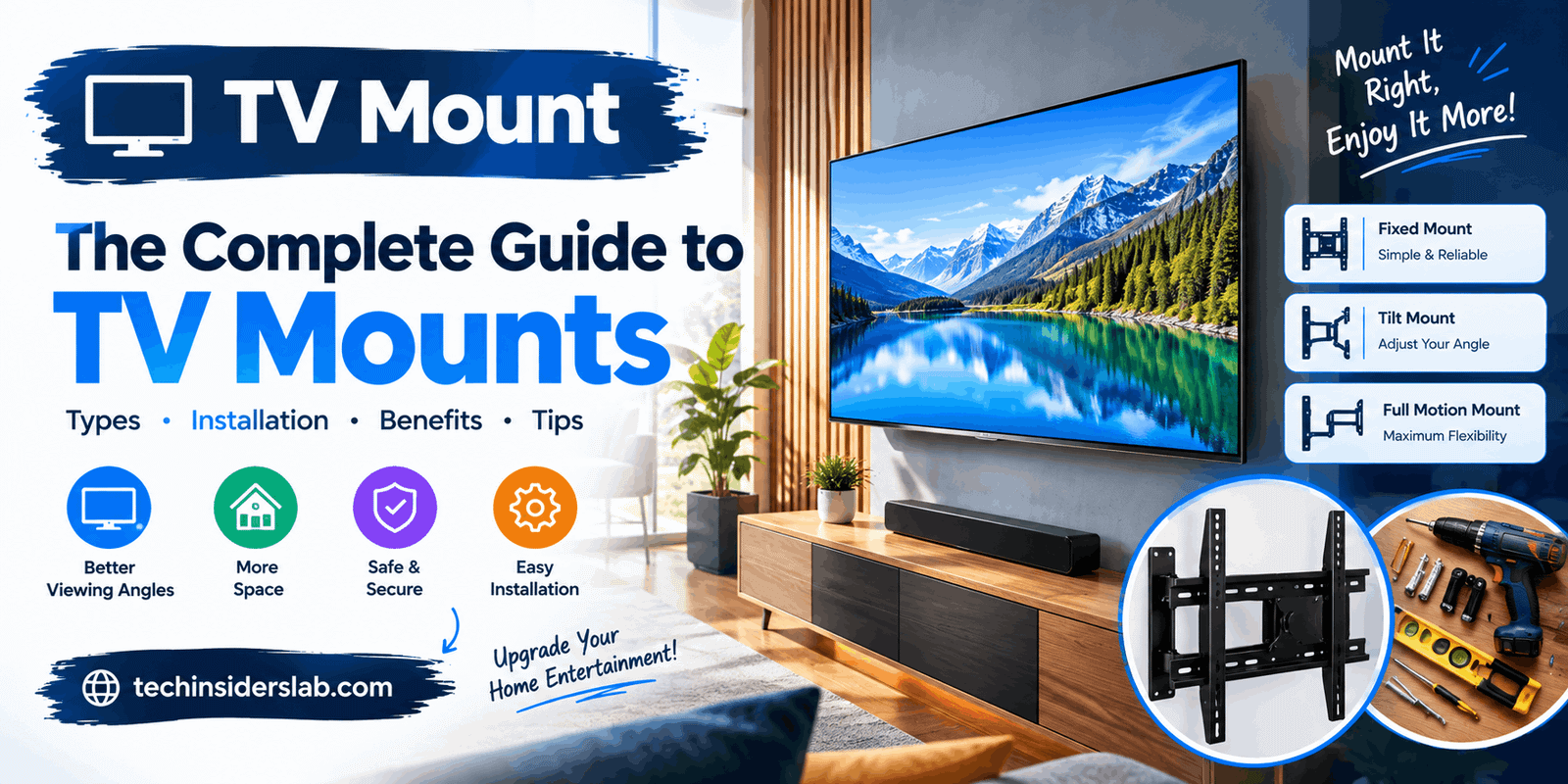
TV Mount: Types, Benefits, Installation Tips, and Buying Guide
introduction
A TV mount is a practical accessory that helps you position your television securely on a wall, ceiling, or another suitable surface. It can improve the appearance of your entertainment area, free up valuable floor space, and provide a more comfortable viewing experience. With different designs available, choosing the right TV mount depends on your television’s size, weight, mounting pattern, wall construction, and preferred viewing angle.
Whether you are setting up a home theater, upgrading your living room, or installing a television in a bedroom, understanding TV mounts can help you make a better purchasing decision. This guide explains the main types of TV mounts, their benefits, important features, installation considerations, and tips for selecting the right option.
What Is a TV Mount?
A TV mount is a bracket or support system designed to hold a television in a fixed or adjustable position. It connects the television to a suitable mounting surface using compatible hardware and provides support according to the manufacturer’s specifications.
TV mounts are available for different television sizes, from compact screens used in bedrooms and kitchens to large displays designed for home theaters. Some models keep the television close to the wall, while others allow it to tilt, swivel, or extend outward.
Unlike a traditional television stand, a wall mount can create a cleaner appearance and reduce the amount of furniture required. However, the mount must be compatible with the television and the structure supporting it.
Types of TV Mounts
Understanding the different mounting styles is the first step toward choosing a suitable product.
1. Fixed TV Mount
A fixed TV mount holds the television in a stationary position close to the wall. It does not normally provide tilting or swiveling adjustments.
This type is ideal for living rooms where the main seating area faces the television directly. Its slim design creates a neat appearance and helps the television blend into the room.
Main advantages:
- Simple and compact design.
- Usually more affordable than adjustable models.
- Keeps the television close to the wall.
- Suitable for dedicated viewing areas.
The main limitation is flexibility. Once installed, changing the viewing angle can be difficult without repositioning the television.
2. Tilting TV Mount
A tilting TV mount allows the screen to angle upward or downward within its supported range. This feature can help reduce reflections and improve viewing comfort when the television is mounted above normal eye level.
It can be useful in bedrooms, shared spaces, and some installations above furniture. A tilting mount may also provide better access to connections behind the television than certain fixed designs.
However, the amount of tilt varies between models. Check the product specifications before purchasing, especially if the television will be mounted high on a wall.
3. Full-Motion TV Mount
A full-motion TV mount, also known as an articulating mount, provides greater positioning flexibility. Depending on the model, it may allow the television to tilt, swivel, and extend away from the wall.
This design works well in open-plan rooms, corner installations, and spaces where viewers sit in different positions.
Benefits include:
- Adjustable viewing angles.
- Easier access to some rear connections.
- Flexible placement for different seating arrangements.
- The ability to pull the television forward when needed.
Full-motion mounts generally require more clearance than fixed mounts. Their extended arms also create leverage, making correct installation into an appropriate supporting structure particularly important.
4. Ceiling TV Mount
A ceiling TV mount suspends the television from a suitable ceiling structure. Some models allow height adjustment, tilting, or swiveling.
Ceiling mounts may be useful in commercial spaces, gyms, waiting rooms, kitchens, or rooms where wall mounting is impractical. Certain models are also designed for specialized installations.
Before choosing this option, verify the ceiling’s structural capacity and the mount’s compatibility with the television. Ceiling installation often requires professional assistance.
5. Pull-Down TV Mount
A pull-down mount allows a television installed at a higher position to be lowered for viewing. Some designs are made specifically for locations above fireplaces or tall cabinets.
This can make a high-mounted television easier to view without permanently occupying a lower section of the wall.
These mounts can be more complex than basic brackets, so check their supported television sizes, weight limits, movement range, and installation requirements carefully.
Key Benefits of Using a TV Mount
A suitable TV mount can improve both the functionality and appearance of an entertainment space.
Saves Space
Wall mounting eliminates the need for a large television stand in many rooms. The freed-up area can be used for storage, decoration, or other furniture.
This advantage is especially useful in small apartments, bedrooms, and compact living rooms.
Creates a Modern Appearance
A wall-mounted television can give a room a clean, organized look. Low-profile brackets keep the screen close to the wall, while cable-management accessories can help reduce visible wiring.
For a polished setup, plan the cable route before installing the bracket.
Improves Viewing Comfort
The correct mounting height and angle can make watching television more comfortable. Adjustable mounts provide additional flexibility when the seating arrangement changes.
For a typical living-room setup, a good starting point is to position the screen so its center is near seated eye level. The ideal height depends on the screen size, furniture, and personal comfort.
Provides More Placement Options
A full-motion or ceiling mount can help position a television in areas where a conventional stand is inconvenient. This flexibility can be useful in multi-purpose rooms and open-plan layouts.
Can Improve Household Safety
A properly installed mount can reduce the risk of a television tipping over from a stand. This is particularly important in homes with children or pets.
However, a mount is only as secure as its installation. Incorrect anchors, unsuitable walls, or incompatible hardware can create serious hazards.
Important Features to Check Before Buying
Not every TV mount works with every television. Review these specifications before making a purchase.
TV Size Compatibility
Manufacturers usually list a supported screen-size range, such as 32–55 inches or 43–75 inches. Use this information as an initial check, not as the only compatibility requirement.
Two televisions with the same screen size can have different weights and mounting-hole layouts.
Weight Capacity
Check the television’s weight without its stand and compare it with the mount’s stated maximum load capacity. Never exceed the manufacturer’s limit.
If the television is close to the mount’s maximum rating, consider a suitable model with additional capacity, while still following the manufacturer’s installation requirements.
VESA Mounting Pattern
VESA refers to a standardized arrangement of mounting holes on the back of many televisions. The pattern is commonly expressed in millimeters, such as 200 × 200 or 400 × 400.
For example, a 200 × 200 pattern means the mounting holes are 200 millimeters apart horizontally and 200 millimeters apart vertically.
Check the television manual or product specifications to find its VESA pattern. Then confirm that the mount supports the same pattern. If your television uses a nonstandard arrangement, you may need a compatible adapter.
Wall Type
The wall structure determines which mounting method and fasteners are appropriate.
- Wood studs: Use a mounting method and fasteners approved for the specific wall structure.
- Concrete walls: Use anchors and hardware specifically suitable for the concrete and installation load.
- Brick walls: Check whether the mounting points and anchors are suitable for the particular brickwork and mortar condition.
- Drywall or plasterboard: Do not assume ordinary drywall anchors can support a television. Follow the mount manufacturer’s structural requirements and identify an appropriate load-bearing support.
Metal-stud walls and unusual wall constructions may require specialized mounting hardware or professional assessment.
Tilt, Swivel, and Extension
Choose movement features according to your room layout. A fixed mount is appropriate when you always watch from the same position. A tilting model helps with vertical angle adjustments, while a full-motion mount offers more flexibility.
Avoid paying for adjustments you will rarely use.
Cable Management and Port Access
Consider where the television’s HDMI, USB, power, and other connections are located. A very slim mount may make some ports difficult to reach.
Cable covers and suitable routing accessories can make the setup tidier. Any concealed electrical wiring should comply with local regulations and be installed appropriately.
How to Install a TV Mount Safely
The installation process depends on the mount, television, and wall structure. Always follow the instructions supplied with your specific product.
Step 1: Choose the Location
Select a position with comfortable viewing angles, suitable lighting, and enough room for connected devices. Avoid areas where sunlight causes excessive screen glare or where heat and moisture could damage the television.
Step 2: Check the Wall Structure
Identify the structural support behind the mounting surface. Locate appropriate studs or determine whether the wall is suitable for the specified masonry anchors.
Do not rely on appearance alone to judge wall strength.
Step 3: Measure and Mark
Use a measuring tape and level to mark the intended position. Check the television’s dimensions, the bracket’s mounting points, and the height of the screen before drilling.
Step 4: Attach the Bracket
Use only compatible hardware and follow the installation guide. Select the correct screws for the television, and never force a screw that does not fit.
Screws that are too long may damage internal components, while incorrect wall fasteners can compromise the installation.
Step 5: Secure the Television
Depending on the television’s size and weight, another person may be needed to help lift and attach it safely. Follow the mount’s locking and securing procedure, then confirm that the television is properly supported before releasing it.
Step 6: Check Stability and Connections
Verify that all specified fasteners are secure, the mount operates as intended, and cables are not pinched or stretched. Do not use the television if the bracket moves unexpectedly or the wall shows signs of damage.
If you are uncertain about the wall structure, wiring, or installation method, hire a qualified installer.
Common TV Mounting Mistakes to Avoid
Several avoidable mistakes can affect the safety and usability of a mounted television.
Ignoring VESA compatibility: A mount may support the correct screen size but still have the wrong hole pattern.
Exceeding the weight limit: Always check the television’s actual weight and the mount’s rated capacity.
Using unsuitable wall anchors: The correct fixing depends on the wall material and structural support.
Mounting too high: A screen placed unnecessarily high may cause neck discomfort during long viewing sessions.
Forgetting cable access: Plan for power outlets, HDMI devices, and other connections before drilling.
Choosing the wrong movement style: A fixed bracket may be frustrating in a room where viewers need different angles.
Working alone with a large television: Large screens can be awkward to lift and may be damaged during installation. Get assistance when necessary.
How to Choose the Best TV Mount for Your Home
The best TV mount is the one that matches your television, room, wall structure, and viewing habits.
For a simple living-room setup, a fixed mount may offer a clean appearance at a reasonable cost. If the screen will be positioned higher than your usual viewing angle, consider a tilting model. If you watch from multiple seats or need to position the television around a corner, a full-motion mount may be more practical.
Ceiling and pull-down mounts are better suited to specific room layouts and should be selected with particular attention to structural support.
Before buying, compare the supported screen size, maximum weight, VESA range, wall compatibility, movement options, hardware requirements, and warranty. Read the installation instructions in advance so you understand what the job involves.
Remember that the most expensive mount is not automatically the best choice. Compatibility, safe installation, and useful movement features matter more than unnecessary extras.
Conclusion
A TV mount is a useful addition to a modern entertainment setup, offering space-saving benefits, a cleaner appearance, and more control over television placement. Fixed, tilting, full-motion, ceiling, and pull-down mounts each serve different needs, so the right option depends on your room and how you watch television.
Before purchasing, verify VESA compatibility, television weight, wall construction, and the mount’s specifications. Careful measurement and correct installation are essential for long-term reliability. By focusing on safety and practical features rather than appearance alone, you can choose a TV mount that makes your viewing area more comfortable, organized, and functional.