Introduction
Online shopping has made it easier than ever to purchase electronics, home appliances, books, clothing, and thousands of other products. Amazon is one of the most popular online marketplaces, offering a huge selection of products at different prices. However, product prices can change frequently, making it difficult for shoppers to know whether they are getting a genuinely good deal.
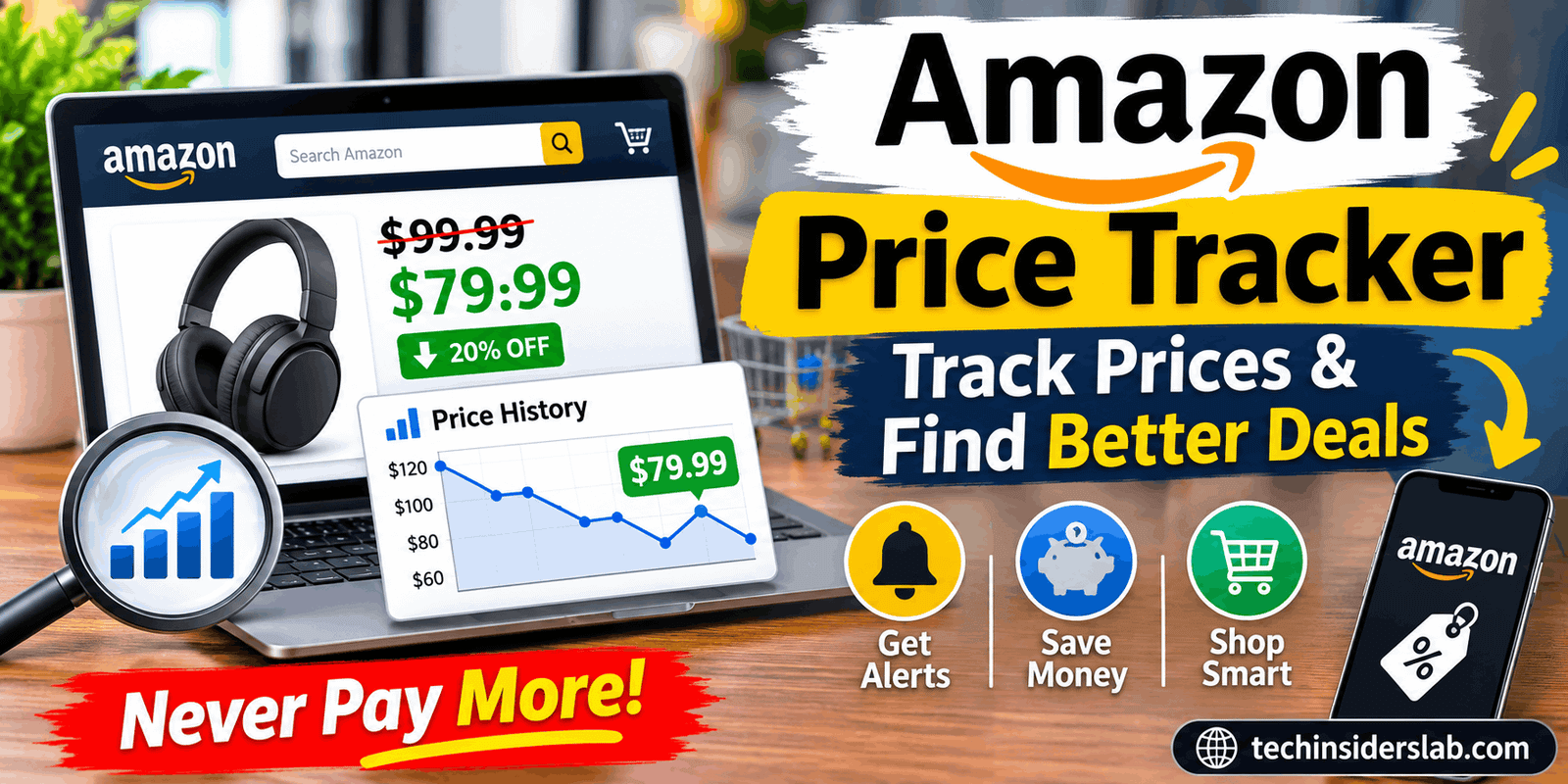
This is where an Amazon Price Tracker becomes useful. It helps shoppers monitor product prices over time, review historical price changes, and receive alerts when an item reaches a preferred price. Instead of purchasing something immediately, buyers can use pricing information to make a more informed decision.
An Amazon price tracker may be a dedicated website, browser extension, mobile application, or built-in shopping feature. Some tools focus on simple price-drop notifications, while others provide detailed charts, seller comparisons, and additional product information.
Amazon also offers its own price-history feature through its shopping experience in supported markets, while third-party services such as Keepa and CamelCamelCamel provide additional tracking options.
Amazon News+2
Understanding how these tools work can help shoppers avoid unnecessary spending and choose the right time to buy the products they need.
What Is an Amazon Price Tracker?
An Amazon Price Tracker is a digital tool that monitors the price of a product listed on Amazon. Depending on the service, it records historical prices, displays changes in charts, and notifies users when a product becomes cheaper.
For example, imagine you want to purchase wireless headphones currently listed for $100. You do not need them immediately, so you decide to wait for a discount. By adding the product to a price tracker and setting a target price of $80, you can monitor its price without repeatedly checking the listing yourself.
If the tracker supports alerts and the product reaches your chosen price, it can notify you so you can review the offer.
Price trackers are useful for both occasional shoppers and people who regularly compare online deals. They provide more context than the current price alone, helping users understand whether an advertised discount represents a meaningful reduction.
However, a price tracker does not guarantee that a product will become cheaper or that the lowest recorded price will return. It provides information that supports better purchasing decisions.
How Does an Amazon Price Tracker Work?
Most Amazon price tracking services follow a straightforward process. Their exact features and data collection methods vary, but the general workflow is similar.
1. Identify the Product
First, the user finds a product on Amazon and copies its product link or searches for it within the tracking service. Some browser extensions integrate directly with Amazon product pages and display tracking information without requiring users to switch websites.
2. Review Historical Prices
The tracker displays available price-history information. Depending on the service, the chart may show Amazon’s own offer, prices from third-party sellers, used-product offers, or other price categories.
This information helps shoppers compare the current listing price with previous prices.
3. Set a Target Price
Some tools allow users to choose a preferred purchase price. For example, someone interested in a $250 monitor might set a target of $200.
The target should reflect the shopper’s budget and the product’s value rather than an arbitrary discount percentage.
4. Receive Price Alerts
When a supported tracker detects that a monitored product has reached the specified threshold, it may send an email, browser notification, or another supported alert.
The available notification methods depend on the tool and its settings. Some services also offer availability alerts when an item returns to stock.
5. Check the Listing Before Buying
An alert is a reason to review the product, not an instruction to purchase automatically. Buyers should confirm the final price, shipping costs, seller, product condition, and return policy before placing an order.
This final check is important because a listing may change after an alert is generated.
Key Features of an Amazon Price Tracker
Not every price tracker offers the same capabilities. Before choosing one, it is helpful to understand the features that make these tools valuable.
Price History Charts
Price history is one of the most important features. A chart shows how a product’s recorded price has changed over a selected period. Some services provide information about historical highs, lows, and averages.
This can help shoppers recognize patterns, such as prices that regularly decrease during seasonal promotions. Keepa and CamelCamelCamel both offer price-history charts for supported Amazon products.
Chrome Web Store+1
Price Drop Notifications
Price alerts save time by reducing the need to check product pages manually. Users can monitor an item and receive a notification when its price meets a selected condition.
This feature is especially useful for expensive purchases, including laptops, smartphones, monitors, and home appliances.
Target Price Settings
A target price allows shoppers to define the amount they are willing to pay. Rather than waiting for any discount, users can focus on a price that fits their budget.
For example, a shopper might decide that a particular keyboard is worth purchasing at $60 but not at its current $85 price. A target-price alert can make it easier to follow that plan.
Multiple Product Tracking
Some services let users monitor multiple products simultaneously. This is convenient when comparing several models or preparing for a large purchase.
A shopper researching a new laptop, for instance, could track several configurations and compare their price movements before choosing one.
Browser Extensions
Browser extensions can display price information directly on Amazon product pages. This reduces the number of steps required to check historical pricing.
Keepa’s browser extension adds price-history charts and supports price-drop alerts on compatible Amazon marketplaces.
Chrome Web Store+1
Marketplace and Seller Information
Certain trackers provide additional details about different offers, including Amazon prices and third-party seller prices. Some also support tracking products across multiple Amazon country websites.
These features can be useful for international shoppers, although currency conversion, delivery costs, taxes, and regional warranties should be considered before comparing offers.
Best Amazon Price Tracker Tools to Consider
Several services provide price-monitoring features. The right choice depends on how much information you need and how you prefer to shop.
1. Keepa
Keepa is useful for shoppers who want detailed historical pricing data. It offers price charts, price-drop alerts, and support for multiple Amazon marketplaces. Its browser extension can display charts on supported product pages. Some advanced research features require a paid subscription.
Chrome Web Store+1
Best for: Detailed price research and regular Amazon shoppers.
2. CamelCamelCamel
CamelCamelCamel focuses on Amazon price histories and email alerts. Users can create price watches and review recorded price changes. Its Camelizer browser extension brings price charts closer to the shopping experience.
camelcamelcamel.com+1
3. Amazon Price History
Amazon’s own shopping experience includes price-history information in supported markets and on eligible products. This is a convenient starting point for users who prefer to check prices without relying on a separate tracking service. Available history periods and features can vary by market and product.
Amazon News+1
Best for: Shoppers who prefer built-in shopping features.
These services are not identical, and their historical data may differ. Compare the available features before deciding which one best fits your shopping habits.
Benefits of Using an Amazon Price Tracker
Save Money on Everyday Purchases
A price tracker can help shoppers identify lower prices on products they already plan to buy. Over time, choosing better-priced offers may reduce spending on electronics, accessories, books, and household essentials.
The savings depend on actual price movements, product availability, and the buyer’s purchasing choices.
Avoid Misleading Discount Labels
A product advertised as discounted is not necessarily at its lowest recent price. Reviewing historical pricing gives shoppers additional context before accepting a promotional claim.
For example, a product listed at $75 may appear attractive if its reference price is $120. However, its price history might show that it frequently sells for around $78. The chart can help the shopper evaluate whether the offer is genuinely unusual.
Reduce Manual Checking
Without a tracker, shoppers may repeatedly revisit the same product page to look for price changes. Alerts make monitoring more convenient, especially when tracking several items.
Improve Purchase Planning
Historical data can help buyers plan larger purchases around their budgets. Instead of buying immediately out of excitement, they can establish a reasonable target and wait when the purchase is not urgent.
Make Comparisons More Informed
When comparing several similar products, price history can reveal which option offers better value at the moment. A more expensive model may occasionally fall close to the price of a cheaper alternative, changing the overall comparison.
A tracker cannot determine product quality by itself, but it can supply useful financial context.
How to Use an Amazon Price Tracker Effectively
Using a price tracker successfully involves more than installing an extension. A consistent approach helps users make better decisions.
- Choose the right service. Select a tracker that supports your Amazon marketplace and provides the history or alerts you need.
- Find the exact product. Confirm the model, size, color, storage capacity, or other specifications before tracking it.
- Review the price chart. Look at the available history instead of relying solely on the displayed discount.
- Set a realistic target. Choose a price based on your budget and the product’s previous pricing, if available.
- Enable notifications. Check that email or browser alerts are configured correctly.
- Verify the offer. Open the current Amazon listing when an alert arrives and confirm the price and seller.
- Make a considered decision. Account for delivery fees, coupons, taxes, warranty terms, and return conditions.
A practical tip is to track only products you genuinely intend to purchase. Monitoring dozens of unnecessary items can create distractions and encourage impulse buying instead of helping you save.
Limitations of Amazon Price Trackers
Although price trackers can be helpful, they have limitations that users should understand.
Prices can change quickly. A product may become more expensive or sell out shortly after an alert is sent. The displayed price should always be verified on the live listing.
Historical data may be incomplete. Not every service records every seller, coupon, promotion, or product variation. A chart may not reflect the exact offer available to a particular shopper.
Alerts do not guarantee savings. A product may never reach the selected target price. Waiting too long can also mean missing an opportunity to purchase an item that is already reasonably priced.
Some advanced features cost money. Basic tracking may be free, while detailed analytics, bulk tracking, or specialized research tools may require a paid plan.
Regional availability differs. A tracker that works well on Amazon.com may not support every feature on another country’s Amazon website.
For these reasons, price-tracking information should be treated as a useful guide rather than a guarantee of the lowest possible price.
Is an Amazon Price Tracker Safe to Use?
Generally, established price-tracking services can be useful, but users should still consider privacy and security before installing any extension or application.
Choose services with clear privacy policies, check their requested browser permissions, and download extensions from official sources. Avoid tools that ask for unnecessary account credentials or sensitive information.
For basic price research, users often only need a product URL. Never share an Amazon password with an unrelated tracking website.
It is also sensible to review notification permissions and remove extensions that are no longer needed. If a service offers optional account registration, check which information it collects and how that information is used.
Who Should Use an Amazon Price Tracker?
An Amazon Price Tracker can benefit different types of shoppers.
- Budget-conscious buyers: People who want to purchase products at prices that fit their budgets.
- Technology enthusiasts: Shoppers comparing smartphones, laptops, computer components, headphones, and other electronics.
- Families: Buyers planning purchases of household essentials, toys, and everyday supplies.
- Gift shoppers: People tracking products ahead of birthdays, holidays, and special occasions.
- Frequent Amazon customers: Users who regularly compare offers and want a more organized shopping process.
The tool is particularly valuable when a purchase is not urgent and the buyer has flexibility about when to order.
However, if an item is urgently needed or its current price already meets the buyer’s expectations, waiting for an uncertain future discount may not be worthwhile.
Amazon Price Tracker vs. Manual Price Checking
Manual checking involves visiting product pages repeatedly and remembering previous prices. It can work for one or two items, but it becomes inconvenient when tracking many products.
A price tracker automates much of this process by maintaining available price-history information and sending alerts when specified conditions are met.
Manual checking still has one advantage: it lets shoppers immediately inspect the latest listing, seller details, shipping charges, and product availability.
The most effective approach is to combine both methods. Use a tracker to monitor price changes, then manually verify the offer before purchasing.
Conclusion
An Amazon Price Tracker is a practical tool for shoppers who want to make informed purchasing decisions without constantly checking product prices. By providing historical charts, target-price alerts, and other monitoring features, these services can help users recognize meaningful discounts and plan purchases more effectively.
Tools such as Keepa and CamelCamelCamel offer useful options for monitoring Amazon products, while Amazon’s own price-history feature provides a convenient alternative where available. Each service has different capabilities, so the best choice depends on the user’s preferred marketplace, tracking requirements, and budget.
The most important benefit is better price awareness. A tracker cannot guarantee the lowest price or predict every future discount, but it can help shoppers understand pricing patterns and avoid relying entirely on promotional labels.
Ultimately, combine historical data with careful product research, seller verification, and a realistic budget. That approach makes an Amazon Price Tracker a useful addition to a smarter online shopping routine.