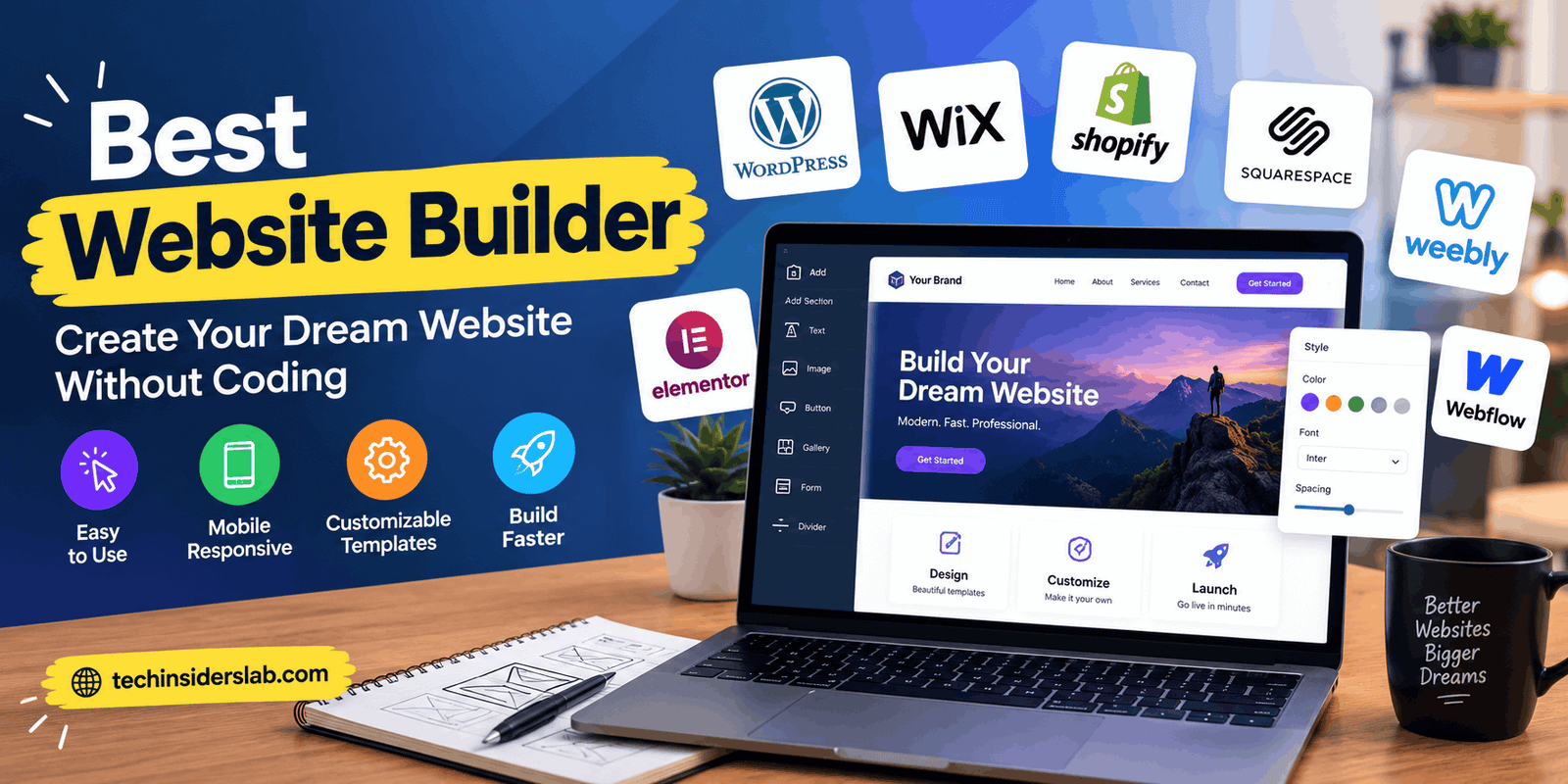
Best Website Builder:How to Choose Right Platform your Website
Introduction
Creating a professional website is easier than ever, thanks to modern website builders. Whether someone wants to launch a personal blog, start an online business, showcase a portfolio, or build an online store, the right website builder can simplify the entire process. These platforms provide ready-made templates, visual editing tools, hosting options, and other features that help users create websites without extensive coding knowledge.
However, choosing the best website builder can be challenging because every platform offers different features, customization options, and pricing plans. Some are designed for beginners, while others focus on online stores, professional design, or content publishing.
The best website builder is not necessarily the most expensive or popular option. It is the platform that matches your goals, technical skills, budget, and plans for future growth. Understanding how these tools work and what they offer can help you make a better decision.
What Is a Website Builder?
A website builder is a software platform that allows users to create, design, customize, and publish websites without building every element manually through code. Most website builders provide visual editors where users can add text, images, buttons, videos, forms, and other elements to a page.
Many platforms also include templates, hosting, security features, and website management tools. Some use artificial intelligence to generate an initial website layout based on a user’s description, making the starting process faster.
Website builders generally fall into two main categories. Hosted builders provide an integrated environment where users manage their websites through one service. Examples include Wix and Squarespace. Other solutions, such as self-hosted WordPress, offer more control but require users to arrange hosting and manage certain technical responsibilities themselves.
These differences matter because the right platform depends on how much control and flexibility a website owner needs.
Best Website Builders to Consider
Several website builders stand out because of their different strengths. Instead of choosing one platform for every situation, it is better to compare them according to their intended use.
1. Wix
Wix is a popular choice for beginners, freelancers, and small businesses that want to create a professional website using a visual editor. It offers customizable templates, business features, design tools, and integrations through its app ecosystem.
Users can create service websites, personal portfolios, landing pages, and online stores. Wix also provides AI-assisted website creation features that can help users establish an initial design more quickly.
One of its main advantages is convenience. Many website management features are available within the same platform, reducing the need to configure multiple services independently.
However, users should evaluate the cost of paid plans and additional business features before committing. Wix is particularly suitable for people who value ease of use and want an integrated website-building experience.
2. WordPress
WordPress is a flexible publishing platform that powers many types of websites, including blogs, business websites, online publications, and ecommerce stores.
It is important to distinguish between WordPress.org, the open-source software commonly installed on a hosting service, and WordPress.com, which provides a hosted website service with its own plans and features.
The self-hosted WordPress option gives website owners substantial control over themes, plugins, content structure, and functionality. Users can add features for search engine optimization, contact forms, ecommerce, performance, and much more.
WordPress is especially useful for content-focused websites because it supports organized publishing, categories, tags, and extensive customization. Nevertheless, self-hosted websites may require maintenance, backups, security updates, and plugin management.
For bloggers, publishers, and website owners who want room to grow, WordPress is a strong option, although it may require more learning than a simple drag-and-drop builder.
3. Squarespace
Squarespace is known for polished templates and design-focused website creation. It is particularly attractive to photographers, designers, consultants, creative professionals, and businesses that want a visually consistent online presence.
Its editor allows users to arrange page sections, customize typography, adjust colors, and add images or other content. The platform also provides blogging, marketing, and ecommerce capabilities.
One advantage of Squarespace is that users can build a visually appealing website without needing advanced design skills. Its integrated approach can also simplify day-to-day website management.
The main consideration is flexibility. Although Squarespace provides customization options, users with highly specialized functionality requirements may find another platform more suitable. Pricing and the availability of particular features should also be checked before selecting a plan.
4. Shopify
Shopify is primarily designed for ecommerce businesses. It helps entrepreneurs create online stores, manage products, organize inventory, process orders, and connect with supported payment and sales channels.
Rather than focusing only on website appearance, Shopify provides tools for operating an online retail business. Store owners can customize storefront themes, create product pages, manage customer orders, and integrate additional business applications.
This makes Shopify a strong choice for businesses that intend to sell physical or digital products through supported configurations.
However, its ecommerce-focused features may be unnecessary for someone who only needs a basic portfolio or informational website. Subscription fees, payment processing costs, and optional app expenses should be considered when calculating the total operating cost.
5. Webflow
Webflow is designed for users who want greater visual control over website layouts and styling. It combines a visual design environment with tools for creating responsive pages and managing structured content.
It can be particularly useful for web designers, agencies, and businesses that need customized marketing websites. Users can adjust layout behavior, spacing, typography, animations, and other design details without writing every line of code manually.
Webflow offers more detailed design control than many beginner-focused builders, but that flexibility can introduce a steeper learning curve.
It is worth considering when a standard template does not provide enough creative freedom and the user is willing to spend time learning a more advanced visual editor.
Important Features to Look for in a Website Builder
Before choosing a platform, consider the features that will make the biggest difference to your website’s performance and usability.
Easy-to-Use Editor
A clear editor helps users create and update pages without unnecessary technical difficulty. Drag-and-drop functionality, intuitive menus, and reusable sections can simplify website management.
Beginners should choose an editor they can understand comfortably rather than selecting a complicated platform simply because it offers more features.
Responsive Design
A website should display properly on desktop computers, tablets, and smartphones. Responsive layouts automatically adapt page elements to different screen sizes.
Check how a builder handles mobile navigation, image scaling, text readability, and buttons. A design that looks attractive on a desktop may still provide a poor experience on a smaller screen.
SEO Tools
Search engine optimization helps search engines discover and understand website content. Useful features include customizable page titles, meta descriptions, clean URLs, XML sitemap support, redirects, and control over important indexing settings.
A website builder can simplify technical SEO tasks, but it cannot guarantee high rankings. Search visibility also depends on useful content, competition, site performance, internal linking, and other factors.
Custom Domain Support
A custom domain gives a website a professional identity. For example, a business may prefer its own branded domain instead of a platform-provided subdomain.
Check whether the selected plan supports custom domains and whether domain registration is included or billed separately.
Security and Backups
Security is essential for protecting website information and maintaining visitor trust. Look for HTTPS support, reliable hosting, account security options, and appropriate backup or restoration features.
Responsibilities vary by platform. Hosted builders manage many technical elements, while self-hosted websites may require the owner to arrange updates, backups, and additional security measures.
Ecommerce and Integrations
If you plan to sell products, collect payments, schedule appointments, or connect email marketing tools, make sure the builder supports the required integrations.
Review transaction fees, payment availability in your country, product limits, and any extra subscription costs before making a decision.
Benefits of Using a Website Builder
Website builders provide several advantages for individuals and businesses.
No advanced coding required: Most visual builders allow users to create pages without writing HTML, CSS, or JavaScript. This makes website creation accessible to beginners.
Faster website development: Ready-made templates and prebuilt sections reduce the time needed to establish a website’s initial structure.
Simplified management: Hosted platforms often combine design, hosting, and website administration within one dashboard.
Design flexibility: Users can customize layouts, images, fonts, colors, and other elements to match their brand.
Room for business growth: Depending on the platform, users can add blogging, appointment booking, marketing, analytics, and ecommerce functionality as their needs evolve.
Lower initial complexity: Many website builders reduce the need to hire a developer for routine design changes or basic website maintenance.
These benefits can make website builders practical for startups, small businesses, independent creators, and personal projects.
Limitations of Website Builders
Despite their advantages, website builders are not perfect for every project.
Some platforms restrict advanced customization or provide limited access to the underlying code. Users may also encounter additional costs when they need premium templates, applications, storage, ecommerce functionality, or advanced integrations.
Another consideration is platform dependence. Moving a website to a different service may require rebuilding certain pages or manually transferring content, depending on the platform and export options.
Self-hosted solutions introduce different challenges. For example, WordPress can provide substantial flexibility, but owners may need to manage software updates, compatibility problems, hosting performance, and security.
Before choosing a builder, consider both its current convenience and the amount of control you may need in the future.
How to Choose the Best Website Builder for Your Needs
The simplest way to choose a website builder is to begin with your primary goal.
If you are creating your first website for a small business, Wix may be a convenient starting point. If you plan to publish articles regularly and want extensive content-management options, WordPress may be a better fit. Creative professionals who prioritize visual presentation can consider Squarespace, while businesses focused on selling products may benefit from Shopify.
Webflow is worth exploring when detailed visual customization is a priority.
Next, evaluate your budget. Do not compare platforms only by their advertised starting prices. Consider hosting, domain registration, premium features, payment processing, extensions, and renewal rates.
You should also test the editor before making a long-term commitment. Create a sample page, preview it on mobile devices, and check whether the available tools match your workflow.
Finally, think about future growth. A builder that meets your needs today should ideally support your expected content volume, business requirements, and technical ambitions over time.
Website Builder vs. Traditional Web Development
Website builders and traditional web development serve different purposes.
A website builder is generally more convenient for people who want to launch a website quickly with minimal coding. It provides templates and integrated tools that simplify common tasks.
Traditional development offers greater freedom to create specialized functionality, custom applications, or unusual user experiences. However, it typically requires more technical expertise, development time, and budget.
Neither approach is automatically better. A personal blog or small business website may work perfectly well with a builder, while a complex web application may require custom development or a combination of tools.
The best approach is the one that meets the project’s requirements without adding unnecessary complexity.
Conclusion
Choosing the best website builder depends on your goals, budget, technical experience, and desired level of customization. Wix is a practical option for beginners and small businesses, WordPress is well suited to content-focused websites, Squarespace emphasizes visual presentation, Shopify specializes in ecommerce, and Webflow offers detailed design control.
Before making a final decision, compare the available features, recurring costs, SEO capabilities, mobile responsiveness, and long-term flexibility. Test the editor and confirm that the platform supports your essential requirements.
A good website builder should make it easier to create, manage, and improve your online presence. By choosing a platform that fits your actual needs, you can build a professional website without spending more time or money than necessary.