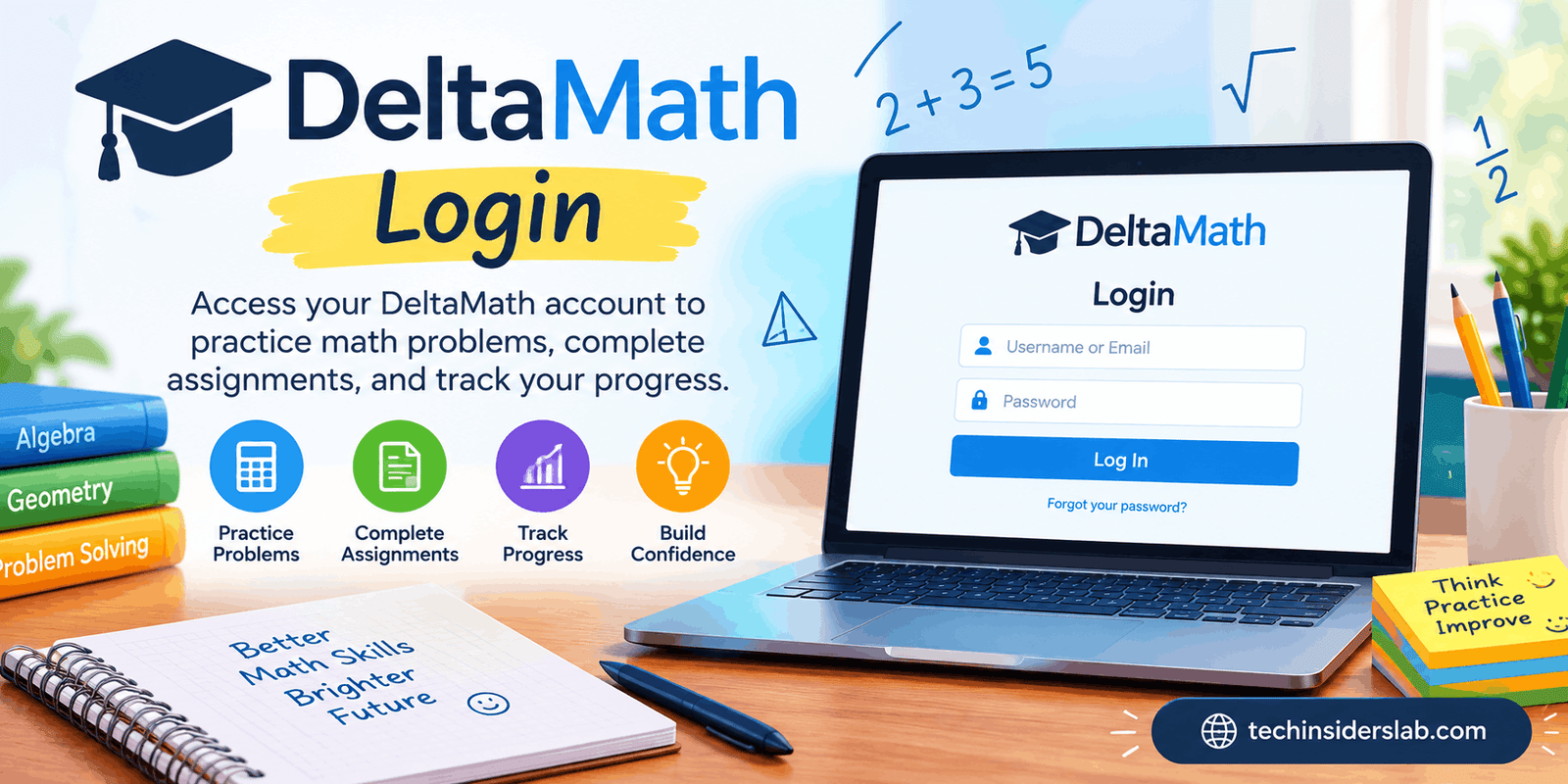
DeltaMath Login: Guide to Access, Registration, Features
introduction
DeltaMath is an online mathematics learning and practice platform designed primarily for students and teachers. It provides educators with tools to create assignments, monitor student progress, and provide regular math practice, while students can use the platform to complete assigned work and improve their mathematical skills.
For anyone searching for DeltaMath Login, understanding how the platform works is just as important as knowing how to access an account. DeltaMath has separate experiences for students and teachers, and students may need a class code or registration information provided by their teacher before they can create an account.
This guide explains DeltaMath Login, student registration, teacher access, important features, class codes, password recovery, common login problems, and practical tips for getting the most from the platform.
What Is DeltaMath?
DeltaMath is an educational technology platform focused specifically on mathematics practice and assessment. It was originally developed by mathematics teacher Zach Korzyk and began as a relatively small project designed to help students practice mathematical concepts.
Over time, DeltaMath developed into a much larger educational platform used by schools, teachers, and students.
Unlike a traditional digital textbook, DeltaMath is primarily centered around interactive practice. Teachers can select mathematical skills, create assignments, set requirements, and monitor student performance. Students then complete problems online and can receive feedback as they work.
The platform covers a wide range of mathematical topics and grade levels. Its large collection of problem types allows teachers to choose activities appropriate for their students.
What Is DeltaMath Login?
DeltaMath Login is the process of accessing an existing DeltaMath account.
There are two main types of users:
- Students
- Teachers
Students normally use DeltaMath to access classes, assignments, practice questions, and other learning activities. Teachers use their accounts to create classes, assign work, manage students, and review performance data.
The exact login process can vary depending on how a school or teacher has configured DeltaMath. Some schools may use educational integrations or single-sign-on systems, while others may have students log in directly using their DeltaMath credentials.
How to Access DeltaMath Login
To access your DeltaMath account, begin by opening the official DeltaMath website.
From there, choose the appropriate login option for your account type and enter your account credentials.
Students should make sure they are using their own student account, while teachers should use their teacher account.
After successful authentication, users should be taken to their respective dashboard or classroom environment.
If your school uses an integrated education platform, your teacher or school administrator may provide different instructions. In that situation, following the school’s recommended login method is usually the easiest option.
How Do Students Register for DeltaMath?
Student registration is slightly different from simply logging into an existing account.
Students generally need information from their teacher before they can register for a class. One of the most important pieces of information is the DeltaMath class code.
A teacher can provide a class code or registration link to students. The student uses this information to connect their account with the correct class.
A typical registration process involves these steps:
- Open the DeltaMath student registration page.
- Enter the class code supplied by your teacher.
- Provide the required account information.
- Create the necessary login credentials.
- Complete the registration process.
- Log in to the new account.
- Check that the correct class appears on your dashboard.
Students should carefully check the class code before completing registration. An incorrect code may connect the student to the wrong classroom.
Can Students Join Multiple DeltaMath Classes?
Yes, students can generally use one account for multiple classes.
This is particularly useful for students who have different mathematics courses or teachers. Instead of creating a completely new account for every class, an existing student account can be connected with additional classes.
Students should always use the account recommended by their teacher or school.
Creating multiple unnecessary accounts can make it more difficult to keep track of assignments and progress.
DeltaMath Login for Students
The student side of DeltaMath is designed around assignments and mathematical practice.
After logging in, students can typically see their classes and assigned activities. Depending on the assignment settings selected by the teacher, students may encounter different types of questions, practice requirements, deadlines, explanations, and other learning resources.
One of DeltaMath’s useful features is randomized practice. Different versions of questions can be generated, giving students additional opportunities to practice a skill.
This can be particularly helpful for mathematics because repeatedly solving slightly different problems can encourage students to understand the underlying process rather than simply memorizing one answer.
DeltaMath Login for Teachers
Teacher accounts provide more advanced classroom-management capabilities.
Teachers can create classes, register students, build assignments, select mathematical topics, monitor progress, and review student results.
DeltaMath can reduce some of the administrative work associated with mathematics practice because many activities can be automatically graded.
Teachers can also use student performance information to identify areas where students may need additional instruction or practice.
The platform is therefore useful not only as a homework tool but also as a way to gather information about student understanding.
Main Features of DeltaMath
1. Mathematics Practice
The core purpose of DeltaMath is mathematical practice. Students can work on different skills selected by their teachers.
The platform covers numerous topics, including arithmetic, algebra, geometry, trigonometry, calculus, statistics, and other areas depending on the available content and teacher settings.
2. Randomized Questions
Randomized questions are one of DeltaMath’s important characteristics.
Instead of giving every student exactly the same numerical values, the system can generate variations of problems. This creates additional practice opportunities and can make it more difficult to complete an assignment simply by copying another student’s answers.
3. Instant Feedback
Students can receive feedback while completing assignments.
Feedback can help students recognize mistakes and understand what went wrong. For mathematics, this is especially useful because a student may arrive at an incorrect answer because of a small calculation error or because they misunderstood an earlier step.
4. Automatic Grading
Automatic grading saves teachers considerable time.
Instead of manually checking every response, DeltaMath can evaluate many types of student answers automatically. Teachers can then spend more time focusing on instruction rather than repetitive grading.
5. Progress Monitoring
Teachers can review student performance and assignment activity.
This allows educators to see which students have completed their work and where additional support may be necessary.
6. Large Skill Library
DeltaMath provides a large selection of mathematical skills.
Teachers can select activities based on the topic being taught in class. This makes it easier to create assignments that align with current lessons.
7. Custom Assignments
Teachers can customize assignments according to their classroom requirements.
Depending on the available features, teachers can configure deadlines, practice requirements, problem quantities, and other assignment settings.
8. Custom Problems
Some DeltaMath plans provide tools that allow teachers to create customized problems.
This can be useful when educators want to create questions that closely match their own lessons, curriculum, or assessment requirements.
DeltaMath Class Codes Explained
A class code connects a student with a teacher’s DeltaMath class.
Teachers can provide students with a class code when they want them to register. Students enter that code during the registration process.
Class codes are therefore especially important for new students who have not yet joined their teacher’s class.
If a class code does not work, students should confirm that every character has been entered correctly. Because codes can contain both letters and numbers, a small typing mistake can prevent successful registration.
If the problem continues, the teacher can provide the code again or check the class settings.
What If DeltaMath Login Is Not Working?
Login problems can happen for several reasons.
Before assuming that the platform itself is unavailable, try some basic troubleshooting steps.
Check Your Username and Password
The first step is to verify your login information.
Make sure the username or email address is correct and that the password has been entered accurately.
Pay attention to accidental spaces and keyboard issues.
Reset a Forgotten Password
If you have forgotten your password, use the available password-recovery option.
Students who have an email address connected to their account may be able to receive a password reset message.
If you cannot reset the password yourself, your teacher may be able to help depending on the account setup.
Clear Browser Cache and Cookies
Old browser data can occasionally cause problems with websites.
If your credentials are correct but DeltaMath is not working properly, clearing the browser’s cache and cookies may help.
After clearing the data, reopen the browser and try logging in again.
Try a Different Browser
If the problem continues, try another modern web browser.
This can help determine whether the issue is related to a particular browser configuration.
Disable Browser Extensions
Some browser extensions can interfere with websites.
If DeltaMath does not behave correctly, temporarily disabling extensions may help identify whether one of them is causing the problem.
Try Another Device
You can also test DeltaMath on another computer, tablet, or supported device.
If the account works on another device, the problem may be related to the original device or browser.
What If a DeltaMath Class Is Missing?
Sometimes students can successfully log in but cannot find a class or assignment.
The first thing to check is whether you have joined the correct class.
If a class is missing, contact your teacher and ask them to confirm that your account has been registered correctly.
Students should avoid creating unnecessary accounts simply because a class does not immediately appear. The teacher can often identify whether the account is connected to the correct class.
DeltaMath and Educational Integrations
DeltaMath can work with various educational systems depending on the school’s setup and subscription.
These integrations can simplify classroom management and may support features such as single sign-on, student rostering, assignment workflows, and grade-related processes.
For students, an integrated setup can make accessing DeltaMath easier because they may be able to launch the platform through the school’s existing educational environment.
However, the exact process depends on the school, teacher, and DeltaMath plan being used.
Is DeltaMath Free?
DeltaMath provides a free teacher option as well as additional paid plans.
The free version includes many useful classroom capabilities, including mathematical practice, assignments, automated grading, student data, and access to a large collection of premade mathematical problem types.
Paid plans can provide additional functionality.
Depending on the plan, schools and teachers may gain access to features such as instructional videos, tests, custom questions, advanced assignment controls, integrations, standards-related tools, and additional administrative capabilities.
Because features can change over time, users should check the options available through their own school or teacher.
Is DeltaMath Useful for Students?
DeltaMath can be useful for students who need repeated mathematics practice.
One advantage is that students can work through problems online instead of relying entirely on paper worksheets.
Immediate feedback can also help students recognize mistakes while they are still working on a particular topic.
However, DeltaMath should not be viewed as a complete replacement for mathematics instruction.
Students who do not understand a concept may need explanations from their teacher, textbook, video lessons, or other educational resources. DeltaMath is most effective when used as part of a broader learning process.
Tips for Using DeltaMath Effectively
Read the Feedback
Do not simply submit another answer after receiving an incorrect result.
Take a moment to understand the feedback and identify the mistake.
Practice Regularly
Consistent practice is generally more productive than trying to complete many assignments at the last minute.
Short practice sessions can help students build familiarity with mathematical procedures.
Check Deadlines
Always pay attention to assignment deadlines.
Teachers can configure different due dates and requirements, so students should regularly check their DeltaMath dashboard.
Ask for Help
If you repeatedly get the same type of question wrong, ask your teacher for assistance.
Repeated mistakes may indicate that you need a clearer explanation of the underlying concept.
Protect Your Account
Students should keep their passwords private.
Sharing login credentials can create account-security problems and may also interfere with accurate student progress records.
Conclusion
DeltaMath Login is the entry point to an online mathematics practice environment built for students and teachers. While logging into an account is a simple process, understanding registration, class codes, assignments, password recovery, and troubleshooting can make the overall experience much easier.
For students, DeltaMath provides a convenient way to complete mathematical assignments, practice different skills, receive feedback, and track their coursework. For teachers, the platform offers tools for creating classes, assigning work, automatically grading activities, and reviewing student performance.
If you experience a DeltaMath Login problem, start with the basics: verify your credentials, check your class information, reset your password if necessary, clear browser data, try another browser or device, and contact your teacher when the issue involves classroom registration.
Used correctly, DeltaMath can be a valuable addition to mathematics education. Its combination of randomized practice, automated grading, immediate feedback, and teacher-controlled assignments makes it useful for classrooms where students need regular opportunities to practice and improve their mathematical skills.