Minecraft Forge:Guide to Installation, Mods, Features, Compatibility
Introduction
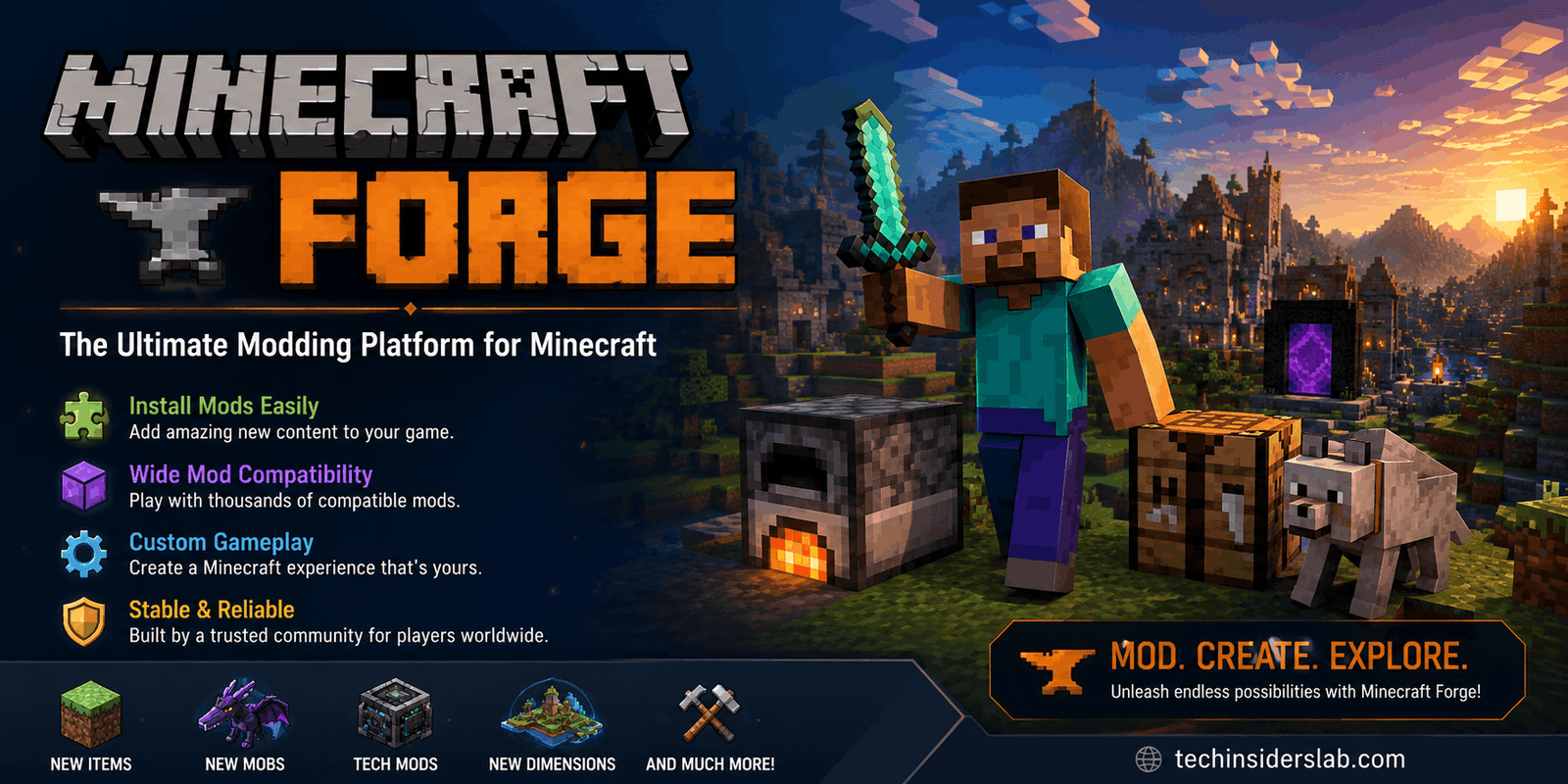
Minecraft is famous for giving players almost unlimited freedom, but its modding community takes that freedom even further. Mods can introduce new creatures, dimensions, machines, weapons, building systems, graphical improvements, automation features, and completely new gameplay mechanics. One of the most important tools behind this modding ecosystem is Minecraft Forge.
Minecraft Forge is a modding framework and mod loader designed to make it easier for Minecraft players to run compatible mods and for developers to create them. Instead of every mod having to independently modify the game, Forge provides a common environment through which many mods can interact with Minecraft and, in many cases, with one another.
For anyone interested in Minecraft modding, understanding Forge is useful whether you are a beginner installing your first mod or an experienced player building a large modpack.
What Is Minecraft Forge?
Minecraft Forge is an open-source modding platform for Minecraft. It provides the infrastructure that allows compatible modifications to load into the game and interact with Minecraft’s systems.
In simple terms, think of Forge as a bridge between Minecraft and Forge-compatible mods.
The normal version of Minecraft is commonly called vanilla Minecraft. Vanilla Minecraft does not automatically provide the framework required by most third-party mods. Installing Forge creates a separate modded environment where supported modifications can be loaded.
Forge is not itself a collection of hundreds of mods. Instead, it provides the framework that mods can use.
This distinction is important:
- Minecraft is the game.
- Forge is the modding framework/mod loader.
- Mods are individual modifications.
- Modpacks are collections of multiple mods configured to work together.
The official Forge download service provides installers and development kits for specific Minecraft versions, which highlights how important version matching is when using Forge.
Why Do Minecraft Players Use Forge?
The biggest reason players use Forge is simple: mods dramatically expand what Minecraft can do.
A player might use Forge to create an experience focused on technology, exploration, magic, farming, adventure, decoration, or automation.
For example, a modpack can transform Minecraft into a complex technical game with machines and automated production lines. Another collection can focus on fantasy worlds, while a different setup might add hundreds of decorative blocks for builders.
Forge also provides a more organized environment for managing multiple modifications. Instead of treating every modification as a completely independent system, compatible mods can use common Forge functionality.
This makes Forge particularly valuable for players who want a customized Minecraft experience.
How Does Minecraft Forge Work?
Forge operates between the Minecraft game and compatible modifications.
When you launch a Forge installation, the Forge environment loads the appropriate Minecraft version and then processes the installed mods. Mods can use Forge’s systems to register items, blocks, entities, events, recipes, and other gameplay elements.
The exact technical implementation varies between Minecraft versions, but the basic concept remains the same:
Minecraft → Forge → Compatible Mods → Customized Gameplay
This structure helps mod developers avoid reinventing the same basic infrastructure for every project.
For developers, Forge also provides a development environment and an MDK, or Mod Development Kit, through the official download system. Current Forge releases list both an Installer and an MDK for supported Minecraft versions.
Minecraft Forge Versions and Compatibility
One of the most important things to understand about Forge is that Minecraft versions matter.
A Forge installation created for one Minecraft version should not automatically be assumed to work with mods created for another version.
For example, the official Forge download pages maintain separate builds for versions such as Minecraft 1.20.1, 1.21.5, 1.21.8, and newer releases.
This means you should always check three things:
- Your Minecraft version.
- Your Forge version.
- The Minecraft version supported by the mod.
If these do not match, the mod may fail to load, cause a crash, or produce compatibility errors.
Why Version Matching Matters
Imagine that you are running Minecraft 1.20.1 and download a mod designed specifically for a newer Minecraft release. Even if the mod appears to be a Forge mod, it may not function correctly because the underlying game code has changed.
This is one of the most common reasons beginners experience problems with modded Minecraft.
Before installing a mod, check its listed Minecraft and Forge compatibility requirements.
How to Install Minecraft Forge
Installing Forge is relatively straightforward when the correct version is selected.
Step 1: Identify Your Minecraft Version
First, determine which Minecraft version you want to mod.
Do not simply download the newest Forge release unless it matches the version you intend to play.
Step 2: Download Forge
Use the official Forge download pages rather than random third-party download websites.
The official download pages provide version-specific installers and development kits.
Step 3: Run the Installer
Forge provides an installer that can be used to create a Forge installation.
The Forge support documentation explains that users can select the Install Client option when setting up Forge for the Minecraft client.
Step 4: Open Minecraft Launcher
After installation, open the Minecraft Launcher and look for the Forge installation.
Select the appropriate Forge profile or installation and start the game.
Step 5: Add Compatible Mods
Once Forge is working, compatible mod files can be placed into the appropriate Minecraft mods folder.
Always read the instructions supplied with individual mods because some projects may have additional dependencies or requirements.
Creating a Separate Game Directory
If you regularly use different Minecraft versions or modpacks, keeping everything in one directory can become confusing.
Forge’s support guidance recommends using separate game directories for different modded installations. This keeps saves, configuration files, mods, and related data separated from other installations.
For example, you might have separate folders for:
- A vanilla Minecraft installation
- Minecraft 1.20.1 Forge
- Minecraft 1.21.x Forge
- A large technology-focused modpack
This approach makes troubleshooting much easier because files from one setup are less likely to interfere with another.
What Can You Do With Forge Mods?
The possibilities depend on the individual mods, but Forge-compatible modifications can change almost every part of Minecraft.
New Blocks and Items
Mods can introduce new construction blocks, tools, weapons, machines, furniture, resources, and decorative objects.
Technology and Automation
Technical mods can add machines, power systems, factories, storage networks, transportation systems, and automated resource production.
New Mobs
Some mods introduce completely new creatures with unique behavior and abilities.
Dimensions and Exploration
Adventure-focused modifications can add new worlds, structures, biomes, dungeons, and bosses.
Farming
Players can expand Minecraft’s farming mechanics with new crops, food systems, animals, and agricultural equipment.
Building
Decoration-focused mods can provide hundreds of new blocks and furniture pieces, giving builders more creative options.
Forge for Mod Developers
Minecraft Forge is not only useful for players. It is also an important development platform.
Developers can use the Forge MDK to create Minecraft modifications. The official download pages list MDK packages separately from the normal installer.
A developer can create a project, define its metadata, write Java code, add resources, test the modification, and eventually distribute the finished mod.
This makes Forge especially interesting from a technology perspective because it combines:
- Java programming
- Game development
- APIs and frameworks
- Software development tools
- Version management
- Community-created extensions
For someone learning programming, Minecraft modding can also provide a practical way to understand how software interacts with an existing game framework.
Forge vs. Vanilla Minecraft
The main difference is customization.
Vanilla Minecraft provides the original gameplay experience without third-party modifications.
Forge Minecraft provides an environment where compatible mods can modify and extend that experience.
Vanilla is generally simpler because there are fewer compatibility concerns. Forge becomes more attractive when a player wants additional features and customization.
Neither approach is universally better. It depends on what you want from Minecraft.
Common Minecraft Forge Problems
Although Forge makes modding easier, problems can still happen.
Game Crashes During Startup
A crash may occur because a mod is incompatible with your Minecraft or Forge version.
Missing Mod Dependency
Some mods require additional libraries or supporting mods. If a required dependency is missing, the game may refuse to start.
Wrong Minecraft Version
A mod built for one Minecraft release may not work with another.
Too Many Mods
Large modpacks can create conflicts, performance problems, or memory pressure.
Java Problems
Forge installation and Minecraft modding can depend on the appropriate Java environment. Forge support documentation includes Java-related installation guidance and troubleshooting.
How to Troubleshoot Forge
When Forge fails, avoid randomly deleting files. Start with the basics.
First, check the Minecraft version. Then verify the Forge version and compare them with the requirements of your installed mods.
Next, look for missing dependencies or duplicate versions of the same library.
If the problem began after installing a new mod, temporarily remove that mod and test the game again.
Forge support discussions also emphasize using logs when diagnosing crashes and runtime problems. Logs can provide useful information about which mod or component caused the failure.
For complicated modpacks, testing modifications individually can help identify conflicts.
Is Minecraft Forge Safe?
Forge itself is a widely used Minecraft modding platform, but users should still practice safe downloading habits.
The safest approach is to obtain Forge from its official download source and get mods from reputable platforms or their recognized project pages. Forge forum guidance specifically identifies the official Forge files site as the appropriate source for Forge downloads.
Players should also be careful with websites offering modified installers, suspicious executable files, or downloads that do not match the expected file type.
A good rule is simple: do not download Forge from an unknown website simply because it appears higher in search results.
Advantages of Minecraft Forge
Forge has several major advantages:
- Large modding ecosystem
- Extensive customization possibilities
- Support for complex modpacks
- Development tools for mod creators
- Separate installations for different Minecraft versions
- Community support and troubleshooting resources
- Ability to transform Minecraft into very different gameplay experiences
Its biggest strength is the flexibility it gives both players and developers.
Limitations of Minecraft Forge
Forge also has some limitations.
The most obvious is compatibility. When Minecraft updates, mods and mod loaders may require updates before everything works correctly.
Large modpacks can also become complicated. A setup containing dozens or hundreds of modifications may require careful version management.
Performance can also vary depending on the mods, Minecraft version, hardware, configuration, and number of active systems.
Therefore, Forge is powerful, but it rewards users who keep their installations organized.
Tips for a Better Forge Experience
For beginners, a few habits can prevent many problems:
Keep backups: Back up important Minecraft worlds before experimenting with large modpacks.
Match versions carefully: Never assume that a mod works simply because it says “Forge.”
Use separate installations: Keep different Minecraft versions and modpacks isolated.
Add mods gradually: Installing many modifications simultaneously makes troubleshooting harder.
Read requirements: Check dependencies and supported Minecraft versions before installation.
Keep track of changes: If a previously stable setup suddenly crashes, remember which mod was installed or updated most recently.
Conclusion
Minecraft Forge has become an important part of the Minecraft modding ecosystem because it gives players and developers a structured way to extend the game. Instead of being limited to the features included in vanilla Minecraft, players can build customized experiences around technology, exploration, magic, automation, building, farming, adventure, and much more.
For beginners, the most important lesson is to focus on version compatibility. Always match your Minecraft version, Forge version, and mod requirements before installing anything. Keeping separate game directories and maintaining backups can also make modded Minecraft significantly easier to manage.
For developers, Forge provides a development environment that opens the door to creating sophisticated Minecraft modifications.
Whether you are installing your first mod or creating a complete modpack, Minecraft Forge remains a valuable tool for turning Minecraft into a more personalized and technically interesting game.