introduction
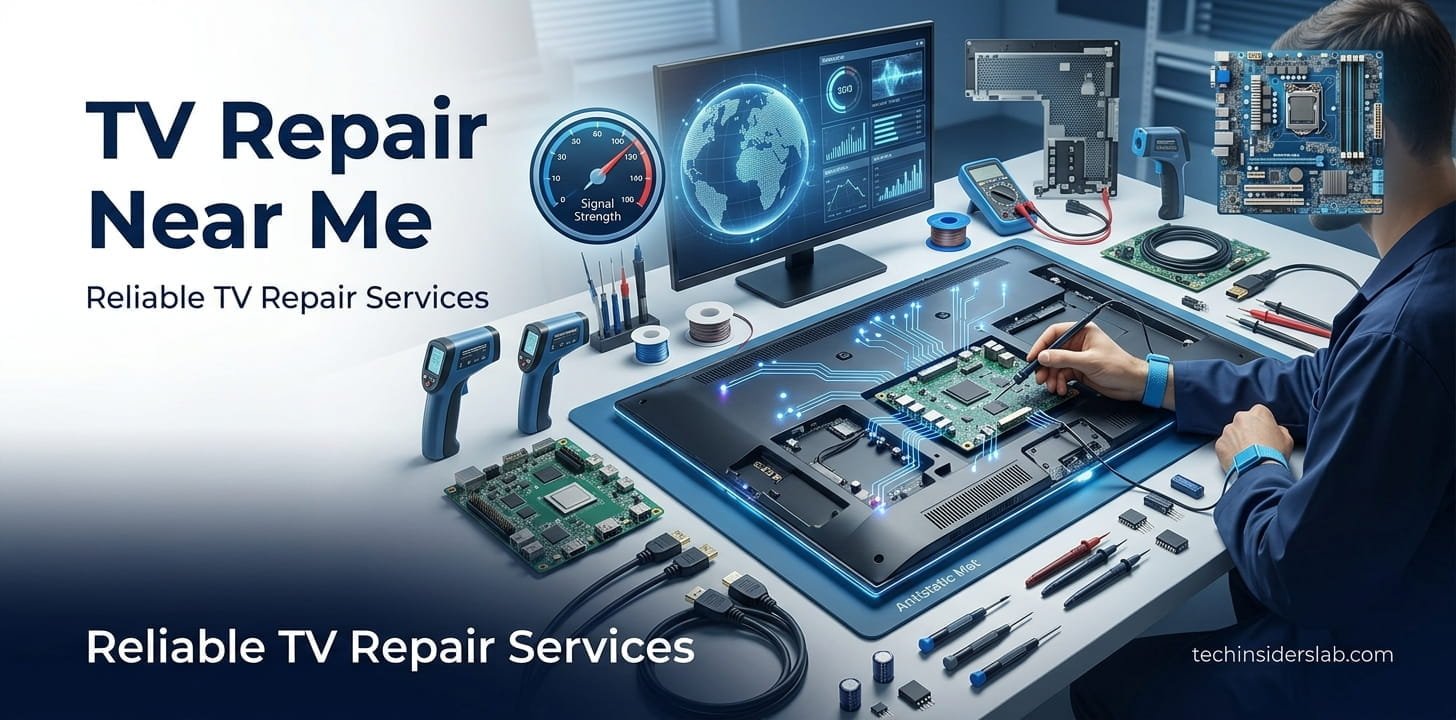
When a television suddenly stops working, the first thing many people search for is “TV repair near me.” Whether the TV has a black screen, no sound, flickering images, connection problems, or simply refuses to turn on, finding the right repair service can save both time and money.
Modern televisions are much more than simple display devices. Smart TVs combine display hardware, processors, software, Wi-Fi, HDMI connections, speakers, streaming applications, and other electronic components. Because of this, diagnosing a TV problem sometimes requires both electronics knowledge and an understanding of modern technology.
Before choosing a repair technician, it is useful to understand the most common television problems, what can safely be checked at home, and when professional service is the better option.
What Does “TV Repair Near Me” Mean?
The search term “TV repair near me” generally refers to finding a television repair technician or service center close to your current location. People commonly use this search when they need help with a broken Smart TV, LED TV, OLED TV, QLED TV, LCD television, or another type of modern display.
A local TV repair service may offer different types of assistance, including diagnosis, component replacement, screen-related repairs, software troubleshooting, HDMI and connection problems, sound issues, and other electronic repairs.
The exact services available depend on the technician, TV brand, model, and location.
Common TV Problems That May Require Repair
Television problems can range from simple connection issues to serious hardware failures. Understanding the symptoms can help you determine whether you need professional assistance.
1. TV Has No Picture
A black or blank screen is one of the most common reasons people look for TV repair services.
However, a blank screen does not always mean the television itself is damaged. The problem could be related to an HDMI cable, external streaming device, set-top box, input selection, or another connected source.
LG’s current troubleshooting guidance recommends checking whether the TV can display its volume indicator or menu. If those appear, the display may be functioning and the issue could instead involve an external device or HDMI connection.
If the TV’s own menu also fails to appear, the problem may require professional diagnosis.
2. TV Has Sound but No Picture
This problem can be particularly confusing because the television appears to be working, but nothing is visible on the screen.
Possible causes include an external device that is not sending a video signal, a loose or damaged HDMI cable, or an internal TV problem. LG recommends checking the TV’s own on-screen controls and external connections before requesting repair.
If basic connection checks do not solve the issue, a qualified technician can determine whether the problem is related to the display system or another internal component.
3. Flickering TV Screen
A flickering screen can result from several different causes. Sometimes the problem is related to the television’s picture settings or software. In other cases, it may involve an HDMI connection, signal quality, or hardware.
Samsung’s support guidance recommends checking the signal and HDMI connections, running available picture or self-diagnostic tests, and checking for software updates.
If the screen continues flickering during the TV’s own diagnostic test, professional service may be appropriate.
4. Lines or Distorted Images on the Screen
Horizontal or vertical lines, unusual colors, dark areas, or distorted images can indicate a display-related problem.
Before assuming that the panel is defective, it can be useful to check the input source and HDMI connections. Samsung’s current troubleshooting instructions also recommend using the TV’s built-in picture or video test when available. If abnormal lines remain visible during the test, professional service may be necessary.
Physical screen damage can be more complicated and expensive to repair than a connection or software issue.
5. TV Has No Sound
A television can have a perfectly normal picture while producing little or no sound. Before searching for a repair technician, check the volume level, mute settings, audio output selection, connected soundbar, and external devices.
If the problem continues after basic troubleshooting, the issue could involve the TV’s audio hardware or another internal component.
6. TV Will Not Turn On
A TV that does not power on may have a problem with its power connection, remote control, power board, or another internal component.
Start with simple checks such as confirming that the power cable is properly connected and trying the TV’s physical power button if available. If there is still no response, professional diagnosis is safer than opening the television yourself.
Smart TV Problems Are Not Always Hardware Problems
Modern Smart TVs introduce another category of potential problems: software and connectivity issues.
A television may have a working screen and hardware but still experience problems with streaming applications, Wi-Fi, menus, firmware, or other smart features.
Software updates can sometimes resolve performance and compatibility issues. Samsung specifically recommends checking for available firmware updates when troubleshooting certain picture and performance problems.
This is why a good TV repair technician should understand both electronics and modern Smart TV technology.
What Can You Check Before Calling a TV Repair Technician?
Not every TV problem requires a repair visit. Some issues can be caused by simple connections or settings.
Before searching for “TV repair near me,” consider checking:
- Is the television receiving power?
- Is the correct HDMI or input source selected?
- Are HDMI cables firmly connected?
- Does another HDMI port work?
- Does the TV’s own menu appear?
- Is the remote control functioning?
- Is the volume muted?
- Is an external set-top box or streaming device working?
- Does the TV have an available software update?
- Does the problem occur with every input or only one device?
These basic checks can help separate a TV problem from an issue with an external device.
For example, Samsung notes that flickering can sometimes be associated with weak broadcast signals or external cable connections rather than an internal television failure.
When Should You Call a Professional?
Professional repair is recommended when basic troubleshooting does not resolve the problem or when the television shows signs of internal electrical damage.
You should consider contacting a qualified technician if:
- The TV will not power on.
- The screen remains permanently black.
- The TV repeatedly shuts down.
- There are persistent lines or abnormal colors.
- The television has sound but no picture after connection checks.
- There is visible physical or liquid damage.
- The TV produces unusual electrical sounds or smells.
- The problem returns after temporary troubleshooting.
Televisions contain internal electrical components that can present safety risks. The U.S. Consumer Product Safety Commission advises unplugging a TV when it is damaged or malfunctioning and having it checked by a reputable professional; it also warns that some internal parts can carry hazardous voltages.
For this reason, opening a television cabinet without the appropriate technical knowledge is not a good DIY project.
How to Find the Best TV Repair Near Me
Finding a nearby technician is easy, but finding a reliable technician requires a little more research.
Start by checking whether the repair service works with your specific TV brand and model. Some technicians specialize in particular brands, while others repair a wide range of televisions.
It is also useful to ask about:
- Diagnostic fees
- Estimated repair cost
- Replacement parts
- Warranty on repairs
- Expected repair time
- In-home service availability
- Pickup and delivery options
- Experience with your TV model
For example, Samsung provides an official service-center locator in Pakistan that allows customers to search for support centers by city, town, or postal code and increase the search radius if necessary. Samsung also states that its listed authorized centers use trained technicians and genuine Samsung parts.
If your TV is still under warranty, checking the manufacturer’s official service network before using an independent repair shop can also be a smart decision.
Authorized Service Center vs. Local TV Repair Shop
Both options can have advantages.
An authorized service center is often a strong choice when the television is under warranty or when genuine manufacturer parts and brand-specific technical support are important.
A local repair technician may be useful for older TVs, out-of-warranty equipment, or situations where a convenient in-home diagnosis is preferred.
The right choice depends on the TV’s age, warranty status, problem, repair cost, and availability of parts.
For example, Samsung’s Pakistan support information specifically directs customers to authorized service centers for product repairs rather than Samsung showrooms or brand shops.
How Much Does TV Repair Cost?
The cost of repairing a television can vary significantly. It depends on the type of problem, TV brand, model, replacement parts, screen technology, labor, and location.
A simple connection or configuration problem may require little or no hardware replacement, while major component or screen repairs can become considerably more expensive.
As a general U.S. market reference, Angi’s 2026 repair-cost guide reports professional TV repair costs commonly ranging from $200 to $500, with diagnostic fees potentially starting around $150. Actual prices vary by location and repair type, so these figures should not be treated as a universal price list.
Before approving a major repair, ask the technician for an estimate and compare the expected repair cost with the price of replacing the television.
Is Screen Repair Worth It?
Screen-related problems can be among the most difficult decisions for TV owners.
A modern TV panel can represent a large portion of the television’s total value. If the panel is cracked or severely damaged, replacement may sometimes be less economical than purchasing another TV.
Samsung’s support guidance similarly notes that physical screen damage may not be covered by warranty and that, in some cases, replacing the TV can be more economical than replacing the screen.
For an older television, age should also be considered. If several components are already approaching the end of their useful life, investing heavily in one repair may not make financial sense.
TV Repair for Different Brands
A professional TV repair service may work with brands such as Samsung, LG, Sony, TCL, Hisense, Vizio, Philips, Panasonic, and other manufacturers.
However, the internal design and software can vary substantially between models.
OLED, QLED, LED, and LCD televisions also use different display technologies and components. Therefore, it is useful to provide the technician with the exact brand and model number when requesting service.
The model number can help the technician understand the television’s specifications and determine which parts or troubleshooting procedures may apply.
Why Choosing a Local Repair Service Can Be Helpful
Searching for “TV repair near me” is not only about finding the closest technician. A nearby repair service can potentially provide faster diagnosis, convenient pickup or in-home service, and easier follow-up if the problem returns.
Local technicians may also understand the brands and models commonly used in their area.
However, distance should not be the only deciding factor. A slightly farther repair professional with better experience, transparent pricing, and a clear repair warranty may be a better choice than the closest available option.
Conclusion
Finding a reliable TV repair near me service is not just about choosing the closest technician. Modern TVs combine advanced display technology, software, internet connectivity, HDMI systems, and electronic components, so the right diagnosis is important.
Before calling a repair professional, simple checks such as power connections, HDMI cables, input settings, and external devices can sometimes solve the problem. If the issue involves the screen, power system, internal components, or repeated hardware failure, professional repair is the safer choice.
When selecting a local TV repair service, consider the technician’s experience, pricing, warranty, replacement parts, and familiarity with your TV brand and model. With the right repair service, many television problems can be diagnosed and fixed without immediately replacing the entire TV.