Introduction
Working with spreadsheets can become challenging when calculations involve complex formulas, large datasets, or repetitive tasks. Microsoft Excel and Google Sheets offer powerful features, but many users do not know how to use every function effectively. Even a simple task, such as finding specific values, calculating sales totals, or organizing customer information, can take considerable time when the correct formula is unclear.
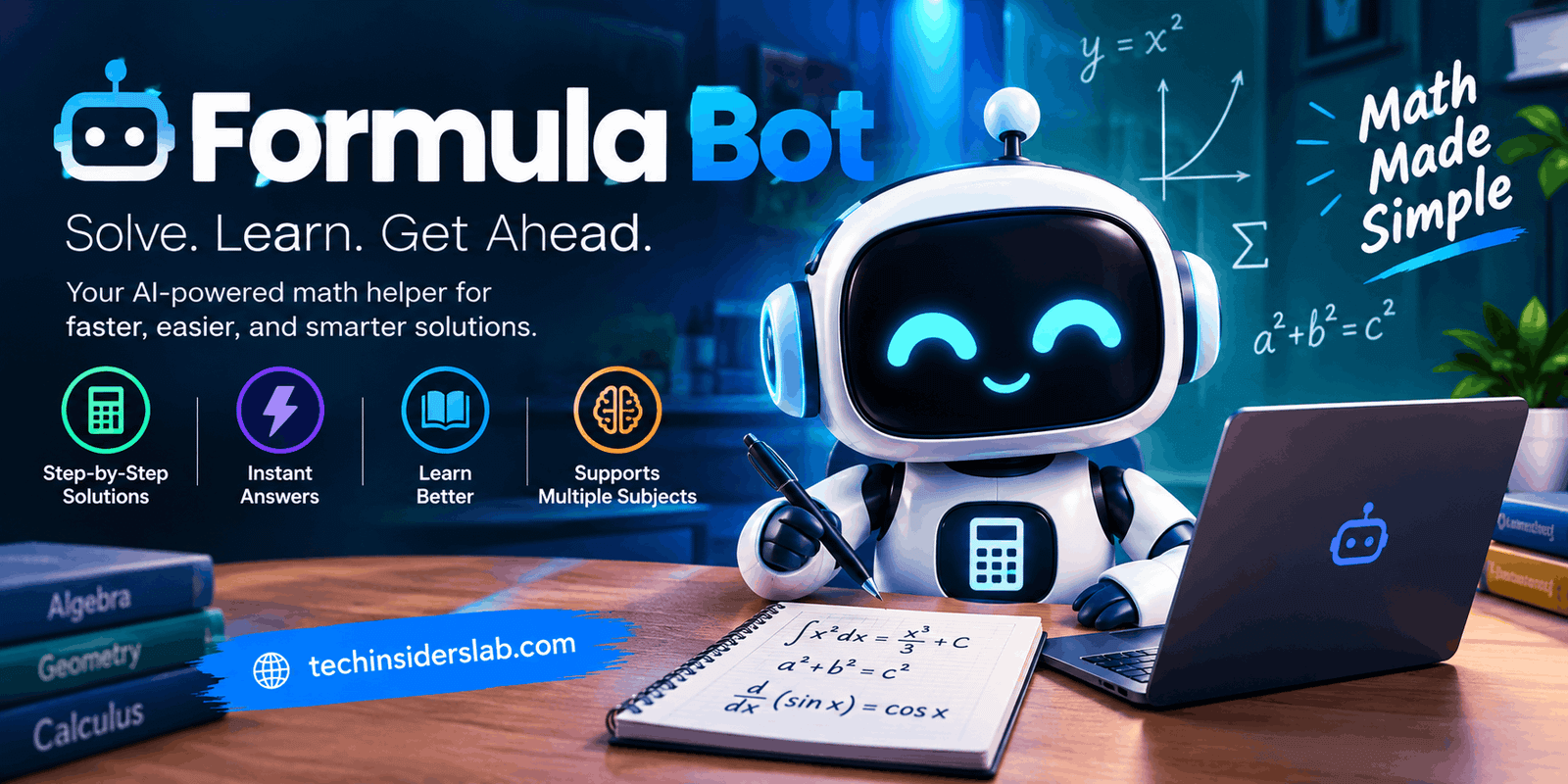
Formula Bot is an AI-powered tool designed to make spreadsheet work easier. It helps users translate everyday language into spreadsheet formulas and supports tasks such as understanding existing formulas, troubleshooting errors, and working with data. Instead of searching through tutorials or memorizing complicated syntax, users can describe their requirements and receive AI-generated assistance.
As spreadsheet tools continue to become more intelligent, Formula Bot offers a practical way for students, professionals, business owners, and data analysts to simplify everyday work. This guide explains how Formula Bot works, its main features, common use cases, advantages, limitations, and whether it is worth considering.
What Is Formula Bot?
Formula Bot is an artificial intelligence tool originally developed to generate spreadsheet formulas from natural-language instructions. Its primary purpose is to help people perform calculations in Excel and Google Sheets without requiring advanced spreadsheet knowledge.
For example, imagine that you have a spreadsheet containing product names, prices, quantities, and sales figures. You want to calculate the total revenue for each product but do not know which formula to use. You can describe the task in ordinary language, and Formula Bot can suggest an appropriate formula.
The tool has also been associated with broader spreadsheet and data-analysis capabilities, including formula explanations, debugging, and assistance with queries and data visualization. Its wider data-analysis offering is now presented under the Better Analyst brand.
Formula Bot is particularly useful for people who understand what result they need but are unfamiliar with the technical steps required to obtain it. It reduces the learning curve and makes spreadsheet functions more approachable.
How Does Formula Bot Work?
Formula Bot uses AI to interpret written instructions and translate them into spreadsheet-related solutions. The process is designed to be straightforward, even for beginners.
First, the user explains the task in plain language. This might involve calculating a percentage, identifying duplicate records, combining text, or retrieving information from another table.
Next, the AI interprets the request and generates a suggested formula or other relevant output. Depending on the task, it may also explain the formula or help identify problems in an existing expression.
The user can then review the result and apply it to the appropriate spreadsheet cells.
For example, suppose column B contains product prices and column C contains quantities. You want to calculate the total value of each product. A suitable instruction would be: “Multiply the price in column B by the quantity in column C.”
The resulting Excel formula for row 2 would be =B2*C2.
This approach makes spreadsheet tasks easier to understand because users can focus on the calculation they want rather than remembering the exact syntax. However, the generated output should always be checked against the spreadsheet’s structure and intended results.
Main Features of Formula Bot
1. AI Formula Generation
Formula generation is the feature that established Formula Bot’s popularity. Users can describe a calculation in everyday language and receive a formula that can be adapted for Excel or Google Sheets.
It can assist with common operations such as addition, averages, conditional calculations, text manipulation, and lookups. More advanced requests may involve combining several functions into a single formula.
This feature is useful when a user knows the desired outcome but does not know which functions or conditions are required.
2. Formula Explanation
Understanding an existing formula can be just as difficult as creating one. Spreadsheet formulas sometimes contain multiple functions, nested conditions, and complicated cell references.
Formula Bot can help explain what a formula is intended to do by breaking down its components. This can help beginners understand why a function is being used and how different parts work together.
For example, an explanation of an IF formula may clarify the condition being tested, the value returned when the condition is true, and the alternative result when it is false.
Learning from these explanations can gradually improve spreadsheet skills.
3. Formula Debugging
A formula may fail because of incorrect cell references, missing parentheses, incompatible data types, or a misunderstood condition.
Formula Bot can help diagnose these problems and suggest corrections. Instead of manually investigating every part of a complicated expression, users can describe the error and request an explanation.
However, an AI-generated correction is not guaranteed to be accurate. Users should test the corrected formula with sample values before relying on it for important calculations.
4. Excel and Google Sheets Support
Many people use Excel for business reporting and Google Sheets for collaboration. Although both applications support numerous similar functions, their features and behavior are not always identical.
Formula Bot can assist with formulas for these spreadsheet environments and help users adapt formulas when switching between them.
This can be especially useful for teams that share information across different platforms or need to maintain similar calculations in multiple workbooks.
5. Data Analysis Assistance
Beyond individual formulas, AI-assisted data analysis can help users explore tables, identify patterns, summarize information, and create visual representations of results.
The broader Formula Bot ecosystem has expanded into conversational analysis through Better Analyst. Users can work with datasets and ask questions in natural language rather than building every analysis manually.
The exact capabilities available depend on the current product, subscription, and connected data sources.
6. Support for Repetitive Spreadsheet Tasks
Spreadsheets often involve repeated activities, such as classifying records, cleaning text, calculating commissions, or checking whether values meet specific conditions.
Formula Bot can help users develop formulas for these recurring tasks. Once a formula has been checked, it may be applied to additional rows or adapted for similar calculations.
This can reduce repetitive manual work and make spreadsheet processes more consistent.
Practical Uses of Formula Bot
Business and Sales Reporting
Businesses frequently use spreadsheets to track orders, expenses, revenue, inventory, and customer activity. Formula Bot can help employees generate formulas for calculating totals, comparing sales periods, and identifying records that meet specific conditions.
For example, a sales manager might request a formula that calculates revenue from product prices and quantities. Another task might involve counting orders above a particular value.
These calculations can support reporting, although the accuracy of the final report still depends on the quality of the underlying data.
Education and Learning
Students can use Formula Bot to understand spreadsheet functions and complete data-related assignments. Teachers may also use it to prepare examples that demonstrate calculations or conditional logic.
Rather than copying a formula without understanding it, learners can ask for an explanation and compare the result with their own work.
This makes the tool useful as a learning assistant, provided students follow their institution’s rules regarding AI assistance.
Marketing and SEO Analysis
Digital marketers often work with keyword lists, traffic reports, campaign performance, and conversion data. Formula Bot can help generate formulas for sorting, categorizing, counting, and comparing information in these spreadsheets.
For instance, a marketer could use spreadsheet formulas to identify keywords with particular search-volume ranges or calculate the difference between two campaign performance figures.
It can simplify the spreadsheet side of marketing analysis, but it does not replace specialized SEO research platforms or guarantee accurate search-performance predictions.
Data Cleaning and Organization
Poorly formatted information can make spreadsheet analysis difficult. Names may contain extra spaces, categories may be inconsistent, and duplicate records may appear in the same dataset.
AI-assisted formula generation can help users create expressions for standardizing text, extracting information, or identifying potential duplicates.
Users should review the results carefully, especially when cleaning customer records or financial data, because an incorrect transformation can remove or alter important information.
Personal Budgeting
Individuals can use spreadsheet formulas to organize monthly expenses, compare spending categories, and calculate savings percentages.
Formula Bot may help create the calculations needed for a personal budget without requiring advanced Excel skills. For example, it can assist with formulas that total expenses across categories or calculate the percentage of income spent on housing.
The tool supports calculations; users remain responsible for interpreting the results and making financial decisions.
Benefits of Using Formula Bot
One of the main benefits of Formula Bot is accessibility. People who are unfamiliar with spreadsheet syntax can describe a task in everyday language instead of learning every function before getting started.
Another advantage is time savings. Generating a formula or investigating an error can be faster with AI assistance than searching through multiple tutorials. The tool can also support learning by explaining how formulas work.
Formula Bot may improve productivity for people who regularly work with spreadsheets but do not specialize in data analysis. It can help them approach unfamiliar tasks, experiment with different calculations, and reduce repetitive manual effort.
Its relevance to both Excel and Google Sheets is another practical advantage for users who work across different spreadsheet environments.
Nevertheless, these benefits depend on the complexity of the request, the quality of the instructions, and whether the generated results are correct.
Limitations of Formula Bot
Despite its benefits, Formula Bot has limitations that users should understand before relying on it.
AI accuracy: A generated formula may not match the user’s intended logic. Complex instructions or missing details can produce incorrect results.
Spreadsheet knowledge: Users still need to understand their data structure, column names, cell references, and expected outcomes. AI cannot reliably compensate for unclear requirements.
Data privacy: Uploading spreadsheets may expose sensitive business, customer, or personal information. Review the applicable privacy policy and avoid submitting confidential data unless you have permission and understand how it will be handled.
Subscription restrictions: Free usage may be limited, while paid plans can provide additional capabilities. Features and prices may change, so users should check the current offering before purchasing.
Advanced analytics: Formula assistance is not the same as a complete business intelligence system. Organizations with extensive reporting, governance, and complex analytical requirements may need more specialized software.
Understanding these limitations helps users decide when AI assistance is appropriate and when manual verification or professional analysis is necessary.
Is Formula Bot Free?
Formula Bot has offered a free entry point alongside paid features. The available usage limits and capabilities may vary as the platform develops.
Users interested only in generating occasional spreadsheet formulas may find a free option sufficient. People who regularly analyze large datasets or require additional features should compare the current subscription plans with their actual needs.
Because the product’s broader analysis features are now presented through Better Analyst, it is important to distinguish the original formula-generation workflow from the newer data-analysis offering.
Before paying for a subscription, check the current plan details, included usage, supported integrations, and cancellation terms. Avoid assuming that every feature shown in older reviews is still available under the same name or pricing structure.
Formula Bot Alternatives
Several alternatives can help users with spreadsheet formulas and data analysis.
ChatGPT: Can explain spreadsheet functions, generate formulas, troubleshoot errors, and help interpret data when the relevant information is provided.
Microsoft Copilot: Offers AI assistance within supported Microsoft applications and subscriptions. Its available spreadsheet features depend on the version and licensing arrangement.
Google Sheets built-in functions and AI features: Depending on the user’s account and available features, Google Sheets may provide convenient ways to organize, calculate, and analyze data without using a separate tool.
Other AI spreadsheet assistants: Various services specialize in formula generation, data cleaning, spreadsheet templates, and analysis.
The best alternative depends on the user’s preferred spreadsheet, budget, privacy requirements, and the complexity of the work. Comparing tools on a small, non-sensitive sample is a sensible way to evaluate their accuracy and usefulness.
Tips for Getting Better Results
To get more useful answers from Formula Bot, explain your task as precisely as possible. Mention the spreadsheet application, relevant column names, required conditions, and the expected result.
For example, instead of saying “calculate sales,” explain that you want to multiply the price column by the quantity column and return the result in a new column.
Test formulas using a few examples for which you already know the correct answer. Check how the formula handles blank cells, duplicate values, unexpected text, and boundary conditions.
When a result is incorrect, provide the error message and clarify the intended logic rather than repeatedly submitting the same vague instruction.
Finally, protect sensitive information and maintain a backup before applying AI-generated formulas or transformations to an important workbook.
Is Formula Bot Worth Using?
Formula Bot can be worthwhile for people who frequently struggle with spreadsheet formulas or want a quicker way to understand calculations. Its natural-language approach makes spreadsheet tasks more accessible and can reduce the time spent searching for syntax or troubleshooting common errors.
It is particularly suitable for students, small-business owners, office workers, marketers, and spreadsheet beginners. Experienced analysts may find it most useful for occasional debugging, unfamiliar functions, or repetitive tasks.
However, its value depends on how often it solves a real problem in your workflow. Users who already know the necessary formulas may not need a separate tool, while people handling complex data should compare it with broader analytical solutions.
Conclusion
Formula Bot helps make spreadsheet work more approachable by translating everyday instructions into formulas and offering assistance with explanations, debugging, and data-related tasks. It can save time, support learning, and simplify calculations for users with different levels of technical experience.
Like other AI tools, it should be treated as an assistant rather than an unquestionable source of truth. Reviewing formulas, testing calculations, and protecting sensitive data remain essential. For people who regularly use Excel or Google Sheets, Formula Bot is worth exploring as part of a more efficient spreadsheet workflow.