introduction
Managing time in a classroom can be challenging, especially when teachers have multiple lessons, activities, assignments, and student interactions to handle within a limited period. Students may take longer than expected to complete their work, classroom transitions can become distracting, and teachers sometimes struggle to keep every activity on schedule. A Classroom Timer offers a simple but effective way to organize these activities and make better use of available learning time.
A classroom timer is a digital or physical timekeeping tool that helps teachers set specific time limits for lessons, group activities, tests, breaks, and other educational tasks. Online classroom timers have become particularly useful because they can be displayed on computers, interactive whiteboards, projectors, and classroom screens.
Instead of repeatedly reminding students about the remaining time, teachers can display a visible countdown that everyone can follow. This creates clearer expectations and encourages students to complete their activities within the allocated time.
What Is a Classroom Timer?
A Classroom Timer is an educational time management tool designed to help teachers and students organize classroom activities. It usually works through a countdown display that shows how much time remains before an activity finishes.
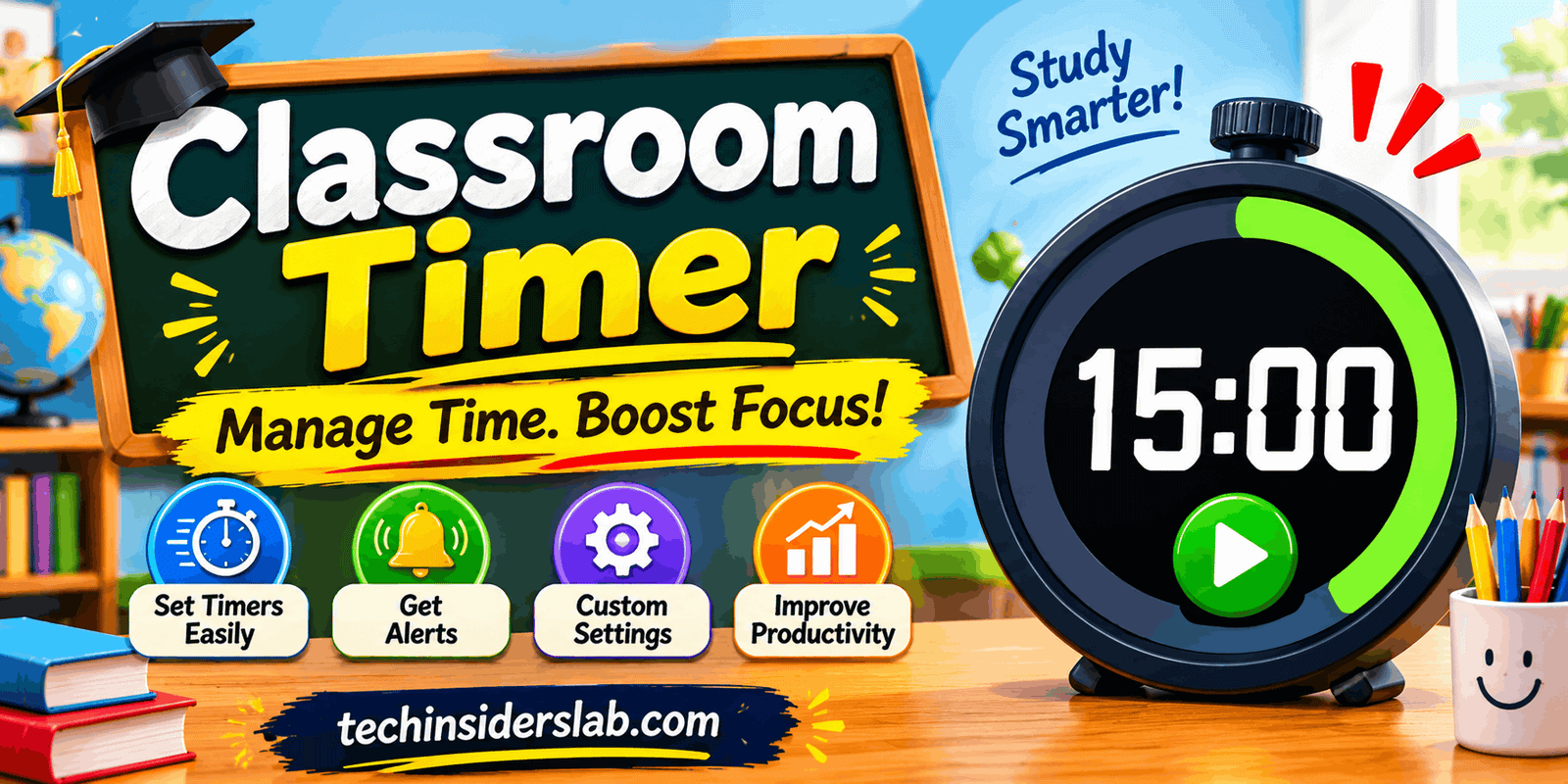
For example, a teacher can set a timer for 15 minutes during a reading exercise. Students can see the countdown and understand how much time they have to complete the assigned work. When the timer reaches zero, an optional sound or visual notification can indicate that the activity has ended.
Modern online classroom timers offer different display styles, including digital countdowns, colorful visual timers, circular progress indicators, and simple stopwatch interfaces. Some tools also provide preset durations, customizable backgrounds, pause and restart controls, and full-screen viewing.
The main purpose is not simply to measure time. It is to make classroom routines more organized, predictable, and easier to manage.
How Does a Classroom Timer Work?
Most online classroom timers are designed with a straightforward interface that does not require advanced technical knowledge. Teachers can usually start using one within a few seconds.
The typical process involves the following steps:
- Choose a Duration: Select the amount of time required for the activity, such as five, ten, or thirty minutes.
- Start the Countdown: Press the start button to begin measuring the remaining time.
- Display the Timer: Open the timer in full-screen mode or display it on a projector or interactive classroom screen.
- Monitor Progress: Students and teachers can check the remaining time without interrupting the lesson.
- Finish the Activity: When the countdown reaches zero, the timer may display a notification or play an optional sound.
Many tools also allow teachers to pause the countdown, add extra time, or restart it when classroom circumstances change.
Because the process is simple, teachers can use a classroom timer without spending valuable lesson time learning complicated software.
Important Features of a Classroom Timer
Not every classroom timer offers the same capabilities. Some provide only a basic countdown, while others include additional controls and visual customization options.
Here are some useful features to look for when choosing an online classroom timer.
1. Visual Countdown Display
A visual countdown is one of the most useful features of a classroom timer. It allows students to see how much time remains instead of depending entirely on verbal reminders.
Some timers use large digital numbers, while others display a colored circle or progress bar that gradually changes as time passes.
Visual displays can be especially helpful for younger learners who are still developing an understanding of time.
2. Customizable Time Settings
Teachers need different time limits for different classroom activities. A short warm-up exercise may require only three minutes, while a group assignment might need twenty minutes.
Customizable time settings allow teachers to select durations according to their lesson plans. This flexibility makes the timer useful for both short exercises and longer learning sessions.
3. Full-Screen Mode
A classroom timer should be easy to read from different areas of the classroom. Full-screen mode removes unnecessary interface elements and makes the countdown more visible.
Teachers can display it through a projector, smartboard, television, or computer connected to a larger screen.
4. Pause and Resume Controls
Classroom activities do not always follow a perfect schedule. Students may need additional instructions, teachers may have to answer questions, or unexpected interruptions may occur.
Pause and resume controls allow teachers to stop the countdown temporarily and continue when the class is ready.
5. Audio Notifications
Some classroom timers include an optional alarm, bell, or notification sound. This can help students recognize when an activity has finished without constantly watching the screen.
However, silent operation is also important, particularly during examinations, reading sessions, and quiet classroom activities.
6. Multiple Timer Styles
Different age groups respond to visual information in different ways. A simple digital countdown may be suitable for older students, while colorful displays and animated progress indicators can make time easier to understand for younger learners.
A choice of timer styles allows teachers to select a display that fits their classroom environment.
Benefits of Using a Classroom Timer
A classroom timer can improve the organization of everyday lessons when it is used thoughtfully. Its benefits extend beyond simply keeping activities within a specific time limit.
Better Classroom Time Management
Teachers often need to divide a lesson into several sections, including introductions, explanations, individual exercises, group discussions, and reviews.
A classroom timer helps assign a specific duration to each section. This makes lesson planning more practical and reduces the possibility of spending too much time on a single activity.
For example, a teacher can allocate ten minutes for an explanation, fifteen minutes for practice, and five minutes for reviewing answers.
Encourages Student Focus
Students sometimes lose track of time while completing assignments or participating in group activities. A visible countdown gives them a clear indication of how much time remains.
This can encourage students to concentrate on the task and organize their work more effectively.
Digital Promise’s Learner Variability Project explains that timers can support self-pacing, attention, motivation, and transitions between classroom activities.
Makes Classroom Transitions Easier
Moving from one classroom activity to another can consume more time than expected. Students may need to finish their work, organize their materials, or prepare for the next lesson.
A timer provides an understandable signal that an activity is approaching its end. Teachers can also give a short verbal warning before the countdown finishes.
This helps students prepare for transitions instead of being surprised by sudden instructions.
Develops Time Management Skills
Time management is an important skill that students can use throughout their academic and professional lives.
Regularly working with a timer helps learners understand how long different tasks take. They can gradually improve their ability to estimate time, prioritize activities, and complete assignments within a planned schedule.
Supports Independent Learning
Students who work independently sometimes need guidance to divide larger assignments into smaller tasks.
A classroom timer makes this process easier by allowing students to create focused work sessions.
For instance, a student might spend 20 minutes researching a topic, five minutes reviewing notes, and another 15 minutes preparing a written response.
Creates More Predictable Classroom Routines
A consistent schedule can make the classroom environment easier to understand. Students know when activities begin, how long they are expected to continue, and when they will finish.
This predictability can be particularly helpful for younger learners and students who benefit from visual support.
Different Ways to Use a Classroom Timer
A classroom timer is suitable for many educational situations. Teachers can adapt it according to their teaching methods, students’ ages, and lesson objectives.
Timed Classroom Activities
Teachers can use a countdown during spelling exercises, mathematics practice, reading challenges, and short classroom assignments.
Giving students a reasonable time limit encourages them to stay aware of the task without requiring constant reminders.
Group Projects and Teamwork
Group activities often involve discussions, planning, research, and presentations. Without a clear schedule, one part of the project may consume more time than the others.
Teachers can assign separate time limits to each stage. For example, groups might receive ten minutes for brainstorming, fifteen minutes for preparing their work, and five minutes for presenting their results.
Examinations and Quizzes
During quizzes and classroom assessments, timers help students understand how much time remains.
Teachers can display a countdown at the front of the classroom so that everyone receives the same time information.
For formal assessments, teachers should follow their school’s examination policies and provide appropriate accommodations. A countdown should not create unnecessary pressure for students who need additional support.
Reading Sessions
A timer can help teachers organize silent reading periods or short reading exercises.
Students can be given a specific amount of time to read a passage, identify important information, or answer comprehension questions.
Brain Breaks
Students need opportunities to rest and refresh their attention during longer learning sessions.
Teachers can set a short timer for stretching, movement, breathing exercises, or other classroom breaks. The countdown helps everyone understand when the break will finish.
Classroom Cleanup
At the end of an activity, teachers can use a short countdown to organize students as they put away books, stationery, and learning materials.
This makes cleanup part of the regular classroom routine rather than an unstructured activity.
Classroom Timer for Different Age Groups
The best way to use a classroom timer depends on the age and learning needs of students.
Preschool and Kindergarten: Young children often benefit from colorful visual timers and simple countdown displays. Short durations can help them understand when playtime, drawing, or cleanup activities will finish.
Elementary School: Teachers can introduce timers during reading exercises, mathematics practice, handwriting activities, and group learning. These activities help students gradually develop awareness of time.
Middle School: Students can use timers to organize independent assignments, collaborative projects, classroom discussions, and revision sessions.
High School: Older students may benefit from timers during examination preparation, presentations, research activities, and structured study periods.
College and University: Classroom timers can help instructors organize lectures, laboratory activities, student presentations, discussions, and timed academic exercises.
Online Classroom Timer vs. Physical Timer
Both digital and physical timers can be useful in educational environments, but they offer different advantages.
An online classroom timer can be accessed through a web browser and displayed on an existing classroom screen. It does not necessarily require purchasing additional equipment, making it a convenient option for schools that already use computers or projectors.
Physical timers, on the other hand, can work without an internet connection or digital display. They are useful in classrooms where technology access is limited or where students benefit from a physical representation of time.
| Feature | Online Classroom Timer | Physical Timer |
| Accessibility | Browser-based access | Requires a physical device |
| Display | Computer or classroom screen | Device display |
| Customization | Often offers different styles | Depends on the device |
| Internet | Depends on the specific tool | Usually not required |
| Classroom visibility | Can be displayed on large screens | Depends on device size |
| Portability | Available on compatible devices | Must carry the device |
The right choice depends on classroom facilities, teaching preferences, and student requirements. Some teachers may even combine both options.
How to Choose the Best Classroom Timer
Choosing an appropriate classroom timer is important because the tool should support learning rather than distract from it.
Consider these factors before selecting one:
Simple Interface: Choose a timer with clear controls and an easy-to-understand layout. Teachers should be able to start, pause, and reset it quickly.
Readable Display: Large numbers and clear visual indicators make the countdown easier to follow from different classroom positions.
Customization: Look for flexible duration settings and useful display options that support different teaching activities.
Sound Controls: An option to enable or disable notifications is helpful because some activities require silence.
Device Compatibility: The timer should work properly on the computers, tablets, or interactive displays available in the classroom.
Privacy and Security: Prefer tools that do not require unnecessary personal information, student accounts, or access to sensitive classroom data.
Reliable Performance: A useful timer should run consistently without excessive advertisements, distracting pop-ups, or complicated setup procedures.
Teachers should also test the timer before an important lesson or examination to make sure it works as expected.
Limitations of Classroom Timers
Although classroom timers offer several advantages, they are not a complete solution to every classroom management challenge.
Some students may feel uncomfortable when they see a countdown, particularly during difficult assignments or assessments. Others may become distracted by frequently checking the remaining time.
A timer can also create unnecessary pressure if teachers use unrealistic time limits or treat every classroom activity as a competition.
Research published in 2025 in the European Journal of Investigation in Health, Psychology and Education examined visual timers during mathematics assessments involving children aged seven to nine. The researchers found lower anticipatory anxiety and fewer inattentive behaviors when a visual timer was present, but did not find a significant improvement in mathematical performance. The results suggest that individual responses to timers can vary.
Teachers should therefore use timers as supportive classroom tools rather than strict instruments for controlling student behavior.
Providing reasonable time limits, allowing flexibility, and considering individual learning needs can make timer-based activities more effective.
Is a Classroom Timer Free to Use?
Many online classroom timers provide basic countdown functionality without requiring payment. Teachers can often open a website, select a duration, and begin using the timer directly in their browser.
However, availability depends on the particular platform. Some services may offer additional features such as custom themes, saved presets, advanced classroom displays, or specialized activity controls through paid plans.
Before choosing a timer, teachers should check whether its essential features are available for free and whether it works with their existing classroom technology.
Conclusion
A Classroom Timer is a practical educational tool that helps teachers organize lessons, manage classroom activities, and communicate time expectations more clearly. From timed assignments and group projects to reading sessions and classroom breaks, it can support a wide range of everyday teaching activities.
Its biggest advantage is simplicity. Teachers can display a countdown, assign a reasonable time limit, and allow students to monitor their progress without repeatedly interrupting the learning process.
However, successful use depends on choosing suitable durations and understanding individual student needs. When used flexibly, a classroom timer can encourage better time awareness, support independent learning, and create more organized classroom routines.
For teachers looking to improve everyday classroom management without introducing complicated software, an online classroom timer is a useful tool worth considering.