Introduction
Building a professional website on WordPress no longer requires writing every line of code manually. Modern visual website builders allow users to create attractive layouts, customize page designs, and manage website templates through an intuitive interface. One tool gaining attention among WordPress designers and developers is Bricks Builder.
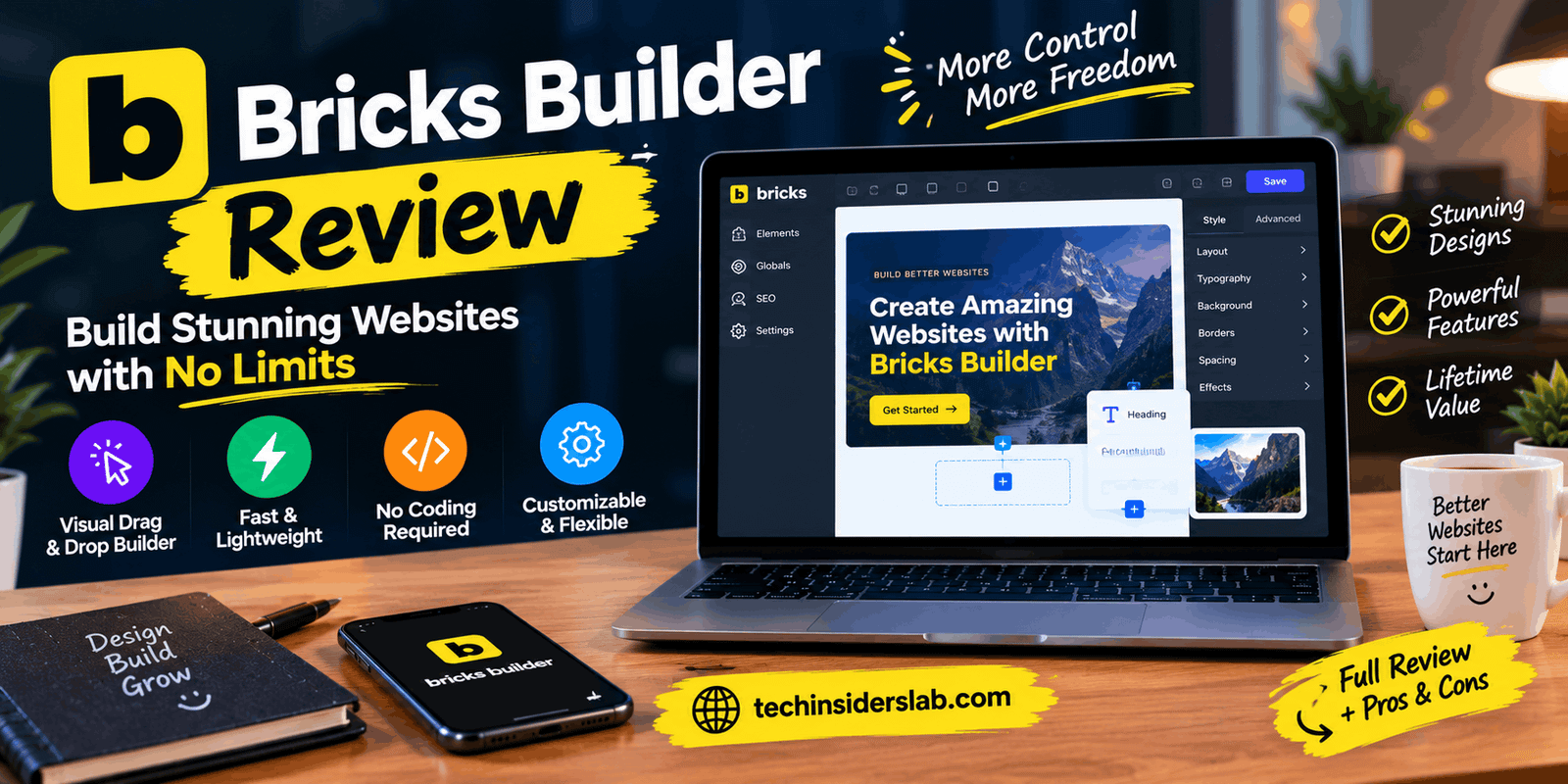
Bricks is a visual website builder designed specifically for WordPress. It combines website design, theme customization, dynamic content, and advanced layout controls in one environment. It is particularly appealing to users who want more control over their website’s appearance, structure, and performance.
Unlike a basic page editor, Bricks can help users design an entire website, including headers, footers, blog templates, landing pages, and online stores. It also supports more advanced workflows for developers who want to create reusable design systems.
But is Bricks Builder suitable for beginners? What features does it offer, how much does it cost, and how does it compare with other WordPress design tools? This guide explains everything you need to know before choosing Bricks for your next website project.
What Is Bricks Builder?
Bricks Builder is a visual website builder and WordPress theme that lets users design websites directly inside the WordPress environment. It uses a visual editing interface where users can add elements, adjust layouts, change typography, configure colors, and control responsive behavior.
The platform is designed for people who want to create customized websites without relying entirely on prebuilt themes or writing extensive code. Users can build pages visually while still having access to more advanced styling and development options.
Bricks is commonly used for business websites, blogs, portfolio sites, agency projects, landing pages, and WooCommerce stores. It is especially useful for designers who need flexibility across multiple pages and templates.
One important distinction is that Bricks is a WordPress theme with an integrated visual builder, rather than simply a standalone design application. You need a working WordPress installation to use it on a live website.
Key Features of Bricks Builder
1. Visual Drag-and-Drop Editing
Bricks provides a visual interface that allows users to build page layouts and see their design as they work. You can add headings, images, buttons, containers, navigation menus, and other elements without manually writing the entire page structure.
The visual workflow makes it easier to experiment with different layouts and refine the appearance of individual sections. Users can also adjust spacing, alignment, backgrounds, borders, and other styling properties.
For example, a business owner can create a homepage with a hero section, service cards, customer testimonials, and a contact form using the builder’s available elements.
2. Complete Website Theme Building
A website’s design includes more than its homepage. Headers, footers, blog archives, individual posts, and other templates also need a consistent appearance.
Bricks lets users create and customize these templates visually. This makes it possible to develop a unified design across the entire website instead of treating every page as an independent project.
You can establish a consistent navigation bar, create a custom blog layout, and design reusable footer sections. Template conditions help determine where specific templates should appear.
This feature is particularly valuable for agencies and website owners who want consistent branding across many pages.
3. Responsive Website Design
A website must work well on desktops, tablets, and smartphones. Bricks includes responsive design controls that help users adjust layouts for different screen sizes.
You can modify typography, spacing, element alignment, column arrangements, and other properties to improve the mobile experience. A layout that works well on a large monitor can therefore be adjusted for smaller screens.
Responsive design is important for user experience and search engine optimization because mobile visitors should be able to read content and navigate the website comfortably.
However, responsive controls do not automatically guarantee a perfect mobile layout. Users should still test their pages on different screen sizes and real devices.
4. Global Classes and Design Systems
Maintaining a consistent appearance becomes difficult when a website contains many pages. Bricks addresses this challenge through global classes, reusable styles, variables, color palettes, and theme-level settings.
For example, you can define a standard button style and reuse it throughout your website. If you later change the button’s background color or border radius through the shared class, the change can apply to all elements using that class.
Theme Styles allow you to establish default typography, colors, links, spacing, and other design settings. Global classes can then be used for more specific, reusable components.
These features help reduce repetitive work and make large websites easier to maintain.
5. Dynamic Content and Query Loops
Bricks supports dynamic content, which is particularly useful for websites that publish information regularly or use custom post types.
Dynamic data can display information such as post titles, featured images, publication details, custom fields, and taxonomy terms. Instead of manually designing every content page, users can create a template that automatically displays the appropriate information.
Query Loops can retrieve and display groups of WordPress content in a selected layout. For example, a technology blog can use a query loop to show its latest articles in a grid.
This approach is useful for directories, listing websites, portfolios, content-heavy blogs, and other projects where information needs to update automatically.
6. Built-In Performance Controls
Website performance affects visitor experience, and slow pages can make people leave before they explore the content.
Bricks includes performance-focused features, including controls for frontend assets and stylesheet delivery. Its documentation explains that many additional assets are loaded only when required. Users can also configure options such as external CSS file generation and certain unnecessary frontend features.
These capabilities can help developers manage the amount of code and resources delivered to visitors.
However, using Bricks does not automatically make every website fast. Hosting quality, image sizes, fonts, third-party scripts, caching, plugins, and page complexity all influence loading speed. Performance should be measured and optimized after the website is built.
7. WooCommerce Store Design
Bricks includes dedicated WooCommerce building features for users who want to customize an online store.
Depending on the store’s setup and supported workflows, users can design product pages, product archives, shopping carts, checkout layouts, and account-related pages. This provides greater control over the appearance of an online shop.
For example, a small business can create product pages that match its brand colors and typography rather than relying entirely on the default store design.
WooCommerce itself is a separate WordPress plugin, so users need to install and configure it to manage products, orders, payments, and other store functions.
8. Popups, Menus, and Interactive Elements
Bricks includes features for building navigation menus, popups, and interactive website components. These elements can support marketing campaigns, navigation, announcements, and lead generation.
A business website might use a popup to display a newsletter signup form, while an online store could use a custom navigation menu to organize product categories.
Bricks also supports interactions and conditions that can help control when certain elements appear or how they respond to user actions.
Used thoughtfully, these tools can improve usability. Excessive popups or distracting animations, however, can negatively affect the visitor experience.
Bricks Builder Pricing
Bricks is a paid product, and the available license options differ according to the number of websites covered and the payment model.
According to the official pricing page, the listed plans are:
| Plan | Listed price | Website limit |
| Starter | $79 per year | 1 website |
| Business | $149 per year | 3 websites |
| Agency | $249 per year | Unlimited websites |
| Ultimate Lifetime | $599 one-time | Unlimited websites |
Prices are in US dollars and may change. Applicable taxes may be added at checkout, and buyers should verify the current terms before purchasing.
The listed plans include access to the available builder features, updates, and technical support during the applicable license period. The lifetime option is intended for buyers who prefer a one-time payment rather than an annual renewal.
Bricks also provides an online playground so prospective users can explore the builder before purchasing a license.
Which plan should you choose?
- Starter: Suitable for a personal blog or one business website.
- Business: Useful for freelancers managing a small number of websites.
- Agency: Designed for agencies and professionals working across multiple client websites.
- Ultimate Lifetime: Worth evaluating if you want an unlimited-site license and prefer a one-time payment.
Remember that a Bricks license does not replace other website expenses. You may still need to pay for WordPress hosting, a domain name, premium plugins, email services, or other tools.
Benefits of Using Bricks Builder
Bricks offers several advantages for people who want greater control over their WordPress websites.
Flexible customization: Users can create custom layouts and templates instead of being restricted to a small collection of predefined designs.
Reusable design elements: Global classes, variables, and theme settings can make it easier to maintain consistent styling.
Dynamic website building: Query loops and dynamic data support content-driven websites with reusable templates.
Performance-oriented workflow: Built-in asset and styling controls provide options for managing frontend output.
E-commerce customization: WooCommerce integration helps users create a more personalized shopping experience.
Developer-friendly options: Users with CSS, HTML, JavaScript, or PHP knowledge can explore more advanced customization possibilities.
Multiple-site licensing: Higher-tier plans can be useful for freelancers and agencies building websites for different clients.
Together, these features make Bricks an appealing option for users who value flexibility and long-term design control.
Disadvantages of Bricks Builder
Despite its benefits, Bricks is not the ideal solution for every WordPress user.
It is not free: Bricks requires a paid license for normal use on a live website, which may be a limitation for users with very small budgets.
Learning takes time: Beginners may need time to understand containers, CSS properties, templates, global classes, and responsive settings.
WordPress dependency: Bricks is designed for WordPress and is not a general-purpose website builder that operates independently of the WordPress platform.
Migration requires planning: If you switch to another theme or builder, your layouts and design system may not transfer perfectly. You should test migration on a staging site before changing a live website.
Performance still requires optimization: Poor hosting, oversized images, unnecessary plugins, and complicated layouts can still produce a slow website.
Advanced features can feel complex: Dynamic queries, conditional templates, custom code, and complex WooCommerce layouts may require technical knowledge.
Understanding these limitations helps users make a more informed decision instead of choosing a tool solely because of its feature list.
Is Bricks Builder Good for SEO?
Bricks can support an SEO-friendly WordPress website, but no website builder can guarantee high search rankings.
Its layout controls and performance-related options can help users create organized pages and manage frontend resources. The ability to create reusable templates also makes it easier to maintain consistent headings, navigation, and content structures across a website.
For stronger SEO results, users should focus on the following practices:
- Write helpful, original content that answers the searcher’s question.
- Use clear page titles, meta descriptions, and descriptive URLs.
- Organize content with logical headings.
- Optimize images and provide meaningful alternative text.
- Make sure pages work well on mobile devices.
- Improve loading speed and monitor Core Web Vitals.
- Create useful internal links between related articles.
- Add appropriate structured data where relevant.
- Avoid publishing unnecessary pages or repetitive content.
Bricks can provide the design foundation for these improvements, but content quality, technical configuration, competition, and search intent remain important ranking factors.
Bricks Builder vs. Other WordPress Builders
Choosing a website builder depends on your existing workflow, technical skills, and design requirements.
Bricks vs. Elementor
Elementor is a widely used WordPress page builder with a large ecosystem of templates, extensions, and learning resources. Bricks combines its visual builder with its own theme-based workflow and offers extensive template and styling controls.
Bricks may appeal to developers who want a structured design system and detailed control over templates. Elementor may suit users who prefer its interface or already depend on its ecosystem.
The better option depends on the features, compatibility, workflow, and pricing relevant to your project.
Bricks vs. Gutenberg
Gutenberg is WordPress’s built-in block editor. It is suitable for creating posts and pages using blocks, and it supports full-site editing with compatible block themes.
Bricks offers a different visual-building experience, with detailed styling controls and a workflow centered on its own theme and builder.
Gutenberg may be sufficient for simple blogs and lightweight websites. Bricks can be more attractive when you need custom templates and a highly controlled visual design.
Bricks vs. Divi
Divi is another established WordPress design platform with visual editing and a broad collection of design features. Bricks may appeal to users who prefer its particular interface, theme-building approach, and developer-oriented controls.
Before switching from Divi to Bricks, consider how much of your existing website relies on Divi-specific layouts, modules, and styling. A migration can require rebuilding parts of the site.
There is no universal winner. Compare the tools using a small test project before committing to a complete website.
Who Should Use Bricks Builder?
Bricks is a strong candidate for several types of WordPress projects.
Bloggers and publishers: Those who want custom article templates, category archives, and reusable content layouts may find its dynamic features helpful.
Freelance web designers: Professionals can use reusable classes and templates to maintain consistent designs across client websites.
Digital agencies: Higher-tier licenses may suit teams that build and manage multiple websites.
Small businesses: Companies that need customized landing pages, service pages, and branded layouts can use Bricks to build a tailored online presence.
WooCommerce store owners: Businesses that want more control over their store’s visual presentation may benefit from its dedicated e-commerce tools.
Developers: Users comfortable with web technologies can combine visual design with more advanced customization.
On the other hand, someone who only needs a simple website with a few basic pages may not require all the capabilities Bricks provides.
How to Get Started With Bricks Builder
Getting started is easier when you follow a structured process.
- Set up WordPress: Choose suitable hosting, connect a domain, and install WordPress.
- Evaluate Bricks: Explore its online playground and review the available license options.
- Install and activate Bricks: Follow the official setup instructions for your WordPress website.
- Plan your design: Decide on the website’s colors, typography, page structure, and navigation.
- Create essential templates: Build the header, footer, homepage, and any required blog or archive templates.
- Use reusable styles: Establish global classes and theme styles to maintain consistency.
- Check responsiveness: Test the website on desktop, tablet, and mobile layouts.
- Optimize performance: Compress images, review plugins, configure caching where appropriate, and test loading speed.
- Review SEO and accessibility: Check headings, links, image descriptions, keyboard navigation, and page metadata.
- Test before publishing: Review forms, menus, buttons, links, and any e-commerce functionality.
Building a small test website first is a practical way to understand the workflow before using Bricks on a larger project.
Conclusion
Bricks is a powerful WordPress website builder that offers flexible design controls, dynamic content features, responsive layouts, and WooCommerce customization. It is a suitable choice for bloggers, developers, freelancers, and businesses that want to create professional, customized websites. Although it requires a paid license and some learning, its design flexibility and reusable styling tools can make website development more efficient. Overall, Bricks is worth considering if you want greater control over your WordPress website’s design and functionality.