Recraft AI: Features, Benefits, Uses, and Complete Guide
Introduction
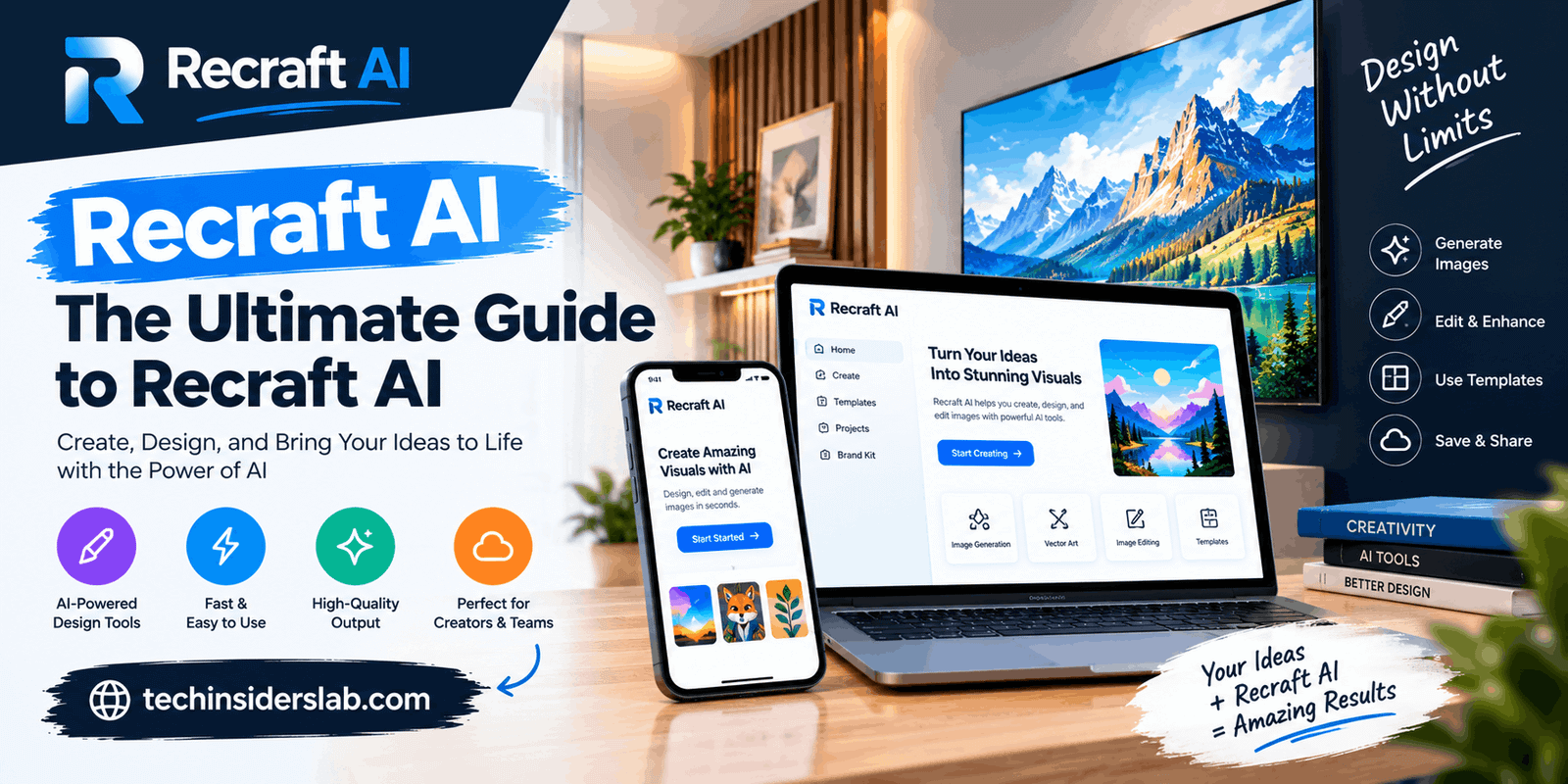
Artificial intelligence is transforming the way people create digital content, illustrations, logos, and marketing materials. Tasks that once required advanced graphic design skills can now begin with a simple text description. One platform gaining attention in this field is Recraft AI, a creative tool designed to help users generate and edit professional-looking visuals.
Unlike image generators that focus mainly on artistic pictures, Recraft emphasizes graphic design, vector artwork, typography, and visual consistency. It helps creators explore design ideas, produce illustrations, develop branding concepts, and prepare graphics for websites and social media.
Whether you are a beginner, content creator, marketer, small business owner, or professional designer, understanding Recraft AI can help you decide whether it suits your creative needs.
What Is Recraft AI?
Recraft AI is an artificial intelligence-powered graphic design platform that allows users to create visual content from written prompts. Instead of manually drawing every element, users can describe their ideas and let AI generate images, illustrations, icons, and other creative assets.
One of Recraft’s most notable capabilities is vector graphics generation. Vector artwork uses paths and shapes rather than relying entirely on pixels, making it useful for logos, icons, illustrations, and graphics that need to be resized without losing clarity.
The platform also offers image editing and design tools that allow users to refine their creations. This makes it useful for both beginners who want to experiment with AI-generated artwork and professionals looking to speed up their creative workflows.
How Does Recraft AI Work?
Recraft uses AI models to interpret text instructions and visual inputs, then generates or modifies artwork according to the user’s requirements. You do not need programming knowledge or advanced design experience to get started.
A typical workflow includes the following steps:
- Describe your idea: Write a prompt explaining the subject, colors, composition, and visual style.
- Choose a design style: Select a suitable approach for photography, vector illustrations, or other types of artwork.
- Generate the image: Allow the platform to create a design based on your instructions.
- Review the result: Examine the composition, proportions, colors, and other details.
- Edit the design: Refine the image or adjust your prompt to improve the result.
- Export your artwork: Save the finished design in a suitable format.
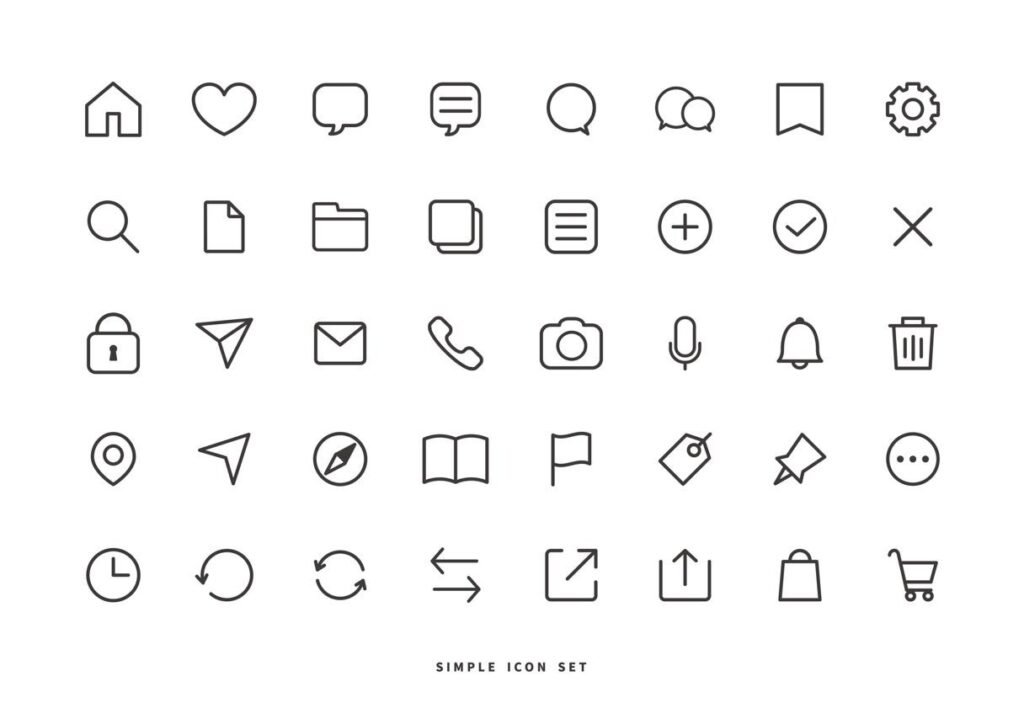
For example, a website owner could request a collection of modern blue-and-white technology icons. Recraft can generate initial concepts that the user can then refine for the website’s visual identity.
The quality of the output depends on the prompt, selected model, and complexity of the requested design.
Key Features of Recraft AI
12
1. AI Image Generation
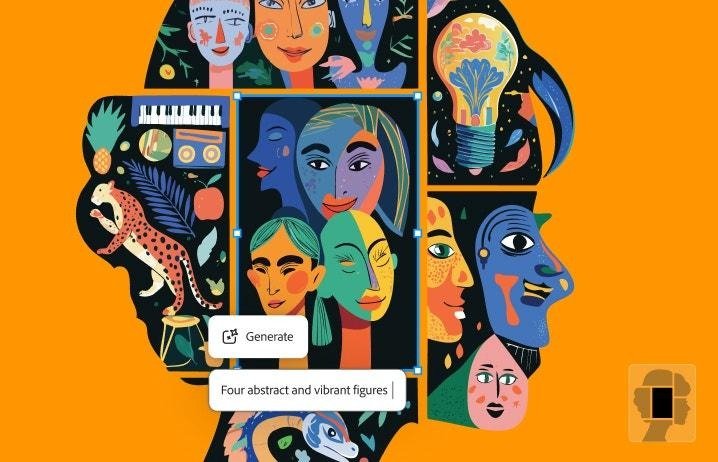
Recraft can transform written descriptions into visual content for websites, blogs, advertisements, and creative projects. Users can experiment with realistic images, illustrations, 3D-style visuals, and different artistic approaches.
To get better results, describe the subject, lighting, background, color palette, and composition in your prompt. Specific instructions generally provide a better starting point than vague descriptions.
2. Vector Graphics Generation
Vector generation is one of Recraft’s most distinctive features. It can create SVG graphics suitable for logos, icons, illustrations, and branding materials.
Unlike ordinary raster images, vector graphics can be enlarged without the same pixelation problems. This makes them particularly useful for designs that must work across different screen sizes and formats.
Users can also refine shapes, curves, colors, and other visual elements to achieve a more polished result.
3. AI Image Editing
Recraft includes tools that help users improve existing images without creating everything from scratch. Depending on the selected feature, users can modify selected areas, remove unwanted objects, change backgrounds, and extend images beyond their original boundaries.
These capabilities can save time when a generated image is almost perfect but requires a few adjustments before publication.
4. Background Removal
Removing backgrounds manually can be difficult, especially around complex edges and irregular objects. Recraft’s background removal feature can help separate a subject from its surroundings.
This is useful for product images, promotional graphics, online stores, and social media content. Users should inspect the edges carefully to ensure that the final image looks natural.
5. Image Upscaling
Low-resolution images can appear blurry when enlarged. Recraft offers image upscaling tools designed to improve resolution and visual detail.
This feature can be helpful when preparing images for larger displays or marketing materials. However, results vary depending on the original image, and important print designs should be checked before production.
6. Product Mockup Generation
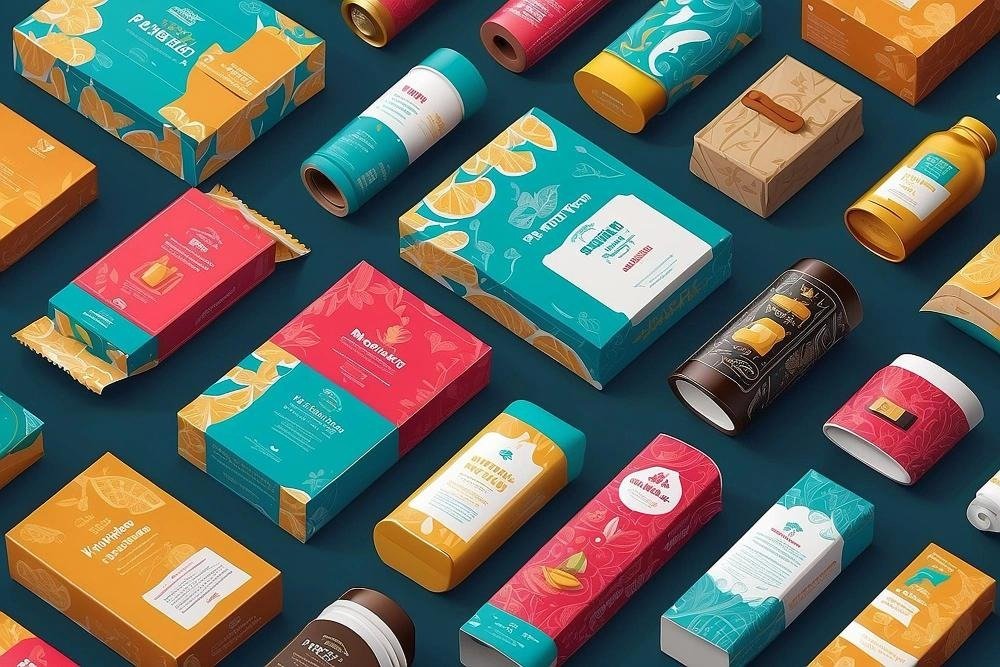
Product mockups allow users to preview designs in realistic settings. For example, artwork can be displayed on packaging, clothing, devices, or promotional materials.
This helps designers and business owners evaluate the appearance of a concept before investing in physical production. Mockups are particularly useful for presenting ideas to clients or preparing product listings.
7. Consistent Brand Styles
Businesses often need multiple graphics that share the same colors, style, and visual identity. Recraft supports style references and reusable visual approaches that can help maintain consistency across related designs.
This is useful for marketing campaigns, website illustrations, social media posts, and product branding.
However, users should review each output because AI-generated variations may not match a brand’s guidelines perfectly.
8. Multiple Export Formats
Recraft supports several image and design formats, including PNG, JPG, SVG, PDF, and TIFF, with options depending on the workflow.
Each format serves a different purpose. PNG is useful for transparent graphics, JPG works well for many standard photographs, and SVG is valuable for scalable vector artwork.
Choosing the correct format helps ensure that your design looks appropriate wherever it is used.
Best Uses of Recraft AI
Recraft is suitable for several creative and professional applications.
Graphic Design
Designers can use Recraft to explore poster concepts, illustrations, decorative elements, and creative layouts. It provides a way to generate initial ideas quickly and refine them into more complete designs.
Logo and Branding Concepts
Small businesses and freelancers can generate logo ideas, explore color combinations, and experiment with visual identities. These concepts can provide inspiration before the final logo is developed.
However, generated logos should be reviewed for originality, readability, and brand suitability. AI-generated artwork does not automatically guarantee trademark uniqueness.
Website and Blog Graphics
Website owners can create blog thumbnails, feature illustrations, category images, and supporting visuals for articles.
For a technology website such as TechInsidersLab.com, Recraft can help produce graphics for AI tools, software guides, technology tutorials, and product-related articles.
Custom visuals can also make articles more engaging and help create a recognizable website identity.
Social Media Content
Social media managers and content creators can use Recraft to develop promotional graphics, banners, illustrations, and campaign visuals.
Reusable styles can help keep designs consistent across multiple posts. Users can also experiment with different compositions to determine which visual approach best suits their audience.
E-Commerce Product Images
Online sellers can use mockups, background removal, and image editing to improve product presentations. These tools can help create attractive promotional concepts without requiring a complete photoshoot for every design idea.
However, sellers should avoid presenting AI-generated product images as accurate photographs when they do not reflect the actual product.
Educational Illustrations
Teachers, students, and educational content creators can generate illustrations that explain concepts visually. These graphics can support presentations, learning materials, and online tutorials.
Any labels, technical details, or factual representations should be checked for accuracy before publication.
Advertising and Marketing
Marketing professionals can use Recraft to explore advertising concepts, promotional graphics, and campaign artwork. The ability to create multiple visual directions quickly can help teams compare ideas before selecting a final design.
Human review remains essential to ensure that the final graphics meet brand requirements and communicate the intended message.
Is Recraft AI Free to Use?
Recraft offers a free plan that allows users to explore its AI design capabilities without immediately paying for a subscription. The free option is useful for learning the platform, experimenting with prompts, and testing different visual styles.
However, free access comes with limitations, including usage restrictions and licensing conditions. The number of available generations and the features accessible to users may vary.
Paid subscriptions generally offer additional credits and features. They can be more suitable for professionals, agencies, and businesses that regularly create graphics.
Commercial usage rights are particularly important. Free-tier assets may have different ownership and usage restrictions from assets generated under paid subscriptions. Users should carefully review the applicable terms before using generated content for client projects, advertising, or monetized websites.
Before selecting a plan, consider your expected usage, required export formats, editing needs, and whether you intend to use the artwork commercially.
Advantages of Recraft AI
Recraft offers several benefits for people who regularly create digital graphics.
- Saves time: Generates visual concepts without requiring every element to be drawn manually.
- Supports vector artwork: Creates scalable graphics suitable for icons, illustrations, and design projects.
- Combines creative tools: Offers image generation, editing, background removal, and mockup capabilities.
- Encourages experimentation: Makes it easier to explore different colors, compositions, and styles.
- Accessible to beginners: Its text-based workflow provides a straightforward starting point for new users.
- Supports branding projects: Style references can help users create visually related assets.
- Useful for content creators: Helps produce graphics for websites, blogs, advertisements, and social media.
These benefits make Recraft particularly valuable for people who need to create visual content regularly.
Limitations of Recraft AI
Although Recraft offers useful features, it has limitations that users should understand.
Generated images may contain mistakes. Some results can include awkward shapes, incorrect proportions, inconsistent details, or imperfect text.
Complex designs require refinement. AI-generated graphics may not follow every instruction or satisfy precise brand guidelines on the first attempt.
Free usage is limited. Users who create large amounts of content may need a paid plan to access additional credits or features.
Commercial licensing requires attention. Users should confirm that their subscription permits the intended use of each asset.
Originality is not guaranteed. AI-generated logos and branding concepts need careful evaluation before being adopted for commercial purposes.
Professional judgment is still necessary. Good design involves more than generating an attractive image. Layout, accessibility, readability, audience expectations, and brand identity remain important.
Understanding these limitations helps users treat Recraft as a creative assistant rather than a complete replacement for human designers.
Recraft AI vs Traditional Graphic Design Software
Traditional graphic design software provides detailed manual control over layers, shapes, typography, positioning, and other design elements. It is particularly useful for projects that require precise adjustments or strict visual guidelines.
Recraft combines AI generation with editing features. Users can describe a concept, generate an initial design, and then improve the result instead of building every element manually.
For quick illustrations, visual concepts, and vector assets, Recraft can reduce the amount of manual work required. Traditional design applications may remain preferable for highly specialized projects that demand extensive control.
The two approaches can also work together. A designer might use Recraft to generate initial artwork and then use another design application to complete the final layout.
Tips for Getting Better Results with Recraft AI
You can improve your results by following a few practical techniques.
- Write detailed prompts: Describe the subject, background, colors, style, and composition.
- Choose the correct format: Use vector graphics for scalable illustrations and raster images for photographic content.
- Maintain visual consistency: Reuse suitable colors and style references across related designs.
- Generate different variations: Compare multiple results before choosing a final design.
- Review small details: Check text, spacing, edges, alignment, and proportions.
- Export appropriately: Select a file format that matches the intended platform or project.
- Check usage rights: Confirm that your plan permits the intended commercial or personal use.
- Edit before publishing: Review the final output instead of assuming that the first generation is ready to use.
For example, a prompt such as “Create a modern technology illustration with a dark navy background, electric blue highlights, clean vector shapes, balanced composition, and space for a headline” gives the AI a clearer direction than simply requesting a technology image.
Who Should Use Recraft AI?
Recraft is worth exploring for graphic designers, bloggers, website owners, social media managers, marketers, small business owners, illustrators, and online sellers.
Beginners can use it to experiment with visual ideas, while experienced designers may use it to accelerate concept development and generate supporting artwork.
It may be less suitable for users who need complete manual control over every design element or who require guaranteed originality without further review.
The right choice depends on the type of graphics you create, how often you need them, and whether you require personal-use experimentation or commercially licensed artwork.
Conclusion
Recraft AI is a versatile creative platform that combines AI image generation with vector graphics, image editing, product mockups, and other design tools. Its emphasis on scalable artwork and consistent visual styles makes it useful for creating logos, icons, illustrations, marketing graphics, and website visuals.
The free plan provides an accessible way to explore its capabilities, while paid subscriptions may suit users who need more extensive creative workflows and commercial usage rights.
Although Recraft can speed up the design process, its outputs still require human review for quality, accuracy, originality, and licensing compliance.
Overall, Recraft is a useful option for creators who want to produce digital graphics more efficiently. For technology enthusiasts and content creators, it offers an interesting introduction to AI-powered graphic design.