eDesign: A Complete Guide to Digital Design Tools and Workflows
introduction
In today’s digital world, design is no longer limited to professional designers working with complicated desktop applications. Businesses, students, marketers, engineers, developers, and creative professionals all use digital design tools to turn ideas into useful and visually appealing results. eDesign is a term associated with digital design solutions that help users create, modify, organize, and finalize different types of projects.
The exact meaning of eDesign can depend on the particular software or platform using the term. Some eDesign solutions are designed for creative work, while others focus on engineering, electrical planning, publishing, or other specialized industries. This makes eDesign a broad concept within the technology and software space.
At its core, eDesign represents the use of digital tools to make design workflows more organized, efficient, flexible, and easier to manage.
What Is eDesign?
eDesign generally refers to designing something electronically with the help of specialized software. Instead of creating everything manually, users can work with digital interfaces, templates, predefined components, libraries, visual editors, calculations, and automated functions.
Depending on the platform, eDesign can be used for creating graphics, technical diagrams, layouts, electrical configurations, engineering projects, publications, and many other types of digital work.
One of the main advantages of digital design is that users can make changes quickly. A traditional design may require starting over when an important element changes, while a digital project can often be edited directly within the software.
This makes eDesign especially useful when projects require frequent revisions or contain many individual elements.
How Does eDesign Work?
Although different eDesign platforms have different interfaces and features, the general workflow is similar.
A user normally begins by creating a new project and selecting the type of design they want to produce. The software then provides tools, templates, components, or other resources required for that project.
A typical workflow may include:
- Creating a new project
- Selecting a suitable template or design type
- Adding required components
- Adjusting design settings
- Arranging different elements
- Reviewing the project
- Making necessary corrections
- Generating documentation
- Exporting or sharing the final result
Some specialized systems can also perform calculations or make recommendations based on the information entered by the user.
This combination of design and automation can save time and reduce repetitive manual work.
Main Features of eDesign
The features available in eDesign software depend on its purpose. However, several capabilities are commonly found in modern digital design platforms.
Visual Design Interface
A visual interface allows users to see their project while they work on it. Instead of relying completely on commands or written instructions, users can interact with elements directly.
This can make complex projects easier to understand and modify.
Templates
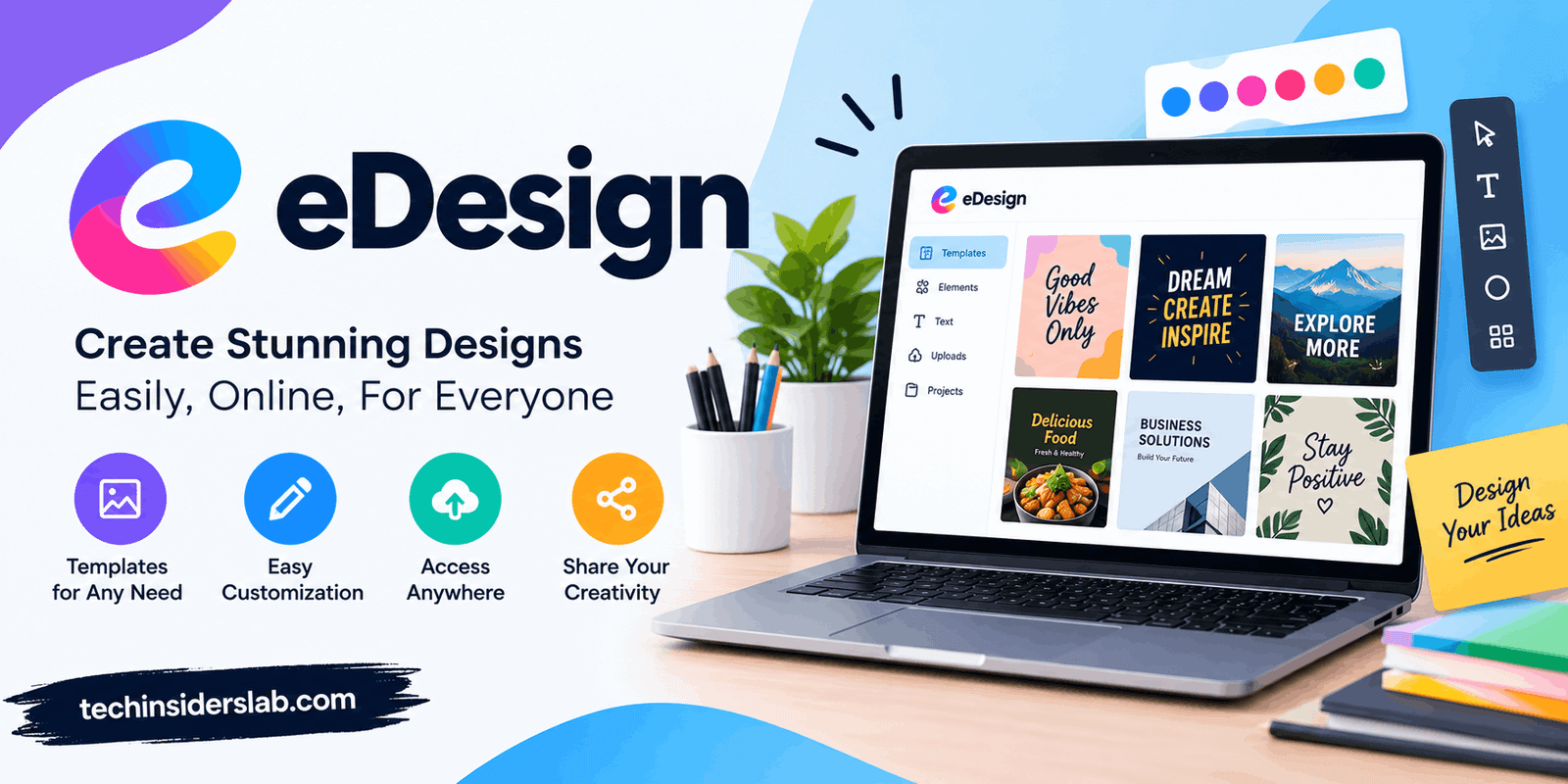
Templates are useful when users regularly create similar projects. Instead of starting from a blank workspace, they can select a predefined structure and customize it according to their requirements.
Templates can be especially helpful for beginners because they provide a starting point and reduce the amount of initial setup.
Drag-and-Drop Tools
Many modern design applications use drag-and-drop functionality. Users can select an element and place it directly into the project.
This approach can make design software easier to learn, especially for users who are not familiar with complicated professional applications.
Digital Libraries
Specialized eDesign platforms may include libraries containing components, symbols, images, templates, or other design resources.
These libraries can reduce repetitive work because users do not need to recreate commonly used elements every time.
Automated Calculations
Technical eDesign applications may provide automated calculations based on project information.
This can be particularly useful in engineering and electrical applications where different technical parameters need to be considered.
Documentation
Another important feature is automatic documentation.
A completed project may require reports, diagrams, component lists, labels, or other supporting documents. Some eDesign systems can generate these documents from the information already entered into the project.
Cloud-Based Access
Some modern design platforms operate through cloud-based systems. This can make projects easier to access from different devices and locations.
Cloud-based workflows can also support collaboration between multiple users.
eDesign for Creative Projects
eDesign can also refer to digital tools used for creative work.
Creative design software allows users to produce visual material without relying entirely on physical design methods. Users can work with images, text, shapes, colors, layouts, and other visual elements.
Common creative projects include:
- Social media graphics
- Posters
- Flyers
- Presentations
- Digital advertisements
- Website layouts
- Logos
- Illustrations
- Marketing materials
- Educational graphics
Templates and reusable design elements can make these tasks much faster.
For example, a marketer who regularly creates social media posts can create a reusable design structure and change the text and images for each new campaign.
This type of workflow is one of the reasons digital design tools have become popular among small businesses and independent creators.
eDesign for Engineering
The concept becomes more specialized when used in engineering.
Engineering design software can combine visual design with technical calculations, component libraries, simulations, and documentation.
Instead of simply creating an attractive diagram, engineering software is designed to help users create technically meaningful projects.
Depending on the software, users may be able to:
- Select technical components
- Enter project specifications
- Perform calculations
- Analyze configurations
- Simulate certain conditions
- Generate technical diagrams
- Prepare documentation
- Export project information
This can make the development process more organized and reduce repetitive tasks.
However, automated software does not eliminate the need for professional knowledge. Engineers and technical users still need to verify the results and ensure that the final design meets the actual project requirements.
eDesign for Electrical Design
Electrical design is another area where specialized eDesign software can be useful.
Electrical projects may contain numerous components, connections, ratings, and configuration requirements. Managing all of these elements manually can become difficult as a project becomes more complicated.
A specialized digital design system can help users select components, organize configurations, visualize the project, and prepare documentation.
Some systems can also provide recommendations based on the information entered by the user.
This type of automation can be particularly helpful for professionals who frequently create similar electrical projects.
eDesign for Publishing
Digital publishing is another area where eDesign solutions can be useful.
Publishing projects such as yearbooks, magazines, brochures, and similar materials often require multiple pages, images, text sections, layouts, and repeated design elements.
A specialized publishing design tool can simplify this process by providing templates, page layouts, image management, text editing, and other features.
Users can focus on arranging content while the software handles much of the technical structure of the document.
This can be especially useful for schools, organizations, businesses, and teams that need to create large publications.
Benefits of Using eDesign
There are several reasons why people use digital design solutions.
Faster Workflow
One of the biggest advantages is speed.
Templates, reusable components, automated calculations, and digital editing can reduce the amount of time required to complete a project.
Easy Editing
Digital projects are generally easier to modify than physical designs.
Users can change text, images, components, layouts, or configurations without recreating the entire project.
Better Organization
A digital design environment can keep project elements together.
Instead of managing separate papers, files, calculations, and diagrams, users can often organize them within a single project.
Improved Visualization
Digital visualization allows users to see the design before final implementation.
This makes it easier to identify missing elements, incorrect positioning, or other problems.
Reusable Components
Frequently used elements can often be saved and reused.
This is valuable for businesses and professionals who work on similar projects repeatedly.
Reduced Repetitive Work
Automation can handle many repetitive tasks.
This allows users to spend more time on creative decisions, analysis, and project planning.
Who Can Use eDesign?
eDesign software can be useful for different types of users.
Designers
Graphic and digital designers can use design tools to create visual content and layouts.
Engineers
Engineers can use specialized systems for technical planning, calculations, diagrams, and simulations.
Marketers
Marketing professionals can create advertisements, social media graphics, presentations, and promotional content.
Students
Students can use digital design software for educational projects, presentations, diagrams, and creative assignments.
Businesses
Businesses can use eDesign tools for branding, marketing, documentation, product development, and internal projects.
Technical Professionals
Electricians, system designers, architects, and other technical professionals may use specialized design applications that match their particular industry.
eDesign vs Traditional Design
Traditional design methods often depend on physical drawings, manual calculations, printed documents, and separate tools.
Digital design brings many of these tasks into software.
For example, a user can create a project, edit it, review it, and generate supporting documents without having to recreate the design each time a change is made.
Digital workflows are also easier to duplicate. Once a successful project has been created, users can often use it as the foundation for a new project.
However, traditional design methods can still have value in certain situations. Digital tools are not automatically better for every task. The right approach depends on the project, available resources, required accuracy, and user’s expertise.
Things to Consider Before Choosing an eDesign Tool
Before selecting an eDesign platform, users should consider several factors.
Purpose
First determine what the software is designed for.
A creative design application may not be suitable for engineering, while an engineering application may not be appropriate for graphic design.
Ease of Use
Beginners may prefer simple interfaces with templates and guided workflows.
Professional users may require advanced controls and customization options.
Features
Check whether the software provides the tools required for the intended project.
Important features may include templates, libraries, automation, calculations, collaboration, visualization, and export options.
Compatibility
The software should ideally work with the file formats and other applications used in the existing workflow.
Collaboration
If several people will work on the same project, collaboration capabilities can become important.
Documentation
For professional and technical projects, automatic reports, diagrams, component lists, and other documentation can provide significant value.
Common Challenges of eDesign
Although digital design offers many advantages, it also has limitations.
One challenge is the learning curve. Advanced software can contain many tools and settings, which may initially seem complicated.
Another issue is software dependency. If a project is created in a specialized application, users may need that software or a compatible format to continue editing it.
Technical design also requires careful verification. A software-generated result should not automatically be treated as correct without checking the project’s requirements.
Finally, some advanced applications may require subscriptions, licenses, or specialized hardware.
The Future of eDesign
The future of digital design is likely to become increasingly automated.
Artificial intelligence can assist with repetitive tasks, design suggestions, image generation, layout creation, technical analysis, and optimization.
Cloud-based systems are also likely to become more common. Instead of keeping projects on a single computer, users can increasingly access their work through connected devices.
Another important trend is the integration of different design stages.
Future tools may combine design, simulation, documentation, collaboration, and production into a more connected workflow.
This could allow users to move from an initial idea to a completed project with fewer separate applications.
However, human expertise will continue to be important. Software can automate many processes, but users still need to understand their project requirements and evaluate the final results.
Conclusion
eDesign represents the growing role of digital technology in modern design workflows. Although the exact meaning of the term depends on the specific software or industry, the basic idea remains similar: using technology to make design work more efficient, organized, flexible, and manageable.
From creative graphics and publishing to engineering and electrical planning, digital design tools can help users create projects, make changes, visualize results, automate repetitive tasks, and produce documentation.
The best eDesign solution depends on the user’s specific requirements. A creative professional may need powerful visual editing tools, while an engineer may require calculations, technical libraries, and simulation features.
As artificial intelligence, cloud computing, automation, and collaboration technologies continue to develop, eDesign is likely to become an increasingly important part of modern digital workflows. For anyone working with design, learning how digital tools can simplify the process can provide significant benefits in both productivity and project management.