Otter.ai: AI-Powered Meeting Transcription and Smart Note-Taking
introduction
In today’s digital world, meetings, interviews, lectures, webinars, and online discussions can generate a huge amount of information. Taking notes manually while trying to participate in a conversation can be difficult, especially when several people are speaking at the same time. This is where Otter.ai can be useful.
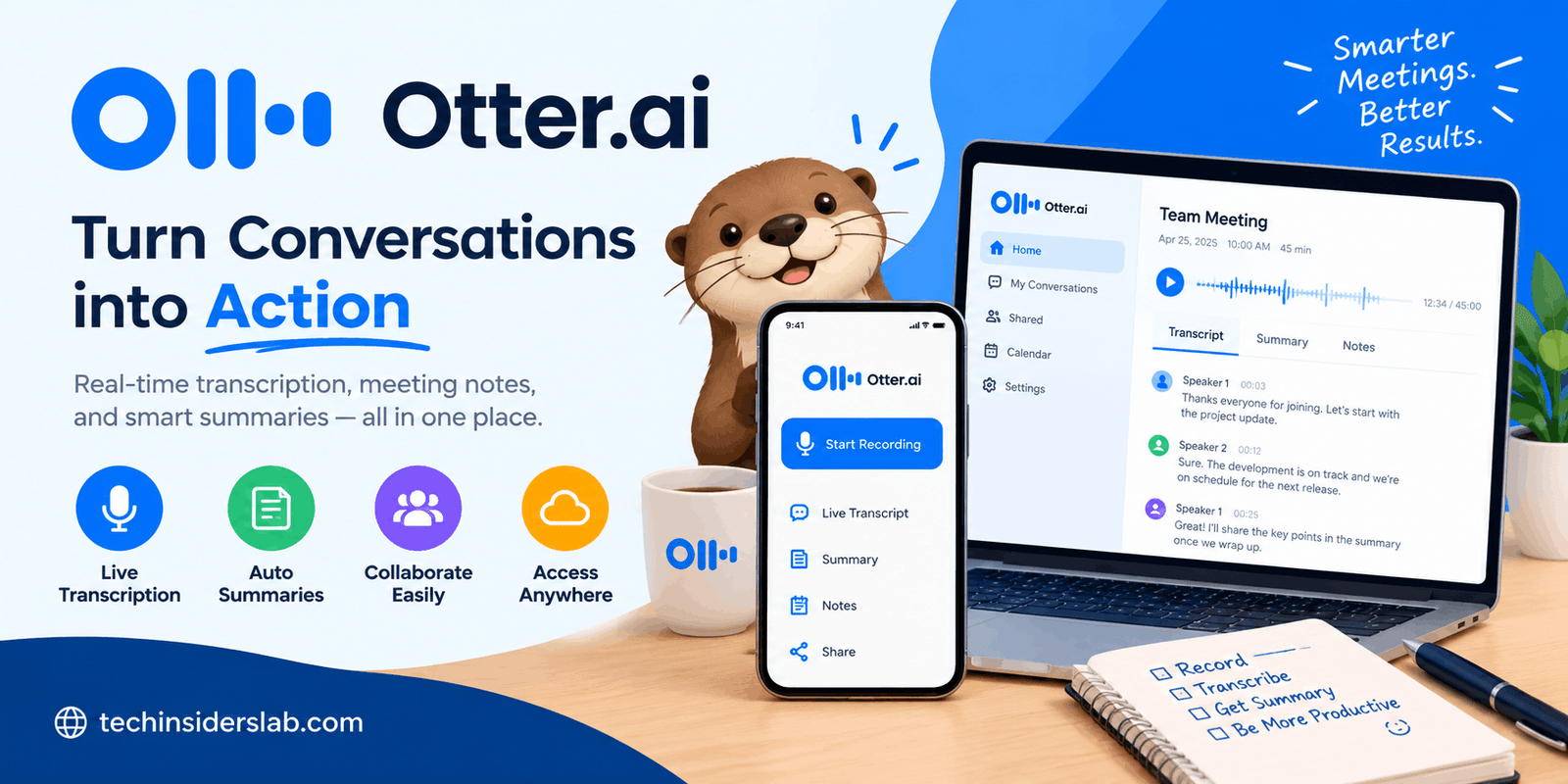
Otter.ai is an AI-powered transcription and meeting assistant designed to record conversations, convert speech into text, create summaries, identify speakers, and make important information easier to find later. It can be used through web and mobile applications and can work with popular online meeting platforms such as Zoom, Google Meet, and Microsoft Teams.
Rather than simply producing a block of converted text, Otter is designed around searchable conversations and AI-assisted meeting notes. Its tools can help users identify important points, review discussions, organize transcripts, and turn conversations into useful follow-up information.
What Is Otter.ai?
Otter.ai is a productivity application that focuses on voice recording, speech-to-text transcription, meeting notes, and AI-powered conversation analysis.
The platform can capture conversations and transform spoken words into searchable text. Users can then review the transcript, edit it, identify speakers, highlight important sections, and share the conversation with other people.
Otter can also work with previously recorded audio and video files. This makes it useful beyond live meetings. For example, someone can use it for an interview recording, classroom lecture, research discussion, presentation, or other supported recording and then turn that content into a searchable transcript.
The main idea behind Otter is simple: instead of spending time writing down everything people say, users can let AI handle much of the transcription and organization process.
How Does Otter.ai Work?
Otter uses artificial intelligence and speech-recognition technology to process spoken conversations. During a supported recording or meeting, the service can generate a transcript while the conversation is taking place.
The transcript can include speaker identification, timestamps, and synchronized audio and text. Users can later search through the conversation instead of listening to an entire recording to locate a particular topic.
For online meetings, Otter’s Notetaker can automatically join supported Zoom, Google Meet, and Microsoft Teams meetings when configured through a connected calendar. It can record and transcribe the meeting and generate meeting summaries.
The service also provides tools for working with the resulting transcript. Users can edit text, tag speakers, add comments, highlight takeaways, and organize conversations.
Key Features of Otter.ai
1. Real-Time Transcription
One of Otter’s central features is real-time transcription. Instead of waiting until a meeting has finished before seeing the text, users can follow the transcript while a conversation is happening.
This can be particularly useful during lectures, meetings, interviews, and online discussions where users want to quickly review what has been said.
Otter’s current platform also supports live transcription through its web and mobile experiences.
2. AI Meeting Notes
Meetings often contain several different types of information, including decisions, questions, tasks, and general discussion. Reading an entire transcript afterward can still take considerable time.
Otter addresses this by generating AI-powered summaries and identifying important takeaways from conversations. Its meeting tools can help turn long discussions into more manageable notes.
The platform’s Notetaker can also capture shared presentation slides in supported virtual meetings, giving users additional context alongside the transcript.
3. Speaker Identification
When several people participate in a conversation, knowing who said something is important.
Otter provides speaker identification features that allow transcripts to be organized according to different speakers. Users can tag speakers and help the system recognize them in future conversations.
This can make interviews, team meetings, and group discussions easier to review.
Otter explains that its speaker-recognition system uses machine learning to separate conversations into speaker-specific sections.
4. Searchable Conversations
A long recording can contain dozens or even hundreds of important statements. Finding one particular sentence by manually listening to the entire recording can be inefficient.
Otter converts conversations into searchable text, allowing users to look for keywords, topics, speakers, or other relevant information.
This feature can be especially useful for students, journalists, researchers, sales professionals, and teams that regularly need to revisit previous discussions.
5. AI Chat
Otter also provides AI-powered chat functionality that can be used with conversations.
Instead of manually searching through a transcript, users can ask questions about the discussion and use the AI to find relevant information or generate useful content.
According to Otter’s Help Center, Otter Chat can be used during or after meetings to ask questions and work with information contained in the transcription.
6. Automatic Meeting Summaries
Another useful feature is automated meeting summarization.
After a conversation, users may not need to read every line of the transcript. An AI-generated summary can provide a shorter overview of the discussion, including important points and potential action items.
Otter’s meeting features are designed to capture decisions, takeaways, and follow-up tasks from conversations.
7. Audio and Video Transcription
Otter is not limited to live meetings.
Users can import supported audio and video files and use the platform to create transcripts. The resulting text can then be searched, edited, shared, and exported.
This makes Otter useful for recorded interviews, presentations, research material, educational content, and other voice-based recordings.
8. Export Options
After creating a transcript, users may need to move the information into another application.
Otter supports exporting conversation content in several formats, including TXT, DOCX, PDF, and SRT for supported workflows. This gives users flexibility when using transcripts for documents, captions, or further editing.
9. Collaboration
Otter can also be used as a collaborative workspace.
Users can share conversations with teammates and control how others interact with shared content. Depending on the available features and plan, people can comment, edit, highlight information, and organize conversations.
This makes it possible for a team to work from the same meeting record rather than relying on separate personal notes.
Otter.ai for Students and Education
Students can use transcription tools for lectures, discussions, study sessions, and research.
Instead of attempting to write every sentence during a lecture, students can concentrate more on understanding the subject while using Otter to create a searchable record of the discussion.
Later, the transcript can be reviewed for important explanations, definitions, examples, or topics that need additional study.
Otter also promotes education-related use cases in which lectures, classes, and discussions can be converted into searchable notes and summaries.
However, students should still review automatically generated transcripts because speech-recognition systems can make mistakes, particularly with specialized terminology or unclear audio.
Otter.ai for Businesses
Businesses often have frequent meetings involving employees, customers, managers, sales teams, and external partners.
Manually documenting every meeting can consume valuable time. Otter can automate much of the process by recording conversations, generating transcripts, summarizing discussions, and capturing action items.
For organizations, Otter also provides workspace and administrative features such as centralized management, reporting, analytics, and security controls on supported plans.
Sales teams can use transcripts to review customer conversations, while managers can use summaries to track decisions and follow-up tasks.
Otter.ai for Interviews and Content Creation
Journalists, researchers, podcasters, content creators, and media professionals can also benefit from transcription software.
An interview may contain dozens of useful statements, but manually finding specific quotes can be time-consuming. A searchable transcript makes it easier to locate sections of a conversation.
Content creators can also use transcripts as a starting point for articles, summaries, social posts, research notes, or other content formats.
Otter specifically lists media and interview-related workflows among its use cases.
Accuracy of Otter.ai
Transcription accuracy is one of the most important factors when choosing an AI transcription application.
Otter states that its speech-recognition system is designed to provide accurate transcripts and identify individual speakers. However, the company also notes that accuracy can vary depending on conditions such as background noise, accents, and conversation complexity.
For this reason, automatically generated transcripts should not always be treated as perfect.
Users should review important information, especially when a transcript will be used for business decisions, research, legal documentation, financial information, or other situations where small errors could matter.
Custom vocabulary can also help with specialized names, terminology, and industry-specific words.
Benefits of Using Otter.ai
Otter.ai offers several practical advantages:
- Reduces the need for manual note-taking
- Creates searchable transcripts
- Helps users review long meetings more quickly
- Provides automated summaries
- Supports speaker identification
- Can process recorded audio and video
- Provides collaboration features
- Works across web and mobile devices
- Integrates with popular meeting and productivity services
- Can help organize information from conversations
The biggest benefit is the ability to turn spoken information into a reusable digital knowledge source.
Limitations to Consider
Although AI transcription can save time, it is not perfect.
Background noise, overlapping speakers, poor microphones, unusual accents, and technical vocabulary can affect transcription quality. Otter itself recommends reviewing and editing transcripts when complete accuracy is important.
Privacy is another consideration. Users should understand the recording and data-handling policies of any transcription service before recording sensitive conversations.
Meeting participants should also be informed when required by applicable laws, company policies, or meeting rules.
Finally, users should choose a plan based on their actual transcription and collaboration requirements rather than assuming that every advanced feature is included in the basic version.
Is Otter.ai Free?
Otter offers a free option along with paid plans. The exact limits and available features can change over time, so users should check the current plan information before making a decision.
The free option provides access to basic Otter functionality, while paid plans add capabilities aimed at professionals, teams, and larger organizations.
For someone who only needs occasional transcription, a free option may be enough. People who regularly process meetings or large numbers of recordings may need a higher plan.
Otter.ai and Productivity
The real value of Otter is not simply converting speech into text. Its broader purpose is to make conversations easier to capture, understand, search, and reuse.
A traditional meeting workflow might involve attending a meeting, taking handwritten notes, rewriting those notes afterward, creating a summary, and sending follow-up information.
An AI meeting assistant can automate several of these steps. Otter can create a transcript, summarize the conversation, identify takeaways, and help generate follow-up material.
This can give users more time to focus on the actual conversation rather than constantly switching attention between listening and writing.
Who Should Use Otter.ai?
Otter can be useful for many different groups.
Students can use it for lectures and study sessions.
Teachers and educators can use it to create notes and captions for classes.
Business professionals can use it for meetings and follow-ups.
Sales teams can use it to document customer conversations.
Journalists can use it to transcribe interviews.
Researchers can use it to organize recorded discussions.
Content creators can use transcripts as source material for new content.
Remote teams can use it to keep a searchable record of online meetings.
Its flexibility is one of the reasons transcription software has become an important part of modern productivity workflows.
Conclusion
Otter.ai is a useful AI-powered productivity app that makes it easier to record, transcribe, summarize, and organize conversations. From online meetings and lectures to interviews and research discussions, it can turn spoken information into searchable text and help users quickly identify important points.
Its features such as real-time transcription, speaker identification, AI summaries, searchable conversations, and AI Chat can reduce the time spent on manual note-taking. However, users should review important transcripts because AI transcription may occasionally make mistakes.
For students, professionals, businesses, journalists, and content creators, Otter.ai can be a practical way to manage large amounts of spoken information and turn conversations into organized digital notes.