Grok: AI Assistant for Chat, Search, Reasoning, and Creativity
introduction
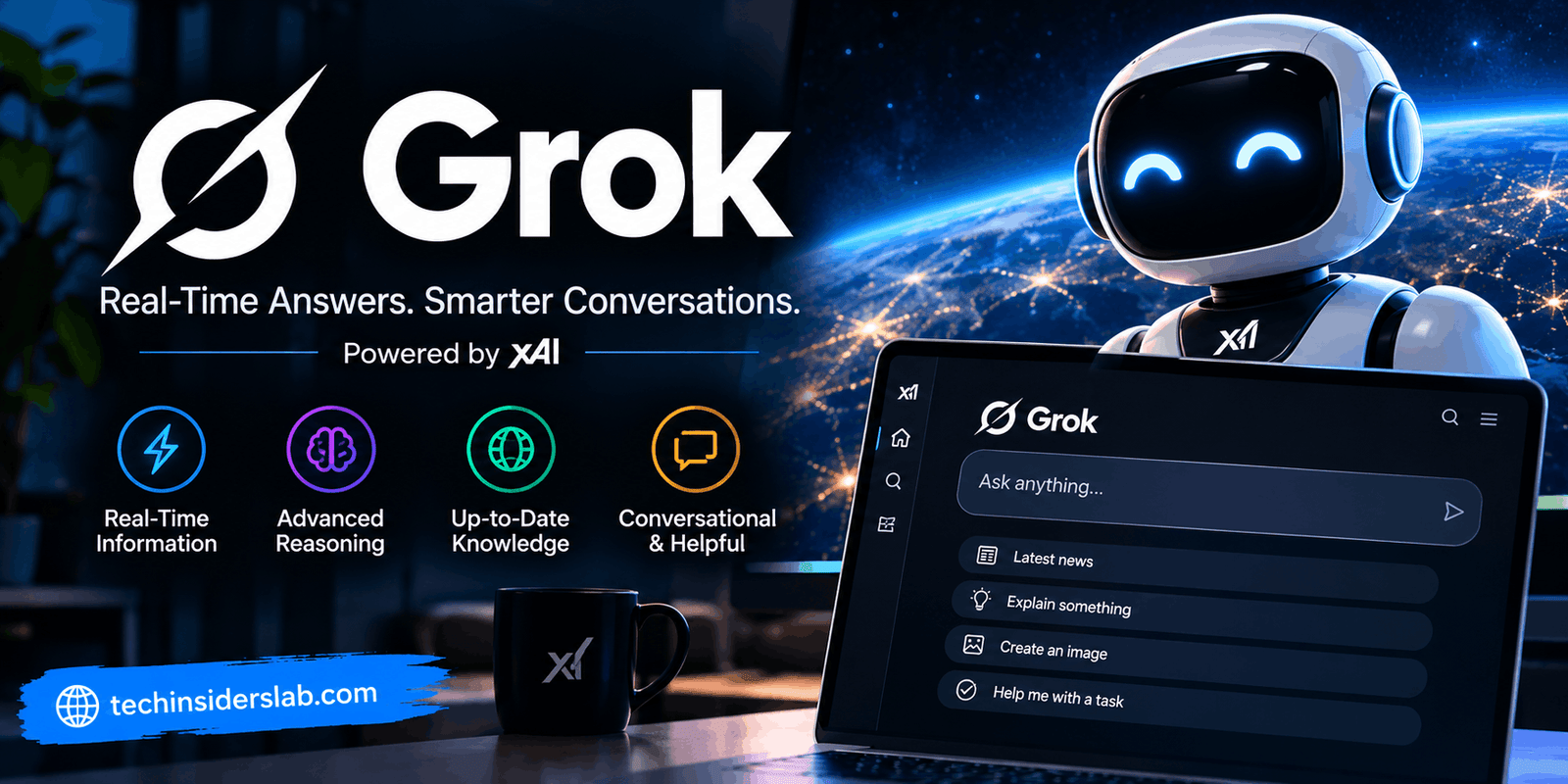
Artificial intelligence has quickly become part of everyday digital life, helping people search for information, write content, analyze files, create images, solve problems, and complete professional tasks. Among the growing number of AI assistants, Grok has developed a distinctive position by combining conversational AI with real-time web and X search, advanced reasoning, multimodal capabilities, and creative tools.
Developed by xAI, Grok is designed to work as more than a traditional chatbot. Users can ask questions, brainstorm ideas, write and edit content, analyze documents, work with code, generate images and videos, and explore current events. The service is available through the web, iOS, Android, and X, giving users several ways to access the assistant.
The current Grok ecosystem has also expanded beyond simple conversations. Grok supports file analysis, voice interactions, image and video creation, custom Skills, scheduled Automations, and newer agent-style tools designed to handle more complex tasks.
What Is Grok?
Grok is a conversational generative AI assistant developed by xAI. It uses large language models to understand natural-language instructions and produce responses for a wide variety of tasks.
The platform can answer questions, assist with writing, support coding, analyze images and documents, summarize information, and help users research topics. According to xAI’s current documentation, Grok is available on the web through Grok.com as well as on iOS and Android.
One of Grok’s most recognizable characteristics is its connection to real-time information. Unlike an assistant that relies only on previously trained knowledge, Grok can search the web and X for current information. This makes it particularly useful for topics that change frequently, such as news, trends, technology developments, and online discussions.
Grok 4.6 and Modern AI Capabilities
The latest generation highlighted by xAI is Grok 4.6. The company describes this model as being focused on long-running agents, coding, knowledge work, research, and interactive tasks.
Grok 4.6 is designed to work through complicated tasks involving multiple steps rather than simply answering one question at a time. This approach makes the assistant useful for projects where the user needs research, analysis, writing, coding, or planning in the same workflow.
For everyday users, this means Grok can potentially move from answering a question to helping develop the next steps. For example, a user might ask it to research a subject, organize the findings, create a summary, and then turn the information into a useful document or presentation.
Real-Time Web and X Search
One of Grok’s major advantages is its ability to search for current information.
The platform’s search capabilities can access the web and X, allowing responses to be grounded in information that is more recent than the model’s original training data. xAI describes the feature as real-time web and X search, with citations from sources across the web.
This can be useful when researching:
- Breaking news
- Technology updates
- Current events
- Online trends
- Product developments
- Public discussions
- Recent announcements
- Fresh research and information
However, real-time access does not automatically make every response correct. Users should still evaluate important information and check primary sources when accuracy matters.
Grok for Writing and Content Creation
Grok can be useful for writers, students, marketers, bloggers, and professionals who regularly work with text.
It can help generate:
- Blog ideas
- Article outlines
- Social media posts
- Product descriptions
- Emails
- Summaries
- Explanations
- Brainstorming notes
- Creative writing
- Editing suggestions
The biggest advantage is the conversational workflow. Instead of creating a new request every time, users can continue a conversation and refine the result.
For example, a writer can start with a broad topic, ask Grok to create an outline, request a more SEO-friendly structure, simplify specific sections, and then ask for a conclusion. This makes AI-assisted writing more interactive.
Grok also supports long-form editing and document-related workflows, giving users additional options for producing structured content.
Image and Video Generation
Grok is not limited to text. Its creative capabilities include image and video generation through Grok Imagine.
Users can describe an image they want to create and refine the result through follow-up instructions. The system can also work with reference images for editing and transformation. xAI’s current Grok pages describe text-to-image and text-to-video generation, as well as iterative editing inside conversations.
This can be valuable for:
- Blog graphics
- Social media visuals
- Marketing concepts
- Posters
- Creative artwork
- Product concepts
- Visual experiments
- Short video ideas
For content creators, having text, research, and visual creation available within one AI environment can reduce the need to move between several different tools.
File and Document Analysis
Another useful feature is Grok’s ability to work with uploaded files.
According to xAI’s documentation, users can upload different types of files, including PDFs, images, spreadsheets, code, and other supported content. Grok can then help summarize, analyze, extract information, or answer questions about the uploaded material.
This can save time when dealing with large documents.
For example, instead of manually reading a long report to locate important information, a user can upload it and ask Grok to identify key points, summarize individual sections, or extract specific data.
For students and professionals, this makes Grok useful as a research and productivity assistant.
Grok for Coding and Technical Work
AI assistants have become important tools for software developers, and Grok is designed to support coding and technical tasks.
Users can ask Grok to generate code, explain programming concepts, identify potential errors, improve existing code, or work through technical problems.
The newer Grok models are also positioned toward agentic coding and knowledge work. xAI describes Grok 4.6 as being designed for tasks such as working across a codebase and completing multi-step technical work.
For beginners, Grok can act as a programming tutor by explaining concepts in simple language. Experienced developers can use it for brainstorming, debugging, documentation, and repetitive coding tasks.
AI-generated code should still be reviewed and tested before being used in production systems.
Voice Conversations
Grok also supports voice interactions, allowing users to communicate without typing every request.
Voice conversations can make AI assistants more convenient for situations where hands-free interaction is useful. Users can ask questions, follow up naturally, and continue conversations through spoken instructions.
This can be useful while brainstorming, learning, planning, or simply interacting with an AI assistant in a more natural way.
Grok Build
A major development in the Grok ecosystem is Grok Build.
xAI announced that Grok Build became available across plans on web and mobile in August 2026. It allows users to describe an app, game, website, or dashboard and have Grok create a working version directly through the conversation.
This represents an important shift from AI that only generates suggestions to AI that can help produce functional digital projects.
Someone without extensive programming experience can describe an idea in plain language and use the resulting prototype as a starting point. Developers can also use the feature for rapid experimentation and prototyping.
Grok Skills
Grok has also introduced Skills, which allow persistent expertise and customized workflows.
xAI describes Skills as a way to teach Grok something once and reuse that knowledge across conversations. Built-in capabilities include working with Word documents, presentations, spreadsheets, PDFs, and custom Skills.
This can be particularly useful for people who repeatedly perform similar tasks.
For example, someone who regularly creates reports could establish a preferred workflow and formatting approach instead of explaining the same requirements every time.
Grok Automations
Another productivity-oriented feature is Grok Automations.
With Automations, users can describe a recurring job and configure Grok to run it on a schedule or based on a trigger. xAI gives examples such as preparing research before the start of the day or monitoring incoming email for specific information.
This changes the role of an AI assistant from something that waits for a prompt into something that can perform certain recurring workflows automatically.
For busy users, scheduled AI tasks can help reduce repetitive manual work.
Grok Bot and Agentic Work
xAI has also introduced Grok Bot, an agent-style system intended to perform work across tools and applications.
According to xAI, Grok Bot can operate with its own computer environment and work across connected applications. It is designed to handle tasks and return when human approval or input is needed.
This approach represents the broader movement toward AI agents that do more than generate text. Instead of simply telling users how to complete a task, an agent may be able to perform multiple steps on their behalf.
Because agentic systems can interact with external tools, users should pay particular attention to permissions, connected accounts, and the information they allow an AI system to access.
Who Can Benefit From Grok?
Grok can be useful for many types of users.
Students
Students can use Grok for explanations, brainstorming, research assistance, document analysis, and learning difficult concepts. It can explain subjects at different levels of complexity and help organize study material.
Content Creators
Bloggers and social media creators can use Grok for topic research, content ideas, captions, scripts, visual concepts, and image generation.
Developers
Developers can use Grok for coding assistance, debugging, technical explanations, research, and prototyping.
Businesses
Businesses can use AI assistants for content creation, research, document analysis, workflow automation, and productivity tasks. More advanced agent and connector features can potentially support larger workflows.
Everyday Users
For general users, Grok can function as an everyday digital assistant for questions, recommendations, writing, summarization, brainstorming, and creative experimentation.
Grok Free and Paid Plans
Grok is available with free access, while paid SuperGrok plans provide higher limits and additional capabilities.
xAI’s current pricing information lists a free plan alongside paid SuperGrok tiers. The available features and usage limits can vary by plan and can change over time, so users should check the current plan information before subscribing.
A free account can be useful for people who simply want to explore Grok. Users with heavier AI workloads may consider paid access if they need higher usage limits or additional features.
Privacy and Responsible Use
As with any cloud-based AI service, privacy should be considered before uploading sensitive information.
Grok’s privacy policy explains how SpaceXAI handles information associated with its websites and applications. Users should review the current privacy terms and understand what information they are providing before connecting accounts or uploading documents.
It is also important to remember that AI can produce inaccurate or incomplete information. Even when an assistant provides citations or uses live search, important claims should be independently verified.
Is Grok Worth Using?
Grok has evolved from a conversational chatbot into a broader AI platform that combines search, reasoning, creativity, document analysis, coding, voice, image generation, video generation, automation, and agentic workflows.
Its connection to real-time web and X information is especially useful for people interested in current events and online trends. Meanwhile, tools such as Grok Build, Skills, Automations, and Grok Bot show how the platform is moving toward AI-assisted work rather than simple question answering.
The best use of Grok depends on the user’s needs. Someone looking for casual conversations may only need the basic experience, while writers, developers, researchers, and businesses may benefit more from its advanced capabilities.
Conclusion
Grok is a modern AI assistant built to combine conversation, research, reasoning, creativity, and productivity in one environment. Its ability to search the live web and X, analyze files, generate images and videos, assist with code, support voice conversations, and work with increasingly agentic tools makes it a versatile option in the growing AI assistant market.
The introduction of Grok 4.6 and newer features such as Grok Build, Skills, Automations, and Grok Bot demonstrates how quickly the platform is expanding. Rather than functioning only as a chatbot, Grok is becoming an AI workspace capable of supporting different stages of digital work.
For students, creators, professionals, developers, and everyday users, Grok can be a practical tool for saving time, exploring ideas, researching information, and completing creative or technical tasks. Like any AI system, it works best when users combine its capabilities with human judgment, source verification, and responsible handling of personal information.