Cloud Computing Services: How Cloud Technology Works
introduction
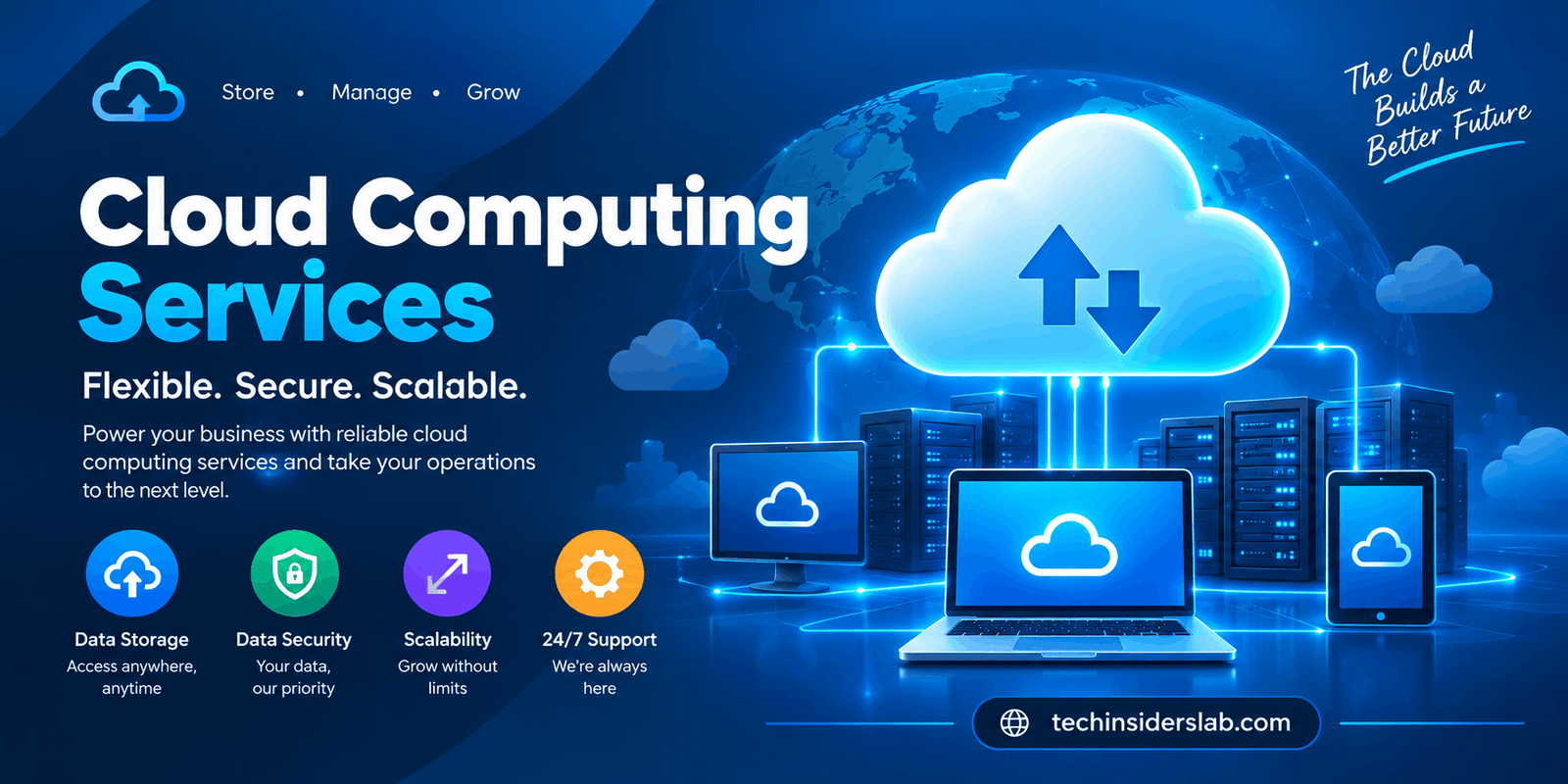
Cloud technology has become one of the most important foundations of modern computing. From small websites and mobile applications to large enterprise systems and artificial intelligence platforms, organizations increasingly depend on computing resources that can be accessed over the internet.
Instead of buying a physical server for every new project, businesses can obtain processing power, storage, databases, networking, security features, and software through cloud platforms. Resources can be adjusted as requirements change, allowing companies to build technology environments without owning every piece of the underlying hardware.
The concept is broader than simply storing files online. Modern cloud computing services can provide complete infrastructure, application-development environments, databases, analytics platforms, backup systems, security solutions, and specialized computing resources.
NIST defines cloud computing as on-demand network access to a shared pool of configurable computing resources that can be rapidly provisioned and released with limited management effort. Its framework identifies five essential characteristics, three service models, and four deployment models.
What Are Cloud Computing Services?
Cloud computing services are technology resources delivered through a network, usually the internet, rather than requiring users to operate all infrastructure locally.
A traditional IT environment may require an organization to purchase servers, install operating systems, maintain networking equipment, manage storage, apply updates, and replace hardware when it becomes outdated. Cloud services change this approach by allowing many of these resources to be consumed as services.
For example, a business launching a new website might need:
- Computing power
- Database services
- File storage
- Network connectivity
- Security controls
- Backup systems
- Monitoring tools
- Application services
A cloud platform can provide these capabilities without requiring the business to build a complete physical data center.
This model also makes it easier to adjust infrastructure. A small application may need limited resources during its early stages but substantially more capacity after gaining users. Cloud infrastructure can be designed to accommodate these changes.
How Cloud Computing Works
Behind a simple cloud application is a large technology ecosystem. Physical data centers contain servers, storage systems, networking equipment, and other infrastructure. Virtualization and software-management technologies allow these physical resources to be divided, allocated, monitored, and managed for different workloads.
When a customer requests a virtual server, storage volume, database, or another service, the cloud platform allocates resources from its available infrastructure.
One of the defining characteristics of cloud computing is on-demand self-service. Users can provision certain resources without requiring a provider employee to manually configure every component. NIST also identifies broad network access, resource pooling, rapid elasticity, and measured service as fundamental characteristics.
This combination makes cloud platforms different from simply operating a remote server. Cloud environments are designed around flexible resource allocation, automation, measurement, and service delivery.
The Three Major Cloud Service Models
Cloud services are commonly divided into three primary models: IaaS, PaaS, and SaaS. NIST uses these models to categorize different types of cloud capabilities.
Infrastructure as a Service
Infrastructure as a Service, commonly called IaaS, provides fundamental computing resources.
These can include:
- Virtual machines
- Storage
- Networks
- Processing resources
- Firewalls
- Load balancing
- Virtual networking
IaaS gives technical teams considerable control over their computing environment. They can install operating systems, configure applications, manage networking, and build customized architectures.
This model is particularly useful for organizations that want cloud flexibility while still requiring significant control over their infrastructure.
A development team, for instance, could create multiple virtual machines for development, testing, and production without purchasing separate physical servers.
Platform as a Service
Platform as a Service (PaaS) goes one level higher.
Instead of focusing primarily on virtual infrastructure, developers receive an environment designed for building and deploying applications. The provider handles more of the underlying infrastructure, allowing developers to concentrate on application logic.
PaaS can be useful for:
- Web applications
- APIs
- Mobile backends
- Database-driven software
- Application testing
- Automated deployment
The major attraction is productivity. Developers can spend less time configuring servers and more time creating software.
Software as a Service
Software as a Service (SaaS) delivers finished applications to users.
Rather than installing and maintaining software locally, users generally access an application through a browser or dedicated client.
Common SaaS categories include:
- Online office applications
- Accounting
- Customer relationship management
- Project management
- Communication
- File collaboration
- Business analytics
For many everyday users, SaaS is the most visible form of cloud computing because the underlying infrastructure is largely hidden from them.
Cloud Deployment Models
Cloud environments can also be organized according to how infrastructure is deployed.
Public Cloud
A public cloud provides computing resources through a cloud provider’s shared infrastructure. Customers use isolated resources while the provider operates the underlying physical environment.
Public cloud infrastructure can be attractive to startups, developers, enterprises, and organizations that want access to scalable computing without building their own data centers.
Private Cloud
A private cloud is designed for a single organization.
Organizations may choose private environments when they require particular levels of control, customization, governance, or isolation.
Private cloud architectures can be operated internally or through a service provider.
Hybrid Cloud
Hybrid cloud combines different environments, such as private infrastructure and public cloud resources.
This approach can be useful when an organization wants to retain certain workloads in a controlled environment while taking advantage of public cloud scalability.
For example, sensitive systems may remain in a private environment while less sensitive applications use public cloud infrastructure.
NIST’s cloud framework identifies public, private, community, and hybrid deployment models.
Why Businesses Use Cloud Computing Services
The biggest attraction of cloud technology is not simply that it eliminates physical servers. Its real value comes from flexibility and the ability to obtain technology capabilities when they are needed.
1. Flexible Infrastructure
Businesses can adjust computing resources according to workload requirements.
A website that receives normal traffic most of the year but becomes extremely busy during a seasonal event can be designed to handle changing demand more effectively than a fixed infrastructure environment.
2. Faster Development
Developers can create environments using automated tools instead of waiting for physical hardware to be purchased and installed.
This can shorten the time between an idea and a working application.
3. Access to Advanced Technology
Cloud platforms make technologies such as machine learning, analytics, managed databases, container platforms, and specialized computing resources accessible without requiring every organization to build them from scratch.
4. Remote Accessibility
Cloud applications and resources can be accessed from different locations, provided users have appropriate connectivity and permissions.
This supports distributed teams and organizations operating across multiple locations.
5. Backup and Recovery
Cloud infrastructure can support backup and disaster-recovery strategies by providing geographically separated storage and recovery resources.
However, organizations should not assume that simply storing information in the cloud automatically creates a complete backup strategy. Backup policies, retention, recovery testing, and access controls still need to be designed properly.
Cloud Computing and Artificial Intelligence
The growth of artificial intelligence has created another important role for cloud infrastructure.
AI applications can require significant processing capacity, large datasets, high-performance storage, and specialized hardware. Cloud platforms can make these resources available without requiring every company to purchase and maintain its own specialized computing infrastructure.
Cloud environments can support:
- Machine learning
- Generative AI
- Data processing
- Natural language applications
- Computer vision
- Predictive analytics
- AI model training
- AI-powered business applications
This relationship between cloud computing and AI is particularly important because AI workloads can vary considerably. A development team may need substantial resources during model training but considerably less during periods of normal operation.
Cloud infrastructure provides a practical way to manage these changing requirements.
Cloud Security: What Businesses Need to Understand
Security is one of the most important parts of any cloud strategy.
A common mistake is assuming that moving infrastructure to a cloud provider means the provider automatically handles every security responsibility. In reality, major providers use a shared responsibility model.
AWS explains that it protects the underlying infrastructure of its cloud, while customers retain responsibilities for elements they control. The exact division depends on the services being used.
Microsoft’s current Azure guidance similarly explains that customers remain responsible for areas such as their data, identities, accounts, and access management, while Microsoft manages different infrastructure components depending on whether the customer uses IaaS, PaaS, or SaaS.
Important security practices include:
- Multi-factor authentication
- Strong identity management
- Role-based access controls
- Data encryption
- Secure configuration
- Network monitoring
- Logging
- Vulnerability management
- Regular backups
- Security testing
Cloud security is therefore not just about choosing a provider. Configuration and operational practices are equally important.
Cloud Storage Is Only One Part of Cloud Computing
Many people use the term cloud computing to mean online storage. Cloud storage is certainly an important cloud service, but it represents only one part of the larger ecosystem.
Cloud platforms can provide computing, databases, networking, application services, analytics, security, monitoring, developer tools, AI capabilities, and much more.
Understanding this distinction is useful when evaluating cloud technology because an organization may need several different services working together.
For example, an online store could use cloud computing for application hosting, managed databases for product information, object storage for images, content-delivery services for faster page loading, monitoring tools for performance, and security services for access protection.
Common Challenges of Cloud Computing
Cloud technology offers flexibility, but it does not eliminate technical challenges.
Managing Costs
Cloud billing can become complicated when organizations operate many services simultaneously.
Unused resources, oversized virtual machines, unnecessary storage, excessive data transfer, and poorly optimized workloads can increase expenses.
Cloud cost management should therefore be part of the architecture from the beginning.
Vendor Dependency
Building heavily around provider-specific services can make migration more difficult.
Organizations should consider portability when choosing technologies, especially when long-term flexibility is important.
Security Misconfiguration
Cloud platforms provide many security controls, but those controls still need to be configured correctly.
A poorly protected account, excessive permissions, or an incorrectly configured storage resource can create unnecessary risk.
Technical Complexity
Large cloud environments can contain hundreds or thousands of resources. Managing networking, identities, databases, containers, monitoring, automation, and security can require specialized expertise.
How to Choose the Right Cloud Services
There is no single cloud configuration that works for every business.
The right choice starts with understanding the workload.
A small website may need basic hosting and storage, while an enterprise application may require multiple databases, private networking, identity systems, monitoring, disaster recovery, and advanced security controls.
Consider these factors before selecting services:
Performance: Determine how much processing power, storage, and network performance the workload requires.
Scalability: Consider whether usage is stable or likely to change dramatically.
Security: Evaluate identity management, encryption, access controls, monitoring, and compliance requirements.
Cost: Look beyond the initial price and calculate the expected cost of computing, storage, networking, backups, support, and additional services.
Reliability: Review availability requirements and determine how the architecture should respond to failures.
Portability: Consider how difficult it would be to move applications or data if business requirements change.
Cloud Computing for Small Businesses
Cloud services are not limited to large corporations.
Small businesses can use cloud technology for websites, email, accounting, collaboration, file storage, backups, customer management, online stores, and many other activities.
One important advantage is that smaller organizations can access sophisticated technology without building a large internal IT infrastructure.
However, small businesses should avoid purchasing unnecessary cloud services simply because they are available. A simple architecture that meets business requirements can often be easier to secure and manage than an unnecessarily complicated environment.
The Future of Cloud Computing Services
Cloud computing is moving toward increasingly automated, distributed, and intelligent infrastructure.
Several technologies are influencing its development:
- Artificial intelligence
- Edge computing
- Serverless architecture
- Containers
- Kubernetes
- Automation
- Cloud-native development
- Advanced analytics
- Hybrid and multicloud strategies
AI is particularly significant because it is increasing demand for scalable computing infrastructure while also being used to improve cloud management and application development.
The future is therefore unlikely to be about cloud computing alone. Instead, cloud infrastructure will increasingly operate as the foundation connecting AI, data, applications, automation, and distributed digital services.
Conclusion
Cloud computing services have transformed the way technology resources are delivered and managed. Instead of treating servers, storage, databases, networking, and software as fixed physical assets, organizations can consume many of these capabilities as flexible services.
The three primary models—IaaS, PaaS, and SaaS—allow businesses to choose different levels of infrastructure and management. Public, private, and hybrid deployment approaches provide additional flexibility for different operational requirements. NIST’s established framework remains a useful foundation for understanding these models and the defining characteristics of cloud computing.
The real value of cloud technology comes from its ability to support changing workloads, accelerate development, provide access to advanced computing capabilities, and help organizations build digital services without owning every layer of physical infrastructure.
At the same time, cloud adoption requires thoughtful planning. Security, cost control, data protection, performance, reliability, and provider dependency should all be considered before moving important workloads into the cloud.
As artificial intelligence and data-driven applications continue to expand, cloud computing will remain a critical part of the modern technology landscape.