Gemini: Features, Uses, Benefits, & Everything You Need to Know
introduction
Artificial intelligence has become an important part of modern technology, and AI assistants are changing how people search for information, create content, study, work, and solve everyday problems. Google Gemini is one of the most prominent AI assistants available today. Developed by Google, Gemini combines conversational AI with access to Google’s broader ecosystem, making it useful for everything from answering questions and brainstorming ideas to working with documents, images, and other types of content.
Unlike a traditional search engine that primarily provides a list of web pages, Gemini is designed to understand natural-language instructions and generate responses based on the context of a conversation. Its capabilities have continued to expand, with Gemini becoming increasingly integrated into Google’s products and services.
As of 2026, Google describes Gemini as a broader AI assistant experience available across the web, mobile devices, and several Google products. Google has also continued expanding its AI models and agent-style capabilities, making Gemini more useful for multi-step tasks and productivity workflows.
What Is Google Gemini?
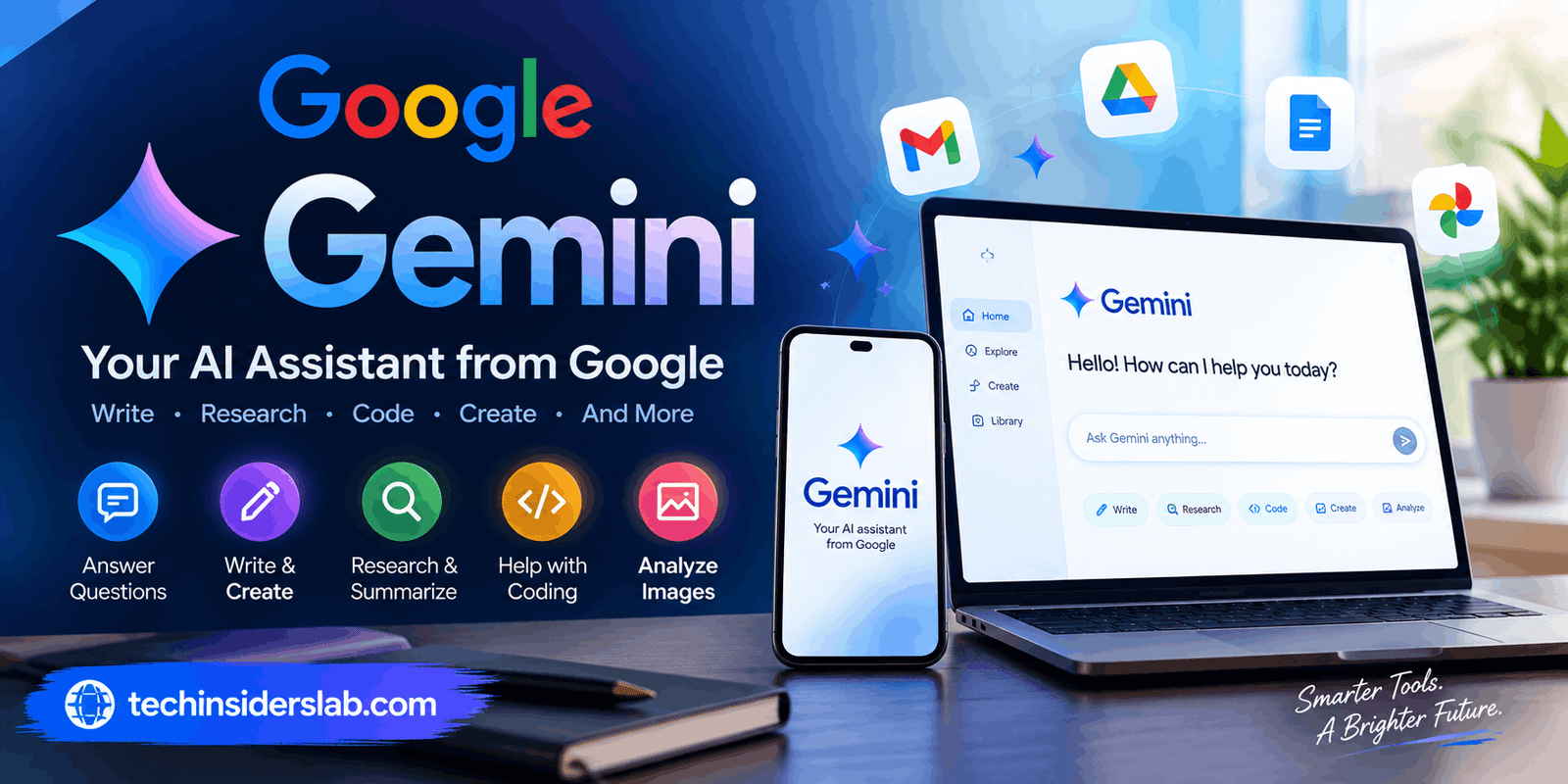
Google Gemini is a generative artificial intelligence platform and AI assistant developed by Google. It can understand prompts written in natural language and produce different kinds of responses, including explanations, summaries, ideas, written content, code, and other AI-generated material.
Gemini is available through the dedicated Gemini experience as well as through integrations with Google’s ecosystem. Depending on the product, plan, device, and region, users may interact with Gemini through Google’s web and mobile experiences, Workspace applications, Chrome, Android-related services, and other Google products.
One of Gemini’s biggest advantages is its connection to Google’s ecosystem. Google has been developing Gemini beyond a simple chatbot, positioning it as an assistant that can help users complete tasks and work with information from connected services.
How Does Gemini Work?
At its core, Gemini uses Google’s artificial intelligence models to interpret user instructions and generate responses. A user can enter a question or instruction, and the system analyzes the request before producing an answer.
The interaction can be conversational. Instead of creating a completely new request every time, users can continue asking follow-up questions and provide additional context.
For example, someone could ask Gemini to explain a technical concept, then request a simpler explanation, followed by examples and a short summary. This conversational approach makes the tool useful for learning and research.
Gemini can also work with different forms of information. Depending on the feature and environment, users may provide text, images, files, videos, or other content for analysis.
Google’s current Gemini ecosystem also includes features designed for research, productivity, personalization, and more advanced task assistance.
Key Features of Gemini
1. Conversational AI
Gemini can understand natural-language conversations instead of requiring users to learn complicated commands. This makes it accessible to students, professionals, creators, and everyday users.
You can ask a question, refine the request, correct an assumption, or provide additional information without starting from scratch.
2. Writing and Content Creation
Gemini can assist with many writing tasks. Users can request outlines, summaries, brainstorming ideas, drafts, explanations, and revisions.
For example, it can help create:
- Blog outlines
- Email drafts
- Social media ideas
- Product descriptions
- Study notes
- Business documents
- Creative concepts
- Summaries
However, AI-generated content should still be reviewed before publication, particularly when accuracy or originality matters.
3. Research Assistance
Research is another important use case. Gemini can help users organize complicated topics, compare concepts, summarize information, and develop research directions.
Google’s Workspace materials describe Gemini as useful for complex research and information synthesis, while newer Gemini experiences have expanded its ability to work with longer and more complicated tasks.
The important distinction is that AI-generated answers should not automatically be treated as authoritative. For important topics, users should verify facts against reliable sources.
4. Image and Multimodal Understanding
Gemini is designed to work beyond plain text. Depending on the feature being used, users can provide images and other media and ask questions about them.
This can be useful for tasks such as:
- Explaining an image
- Extracting information from visual material
- Understanding charts
- Discussing screenshots
- Analyzing documents
- Brainstorming from visual references
Multimodal capabilities make AI assistants more practical because real-world information is rarely limited to text.
5. Coding Assistance
Gemini can also help developers and learners with programming-related tasks. Users can ask it to explain code, identify potential problems, create examples, or help understand programming concepts.
It can be especially useful for beginners because they can ask follow-up questions about why a particular piece of code works.
Professional developers should still test generated code carefully. AI can produce incorrect assumptions, outdated approaches, or code that introduces security and performance problems.
6. Gemini in Google Workspace
One of Gemini’s strongest advantages is its integration with Google Workspace.
Google currently offers Gemini capabilities across products such as Gmail, Docs, Sheets, Slides, Drive, Chat, and Meet, depending on the Workspace plan and available features.
For example, Gemini can help users draft emails in Gmail, create document drafts in Docs, work with information in Sheets, and assist with meeting notes in Meet.
This integration can reduce the need to constantly switch between separate AI tools and productivity applications.
7. Gemini Live
Gemini also supports conversational interactions through Gemini Live on supported devices and configurations. This type of interaction allows users to communicate more naturally rather than relying entirely on typed prompts.
Voice-based AI can be useful when someone wants to brainstorm ideas, ask questions while multitasking, or have a more natural back-and-forth conversation.
8. Personalization and Connected Apps
Gemini can work with connected Google services in supported situations. Google documents integrations involving services such as Google Photos, YouTube, Workspace, Search, Maps, Shopping, Flights, and Hotels, although availability depends on eligibility and settings.
This can make responses more personalized. For example, connected information can help Gemini provide assistance based on relevant files, emails, events, photos, or other information.
Because these capabilities involve personal information, users should understand their account settings before connecting sensitive services.
How Gemini Can Be Used
Gemini has applications across education, work, business, technology, and everyday life.
For Students
Students can use Gemini as a learning assistant. It can explain difficult subjects in simpler language, create practice questions, summarize notes, and help organize study material.
Instead of simply asking for an answer, students can use it to understand the reasoning behind a concept. This approach can make AI more useful as a learning companion rather than just an answer generator.
For Professionals
Professionals can use Gemini for everyday productivity tasks. Writing emails, summarizing information, preparing documents, brainstorming ideas, and organizing information are common examples.
Gemini’s integration with Workspace can be particularly useful for people who already rely heavily on Google’s productivity applications.
For Content Creators
Bloggers, marketers, social media managers, and creators can use Gemini during the planning and drafting stages of content production.
It can help generate topic ideas, create outlines, develop headlines, rewrite passages, and suggest different approaches.
Human editing remains important because good content requires originality, fact-checking, audience understanding, and a clear editorial voice.
For Developers
Developers can use Gemini to learn programming concepts, review code, generate examples, and troubleshoot certain problems.
It can function like an interactive programming assistant, allowing users to ask questions about specific sections of code rather than searching through multiple documentation pages.
Benefits of Using Gemini
One major benefit of Gemini is convenience. Users can access multiple AI capabilities through a single Google ecosystem rather than relying on many disconnected tools.
Another advantage is versatility. Gemini can assist with writing, research, learning, coding, brainstorming, productivity, and multimodal tasks.
Its integration with Google services is also valuable for people already using Gmail, Docs, Drive, Sheets, Meet, and other Workspace products.
Google has also continued expanding Gemini’s capabilities. In 2026, Google announced further development of the Gemini app, including more agentic features and newer model capabilities. Google reported that more than 900 million people across more than 230 countries and over 70 languages were using Gemini each month at the time of its May 2026 announcement.
Limitations of Gemini
Despite its impressive capabilities, Gemini is not perfect.
AI systems can generate inaccurate information, misunderstand questions, or provide answers that sound convincing while being incorrect. This is one of the most important limitations to remember.
Gemini should therefore be treated as an assistant rather than an unquestionable authority.
Another consideration is privacy. Gemini can process prompts and information that users provide to it. Depending on the features and settings being used, information may also come from connected applications and Google services.
Google’s current privacy documentation states that Gemini Apps can process information such as prompts, uploaded files, images, videos, screen content, and Gemini Live interactions.
Users should avoid entering highly sensitive or confidential information unless they understand the applicable settings, policies, and risks.
Gemini and Privacy
Privacy is an important consideration for anyone using an AI assistant.
Google provides controls for managing Gemini activity. When Gemini Apps Activity is enabled, users can review and delete their Gemini activity and adjust activity settings.
Google also provides options for exporting Gemini-related data through Google Takeout.
Users should regularly review connected applications and account settings, particularly when Gemini is being used with workplace documents, personal files, emails, photos, or other private information.
The best approach is to treat AI assistants similarly to other cloud-based services: understand what information is being shared and use privacy controls appropriately.
Is Gemini Good for Everyday Use?
For many users, Gemini can be a practical everyday AI assistant. Its biggest strength is the combination of conversational AI and Google’s broader ecosystem.
Someone who already uses Google services can potentially benefit more from Gemini because the assistant can fit naturally into existing workflows.
For casual questions, brainstorming, writing assistance, study help, research organization, and productivity tasks, Gemini can save time and reduce repetitive work.
However, users should maintain realistic expectations. AI does not eliminate the need for human judgment, fact-checking, creativity, or professional expertise.
Gemini vs Traditional Search
Traditional search engines and AI assistants serve different purposes.
A search engine generally helps users discover web pages and other online resources. Gemini, on the other hand, is designed to interact conversationally and generate a direct response.
In practice, the two approaches can complement each other. Search is useful when users need original sources, current information, or multiple viewpoints. Gemini can be useful when users want an explanation, summary, brainstorming session, or help organizing information.
For important research, combining AI assistance with direct source verification is often the strongest approach.
The Future of Gemini
Gemini‘s development shows that AI assistants are moving beyond simple question-and-answer systems.
Google is increasingly positioning Gemini as an assistant capable of understanding context, working across applications, handling different forms of media, and helping with multi-step tasks.
The future of Gemini is likely to involve deeper integration with productivity software, more personalized assistance, stronger multimodal capabilities, and increasingly agentic workflows.
This shift could make AI assistants more useful in everyday activities, but it also makes privacy, accuracy, transparency, and user control increasingly important.
Conclusion
Google Gemini has evolved into much more than a basic AI chatbot. It is a broad AI assistant that can support writing, research, education, coding, productivity, image understanding, and other everyday tasks.
Its connection with Google services gives it a significant advantage for people already using products such as Gmail, Docs, Drive, Sheets, Meet, and other parts of the Google ecosystem. Google’s continued development of Gemini also indicates that the company sees AI assistants as an important part of the future of computing.
At the same time, Gemini should be used thoughtfully. AI-generated information can contain errors, and users should verify important claims before relying on them. Privacy settings and connected applications should also be reviewed carefully.
Overall, Gemini is a powerful example of how artificial intelligence is becoming integrated into everyday technology. For students, professionals, creators, developers, and general users, it can be a valuable productivity and learning tool when used with appropriate human judgment.