Introduction
In today’s digital learning environment, students often need more than traditional worksheets and lectures to stay interested in their lessons. Interactive quiz platforms are helping teachers make revision more engaging by combining educational content with game-based activities. Gimkit Create is one such tool that allows educators to build custom quizzes and turn them into interactive learning experiences.
Unlike a basic quiz maker, Gimkit combines questions with game mechanics, giving students opportunities to practice what they have learned while participating in a more engaging classroom activity. Teachers can create question sets, organize learning material, and use different game modes to support revision and assessment.
Whether you are a teacher looking for a better way to review lessons, a student who enjoys interactive learning, or someone exploring educational technology, understanding how Gimkit Create works can help you decide whether it fits your needs.
What Is Gimkit Create?
Gimkit is a web-based learning platform designed to help educators turn review activities into interactive games. Its main content-building feature is Create a Kit, where teachers can prepare questions, answers, and supporting media for students. These kits can then be used in live games or other learning activities.
The important difference between Gimkit and a basic quiz maker is that the questions become part of a game experience. Students can answer questions, earn in-game rewards, and use different game mechanics depending on the selected mode. This makes Gimkit especially useful when a teacher wants students to practice the same material repeatedly without making the session feel like a conventional test.
For a technology website, Gimkit Create is best understood as an educational productivity tool. It helps teachers prepare learning material, organize review sessions, and collect useful information about student performance.
How Gimkit Create Works
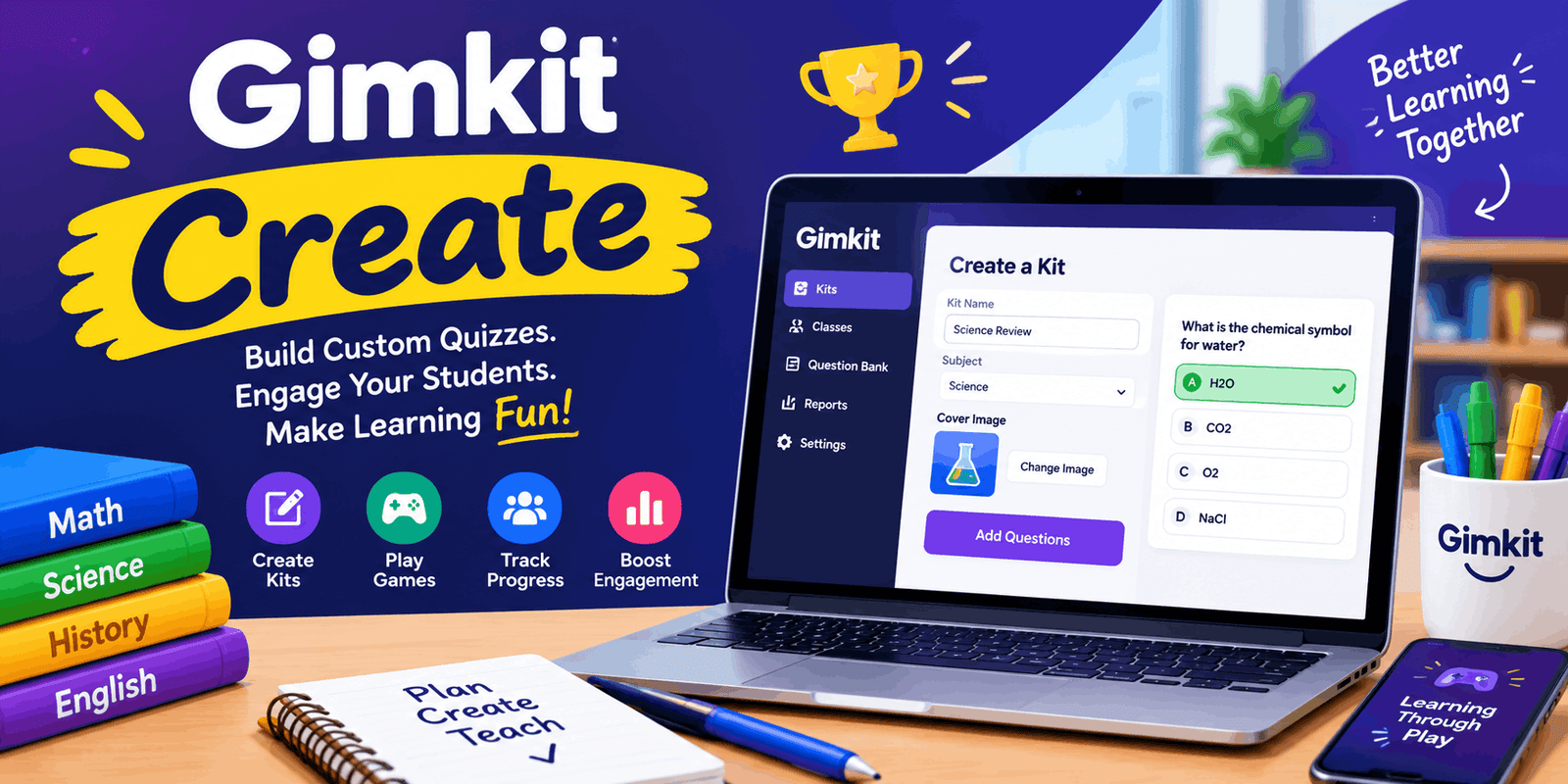
Creating a kit begins from the educator dashboard. The teacher selects New Kit, enters basic information such as the kit name, language, and subject, and then chooses a cover image. After that, questions can be added manually or through other supported methods.
A typical question includes a prompt, correct answer, and incorrect answers. Gimkit also allows multiple correct answers when appropriate, and teachers can add media to questions. The official help documentation explains that audio questions are available to paid Gimkit members.
Once the questions are ready, the teacher can finish the kit and return to the dashboard. The new kit can be played, edited, or organized into a folder. This simple workflow makes it possible to prepare a short review activity without building an entire course.
Basic creation process
- Open the Gimkit educator dashboard.
- Select New Kit.
- Add the kit name, language, and subject.
- Choose a cover image.
- Add questions and answers.
- Review the question set.
- Save the kit.
- Use it for practice, a live game, or another supported activity.
The exact options available may depend on the account type and the features Gimkit currently offers.
Main Features of Gimkit Create
1. Custom quiz creation
The central feature is the ability to create original question sets. Teachers can build quizzes around a specific lesson, chapter, topic, or revision goal instead of depending entirely on pre-made material. This is useful for subjects such as mathematics, science, languages, history, and general knowledge.
2. Question Bank
Gimkit provides a Question Bank that allows users to search questions from public kits and add them to their own kits. This can reduce preparation time when a teacher needs a starting point or wants to combine existing material with original questions.
However, imported questions should still be reviewed. A question may be too easy, too difficult, or unsuitable for a particular class. Editing the wording and checking the answer choices can make the activity more accurate and relevant.
3. Flashcard import
The platform also supports importing flashcard sets. Gimkit’s help documentation describes a method where terms and definitions are separated by a tab and pasted into the import box. This can be useful for vocabulary, definitions, formulas, and other short-answer study material.
4. Media and equations
Depending on the account and available features, teachers can add media to questions and use an equation editor. These options are particularly useful for visual subjects and mathematics, where a plain text question may not be enough.
5. Collaborative question creation
KitCollab allows students to submit questions for a kit. This changes the activity from simply answering questions to helping create learning material. Students must think about what is important, how to phrase a question, and which answer is correct.
6. Privacy and organization
New kits in Gimkit Live are public by default, according to the official help documentation. Teachers can change the privacy setting when creating or editing a kit. The platform also provides folders and archiving options to help organize content.
This is an important consideration for educators who create original worksheets, school-specific questions, or material that should not be publicly available.
Gimkit Create for Teachers
The biggest benefit of Gimkit Create is that it gives teachers more control over the learning activity. Instead of using one generic quiz for every class, a teacher can prepare different kits for different levels of difficulty.
For example, a mathematics teacher might create one kit for multiplication facts, another for fractions, and a third for word problems. A language teacher could prepare vocabulary questions, grammar review, and sentence practice. The same platform can therefore support different subjects without requiring a separate quiz tool for each one.
Gimkit is also useful for formative assessment. A teacher can use a short kit at the beginning of a lesson to check what students remember, or at the end to identify topics that need more explanation. Research on Gimkit’s instructional value in secondary mathematics suggests that it can support engagement and real-time feedback, while also emphasizing the importance of combining it with discussion and reflection.
The key is to use the platform as part of a lesson rather than as a replacement for teaching.
Gimkit Create for Students
From a student’s perspective, Gimkit turns review into a more active experience. Instead of only reading notes or completing a worksheet, students answer questions while participating in a game.
Correct answers can earn in-game currency, which may be used for upgrades or power-ups depending on the game mode. This adds a strategic element to the activity and can encourage students to keep participating.
The platform can be particularly useful for students who enjoy competition, short challenges, and interactive learning. It may also help make repetitive revision more interesting.
However, not every student learns best through fast-paced competition. Some students may need more time to read a question, think through an answer, or understand why an answer is correct. Teachers should therefore provide other learning options when necessary.
Live Games and Assignments
Gimkit supports both live classroom games and student-paced activities. Live games allow a teacher to host a session where students participate together, while assignments allow students to work independently outside the classroom.
The official help documentation states that assignments are available to Gimkit Pro members. Teachers can select a kit, choose a supported game mode, set goals, and share an assignment link with students.
This makes Gimkit useful in several situations:
- Classroom review: Students practice material together.
- Homework: Students complete a learning activity outside class.
- Independent study: Students review questions at their own pace.
- Make-up work: Students can complete an assignment when they miss a classroom session.
- Exam preparation: Teachers can create focused revision kits.
The assignment system also provides results and reports, helping educators see how students performed.
Gimkit Basic vs. Gimkit Pro
Gimkit offers a free version called Gimkit Basic, along with a paid Gimkit Pro plan. The official account FAQ says that educator accounts can remain on the free version indefinitely, while Pro adds features such as exclusive game modes, assignments, audio questions, and image uploads.
The official pricing information currently lists Gimkit Pro at $14.99 per month or $59.88 per year. Gimkit also offers group licensing for departments and schools.
| Feature | Gimkit Basic | Gimkit Pro |
| Create an account | Free | Free account with optional upgrade |
| Create kits | Yes | Yes |
| Host games | Yes | Yes |
| Classes | Yes | Yes |
| Game reports | Yes | Yes |
| Assignments | Pro feature | Included |
| Audio questions | Pro feature | Included |
| Image uploads | Pro feature | Included |
| Extra game modes | Limited | More options |
The exact feature availability can change, so educators should check the official pricing and help pages before choosing a plan.
Benefits of Using Gimkit Create
Better engagement
Interactive games can make students more willing to participate, especially during revision sessions. Research on Gimkit in mathematics education identifies engagement as one of its potential strengths.
Faster content preparation
Question Bank and flashcard import can reduce the amount of time needed to build a kit from scratch. Teachers can also reuse existing kits and organize them into folders.
Immediate feedback
Students can receive feedback during gameplay, which helps them recognize mistakes while the material is still fresh. This is especially useful for short practice activities.
Flexible classroom use
Teachers can use Gimkit for a quick warm-up, a revision session, a longer game, or an independent assignment. This flexibility makes it suitable for different teaching styles.
Student participation
Features such as KitCollab allow students to contribute questions, giving them a more active role in the learning process.
Limitations to Consider
Gimkit Create is useful, but it is not a complete replacement for a learning management system, textbook, or teacher-led instruction.
One limitation is that game mechanics can sometimes distract from the academic objective. An independent review of Gimkit notes that its strongest use is often fact review and retrieval practice, while deeper conceptual understanding may require additional teaching strategies.
Another concern is that competition and speed may not suit every student. A recent integrative review of Gimkit in mathematics education also highlights the need to balance competition with discussion, group work, and reflection.
Teachers should also consider device access, internet reliability, and the time required to prepare quality questions. A well-designed kit is more valuable than a large kit filled with poorly written questions.
Tips for Creating Better Gimkit Kits
Start with a clear learning goal. Decide what students should remember, understand, or practice before writing questions.
Keep questions focused. Avoid combining several ideas into one confusing question.
Use a mix of difficulty levels. Include simple recall questions along with questions that require students to apply what they have learned.
Review every answer choice. Incorrect answers should be plausible enough to test understanding, but not misleading.
Use media when it adds value. Images, equations, and other supported media can make certain questions clearer.
Avoid making every activity a competition. Use practice and reflection alongside live games.
Review the results. Use reports to identify common mistakes and plan the next lesson.
Is Gimkit Create Worth Using?
For teachers who want an interactive way to prepare quizzes and review material, Gimkit Create is a useful option. Its combination of custom question creation, game-based learning, and classroom reporting makes it more than a simple quiz generator.
It is especially valuable when the goal is to practice, review, and reinforce knowledge. However, it works best when used alongside explanations, discussion, and other teaching methods rather than as the only learning activity.
Conclusion
Gimkit Create is a practical educational tool for building interactive quizzes and turning classroom review into a more engaging experience. Teachers can create original kits, use existing questions, import flashcards, and organize learning activities around their students’ needs.
Its strongest value is in active practice and formative assessment. With thoughtful question design and a balanced approach to competition, Gimkit can help make revision more enjoyable while giving teachers useful insight into student performance.
For techinsiderslab.com, the best placement is Tools → Education Tools / Quiz Maker, because Gimkit Create is primarily a tool for creating and managing interactive learning content.