introduction
Digital audio has become an important part of modern content creation. From podcasts and music production to video editing and educational projects, people often need audio in a format that works well with professional software. One term frequently searched by users who work with online video is YT to WAV.
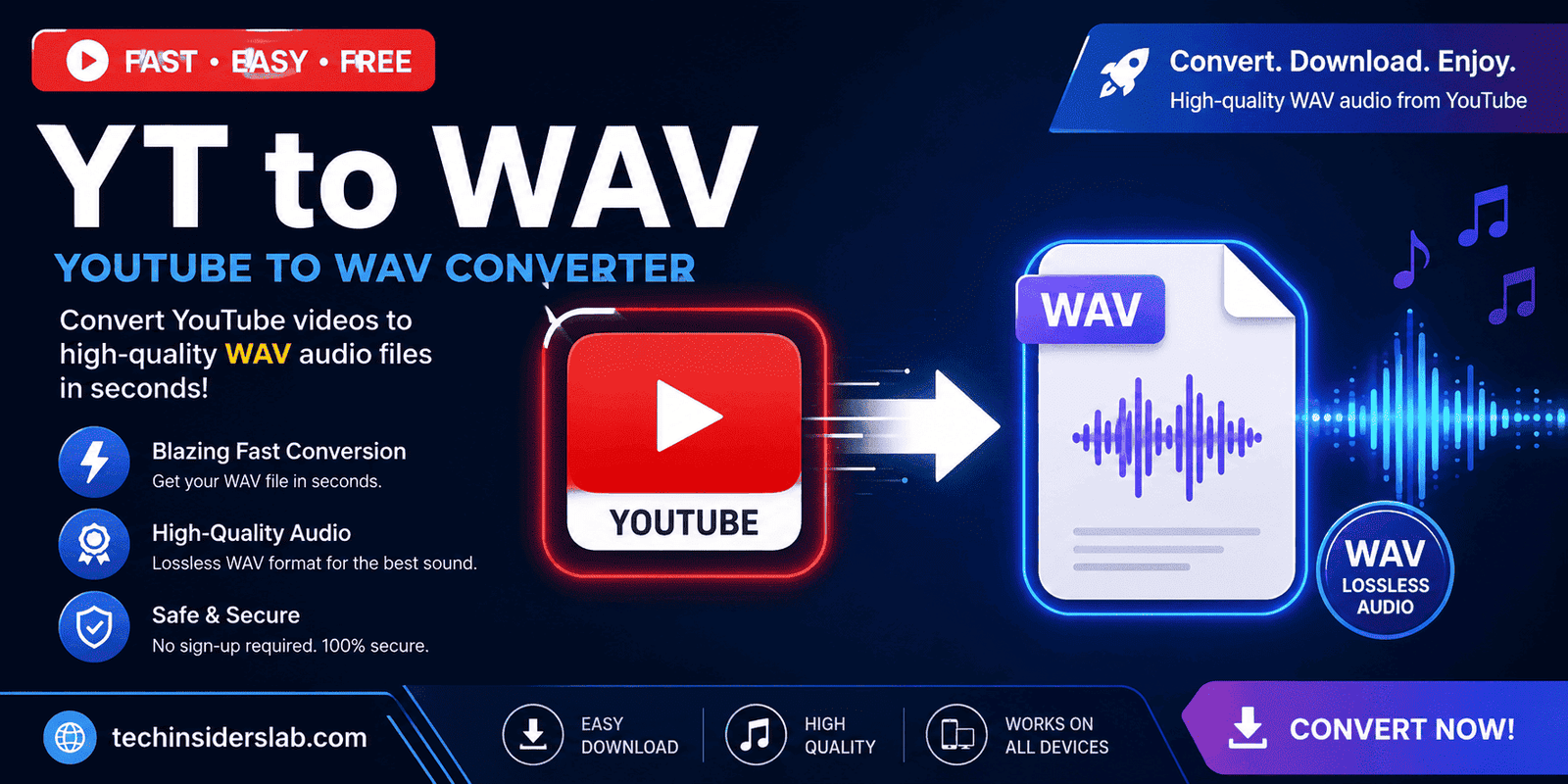
YT to WAV generally refers to a tool or process that extracts or converts the audio component of a YouTube video into a WAV audio file. WAV is widely recognized as a high-quality audio format and is particularly useful for editing, recording, mixing, and other professional audio workflows.
However, converting online video into an audio file involves more than simply choosing a format. Users should understand the differences between WAV and compressed formats, the limitations of conversion quality, and the copyright rules that apply to YouTube content.
What Is YT to WAV?
YT to WAV is a term used for tools and workflows designed to convert the audio from a YouTube video into WAV format.
A typical converter may take a supported YouTube URL, process the available media, extract the audio stream, and create a WAV file for the user. The resulting file can then be opened in audio editors, digital audio workstations, media players, or other compatible software.
WAV is particularly attractive when audio editing is the priority because it commonly stores PCM audio without lossy compression. YouTube itself lists PCM audio in a WAV container among the supported audio formats for audio tracks supplied to the platform.
It is important to understand, however, that converting an existing compressed audio source to WAV does not magically restore lost audio information. WAV can provide an uncompressed output container, but the quality of the original source remains an important factor.
Why Do People Look for YT to WAV Tools?
Different users have different reasons for wanting audio in WAV format.
Content creators may need audio for video projects, while musicians and sound editors may prefer WAV because it is convenient for editing and processing. Students and researchers may also work with recordings or educational material that they are legally permitted to use.
Another reason is compatibility. Many professional audio applications work extensively with WAV files. Audio editors can import WAV files, cut sections, apply effects, adjust volume, remove unwanted portions, and combine tracks with other recordings.
For these workflows, an audio-only file can be more practical than keeping an entire video file.
Understanding the WAV Format
WAV, short for Waveform Audio File Format, is commonly associated with uncompressed PCM audio.
Unlike lossy formats such as MP3, uncompressed PCM does not reduce audio data through the same type of perceptual compression. This makes WAV useful for production and editing environments where maintaining the source audio data is important.
YouTube’s own documentation lists PCM audio in a WAV container as a supported format and recommends high-quality audio for certain partner workflows.
WAV files can also be considerably larger than compressed audio files. This is an important trade-off. A user may gain editing convenience and uncompressed storage while requiring substantially more disk space.
YT to WAV vs. MP3
One of the most common questions is whether WAV is better than MP3.
The answer depends on the purpose.
WAV advantages:
- Suitable for professional audio editing
- Commonly used for production workflows
- Can contain uncompressed PCM audio
- Better suited to repeated editing and processing
- Useful when maintaining an uncompressed working copy is important
MP3 advantages:
- Much smaller file sizes
- Easier to store and transfer
- Convenient for everyday listening
- Supported by almost every modern device
If someone simply wants to listen to an audio track on a phone, MP3 may be more practical. For editing or production, WAV can be more appropriate.
However, converting a low-quality or already compressed YouTube source into WAV does not create studio-quality audio. The output format cannot recover information that was already removed during previous compression or encoding.
How YT to WAV Conversion Generally Works
Although different services use different technologies, the basic conversion concept is relatively straightforward.
First, a user identifies a video they are authorized to use. The conversion tool processes the media source and identifies an available audio stream. The audio is then extracted and encoded or placed into a WAV container.
A simplified workflow looks like this:
- Identify the permitted video.
- Provide the video source to a compatible conversion tool.
- Select WAV as the desired output format.
- Allow the service to process the audio.
- Save the resulting WAV file.
- Open it in an appropriate audio application.
The exact process depends on the software or service being used.
Does Converting to WAV Improve Audio Quality?
This is one of the most important concepts to understand.
Conversion to WAV does not automatically improve the original audio quality.
Imagine an original audio source that has already been compressed. If that compressed stream is placed into an uncompressed WAV file, the WAV file may be larger, but it does not contain the information that was previously discarded.
For example, converting a compressed source to WAV can be useful for editing because the resulting file may be easier to work with in a production environment. But it should not be confused with restoring the original master recording.
For genuine high-quality production, obtaining the original WAV, FLAC, or other high-quality source from the rights holder is generally preferable.
Sample Rate and Bit Depth
When working with WAV files, two technical terms are particularly important: sample rate and bit depth.
The sample rate describes how frequently the audio signal is sampled. Common values include 44.1 kHz and 48 kHz.
Bit depth describes the amount of digital information used to represent each sample. Common production values include 16-bit and 24-bit audio.
These settings influence file size and how audio is represented digitally. A higher setting is not automatically better for every situation; the appropriate choice depends on the source and intended workflow.
Professional audio projects often establish specific technical requirements before recording or exporting material.
YT to WAV for Video Editors
Video editors frequently work with separate audio files.
A WAV file can be imported into editing software and synchronized with video footage. Editors may use it for voiceovers, interviews, sound effects, narration, or other authorized audio content.
WAV is especially useful when the audio needs to undergo additional processing. Editors may adjust equalization, compression, noise reduction, volume levels, or other effects before exporting the final project.
The larger file size is often less important during production because quality and editing flexibility can take priority.
YT to WAV for Audio Production
Music producers and audio engineers commonly use WAV in production environments.
When a recording is being edited or mixed, repeated conversions between lossy formats can introduce unnecessary quality limitations. Working with an appropriate high-quality source can provide greater flexibility during processing.
However, users should distinguish between using WAV as a production format and turning an online compressed stream into WAV.
The first can be an excellent production practice. The second does not restore missing source information.
This distinction is important for anyone researching YT to WAV tools.
File Size Considerations
One disadvantage of WAV is its relatively large file size.
Because uncompressed PCM audio contains substantially more data than compressed formats, WAV files can consume more storage space.
For example, longer recordings can quickly become hundreds of megabytes depending on sample rate, bit depth, and number of channels.
This means users should consider available storage before creating large collections of WAV files.
For long-term casual listening, a compressed format may be more convenient. For editing and production, the larger size may be justified.
Copyright and Legal Considerations
Copyright is one of the most important issues surrounding YouTube conversion tools.
YouTube explains that original creative works, including online videos and sound recordings, are generally protected by copyright. Copyright owners typically control how their content is used and distributed.
This means users should not assume that any publicly available YouTube video can automatically be converted, saved, redistributed, or reused.
The safest situations generally involve content that:
- You created yourself
- You have permission to use
- Is available under an applicable Creative Commons license
- Is in the public domain
- Is otherwise legally permitted for the intended use
YouTube also provides its Audio Library, which contains music and sound effects identified as copyright-safe for YouTube use under the applicable terms.
Copyright rules can vary by country, purpose, and license, so users should check the applicable rules before using converted material publicly.
Downloading Your Own YouTube Videos
For creators who want to work with their own uploaded content, YouTube provides an official download option.
According to YouTube Help, creators can download videos they have uploaded through YouTube Studio, with the available download generally provided as an MP4 file. YouTube also notes that Google Takeout can be used to download uploaded videos.
Once a creator has legitimately obtained their own video file, they can use appropriate audio or video editing software to extract or convert the audio into WAV.
This approach can be preferable because the creator already has rights to the original material.
Official YouTube Options
Users should also understand that YouTube’s official offline features are different from third-party audio conversion.
YouTube states that Premium members can download videos for offline viewing where the feature is available, but these downloads are designed for playback through YouTube rather than as ordinary audio files. YouTube also states that audio, music, or MP3 files cannot simply be downloaded from the YouTube app as standalone files.
Therefore, a third-party YT to WAV website and YouTube’s own offline functionality serve different purposes.
Choosing a Good YT to WAV Tool
If someone needs a conversion tool for content they are authorized to use, several factors are worth considering.
Output Quality
Look for tools that clearly explain their output settings rather than making unrealistic claims about “enhancing” audio quality.
Ease of Use
A simple interface can make the conversion process easier, particularly for people who are not familiar with audio software.
Security
Users should be cautious with websites that request unnecessary permissions, browser extensions, software installations, or personal information.
File Handling
A trustworthy service should clearly explain how uploaded or processed files are handled and whether temporary files are deleted.
Device Compatibility
A useful tool should work properly on common desktop and mobile browsers without requiring unnecessary software.
Common Problems With YT to WAV Conversion
Conversion tools can sometimes produce unexpected results.
A video may be unavailable, restricted, removed, or incompatible with a particular service. Some tools may also have limitations related to file duration, traffic, or output size.
Another problem is misleading quality claims. A service may produce a WAV file with a high sample rate, but that does not mean the original YouTube source had equivalent quality.
Users should therefore evaluate the actual source quality rather than focusing only on the specifications of the resulting file.
Is YT to WAV Useful for Content Creators?
Yes, when used appropriately.
For creators working with their own videos or properly licensed material, WAV can be a useful production format. It can provide a convenient audio file for editing, mixing, podcast production, video projects, and archival workflows.
The biggest advantage is not that WAV makes audio better. Instead, it provides a widely supported, high-quality working format that is suitable for many professional audio applications.
Conclusion
YT to WAV is a useful audio conversion concept for users who need YouTube audio in a WAV format for editing, production, or other permitted projects. WAV offers high-quality, uncompressed audio storage and works well with many professional audio applications. However, converting an existing compressed source to WAV does not improve its original quality. Users should also respect copyright and only convert or reuse content they are legally allowed to use. Overall, YT to WAV can be a practical tool when used responsibly and with the right audio source.