introduction
Virtual reality has developed far beyond the traditional game-store model. While platforms such as the official Meta Quest Store provide a large collection of VR games and applications, many users eventually want to explore experimental projects, indie releases, community-made content, and applications that are not available through the standard store.
This is where SideQuest becomes useful.
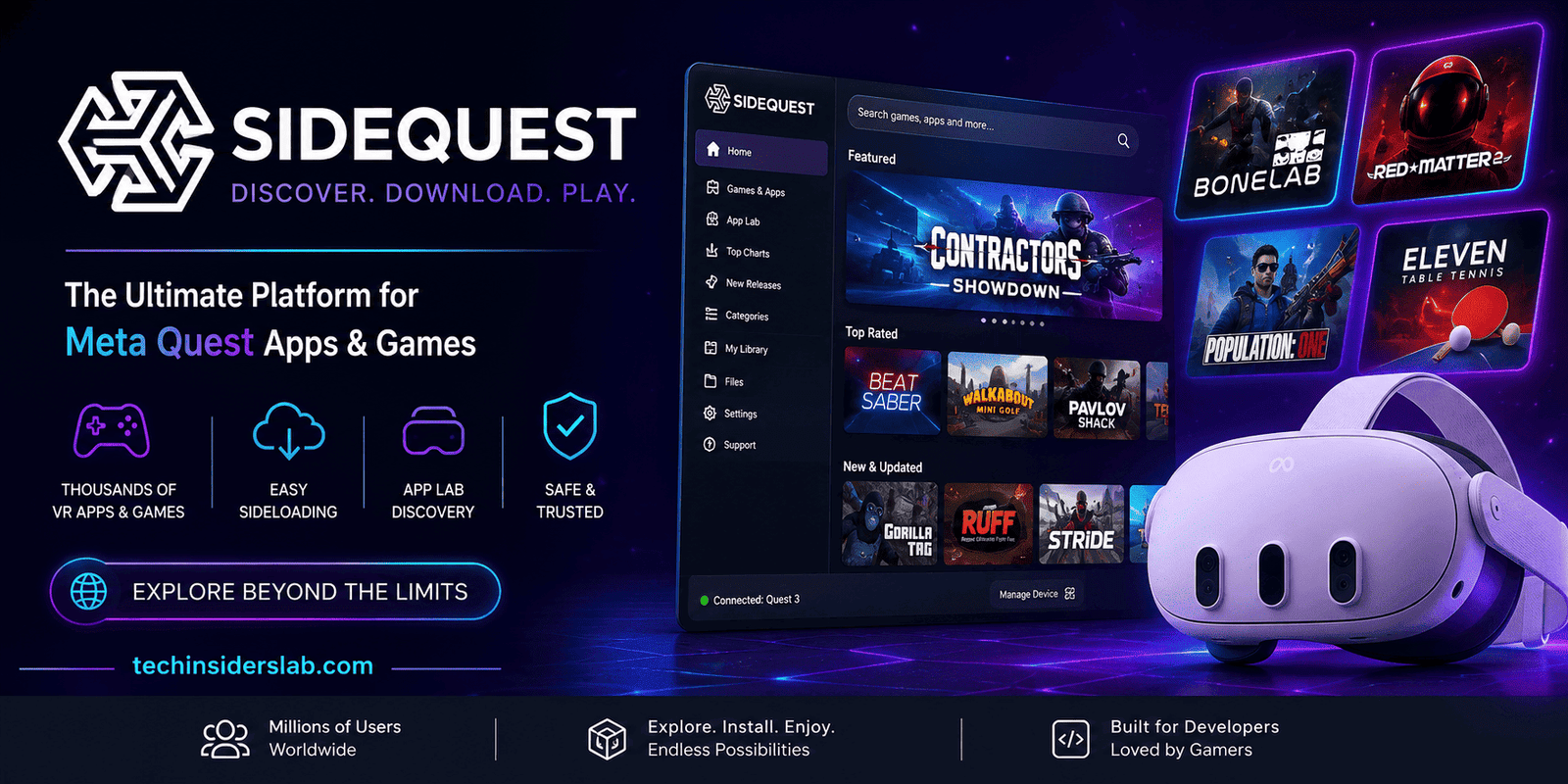
SideQuest is a popular platform and application ecosystem designed around Meta Quest VR headsets. It gives users a convenient way to discover additional VR content and, where appropriate, install applications that are distributed outside the standard Quest Store. It has also become an important platform for independent VR developers who want to showcase projects and reach an audience.
In this guide, we will explain what SideQuest is, how it works, what makes it different from the official Meta store, its major features, advantages and limitations, and what beginners should know before using it.
What Is SideQuest?
SideQuest is a VR content discovery and distribution platform created for users of Meta Quest headsets.
Its main purpose is to make it easier to find applications and games that may not be prominently available through the official Quest Store. Depending on the content, SideQuest can provide access through App Lab or facilitate sideloading, which means installing software onto the headset from a source outside the standard store distribution system.
The platform originally became popular because Quest users needed a relatively simple method for experimenting with applications that were not available through Meta’s official storefront.
Over time, SideQuest expanded beyond simple sideloading. Its ecosystem now includes apps, games, developer resources, community content, guides, and tools. The official SideQuest website currently provides sections for apps and games, developer resources, groups, articles, advertising, and support.
This makes SideQuest more than just an installer. It has become part of the wider independent VR ecosystem.
Why Was SideQuest Created?
One major reason for SideQuest’s popularity is that official VR stores cannot contain every experimental or independent project.
Traditional app stores generally have submission requirements, review processes, discovery algorithms, and content policies. Those systems are useful for quality control, but they can also make it harder for experimental developers to reach users.
SideQuest provided an alternative discovery channel.
Developers could use the platform to showcase early projects, experimental applications, prototypes, community creations, and games that had not yet become part of the mainstream Quest ecosystem. This gave developers an opportunity to collect feedback while giving VR enthusiasts access to a wider range of experiences.
That relationship between developers and users remains one of SideQuest’s most important characteristics.
Understanding Sideloading
The term sideloading is essential when learning about SideQuest.
Normally, when you install an application on a Meta Quest headset, you obtain it through an official distribution channel. Sideloading is different because software is transferred to the device from another source.
For Quest users, this can make it possible to experiment with applications that are not available through the official store.
Sideloading can be useful for:
- Experimental VR applications
- Independent games
- Early development builds
- Community-created projects
- Custom tools
- Alternative application versions
- Certain classic game ports
- Custom VR environments
However, sideloading also means users need to be more careful about where software comes from. Content outside an official store may not have gone through the same review process.
Therefore, users should always research an application and its developer before installing it.
SideQuest and App Lab: What’s the Difference?
A common source of confusion is the relationship between SideQuest and Meta’s App Lab.
App Lab was introduced by Oculus in 2021 as a way for developers to distribute Quest applications without placing them in the main Oculus/Meta Store. It provided a more accessible route for experimental and independent applications.
SideQuest helps users discover both App Lab content and other content that may require traditional sideloading.
The difference can be summarized simply:
App Lab: Meta’s distribution system for applications outside the main store.
SideQuest: A third-party discovery and distribution platform that brings together App Lab content and other Quest-compatible projects, including content that can be sideloaded.
This makes SideQuest particularly useful for users who want a broader view of the available Quest ecosystem rather than relying exclusively on the official store.
Main Features of SideQuest
1. VR Game and App Discovery
One of SideQuest’s biggest strengths is content discovery.
Instead of searching randomly across developer websites, users can browse a centralized collection of VR applications and games. The platform provides categories and listings that make it easier to find interesting projects.
For VR enthusiasts, this is especially valuable because experimental applications can otherwise be difficult to discover.
2. Sideloading Support
SideQuest simplifies the process of transferring compatible applications to a Quest headset.
Traditional Android Debug Bridge methods can be complicated for beginners. SideQuest provides a graphical interface that reduces much of that complexity.
Depending on the content and installation method, users may connect their headset to a computer or use supported in-headset/mobile workflows.
3. App Lab Discovery
SideQuest can also make App Lab applications easier to discover.
This is useful because App Lab content has historically been less visible than applications listed directly in the main Quest Store. SideQuest essentially acts as a discovery layer that helps users find projects they might otherwise miss.
4. In-Headset Experience
SideQuest has evolved from a computer-focused tool into an experience that can also be used directly inside a Quest headset.
The in-headset version allows users to browse and install compatible content without constantly returning to a desktop computer. This development made SideQuest considerably more convenient for ordinary VR users.
5. Advanced Headset Settings
Another interesting aspect of SideQuest is its ability to expose certain advanced headset settings.
Depending on the supported Quest software and SideQuest version, advanced users can access options related to rendering, recording, performance and other headset behaviors.
These settings can be useful for experimentation, but beginners should avoid changing options without understanding their purpose. Earlier documentation has specifically warned that advanced settings are better suited to experienced users.
6. File and App Management
SideQuest can also help users manage applications and files on compatible Quest devices.
This can be particularly useful for developers and advanced users who need more control over their headset’s content than the standard interface provides.
How Does SideQuest Work?
The basic concept is relatively straightforward.
A user discovers an application through SideQuest, checks its description and compatibility information, and then chooses the appropriate installation method.
For traditional sideloading, a Quest headset may need to be configured for developer use. The headset can then communicate with SideQuest through a computer or supported mobile workflow.
The general process looks like this:
- Prepare the Meta Quest headset.
- Enable the required developer functionality.
- Install or access SideQuest through a supported method.
- Connect the headset when required.
- Allow the necessary debugging or connection permissions.
- Browse SideQuest’s available content.
- Select a compatible application.
- Install the application.
- Open the installed content from the appropriate section of the Quest app library.
The exact process can change as Meta and SideQuest update their software, so users should follow current official instructions rather than relying on outdated tutorials.
SideQuest on Different Devices
SideQuest has expanded its availability beyond the original desktop application.
Historically, the primary experience was through Windows, Mac, and Linux computers. An Android version was later introduced, allowing compatible Android phones to assist with Quest content installation.
There is also an in-headset version designed specifically for Quest.
The web-based installation approach has further simplified the initial setup process. In 2024, SideQuest introduced a browser-based method for installing its in-VR application over USB using WebUSB/WebADB technology, reducing the need for a dedicated installer in supported environments.
This evolution shows how SideQuest has gradually moved toward a more accessible VR-first ecosystem.
What Can You Find on SideQuest?
SideQuest’s library can be particularly interesting for people who have already explored mainstream Quest games.
Depending on availability, users may discover:
- Indie VR games
- Experimental projects
- Free applications
- Early-access experiences
- VR utilities
- Custom environments
- Community-created content
- Developer demonstrations
- Classic game ports
- Experimental hand-tracking applications
Some community-made projects have also brought classic gaming experiences into VR. Examples documented by VR media include ports and projects inspired by games such as Doom, Quake, and Half-Life.
Importantly, not every project works in exactly the same way. Some may require additional files, special configuration, or legally owned original game assets.
Is SideQuest Safe?
SideQuest itself is an established platform, but that does not mean every piece of third-party content should automatically be trusted.
This distinction is important.
The official Quest Store provides a curated environment. With sideloaded content, users have greater responsibility for evaluating what they install.
Before installing an unfamiliar application, consider:
- Who developed it?
- Is the developer identifiable?
- Does the project have community feedback?
- What permissions does it request?
- Is the application compatible with your headset?
- Is the download coming from a legitimate source?
- Does it require additional files?
- Has the project been recently maintained?
UploadVR’s guidance also emphasizes caution because sideloaded software may not have received the same approval or verification as official Meta Store content.
A good rule is simple: don’t install software simply because it is available. Research it first.
Advantages of SideQuest
SideQuest offers several benefits to VR users.
Wider Content Selection
It expands the range of applications and games users can discover beyond the main Quest Store.
Excellent for Indie Developers
Independent developers get another way to showcase projects and build an audience.
Experimental Content
Users interested in testing new ideas can discover projects that may not yet be mainstream.
Better Discovery
SideQuest brings different types of Quest content together, making exploration easier.
Advanced Controls
Experienced users can access additional tools and settings that aren’t normally exposed through the standard Quest interface.
Limitations and Things to Consider
Despite its advantages, SideQuest isn’t necessarily for everyone.
The biggest issue for beginners is complexity. Some applications may require developer mode, USB connections, additional permissions, or manual installation steps.
Another concern is software quality. Experimental applications can contain bugs, compatibility issues, or unfinished features.
Performance can also vary. A project designed for experimentation may not provide the polished experience users expect from a major commercial VR game.
Users should therefore view SideQuest as an exploration platform, rather than a replacement for the official Meta Quest Store.
SideQuest for Developers
SideQuest is not only useful for consumers. It also plays an important role in the VR development community.
Developers can use the platform to present projects, attract early users, receive feedback, and build visibility.
For small studios and individual creators, this can be particularly valuable. A developer may have a promising VR concept but lack the resources or recognition needed to compete immediately with major publishers.
SideQuest provides another route to reach enthusiasts who actively seek experimental VR experiences.
This creates a useful ecosystem where developers can experiment and users can discover new ideas.
Is SideQuest Worth Using?
For someone who only wants mainstream VR games, SideQuest may not be necessary.
But for curious Quest users, indie-game fans, VR developers, and people who want to explore content outside the standard store, SideQuest can be extremely useful.
Its biggest advantage isn’t simply the ability to install applications. The real value is discovery.
SideQuest makes it easier to explore the less visible side of the VR ecosystem—projects created by independent developers, experimental applications, custom experiences, and community-driven innovations.
Future of SideQuest
The development of SideQuest reflects a broader trend in VR.
As standalone headsets become more capable, users are increasingly interested in customization, independent software, experimental experiences, and alternative distribution channels.
SideQuest’s transition from a desktop sideloading utility to a broader platform with in-headset functionality, developer resources, community features, and content discovery suggests that its role in the VR ecosystem has expanded considerably.
Its future will likely depend on how Meta’s Quest platform evolves and how much freedom developers and users have to distribute and discover alternative content.
Conclusion
SideQuest is one of the most useful platforms for Meta Quest users who want to explore VR beyond the official store. It combines content discovery, App Lab listings, sideloading capabilities, developer resources, community projects, and advanced tools in one ecosystem.
For beginners, the most important thing is to understand the difference between official store applications, App Lab content, and traditionally sideloaded applications. Not every project has the same level of review or support, so responsible installation practices are essential.
For experienced VR users, however, SideQuest opens the door to a much broader world of experimentation. From indie games and utilities to custom environments and community-made VR projects, it demonstrates that the VR ecosystem extends well beyond the content promoted by a single storefront.
If you’re interested in discovering new Quest experiences and are comfortable learning a few additional setup steps, SideQuest is definitely a platform worth exploring.