introduction
Gaming keyboards have changed significantly in recent years. Instead of using a traditional full-size keyboard for every task, many gamers and creators now prefer compact programmable keypads that give them faster access to specific controls. Sayo Device is one such compact input device that has gained attention among rhythm-game players, gamers, and users who want customizable keyboard shortcuts.
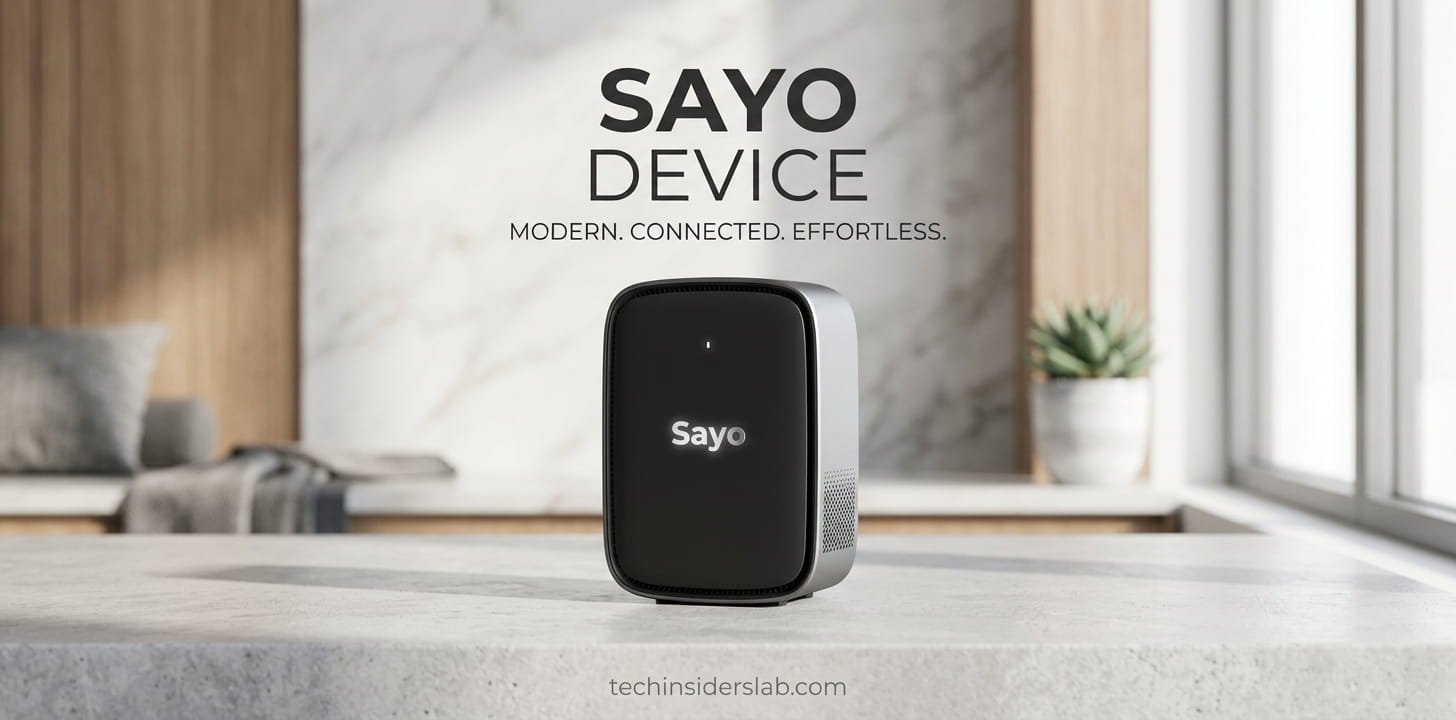
Sayo Device is generally available as a small programmable keypad or macro pad rather than a conventional full-size keyboard. Depending on the model, it can include a few programmable keys, magnetic Hall-effect switches, a rotary knob, RGB lighting, a small display, and software-based customization. Its compact design makes it particularly interesting for games that require fast and repeated key inputs.
The device is also not limited to gaming. Because its keys can be programmed for different keyboard commands, shortcuts and macros, it can be used for productivity, creative applications, media control and other computer tasks.
What Is Sayo Device?
Sayo Device is a programmable mini keyboard and macro keypad designed to provide highly customizable input. Instead of offering dozens of traditional keyboard keys, these devices focus on a smaller number of controls that can be individually configured.
One of the best-known examples is the SayoDevice O3C. Product documentation describes it as a compact keypad with Hall magnetic linear switches, a programmable knob and an IPS color display. It is designed for gaming and productivity applications and connects through USB-C.
The main idea behind Sayo Device is simple: users can decide what each key should do. A key can be assigned to a normal keyboard button, shortcut, macro or another supported function. This gives users much more control than a standard keyboard.
You can visit the official SayoDevice website to access its web-based device interface and configuration features.
Why Is Sayo Device Popular?
The popularity of Sayo Device is closely connected with rhythm gaming. Games such as osu! can benefit from a compact keypad because players often need to press a small number of keys repeatedly and with precise timing.
The device’s Hall-effect magnetic switches and Rapid Trigger capabilities are especially relevant for this type of gameplay. Unlike traditional mechanical switches that rely on a fixed physical actuation mechanism, Hall-effect switches detect movement using magnetic sensing technology.
The result is a highly configurable input system where users can adjust how keys respond. The SayoDevice O3C documentation describes configurable actuation and release settings as part of its Rapid Trigger functionality.
SayoDevice is also discussed within the osu! community, where users compare different keypad configurations for different play styles and game modes.
Sayo Device Features
One of the strongest reasons to consider Sayo Device is the number of customization options available. Features can vary by model, but several capabilities are commonly associated with the SayoDevice range.
1. Programmable Keys
The most important feature is programmable key mapping.
Users can assign different commands to the available keys. Instead of being permanently limited to one function, a key can be configured as a keyboard button, shortcut or macro.
For example, a key could be assigned to:
- A normal keyboard key
- Copy or paste
- A game command
- A software shortcut
- A custom macro
- Another supported keyboard function
This flexibility makes the Sayo Device useful beyond gaming.
2. Hall-Effect Magnetic Switches
Many SayoDevice models use magnetic Hall-effect switches. These switches are designed to detect key movement electronically rather than relying only on conventional mechanical contact.
The O3C is documented with three Hall magnetic linear switches, while other models can offer different key counts. Some versions also support replaceable or hot-swappable magnetic switches.
For gamers, this technology can provide more control over actuation and key response.
3. Rapid Trigger
Rapid Trigger is one of the major features associated with Sayo Device.
Traditional keyboards generally have a fixed point at which a key registers and a reset point before it can register again. Rapid Trigger changes this behavior by allowing the key to react based on movement and configured trigger/reset parameters.
This can be useful in games where extremely fast repeated inputs are important. SayoDevice documentation explains that Rapid Trigger settings can include trigger and release points, allowing users to customize how the keys behave.
However, a faster setting does not automatically make every player better. Users still need practice and an appropriate configuration for their particular game.
4. 8000Hz Polling
Some SayoDevice models advertise an 8000Hz polling rate over USB. The O3C, for example, is documented with USB 2.0 connectivity and up to 8000Hz polling.
Polling rate describes how frequently an input device reports its status to the computer. Higher polling rates can reduce the interval between reports, although the real-world benefit depends on the complete system, game and hardware.
Therefore, the 8000Hz specification is best understood as a high-speed connectivity feature rather than a guarantee of better gaming performance.
5. Programmable Rotary Knob
Some SayoDevice models include a rotary knob.
A knob can be useful for functions such as:
- Volume control
- Scrolling
- Zooming
- Navigating lists
- Switching between functions
- Executing customized commands
The knob can often be programmed through the device’s configuration interface. Some models also allow the knob to function as a button when pressed.
This makes the device useful for creative software and everyday computer tasks as well as gaming.
6. IPS Color Display
The SayoDevice O3C includes a small IPS color screen. Product documentation lists a 0.96-inch display with a 160 × 80 resolution. It can show information such as key movement and button counts, while some configurations allow custom text.
For users who like customizing their hardware, the display adds a visual element that is not normally found on basic macro pads.
7. RGB Lighting
RGB lighting is another feature found on SayoDevice models.
Users can customize lighting effects and colors through the configuration system. Besides improving the appearance of the keypad, lighting can also help users visually identify different configurations.
The documented lighting options include customizable effects and brightness controls on supported models.
How to Set Up Sayo Device
Setting up a Sayo Device is generally straightforward.
First, connect the keypad to your computer using its USB cable. Compatible systems should recognize the device as an input device. Some models are designed to work without installing a traditional desktop driver.
After connecting the hardware, users can open the SayoDevice web configuration interface. The official manual provides an English-language option and directs users toward the web-based setup system.
From the configuration interface, users can typically adjust options such as:
- Key assignments
- Macros
- Rapid Trigger settings
- Key calibration
- RGB lighting
- Screen content
- Knob functions
- Firmware settings
Calibration can be particularly important for Hall-effect switches. If a key behaves incorrectly after changing switches or updating firmware, recalibration may be required.
Sayo Device for Gaming
Gaming is probably the most common reason people search for Sayo Device.
Rhythm games are a natural match because they often require a limited number of buttons but demand accurate and rapid inputs. A small keypad can allow the player to position the keys exactly where they are comfortable.
Sayo Device can also be used with other games that benefit from customizable controls. Depending on the game’s input system and the device configuration, users can assign shortcuts or macros to make frequently used commands easier to access.
The compact size is another advantage. A player does not need to move their hand across a large keyboard when only a few keys are required.
Sayo Device for Productivity
Although gaming is an important use case, Sayo Device can also function as a productivity tool.
For example, a user could configure buttons for frequently used keyboard shortcuts in applications such as graphic design software, video editing software or office programs.
A creator might use the keys for common commands, while the rotary knob could control volume, scrolling or zoom. This can reduce repetitive keyboard actions and create a more personalized workspace.
The ability to assign macros makes the device particularly interesting for users who repeatedly perform the same sequence of commands.
Advantages of Sayo Device
Sayo Device has several advantages that make it attractive to certain users.
Compact design: It occupies much less desk space than a traditional keyboard.
Customization: Keys, knobs and other controls can be configured according to the user’s requirements.
Gaming-focused features: Rapid Trigger and magnetic switches can be useful for fast-paced games.
Multiple use cases: The device can be used for gaming, productivity, media control and creative applications.
Web-based configuration: Advanced settings can be managed through the SayoDevice browser interface.
Replaceable switches on supported models: Some models support hot-swappable magnetic switches, giving users additional customization options.
Limitations of Sayo Device
Despite its impressive customization options, Sayo Device is not perfect for everyone.
The first limitation is the learning curve. Users who are unfamiliar with programmable keypads may need some time to understand key mapping, macros, calibration and Rapid Trigger settings.
Another consideration is that different SayoDevice models have different specifications. Key counts, screens, switches and features can vary, so buyers should check the exact model before purchasing.
The small number of keys can also be a disadvantage for people looking for a complete keyboard. A Sayo Device is better viewed as a specialized keypad or companion input device rather than a replacement for every keyboard.
Firmware and configuration can also require attention. If settings are changed incorrectly, calibration may be needed to restore proper key behavior. Official documentation specifically mentions calibration for certain situations.
Is Sayo Device Worth It?
Whether Sayo Device is worth buying depends on the user’s needs.
For an osu! player or another rhythm-game enthusiast who wants a compact keypad with highly adjustable input behavior, Sayo Device can be an attractive option.
It can also make sense for users who want programmable shortcuts without purchasing a large macro keyboard. Creators, editors and productivity-focused users may find the customizable keys and rotary controls useful.
However, someone who only needs a normal keyboard for typing may not benefit from its specialized features.
The most important thing is to choose the correct SayoDevice model and understand which features are actually useful for your workflow.
Conclusion
Sayo Device ek compact aur highly customizable programmable keypad hai jo gaming aur everyday productivity dono ke liye useful ho sakta hai. Iske programmable keys, Hall-effect magnetic switches, Rapid Trigger, macros, RGB lighting aur selected models mein display aur rotary knob jaise features users ko apne controls personalize karne ki flexibility dete hain.
Sayo Device particularly rhythm games aur fast-input gaming ke liye popular hai, lekin iska use sirf gaming tak limited nahi hai. Users isay shortcuts, media controls, creative software aur repetitive computer tasks ke liye bhi configure kar sakte hain.
Agar aap ek aisa compact device chahte hain jo normal keyboard se zyada customization provide kare, to Sayo Device ek interesting technology accessory ho sakta hai. However, purchase se pehle apni requirements ke according exact model ke features, compatibility aur specifications check karna important hai.