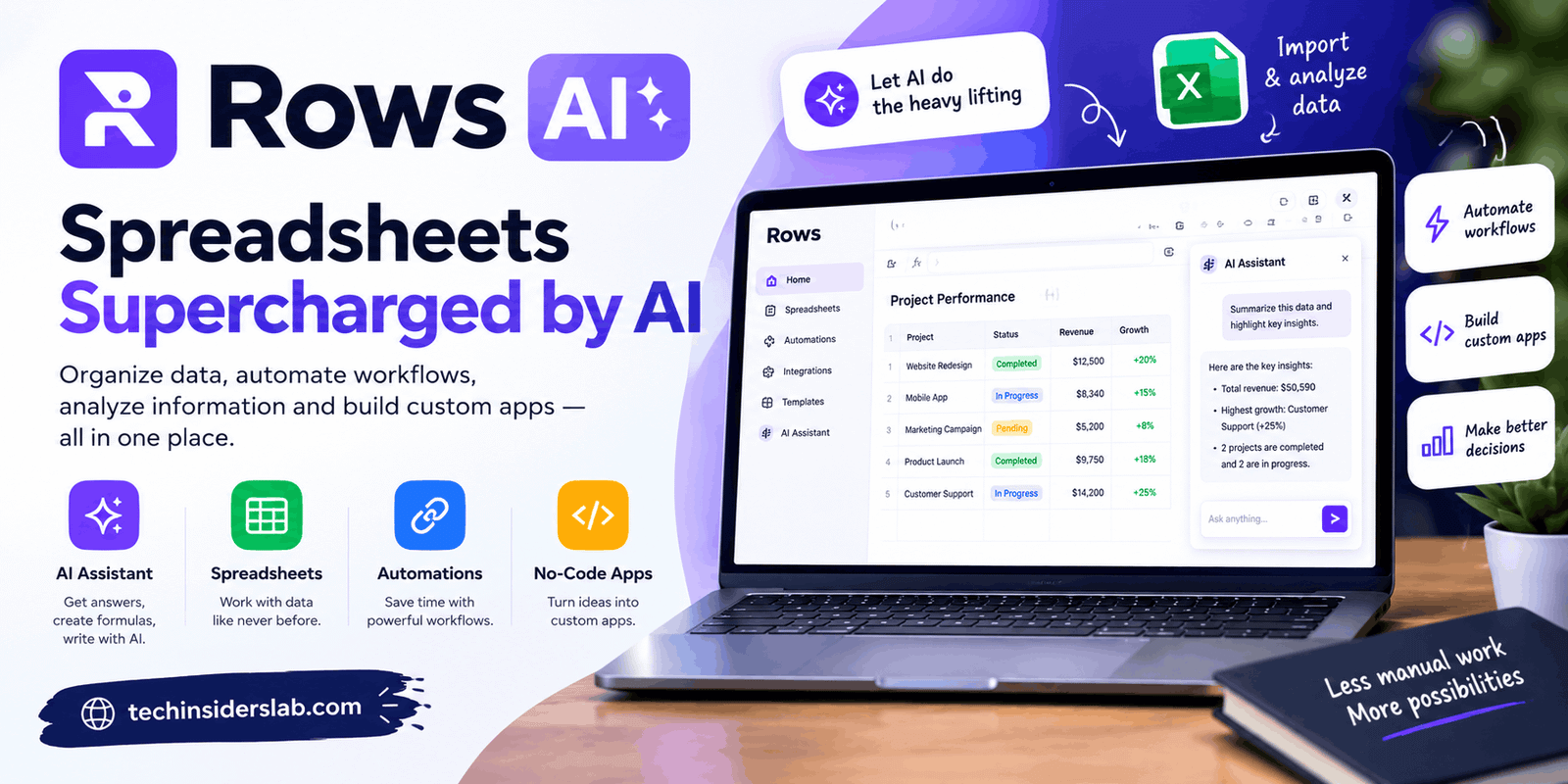
Direct answer: Rows AI was the built-in artificial intelligence layer of Rows, a web spreadsheet whose AI Analyst answered plain-language requests, built formulas and charts, and cleaned tables. Rows was acquired by Superhuman in February 2026, and the standalone product was scheduled to shut down on May 31, 2026, so new users should consider alternatives.
By [AUTHOR NAME, credentials]. Last updated: October 17, 2026.
Table of Contents
- Key Takeaways
- Which “Rows AI” do you mean?
- What was Rows AI?
- What could the AI Analyst do?
- How did Rows AI pricing and AI Tasks work?
- What happened to Rows?
- What should you use instead?
- The Tool-Risk Checklist
- Prompt patterns that work in any AI spreadsheet
- Common mistakes
- FAQ
- Conclusion and next steps
- Sources
Key Takeaways
- Rows AI was the AI side of Rows, a spreadsheet with an AI Analyst, AI functions, and document extraction.
- Rows announced in February 2026 that it was joining Superhuman, and set May 31, 2026 as the date for winding down rows.com.
- Rows’ final public plans were Free, Plus ($8 per user monthly), Pro, and Enterprise, with AI use metered in monthly “AI Tasks.”
- Before relying on any AI spreadsheet, check how you can export your data and what happens if the vendor changes course.
- Prompting skills transfer. The prompt patterns below work in most AI spreadsheet tools.
Which “Rows AI” do you mean?
This article covers the AI features of the Rows spreadsheet at rows.com. The phrase can also be read loosely as “AI that works on spreadsheet rows,” which is a general capability of tools like Excel Copilot and Google Sheets with Gemini.
| If you meant… | Go to |
| The Rows spreadsheet and its AI Analyst | What was Rows AI? |
| Whether Rows still works | What happened to Rows? |
| AI that works on spreadsheet rows in general | What should you use instead? |
What was Rows AI?
Rows AI was the artificial intelligence layer built into Rows, a collaborative cloud spreadsheet. Rows combined a familiar grid with live data connections, document extraction, sharing, and an assistant called the AI Analyst.
Rows launched the AI Analyst on June 14, 2023, according to the company’s press release carried by BigDATAwire. At launch the company said that no information beyond metadata left Rows. That is a 2023 vendor claim, so treat it as history rather than a current guarantee.
By its end, Rows reported more than 2.2 million users, 17 billion spreadsheet functions executed, and over 800,000 AI Analyst prompts, according to the migration guide published for former Rows users on Coda.
What could the AI Analyst do?
The AI Analyst turned plain-language requests into spreadsheet work. According to Rows’ documentation and product summaries, it could:
- Build tables, formulas, and charts
- Clean, merge, and look up data across tables
- Classify text, run sentiment analysis, and extract concepts from a column
- Fetch live values such as stock prices or currency rates
- Read PDFs and images through an AI vision feature and turn them into tables
In January 2026, Rows added web search to AI Analyst version 6.4, per its product changelog. Users could ask it to look up data or scrape a web page into a table.
Rows kept checkpoints so you could recover earlier versions: up to 50 per spreadsheet, kept for 7 days, according to its documentation.
How did Rows AI pricing and AI Tasks work?
Rows metered its AI by monthly “AI Tasks.” Each message you sent to the AI Analyst counted as one task, and each file processed with AI vision counted as one, per Rows’ pricing FAQ.
The plans shown on rows.com/pricing when I checked on October 17, 2026:
| Plan | Price (billed monthly) | AI Tasks per month | Data refresh |
| Free | $0 | 5 | Manual import |
| Plus | $8 per user | 200 | Daily |
| Pro | $79 + $8 per user | 1,000 | Every minute |
| Enterprise | Custom | Unlimited | Every minute |
The same page lists lower annual prices ($6 per user for Plus). The page still loads, but it carries a banner saying Rows has joined Superhuman, so these are historical figures, not an offer.
A quick budget example (our arithmetic, not Rows’ claim): 200 Plus tasks across a 30-day month is about 6 to 7 AI messages a day. A freelancer who iterates on prompts all day would hit that quickly. On the Free plan, 5 tasks a month is a taste, not a workflow.
What happened to Rows?
Rows was acquired by Superhuman, and its standalone product was scheduled to wind down on May 31, 2026.
| Date | Event | Source type |
| Jun 14, 2023 | Rows launches the AI Analyst | Company press release |
| Jan 9, 2026 | AI Analyst 6.4 adds web search | Rows changelog |
| Feb 2026 | Superhuman announces it agreed to acquire Rows | Superhuman blog |
| May 31, 2026 | Date set for rows.com to fully wind down | Coda migration guide, news coverage |
| Jul 8, 2026 | Coda is renamed Superhuman Docs | Secondary report [VERIFY] |
Superhuman said the Rows team would join from Porto, Portugal, and strengthen Coda, its collaborative workspace. Superhuman also described a suite that brings together Grammarly, Coda, Mail, and Go.
Status today: The pricing page still loads with the Superhuman banner and a link to “Continue with Superhuman Docs.” I could not confirm whether sign-up or the product itself still functions, so plan as if Rows is discontinued.
What should you use instead?
Pick by what you used Rows for, not by brand.
| If you used Rows for… | Look at… | Note |
| Documents, tables, and AI in one workspace | Coda (now Superhuman Docs) | Where Rows’ team and technology went |
| AI help in a mainstream spreadsheet | Excel with Copilot; Google Sheets with Gemini | Check current plan prices; they change |
| Live data pulled into Sheets or Excel | Coefficient | Named as a replacement by several sources |
| A similar AI-spreadsheet product | Equals, Quadratic | Named as alternatives in third-party roundups |
Prices and features for these tools change often, so verify them on each vendor’s page before deciding.
The Tool-Risk Checklist
An original techinsiderslab heuristic, not an industry standard. Rows is a useful case study because it was popular and still wound down. Before you build on any AI spreadsheet, score one point per “yes”:
- Can you export your data in an open format (CSV or XLSX) at any time?
- Are your key formulas standard enough to run elsewhere?
- Do you keep a backup outside the tool?
- Is your automation documented somewhere you control?
- Do you know how the tool would notify you about shutdowns or major changes?
- Could you replace it within a week?
| Score | Meaning |
| 0-2 | High risk. Do not build critical work here. |
| 3-4 | Moderate. Add backups and documentation. |
| 5-6 | Low risk. |
Rows’ pricing page listed import and export as a feature on its plans, which would have scored well on question 1. Teams that relied on scheduled automations and published dashboards are the ones with the hardest move, because those do not export as simple files.
Prompt patterns that work in any AI spreadsheet
These are our own examples. Adapt them to your tool.
- Clean: “In column B, standardize company names and flag likely duplicates in a new column.”
- Classify: “Label each review in column C as positive, neutral, or negative, and explain the first ten in a notes column.”
- Summarize: “Create a pivot of revenue by month and region, then write two sentences on the biggest change.”
- Check: “Show me the formula you used and test it on three rows.”
- Limit scope: “Only change column F. Do not edit other cells.”
Always spot-check AI output. AI-generated formulas and labels can be wrong, so compare a sample against your source data before trusting a whole column.
Common mistakes
- Treating an old review as current. Check the date and the vendor’s own status page.
- Building critical automation on a tool without an export path.
- Letting AI edit the whole sheet instead of a named range.
- Skipping a backup before a big AI transformation.
- Trusting vendor-published benchmarks as independent proof.
Conclusion
Rows AI showed how useful plain-language spreadsheet work can be, and how fragile a single vendor can be. The skill worth keeping is the prompting, not the product.