Introduction
Working with large amounts of data can be challenging, especially when traditional spreadsheet applications struggle to open, process, or organize massive files. Businesses, marketers, researchers, and data analysts often need a simpler way to explore information without spending hours writing code or setting up complicated databases. This is where Gigasheet becomes useful.
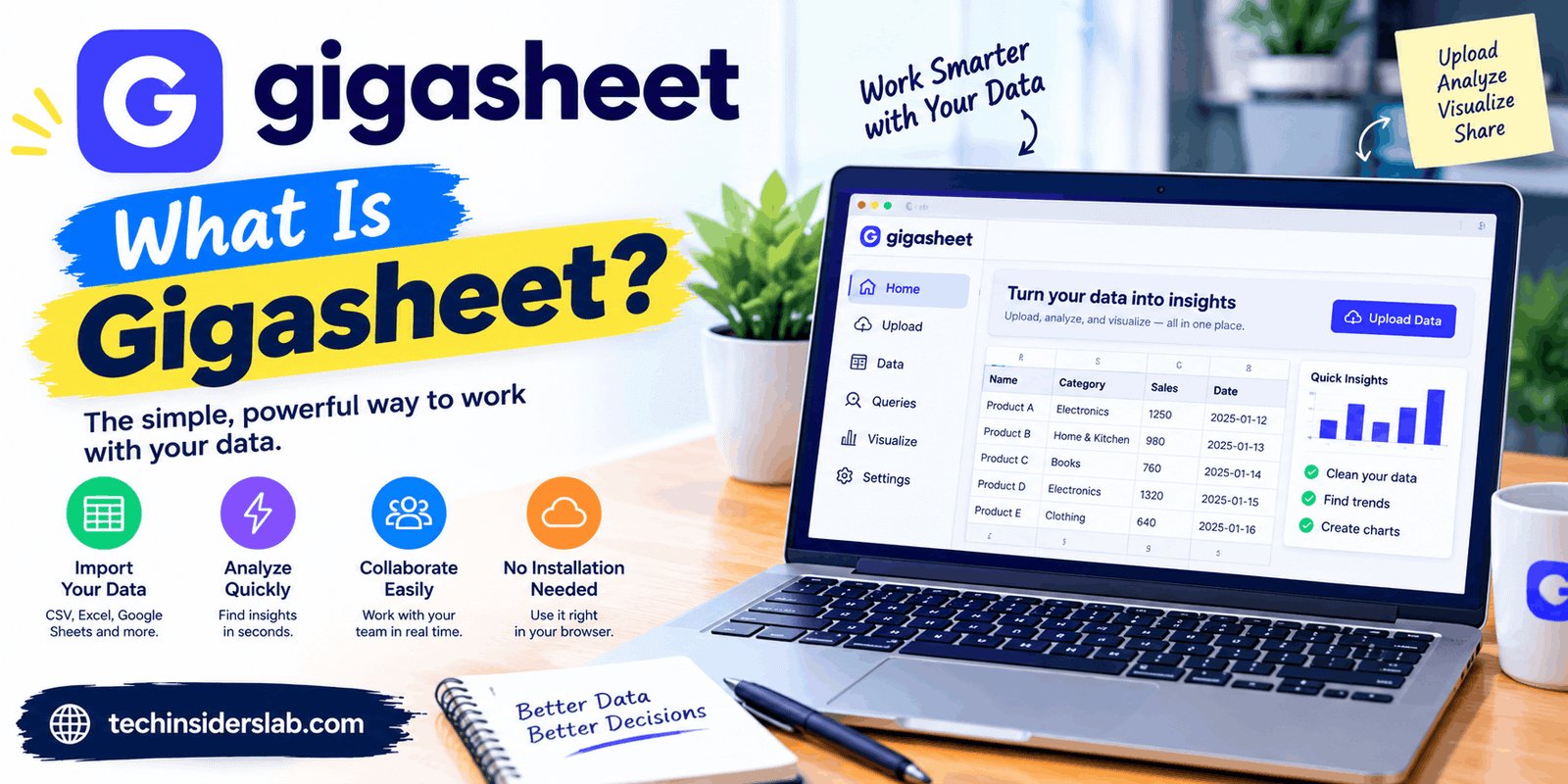
Gigasheet is a cloud-based, spreadsheet-style data analytics platform designed to help users explore, clean, filter, and analyze large datasets. It provides a familiar interface that makes working with complex information more accessible to people who may not have advanced programming or database skills. Its tools support tasks such as grouping records, combining files, identifying duplicates, and extracting useful information from large datasets.
The platform also offers AI-assisted analysis and integrations designed to support more advanced data workflows. Whether someone is reviewing marketing exports, examining business records, or investigating large CSV files, Gigasheet aims to make data analysis easier and more efficient.
In this guide, we will explore what Gigasheet is, how it works, its main features, practical applications, advantages, disadvantages, and whether it is the right tool for your needs.
What Is Gigasheet?
Gigasheet is an online big data spreadsheet that allows users to work with datasets that may be too large or inconvenient to manage in conventional spreadsheet software. Instead of requiring users to build a database or write complex queries, it provides a spreadsheet-like environment for examining and manipulating information.
The platform is designed to handle large volumes of structured data, including files containing millions of records. Its official materials describe support for datasets reaching up to one billion rows per sheet, although practical capacity depends on the applicable product plan, configuration, and workflow.
Gigasheet supports common data formats, including CSV, XLS, TSV, and JSON. Users can import files, inspect their contents, and apply different operations to organize information. It also offers capabilities for connecting to external data sources and working with business systems.
One important distinction is that Gigasheet is primarily an analysis and data preparation platform. It helps users work with information they already have or connect to supported sources; it is not simply a search engine that automatically discovers every kind of data.
How Does Gigasheet Work?
Gigasheet works through a browser-based interface, so users can access their datasets without installing a traditional desktop spreadsheet application.
The general workflow is straightforward.
1. Create an Account
Users begin by accessing Gigasheet and creating an account. Available features and usage limits depend on the selected plan.
2. Upload or Connect Data
The next step is to import a supported file or connect an available data source. For example, a marketer might upload a CSV containing campaign results, while a business analyst might work with exported customer records.
Gigasheet processes the imported information and presents it in a spreadsheet-style view.
3. Explore the Dataset
After the file is ready, users can examine columns, search for particular values, sort records, and apply filters. These operations help them focus on the information relevant to their objectives.
4. Clean and Analyze Information
Users can perform data-cleaning operations, group records, calculate values, and aggregate information. AI-assisted features may also help carry out supported tasks through natural-language instructions.
5. Export or Share Results
Once the analysis is complete, users can export supported results or share their work using the available collaboration options. This makes it easier to transfer findings into reports, presentations, or other business workflows.
This process allows users to move from raw information to a more organized dataset without necessarily needing programming expertise.
Key Features of Gigasheet
Gigasheet offers several features that make it useful for large-scale data exploration and preparation.
1. Large Dataset Support
One of Gigasheet’s main attractions is its ability to work with very large datasets. Traditional spreadsheets can become difficult to use when files contain hundreds of thousands or millions of records.
Gigasheet is designed for much larger workloads and advertises support for up to one billion rows in a single sheet. This can be valuable for organizations dealing with extensive exports, transaction histories, logs, or market data.
However, the advertised maximum should not be interpreted as a guarantee that every operation will run instantly. Performance can depend on file structure, the complexity of the analysis, available resources, and subscription limits.
2. Spreadsheet-Like Interface
The platform uses a familiar spreadsheet layout, making it easier for users to understand their data without learning a completely new way of working.
People who already use Excel or Google Sheets may recognize concepts such as columns, rows, filters, and sorting. This familiarity can reduce the learning curve and help nontechnical teams explore information independently.
3. Data Filtering and Sorting
Filtering allows users to display records that match particular conditions, while sorting arranges information in a chosen order.
For example, a sales team could filter transactions by date, region, or order status. A marketing team could isolate records associated with a particular campaign.
These features make it easier to investigate specific questions without manually reviewing an entire dataset.
4. Data Cleaning and Deduplication
Large datasets frequently contain repeated records, inconsistent formatting, blank fields, or information stored in the wrong format. These problems can reduce the accuracy of analysis.
Gigasheet provides data preparation capabilities that help users identify and manage common data-quality issues. Depending on the task, users can remove duplicate records, split or combine columns, standardize values, and prepare information for further processing.
Cleaning data before analysis is important because incorrect or inconsistent records can lead to misleading conclusions.
5. Grouping and Aggregation
Grouping helps users organize records according to shared characteristics, while aggregation summarizes information using calculations such as counts, sums, and other supported measures.
For example, a company could group orders by product category and calculate the number of transactions in each category. A researcher might organize survey records by location or response type.
These capabilities help turn lengthy tables into more meaningful summaries.
6. AI-Powered Sheet Assistant
Gigasheet also offers an AI-based Sheet Assistant that helps users analyze data using natural-language instructions.
Instead of manually performing every operation, users can ask supported questions or request actions such as filtering records, grouping information, calculating values, or finding specific entries.
For example, a user might ask the assistant to count records from a particular region or group transactions by category. The assistant can perform supported operations and explain the steps taken.
AI assistance can save time, particularly for users unfamiliar with spreadsheet formulas. However, its results should still be checked for accuracy, especially when the analysis influences important financial or business decisions.
7. File Combination and Data Enrichment
Gigasheet includes tools for combining multiple files and enriching datasets through supported integrations.
Combining files can help users bring related information together for analysis. For example, a business might have separate exports for customer information and sales activity and need to examine them together.
Data enrichment can add useful information from supported services or sources. The availability of specific integrations, enrichment credits, and processing capabilities depends on the plan and configuration.
8. Collaboration and Sharing
Data analysis is often a team activity. Gigasheet offers sharing and collaboration capabilities that can help colleagues review information and work with the same datasets.
Depending on the product tier, teams may have access to features such as shared sheets, comments, publishing, change history, and administrative controls.
These features can reduce the need to distribute multiple copies of large files through email. They also help teams maintain a more organized process for reviewing and communicating findings.
9. Integrations and Automation
Gigasheet supports integrations and workflow options for users who need to connect data analysis with other business tools.
Its ecosystem includes capabilities for connecting with selected cloud data sources and services, as well as options for automating certain workflows through supported integrations or APIs.
Automation can be particularly helpful when the same data preparation task must be repeated regularly. Instead of manually repeating every step, users may be able to establish a more consistent workflow.
Common Uses of Gigasheet
Gigasheet can support different types of work, depending on the dataset and the user’s goals.
Marketing and SEO Analysis
Digital marketers often work with large exports from advertising platforms, analytics tools, keyword research services, and customer databases.
Gigasheet can help organize these exports, filter campaign records, remove duplicates, and group performance information. SEO professionals may also find it useful for examining extensive keyword lists, URL inventories, or other spreadsheet-based datasets.
For example, a marketer could organize thousands of keyword records by search intent or filter a campaign export to identify particular segments. The platform helps with data preparation and analysis, although it does not replace dedicated SEO research tools.
Business and Sales Reporting
Sales teams can use Gigasheet to examine customer records, transaction histories, product performance, and regional sales information.
Grouping and aggregation make it easier to identify patterns, compare categories, and prepare summaries. These insights can support planning and help teams understand which areas deserve further investigation.
Research and Data Analysis
Researchers may need to work with extensive survey responses, observational records, or datasets collected from multiple sources.
Gigasheet can help them organize the information, filter relevant records, and calculate summaries. More specialized statistical work may still require dedicated research software or programming tools.
Log and Security Data Review
Technical teams sometimes examine large files containing system events, network records, or security logs. Gigasheet’s large-dataset approach can help users filter and inspect relevant entries when the file format and workflow are supported.
It should not automatically be treated as a complete security monitoring platform. Detection, alerting, and incident-response requirements may call for specialized security tools.
Customer and Operational Data
Organizations can use Gigasheet to review customer information, identify duplicate records, standardize fields, and prepare operational reports.
For example, a business could combine compatible exports from different systems and examine common trends. Teams should ensure they have appropriate permission to process customer information and follow applicable privacy requirements.
Benefits of Using Gigasheet
Gigasheet offers several advantages for individuals and organizations that regularly work with large datasets.
Less dependence on coding: Users can perform many common data operations through a graphical interface instead of writing SQL queries or scripts.
Efficient data preparation: Filtering, deduplication, column transformations, and grouping can reduce the time required to prepare raw information.
Scalability: Its focus on large datasets makes it suitable for workloads that may exceed the practical limits of conventional spreadsheets.
AI-assisted workflows: The Sheet Assistant can simplify supported tasks by interpreting natural-language requests and applying relevant operations.
Flexible collaboration: Sharing features help teams review and exchange analytical work without relying entirely on separate file copies.
Browser-based access: Users can work through a supported web browser rather than depending exclusively on a desktop application.
These advantages are most valuable when users regularly handle large files and need a convenient way to investigate them.
Limitations of Gigasheet
Although Gigasheet can be useful, it is not the ideal solution for every data-related task.
1. Pricing and Usage Limits
Some advanced capabilities, higher data limits, and team features require a paid subscription. Users should compare current plan limits with their actual requirements before committing to a subscription.
2. Internet Dependency
Because Gigasheet is cloud-based, users generally need a reliable internet connection to access and process their data. It may not be the best option for workflows that require fully offline access.
3. Learning Advanced Features
The basic interface may feel familiar, but more advanced operations, integrations, and data workflows can still require time to understand.
4. Not a Replacement for Every Analytics Tool
Gigasheet focuses on spreadsheet-style data exploration and preparation. It may not replace specialized statistical applications, full-scale business intelligence platforms, database administration tools, or dedicated security analytics systems.
5. Data Quality Still Matters
A large dataset is not automatically accurate simply because it can be processed efficiently. Missing information, inconsistent records, and incorrect source data can still affect results. Users should validate important findings and review AI-generated operations before relying on them.
Gigasheet vs. Microsoft Excel and Google Sheets
Gigasheet, Microsoft Excel, and Google Sheets all help users work with tabular information, but their strengths differ.
Microsoft Excel is a versatile choice for formulas, financial models, charts, reporting, and everyday spreadsheet work. Google Sheets is particularly useful for browser-based collaboration and sharing. Both can be excellent options when datasets fit comfortably within their practical limits.
Gigasheet is more specifically focused on exploring and preparing very large datasets through a spreadsheet-style interface.
For example, someone creating a household budget or a small business invoice may have no reason to switch from Excel or Google Sheets. However, a marketing analyst examining millions of exported records may benefit from Gigasheet’s approach to large-scale data processing.
The right choice depends on dataset size, required calculations, collaboration needs, integrations, and budget. It is worth testing the same representative task in the tools being considered before making a decision.
Is Gigasheet Free to Use?
Gigasheet has offered a free entry-level option, allowing users to explore the platform without immediately purchasing a subscription. Paid plans provide expanded capacity and additional capabilities, depending on the selected tier.
However, pricing, storage limits, row limits, export permissions, and available features can change. Users should check the current official pricing page before choosing a plan.
For beginners, the most practical approach is to start with a small, non-sensitive sample dataset and determine whether the available features meet their needs. Businesses handling substantial volumes of data should evaluate paid-plan limits, integration requirements, and collaboration features before adopting the platform for regular use.
Is Gigasheet Safe for Business Data?
Security is an important consideration when uploading customer records, financial information, or internal business files to a cloud platform.
Gigasheet describes security measures that include encryption and SOC 2 compliance for relevant offerings. Its business-focused services also provide security and governance features for organizational workflows.
Nevertheless, users should not assume that every plan has identical controls. Before uploading confidential information, review the applicable security documentation, privacy policy, access permissions, data retention arrangements, and contractual terms.
Businesses should also follow their internal data-handling policies and applicable privacy laws. When evaluating a cloud service, confirm that the selected plan offers the controls required for the specific type of information being processed.
Who Should Use Gigasheet?
Gigasheet may be a good fit for:
- Data analysts working with large CSV or spreadsheet exports.
- Digital marketers organizing campaign and SEO datasets.
- Sales teams examining customer and transaction records.
- Researchers exploring large collections of structured data.
- Business teams that want to perform basic analysis without writing code.
- Organizations that need to clean, combine, and share substantial datasets.
It may be less suitable for users who only work with small spreadsheets, need extensive offline functionality, or require advanced analytical features that fall outside its capabilities.
Before choosing the platform, consider how often you work with large datasets and whether its tools solve a genuine problem in your existing workflow.
Conclusion
Gigasheet is a powerful data analytics tool that helps users manage, clean, and analyze large datasets without requiring advanced coding skills. Its spreadsheet-style interface, AI-powered assistance, filtering options, and data-processing features make it useful for businesses, marketers, researchers, and data analysts. Although pricing, internet access, and plan limitations should be considered, Gigasheet is worth exploring for anyone who regularly works with large amounts of data.